If you have been scrolling through Instagram Reels, YouTube Shorts, or other social media platforms lately, you may have noticed the trending “Oru avuthala gaani” dialogue videos. These videos are simple, emotional, and entertaining, which is one of the main reasons they are getting so much attention. The good news is that you do not need professional video-editing skills to create one. With Google Gemini and a good father-and-daughter photo, you can create a beautiful AI-style video that feels personal and perfect for sharing on social media.
The idea behind this trend is quite simple. You take a memorable photo of a father and daughter, use Google Gemini or an AI video creation feature that supports image-based generation, and give it a suitable prompt. The AI can then help transform the still photograph into a short cinematic-style video. When you combine the visuals with the popular “Oru avuthala gaani” dialogue or audio, the final result can look emotional and engaging.
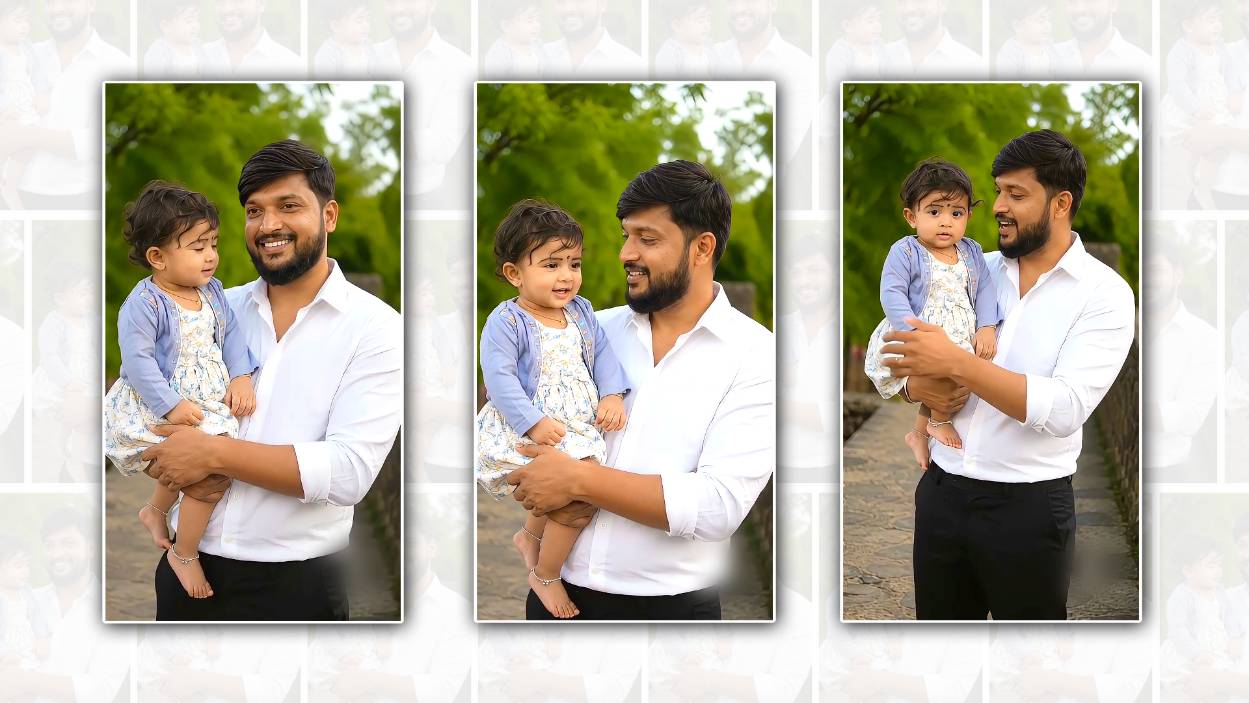
Before starting, choose the right photograph. This is probably the most important step because the quality of your original image can affect the final result. Try to select a clear father-and-daughter photo where both faces are visible. A photo with good lighting and a simple background generally works better. You can use an old family photograph, a recent selfie, a birthday picture, or any special moment that has emotional value.
Once you have selected your photo, open Google Gemini and look for an option that allows you to work with images or generate content from an uploaded image. Google frequently updates Gemini’s features, so the exact buttons and available options can vary depending on your account, region, device, and current version. If image-to-video generation is available to you, upload the father-and-daughter photograph.
After uploading the photo, the next important part is writing a clear prompt. Instead of simply asking Gemini to “make a video,” describe exactly how you want the people in the photograph to appear. For example, you can ask for a natural cinematic animation where the father gently looks at his daughter, the daughter smiles, both remain recognisable, and the camera slowly moves closer. You can also mention that you want realistic facial expressions, natural body movement, soft lighting, and a warm emotional atmosphere.
A useful prompt can be written in simple language. You could describe the scene as a loving father and daughter sharing a special moment, with subtle movements and a cinematic camera effect. Ask the AI to preserve their original facial identity and clothing while adding only natural motion. This is especially important when working with family photographs because you do not want the AI to dramatically change their faces.
If your goal is to create a video specifically for the “Oru avuthala gaani” trend, you can plan the visual movement around the dialogue. The video does not necessarily need complicated animation. In fact, a simple movement can sometimes look more realistic. A gentle smile, a small head movement, the father looking toward his daughter, or the daughter turning slightly toward her father can be enough to make a still photograph feel alive.
After generating the first version, watch it carefully. AI-generated videos can sometimes produce strange facial movements, unnatural hands, changing clothes, or other small visual problems. If something does not look right, do not worry. Try modifying your prompt and generating another version. You can specifically tell the AI to keep the faces unchanged, reduce exaggerated movements, maintain the original clothing, and use subtle realistic motion.
The next step is adding the trending dialogue or audio. If the AI-generated video does not include the exact audio you want, you can use a video-editing application to add it afterwards. Import your generated clip into your preferred editor, then add the “Oru avuthala gaani” audio at the appropriate point. Trim the video so that the visual action matches the timing and mood of the dialogue.
Timing can make a huge difference. If the dialogue has a particular emotional or funny moment, try to make the father’s or daughter’s movement happen at that exact point. For example, you might begin with both looking toward the camera and then have the father turn slightly toward his daughter when the important part of the dialogue plays. Even a small movement can make the video feel more connected to the audio.
For social media, vertical video is usually the safest choice because platforms such as Instagram Reels and YouTube Shorts are designed around vertical content. A 9:16 format can fill the phone screen and make the video more immersive. Keep the final clip short and avoid adding too many effects. The charm of this trend is often the combination of a familiar photograph, natural AI animation, and a recognisable dialogue.
You can also experiment with different moods. If the photograph is sentimental, choose warm colours and gentle camera movement. If it is a funny father-daughter photograph, you can use slightly more playful expressions while still keeping the animation natural. For an old family photograph, a slow zoom and subtle movement may create a nostalgic feeling.
One important thing to remember is that AI-generated content may not always reproduce people perfectly. Faces can occasionally change slightly between frames, especially when the original photograph is low resolution or partially covered. Using a sharp, front-facing photograph and giving the AI precise instructions can help reduce these problems.
You should also make sure you have permission to use the photograph, particularly if you are using someone else’s image. For personal family content, this is usually straightforward, but it is still good practice to respect everyone’s privacy before uploading photographs to an AI service or publishing the finished video publicly.
The most enjoyable part of creating this trend is that you can make it personal. Rather than copying exactly what someone else has created, choose a photograph that has a real memory behind it. A father holding his daughter as a child, a birthday celebration, a wedding moment, a school function, or even an ordinary family photograph can become much more meaningful when turned into a short cinematic video.
You do not need expensive software or advanced editing knowledge to get started. A good photograph, a clear Gemini prompt, a little experimentation, and the right trending audio can be enough. The first generation may not be perfect, but small changes to the prompt can make a noticeable difference.
If you want to make your “Oru avuthala gaani” father-and-daughter video stand out, focus less on complicated effects and more on emotion. Natural expressions, gentle movement, good timing, and a meaningful photograph will usually make the video more appealing than excessive transitions or filters. Once your video is ready, you can add a simple caption, choose relevant hashtags, and share it with your friends and family.
What makes this trend special is the way it turns an ordinary photograph into a small moving memory. A picture that once captured only one moment can now be presented as a short video with movement, emotion, and music. With Google Gemini and a little creativity, creating your own father-and-daughter “Oru avuthala gaani” video can be a fun and memorable way to participate in the trend while giving the content your own personal touch.
IMAGE PROMPT
Use the two uploaded photos as the identity references — one for the father and one for the baby girl. Keep the father’s and baby girl’s faces, facial features, skin tone, hairstyle, hair texture, age, body proportions, clothing details and overall appearance exactly consistent with their respective reference photos. Do not redesign or beautify their faces and do not change their identity.
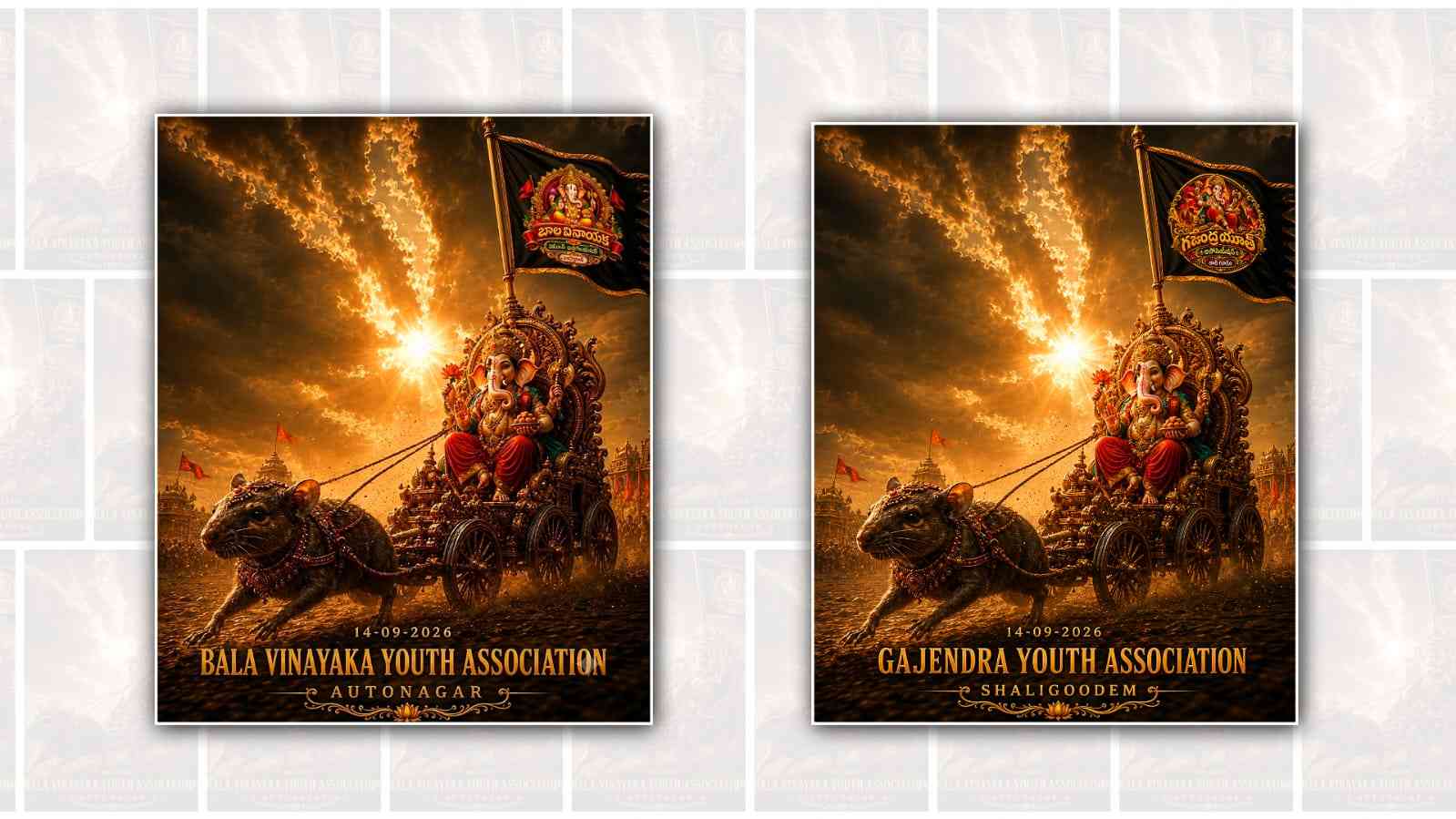
Use the attached birthday photograph only as a pose and composition reference. Recreate the same father-and-daughter pose: the father is standing and naturally holding the little girl securely in his arms, with the baby positioned on one side of his body in the same way as the reference image. Match the arm placement, baby’s sitting/standing position in his arms, hand placement, body orientation, camera angle, framing and overall posture as closely as possible to the reference photo.
The result should look like a natural real-life photograph of the same father and the same baby from the uploaded reference photos, simply placed into this exact pose. Preserve their original hairstyle, face shape, complexion, facial expressions and physical characteristics. Do not copy the people from the reference birthday photo — copy only the pose, positioning and photographic composition. Photorealistic, natural skin texture, realistic anatomy, natural lighting, authentic family photograph, great detail.
Negative Prompt:
Do not change identity, do not alter facial features, do not change hairstyle, do not change skin tone, do not make them look like different people, no face swap artefacts,n o beautification, no excessive smoothing, no extra fingers, no deformed hands, no unnatural arms, no distorted body proportions, no duplicate limbs, no cartoon or AI-generated appearance.
VIDEO PROMPT
Create a realistic 10-second cinematic video using the uploaded photo. Use ONLY the father and daughter in the photo. Keep their faces and appearance the same. Both should speak naturally with realistic facial expressions and accurate Telugu lip-sync. The daughter should sound cute, innocent, and natural. The father should speak warmly and naturally.

IMPORTANT: Speak the ENTIRE dialogue exactly as written below. Do not skip, change, shorten, or add any words. If needed, speak slightly faster, but complete every line clearly within 10 seconds.

తండ్రి: “మొగ్న స్కూల్ లోపల గాని”
పాప: “హా”
తండ్రి: “స్కూల్ బయట గాని”
పాప: “ఊరు ఇవతల గాని”
తండ్రి: “ఊరు అవతల గాని”
పాప: “చూసింది చూసినట్టుగా”
తండ్రి: “నాన్నకు చెప్పేయాలి”

No extra people, no extra dialogue, no narration, no voice-over. Do not cut the video before the final dialogue is completely spoken. Make the entire conversation feel natural and cute, like a Telugu movie scene.