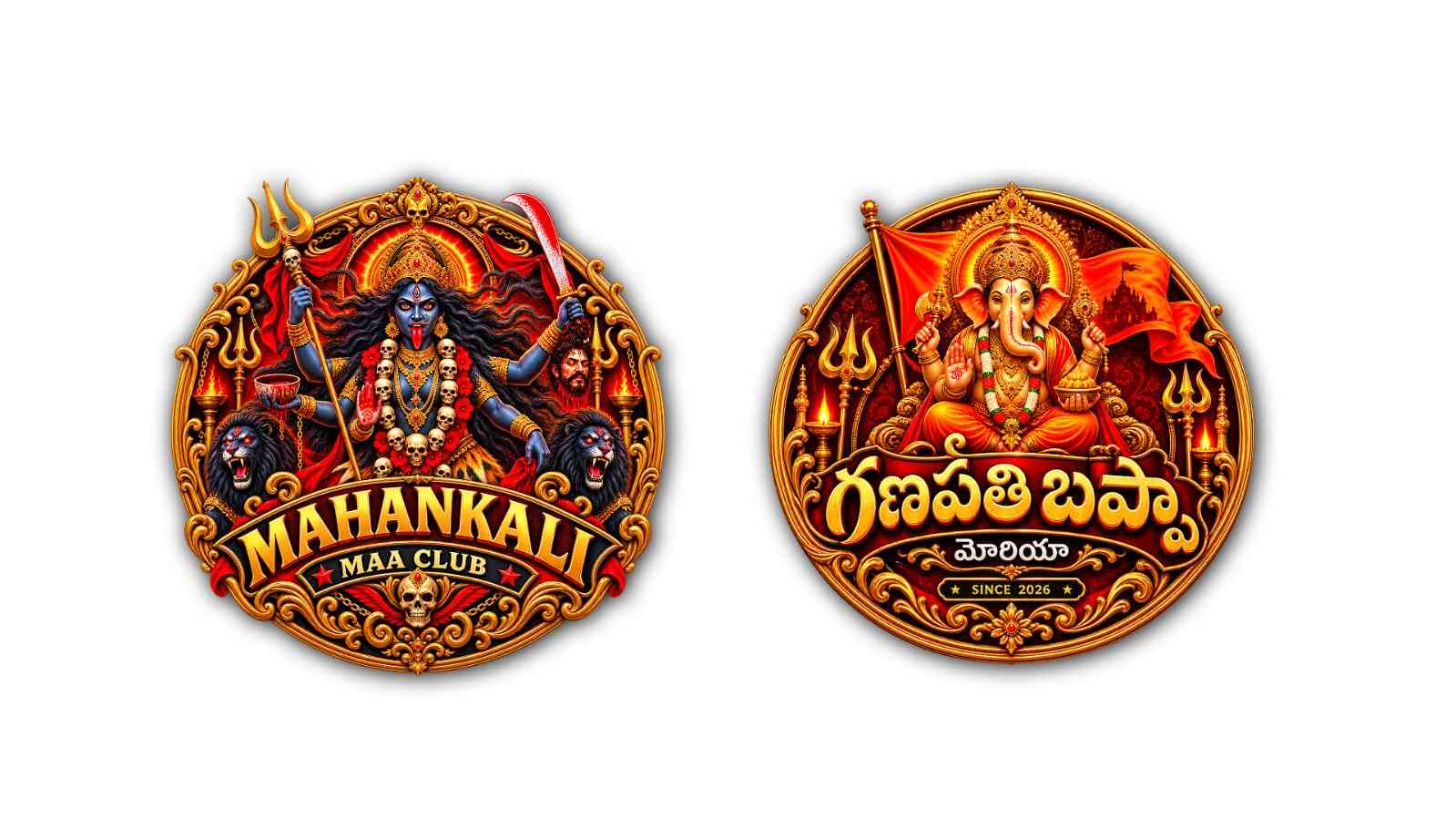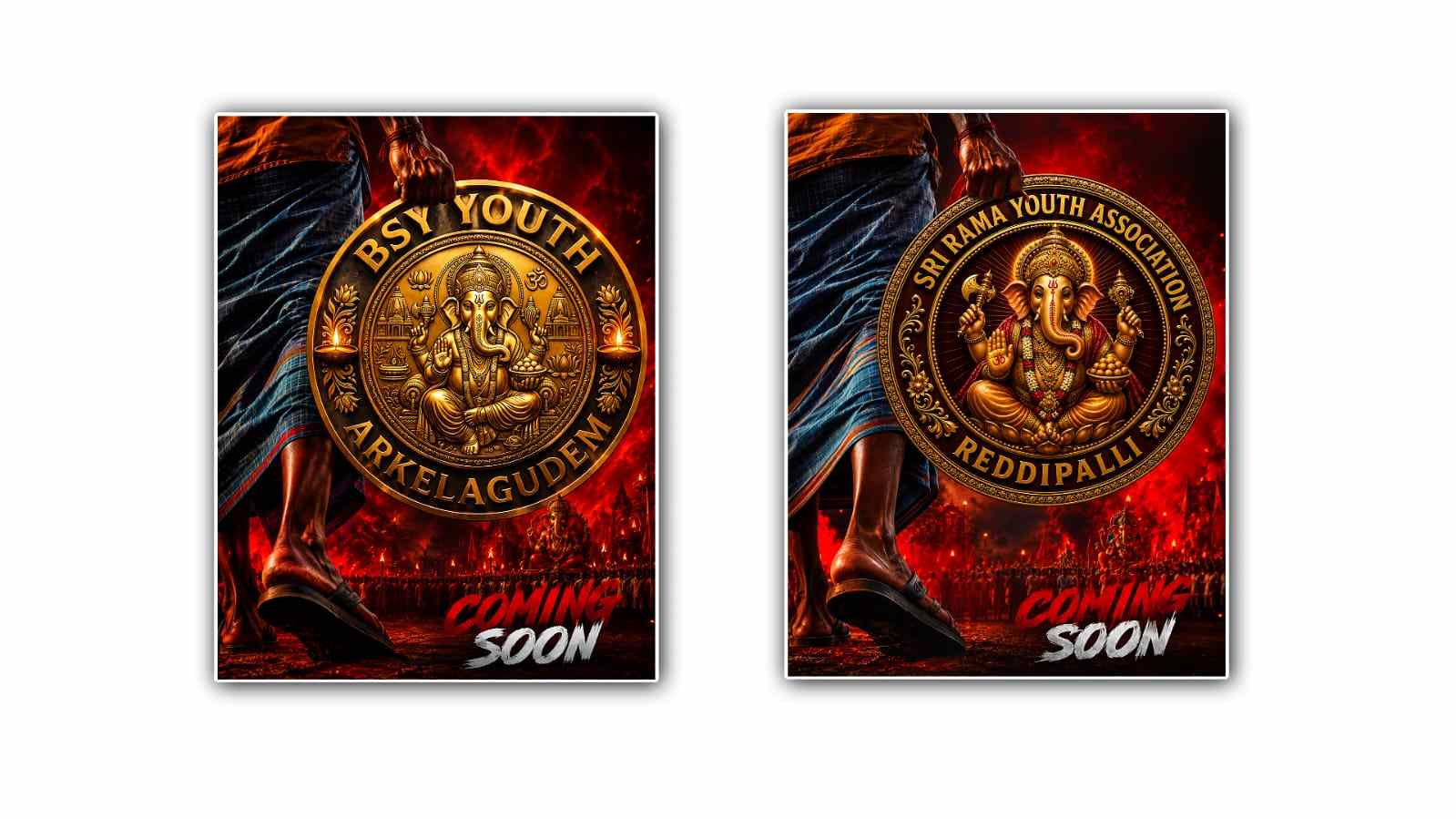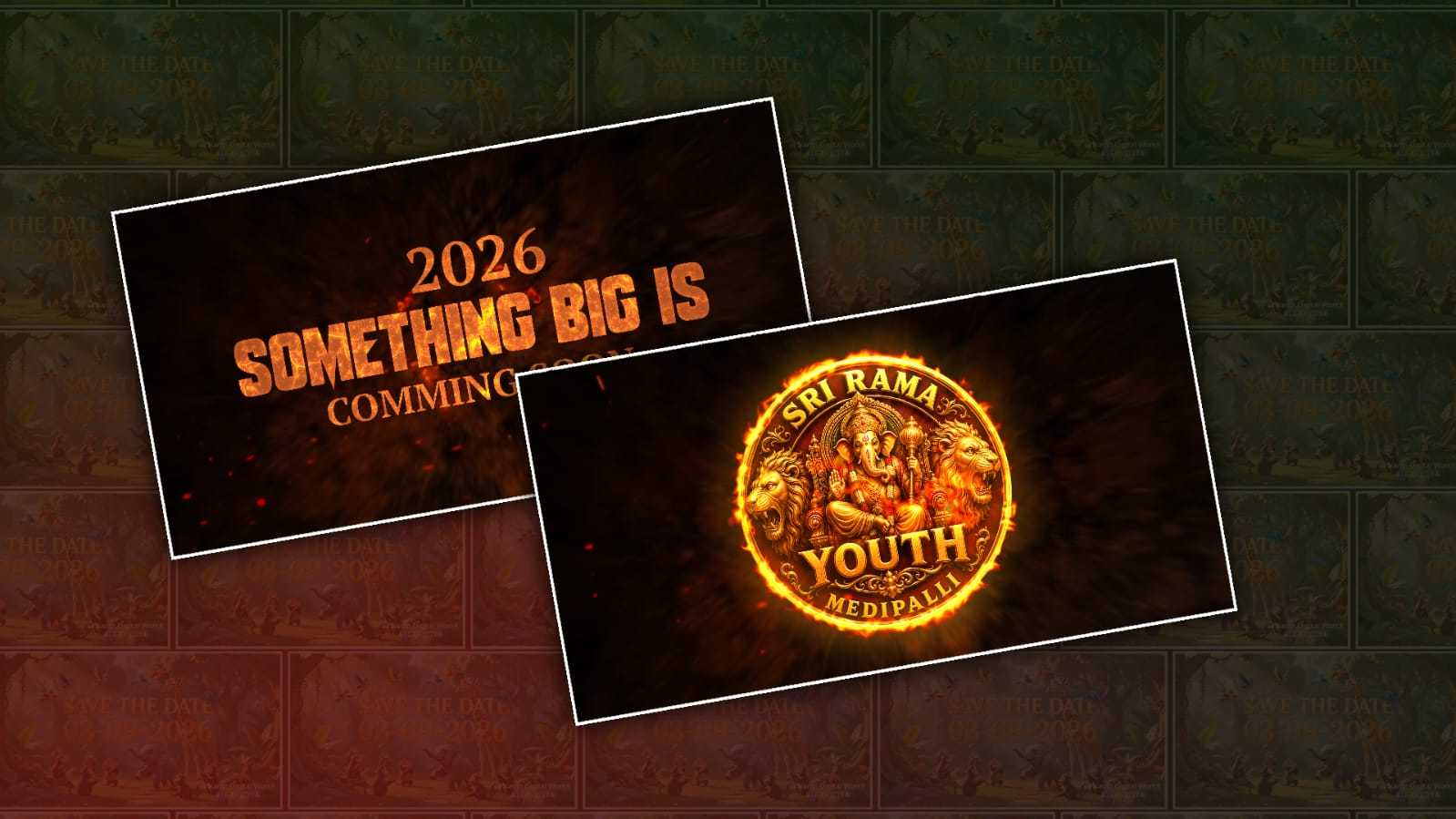
Creating a trending logo reveal with a devotional style in Google Gemini can be a fun way to give a brand, YouTube channel, Instagram page, or personal project a more emotional and memorable introduction. Devotional-style visuals have become increasingly popular because they combine spiritual imagery, glowing light, traditional elements, and cinematic animation into a presentation that immediately catches attention. The good thing is that you do not need advanced graphic design skills to experiment with this style. With the right idea and a clear prompt, Google Gemini can help you create the visual concept and develop it into something that feels polished and modern.
The first thing you need is a clear idea of how you want your logo reveal to look. Before opening Google Gemini, consider the mood, colours, background, symbols, lighting, and overall feeling you want. For example, you might imagine your logo slowly appearing from a dark background as golden particles move through the air, a soft, divine light shines behind it, and traditional devotional elements appear around the logo. You could also choose a temple-inspired background, glowing lamps, flowers, incense smoke, bells, a sunrise effect, or a subtle cosmic atmosphere. The goal is not to put every possible element into one design. A simple composition often looks much more professional.
Once you have the basic concept, open Google Gemini and describe your idea in natural language. You can start with something like: “Create a cinematic devotional-style logo reveal featuring my brand logo in the centre, surrounded by warm golden light, floating flower petals, glowing particles, soft incense smoke, and a peaceful spiritual atmosphere. Use rich gold, deep red, and dark tones, with dramatic lighting and a premium cinematic appearance.
The more specific your description is, the easier it becomes to get the visual direction you want. Instead of simply asking Gemini for a “devotional logo,” explain what should happen before the logo appears. A logo reveal is essentially a small visual story. The background can begin in darkness, followed by a gentle glow. Particles can slowly move toward the centre while light rays become brighter. The logo can then emerge from the light. Finally, the logo can remain on screen with a subtle glow. Describing this sequence gives you a much stronger starting point than asking for a random spiritual image.
Your choice of colours also makes a major difference. Gold is especially effective for devotional-style designs because it creates a feeling of warmth, elegance, and divine illumination. Deep red can add a traditional Indian aesthetic, while dark blue, black, or purple can make the composition feel more cinematic. White and saffron can also work beautifully depending on the theme. Try not to use too many bright colours at the same time. Two or three main colours are usually enough to create a clean, recognisable visual identity.
Another important part is lighting. In devotional artwork, lighting often creates the emotional impact. You can ask Gemini for a soft golden aura behind the logo, volumetric light rays, glowing edges, subtle reflections, or a warm sunrise effect. If the lighting is handled well, even a relatively simple logo can look impressive. You can also request a realistic glow rather than an exaggerated neon effect if you want the final design to feel more traditional and premium.
Adding cultural details can make the reveal feel more authentic, but these elements should be used thoughtfully. Depending on your devotional theme, you could include diya lamps, marigold flowers, temple bells, traditional patterns, incense smoke, a subtle mandala, or architectural details inspired by Indian temples. If you are representing a particular deity or religious tradition, be respectful and precise about the imagery you request. Avoid overcrowding the design with symbols because the logo should remain the main focus.
One useful approach is to create the background and overall visual style first. Ask Gemini to generate a cinematic devotional background with an empty central area where the logo will eventually appear. Once you are happy with the background concept, you can work on the logo placement and animation direction. This gives you more control over the final composition. If your logo has specific colours or shapes, provide the logo image when the available Gemini interface supports image uploads and ask the model to preserve its important visual characteristics.
The wording of your prompt can also influence the quality of the result. Instead of using only basic keywords, describe the desired outcome like a creative director. Mention the camera perspective, lighting, atmosphere, material, movement, and visual quality. For example, you might request a “slow cinematic camera push-in,” “soft golden particles floating toward the centre,” “realistic volumetric lighting,” “premium devotional atmosphere,” and “clean space around the logo.” These details help communicate the visual language you are trying to achieve.
If your first result does not look right, do not start over completely. One of the easiest ways to improve an AI-generated concept is to make small changes to the prompt. You can tell Gemini to make the background darker, reduce the number of particles, increase the golden glow, make the logo larger, remove distracting objects, or create a more realistic appearance. Think of the process as working with a designer. Your first prompt establishes the direction, and the following instructions refine it.
For a trending social-media-style reveal, keeping the composition vertical can be useful. A 9:16 layout works well for platforms that prioritise short-form vertical content. If your logo reveal is intended for YouTube videos, presentations, or websites, a wider 16:9 composition may be more appropriate. Mention the intended aspect ratio and platform when describing your project so the composition can be planned accordingly.
It is also important to remember that generating a beautiful image is not the same as producing a finished animated logo reveal. Google Gemini can be extremely useful for developing the visual concept, background, style, and creative direction, while the actual animation may require a video or editing tool depending on the capabilities available to you. You can take the generated visual and use it as the foundation for an animation. Effects such as zooming, fading, particle movement, light flashes, smoke overlays, and sound effects can then be added during editing.
Sound can make the final reveal much more powerful. A gentle temple bell, soft devotional music, a subtle whoosh, or a carefully timed chime can make the moment when the logo appears feel intentional. The audio should support the visual rather than overpower it. A short reveal often works better than a long introduction, especially for social media.
When creating prompts for devotional content, it is worth avoiding vague instructions such as “make it viral” or “make it trending” by themselves. AI cannot guarantee that something will actually become viral. Instead, describe the visual qualities commonly associated with attention-grabbing content: cinematic lighting, strong contrast, elegant composition, dramatic reveal, high visual clarity, emotional atmosphere, and a memorable opening. These characteristics give the AI something concrete to work with.
A simple workflow is therefore enough to get started: decide on your devotional theme, choose your colours, prepare your logo, describe the background, explain the reveal sequence, generate the first concept in Google Gemini, and then refine it through several small prompt changes. Once the visual direction feels right, use an appropriate editing or animation tool to add movement, timing, transitions, and sound.
The biggest secret is not writing an extremely complicated prompt. It is knowing exactly what you want to see. A thoughtful concept with a clean composition will usually produce a better result than a prompt filled with dozens of unrelated effects. Keep the logo as the hero of the scene, use devotional elements as supporting details, and make the lighting guide the viewer’s attention toward the logo.
With a little experimentation, Google Gemini can become a useful creative partner for designing this kind of logo reveal. You can try different spiritual themes, colour combinations, lighting styles, backgrounds, and reveal sequences until you find something that matches your identity. Whether you are creating an intro for a devotional YouTube channel, a festival video, a personal brand, or a social-media post, combining traditional devotional aesthetics with modern cinematic design can give your logo a distinctive and memorable presentation.
VIDEO PROMPT
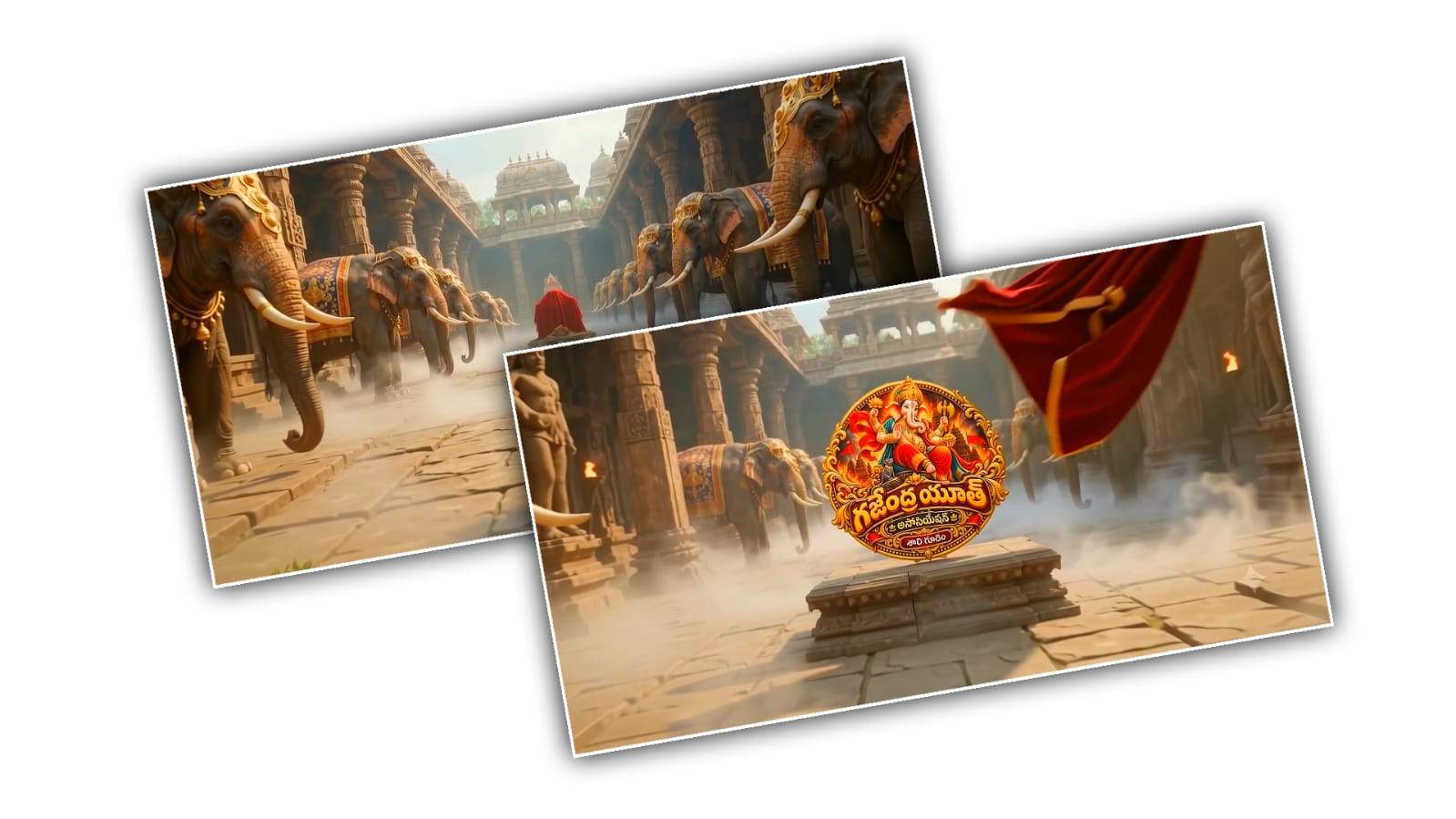
Create a premium cinematic 10-second Youth Association logo reveal in 16:9. Use the uploaded Youth Association logo as the EXACT final logo reference. Keep the logo completely unchanged, with all text colours, symbols and details preserved. Create a grand ancient Indian royal stone pathway with MANY majestic decorated elephants arranged in multiple long rows on BOTH sides, extending deep into the background. Do NOT show only two elephants. Keep the CENTER pathway completely open. The entire pathway should have beautiful thick low-lying white-gray cinematic mist, flowing naturally around the elephants' feet and across the stone floor. Distant elephants should fade slightly into the mist for a mysterious, grand atmosphere. ONE continuous camera shot: start wide, then smoothly move rapidly FORWARD through the exact CENTER between the many elephants travelling through the mist toward a raised royal stone pedestal at the end. The uploaded logo is mounted on the pedestal and completely covered by a luxurious deep-red ceremonial cloth.

0–6 sec: Camera travels through the elephant corridor toward the covered logo.
6–7.5 sec: Red cloth dramatically falls away, revealing the logo.
7.5–10 sec: Smooth slight push-in and hold the logo LARGE, SHARP, CENTERED and perfectly readable.

Photorealistic elephants, royal Indian atmosphere, realistic stone, volumetric lighting, thick ground fog, cinematic depth, dramatic mist movement, Hollywood-level visuals, epic and premium. No extra text. No logo redesign. No voiceover. No dialogue. ONE CONTINUOUS CAMERA SHOT.