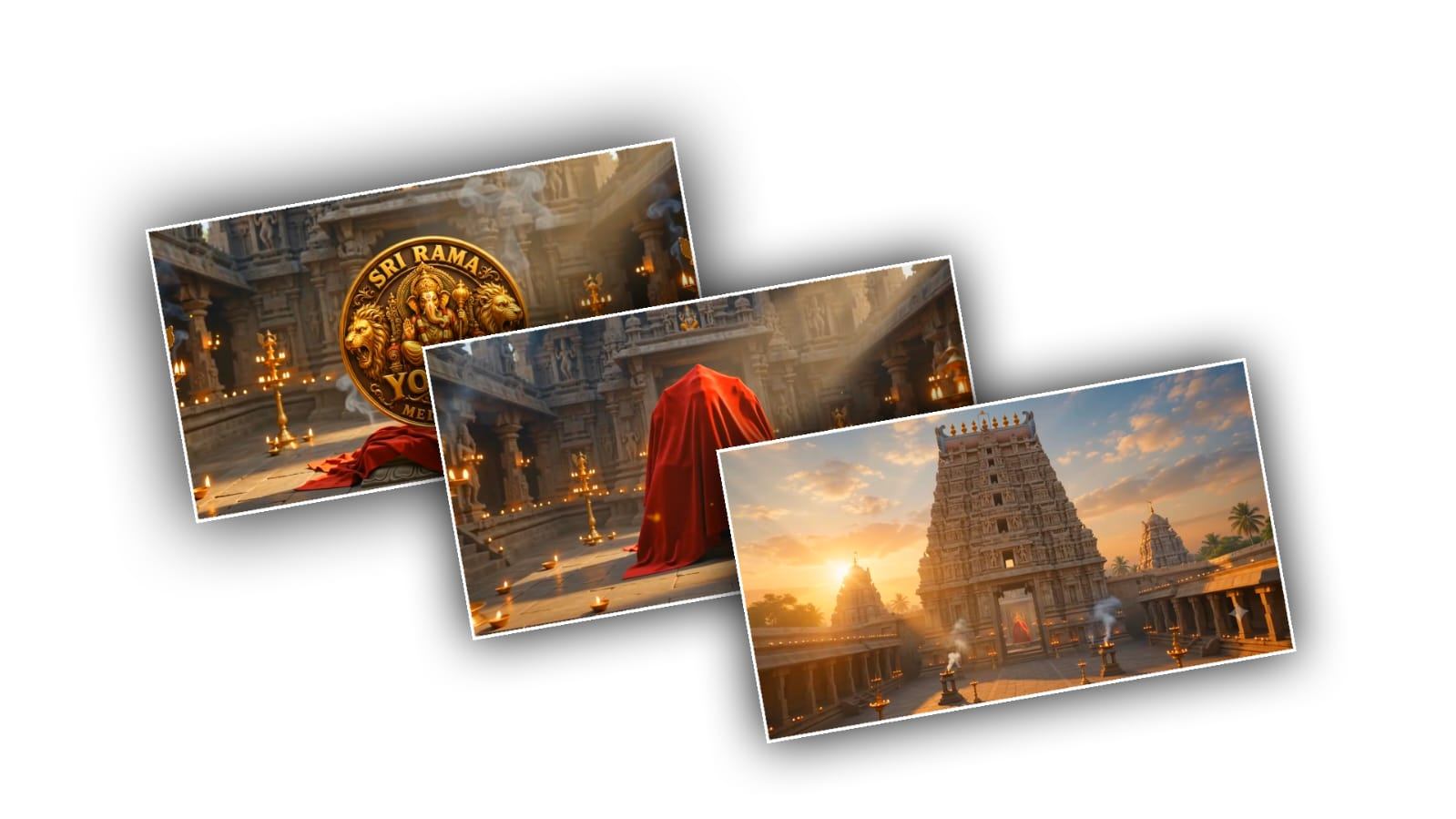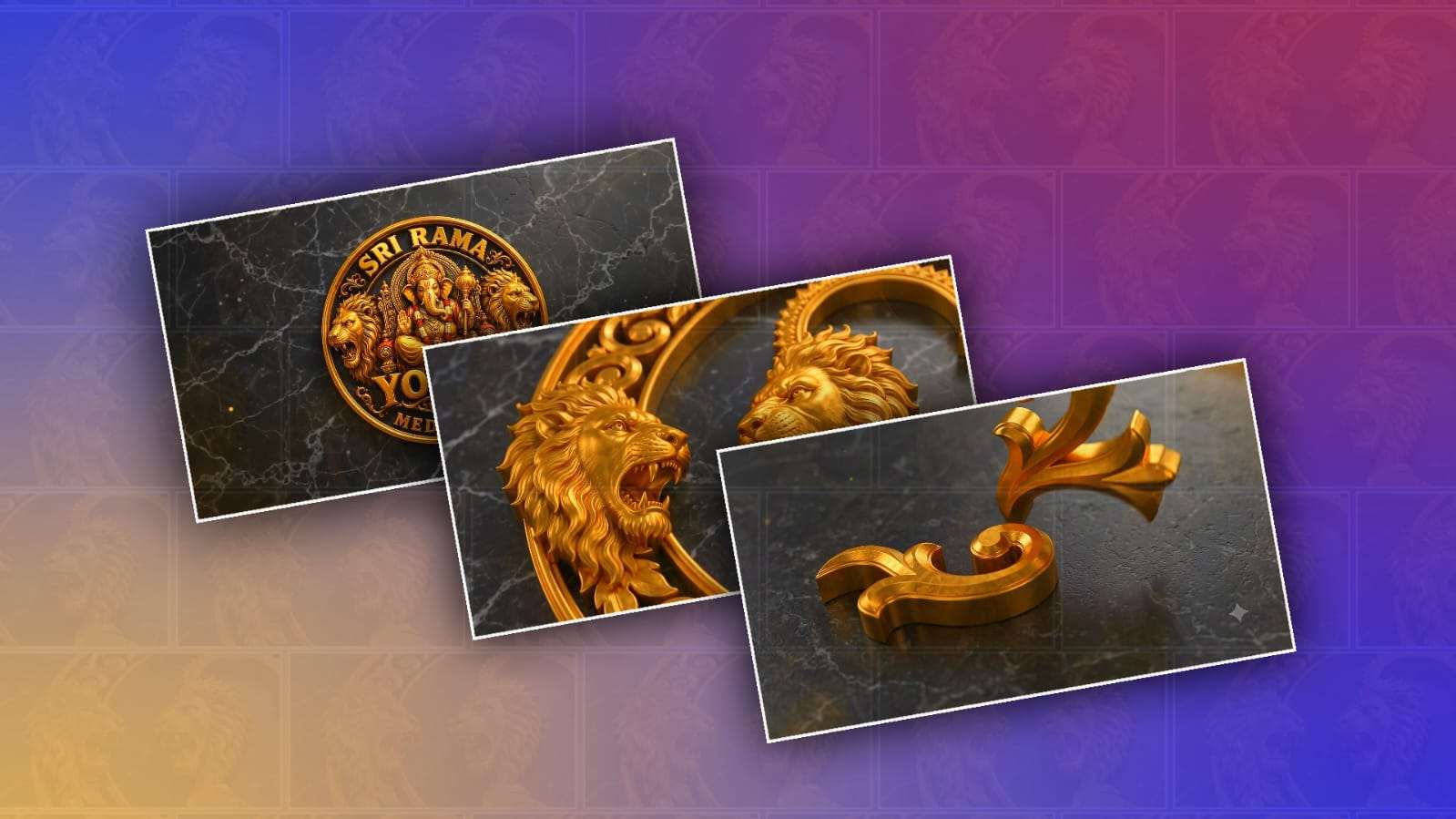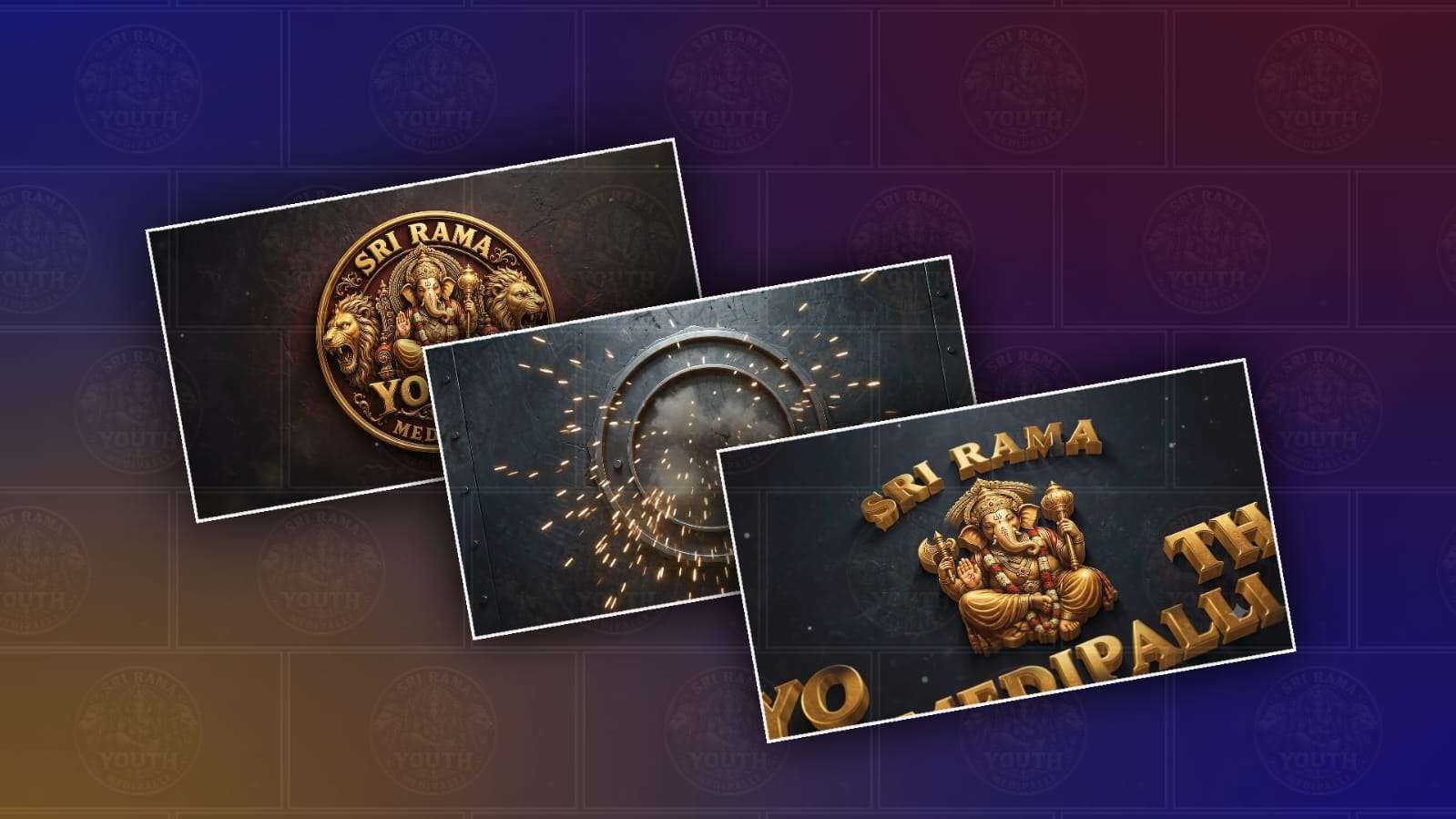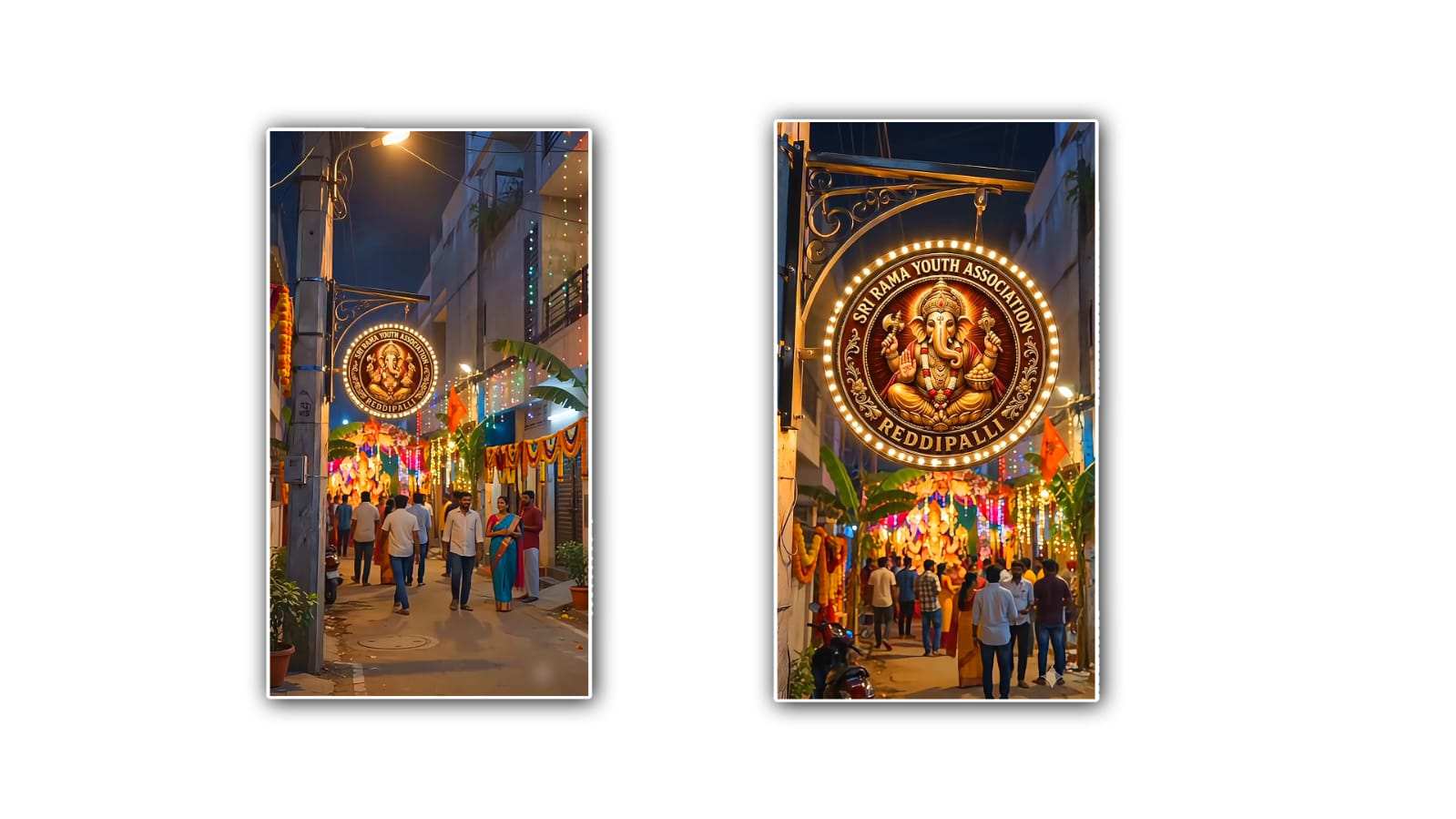
If you have seen those powerful devotional logo reveal videos on social media, you may have wondered how creators make them look so cinematic and professional. A Ganesh-themed youth logo reveal can be especially attractive when it combines Lord Ganesha visuals, glowing effects, dramatic music, and a modern logo animation. The good thing is that you do not always need expensive editing software or advanced video-editing skills. With Google Gemini, you can create the concept, generate suitable visuals, plan the animation, and then turn those ideas into a polished logo reveal video using a simple editing workflow.
The first thing you need is a clear idea of how you want your Ganesh logo reveal to look. For a youth-focused design, a modern cinematic style works very well. Imagine a dark background with golden particles floating in the air, a glowing outline of Lord Ganesha slowly appearing, powerful light rays moving across the screen, and your logo being revealed at the perfect moment. You can make the atmosphere devotional without making the video look old-fashioned. Combining traditional Ganesh elements with modern colours, typography, and visual effects can give the video a unique identity.
Start by preparing your logo in a good-quality format. A transparent PNG is usually the easiest option because the background can be removed during editing. If your logo contains text, make sure the letters are clear and readable. A simple logo often looks better in a reveal animation because viewers can recognise it quickly. You can also prepare two versions of the logo, such as a normal-colour version and a golden or glowing version.
Now open Google Gemini and explain exactly what you want to create. Instead of typing something very general such as “make a Ganesh video,” describe the complete visual concept. You could ask Gemini to help you design a cinematic Ganesh logo reveal with a dark background, golden lighting, divine particles, a dramatic entrance, and a modern youth-oriented style. Gemini can help you develop the visual sequence and suggest suitable scenes, colours, transitions, text styles, and animation ideas.
One useful approach is to divide the video into short scenes. For example, the opening can begin with a completely dark screen. A few tiny golden particles then appear and slowly move toward the centre. After that, a soft golden light begins to form the silhouette or artistic representation of Lord Ganesha. The camera can appear to move forward slowly, creating a cinematic feeling. Once the Ganesh visual reaches its strongest point, a bright flash or energy wave can transition into the logo reveal.
The logo should not appear too early. The reveal becomes more exciting when the audience has a moment to anticipate what is coming. You can ask Gemini to create a sequence in which the logo starts as a faint outline and gradually becomes brighter. Another option is to have particles gather together and form the logo. A golden light sweep moving from left to right across the logo can also create a professional-looking reveal.
For a youth-oriented video, colour selection is important. Gold, orange, red, black, and deep purple can work particularly well with a Ganesh theme. Gold gives the video a divine appearance, while black provides contrast. Orange and red can add energy and festival-like warmth. If you want something more modern, try combining gold with dark blue or purple. Avoid using too many colours at once because the logo should remain the main focus.
You can also use Gemini to develop the exact prompts for your visual assets. Ask it to create prompts for a cinematic Lord Ganesha background, glowing particles, temple-inspired lighting, golden smoke, divine light rays, and dramatic atmospheric effects. When writing prompts, describe the mood, lighting, camera angle, colours, background, and level of detail. The more specific your description is, the closer the visual concept will usually be to what you have in mind.
Once you have your visual materials, bring them into your preferred video editor. You can use a mobile editing application or desktop software depending on your experience. Place the Ganesh visual or background first, followed by the particle and light effects. Keep the opening relatively slow and build the intensity gradually. A logo reveal that starts quietly and becomes powerful near the end generally feels more cinematic than one that immediately uses heavy effects.
Animation timing makes a huge difference. Try using slow zooms, smooth camera movements, fades, and light sweeps rather than random transitions. If the logo appears suddenly, it may feel like a basic slideshow. Instead, animate its opacity, scale, glow, or position. For example, you can begin with the logo at low opacity and a slightly smaller size, then gradually increase both opacity and scale while adding a soft golden glow.
Sound is another important part of the experience. A suitable devotional instrumental track, temple bell, conch sound, subtle chanting, or cinematic impact can make the reveal much more powerful. Make sure you have the right to use any music or sound effects you include, especially if you plan to publish the video publicly. The strongest sound effect should usually happen at the exact moment the logo becomes fully visible.
You can also ask Gemini to help you plan the timing. For a short 10-to-15-second video, the first few seconds can establish the atmosphere, the middle section can reveal the Ganesh visual, and the final seconds can focus entirely on the logo. Keeping the video short makes it easier to hold viewers’ attention, especially for Instagram Reels, YouTube Shorts, and other short-form platforms.
Typography should match the personality of the logo. If your youth group, organisation, event, or community has a particular name, use a bold and modern font that remains readable on a mobile screen. A small amount of glow or gold colouring can make the text fit the devotional theme. Avoid excessive font effects because they can make the final design look crowded.
Before exporting, watch the complete video several times. Check whether the logo is visible enough, whether the transitions feel smooth, and whether the music matches the visual changes. Look carefully at the first and last frames because these are especially important for social-media videos. If the logo is the main purpose of the animation, make sure viewers can clearly understand the name or symbol within a few seconds.
Finally, export the video in a high-quality format suitable for your platform. For vertical social-media content, a 9:16 layout is generally a good choice. Keep the important logo and text away from the extreme edges so that platform interface elements do not cover them. If you are making the video for a large screen or event display, you may prefer a landscape format instead.
The main advantage of using Google Gemini in this process is that it can help you move from a simple idea to a complete creative plan. You can use it for brainstorming, prompt writing, scene planning, text ideas, animation concepts, and troubleshooting. You still need an editing workflow to combine the elements and control the final timing, but Gemini can make the creative process much easier.
A Ganesh epic youth logo reveal does not have to be complicated. The secret is to keep the concept focused: strong Ganesh imagery, attractive lighting, controlled particles, smooth animation, suitable music, and a memorable logo reveal. Start with a simple idea, use Gemini to develop the concept, create or gather the required visual elements, and then edit everything carefully. With good timing and a little creativity, even a short logo reveal can have the dramatic and professional appearance of a much more advanced production.
IMAGE PROMPT
Create a photorealistic cinematic 8K vertical 9:16 image of a modern Indian town-style narrow street (galli) during evening/night Ganesh festival celebrations. On one SIDE of the street, a realistic concrete pillar has a strong metal bracket attached to it, holding a ROUND/CIRCULAR decorative signboard like a real festival installation. Place the UPLOADED YOUTH LOGO inside this circular frame EXACTLY AS UPLOADED. Do not redesign, alter, recolor, distort, add or remove anything from the uploaded logo. Keep the logo medium-sized and clearly visible. Add warm-white and colorful LED lights around the circular frame, creating realistic glowing illumination on the logo, metal frame and pillar. Behind and around it, show beautiful Vinayaka festival decorations with colorful lights, marigold flower garlands, decorative cloth and subtle festive elements. Include several realistic Indian people walking and standing in the background, softly blurred with cinematic depth of field. Modern Indian buildings, realistic street, natural evening/night atmosphere, warm streetlights, colorful festival glow, subtle haze, realistic shadows and reflections. The scene must look like a REAL photograph, not CGI. Keep the uploaded logo as the main identifiable subject. Ultra photorealistic, cinematic lighting, realistic materials, natural depth of field, HDR, 8K. Aspect Ratio: 9:16.
VIDEO PROMPT
Use the uploaded image as the EXACT visual reference and first frame. Create a realistic cinematic 10-second vertical 9:16 video. START with the camera positioned noticeably FAR AWAY inside the narrow modern Indian street, looking down the decorated galli. Do NOT start close to the logo. The camera slowly and smoothly travels forward through the galli toward the illuminated circular Youth logo mounted on the side pillar. The logo should be visible from a distance and remain the MAIN FOCUS throughout the entire shot. As the camera moves forward, the logo gradually becomes more prominent, but the camera must NOT come very close to it. Keep a comfortable medium-distance composition at the end of the 10 seconds, showing the complete circular logo, the pillar, metal hanging bracket and part of the decorated street around it. The camera movement should feel like a smooth cinematic walking/dolly shot through the galli, not a fast zoom. Background people walk naturally and remain slightly blurred. Colorful Ganesh festival lights softly flicker, LED lights around the logo glow naturally, and the hanging logo has only very subtle realistic movement. Keep the uploaded logo EXACTLY unchanged. Do not modify, distort, morph, replace or regenerate the logo, Lord Ganesha or any lettering. Photorealistic Indian street, realistic nighttime atmosphere, colorful Vinayaka decorations, natural lighting, cinematic depth of field, realistic motion, premium festival cinematography.

IMPORTANT:
Camera starts FAR from the logo. Slow forward movement through the galli. Logo remains the main visual focus. Do NOT zoom rapidly. Do NOT move the camera extremely close to the logo. End at a medium distance with the entire logo clearly visible.

Duration: 10 seconds.
Aspect Ratio: 9:16.