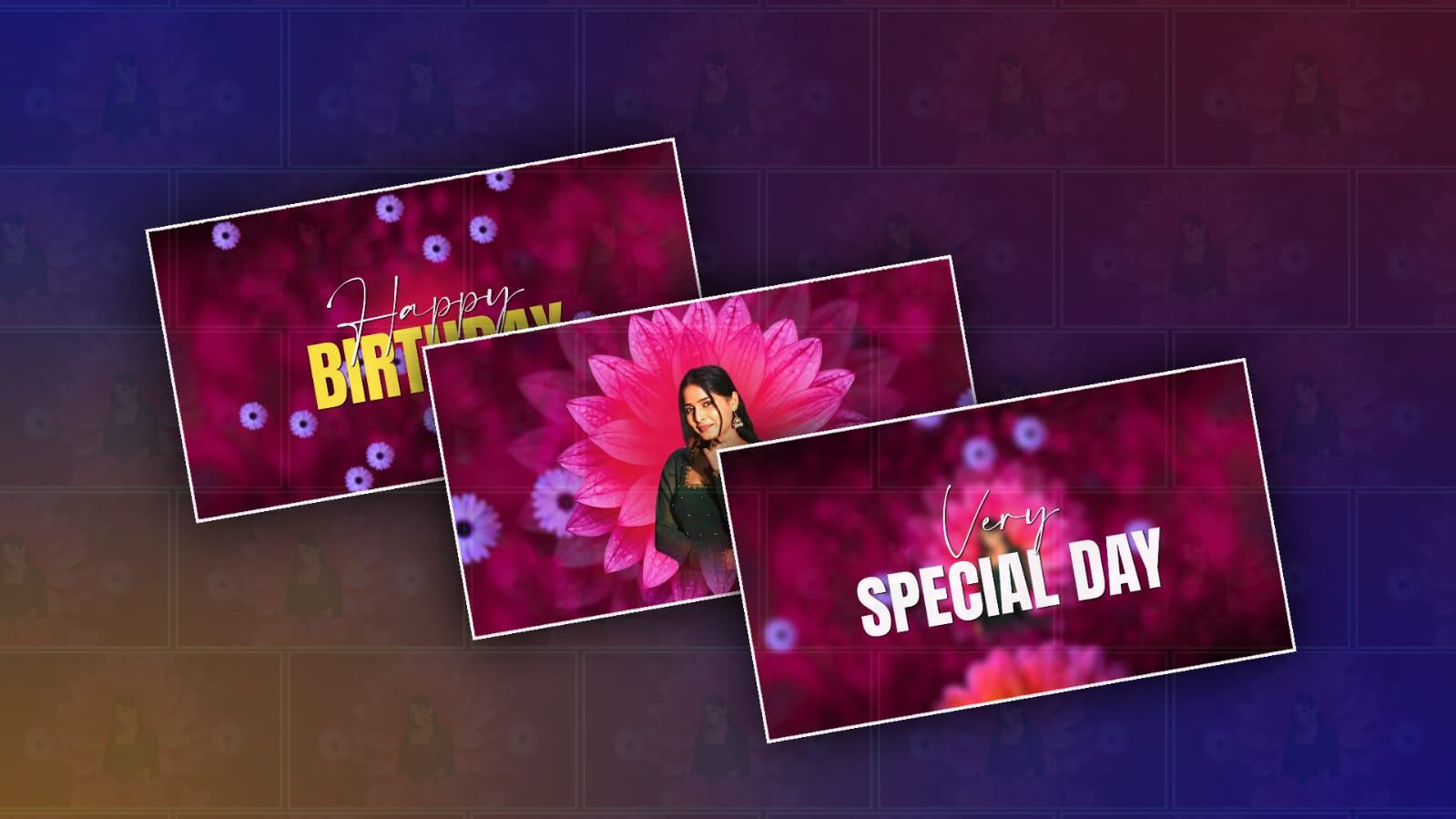
Making a beautiful birthday video for a girl can be a wonderful way to turn simple photos and memories into something emotional, creative, and memorable. You do not need to be a professional video editor or spend hours learning complicated software. With the help of Google Gemini, you can create ideas, write a beautiful birthday message, plan your scenes, and even prepare creative prompts that make the whole video feel special.
The first thing you need is a collection of good photos and short video clips. Choose pictures that show different moments, such as childhood memories, family celebrations, school or college moments, trips, hobbies, friendships, and recent photos. Try to select clear and high-quality images. Around 15 to 30 photos are usually enough for a short birthday video. If you have a few short video clips, you can include them between the photos to make the final video more lively.
Once you have your photos ready, you can use Google Gemini to help you decide what kind of birthday video you want to make. Instead of simply asking Gemini to “make a birthday video,” give it details about the person, her personality, the relationship you have with her, and the mood you want. For example, you can ask Gemini to create a warm, elegant, emotional, and joyful birthday video concept for a girl who loves flowers, music, travel, and photography. The more information you provide, the more personalized the ideas can become.
One of the most useful things Gemini can help with is writing the birthday message. A good birthday video should not feel like a random collection of photographs. It should tell a small story. You can ask Gemini to write a heartfelt introduction, short messages for different parts of the video, and a beautiful ending. For example, the video could begin with a simple “A beautiful soul was born today…” and then move through childhood memories, friendships, achievements, and special moments before ending with a heartfelt birthday wish.
You can also ask Gemini to create a scene-by-scene plan. This makes editing much easier because you know exactly where each photo should appear. For example, the opening scene could use one beautiful portrait with soft music. The next section could show childhood photographs. After that, you could add pictures with friends and family, followed by recent photographs. The final section could contain her best portrait along with a personal birthday message.
The visual style is another important part of making the video beautiful. You can ask Gemini for creative ideas such as a pink floral theme, a luxury golden theme, a soft pastel style, a dreamy cinematic look, or a colorful celebration theme. If the girl has a favorite color, flower, movie style, or hobby, you can use that as inspiration. A personalized theme usually looks much better than using a generic birthday template.
If you want to create AI-generated visuals, Gemini can also help you develop detailed prompts. You might ask it for a prompt describing a dreamy birthday scene with soft pink flowers, warm fairy lights, elegant decorations, glowing candles, and a cinematic atmosphere. You can then use the appropriate Google AI image or video features available to you to create supporting visuals. Keep the person’s real photographs as the main focus so the video still feels genuine and personal.
Music can completely change the feeling of a birthday video. Choose music that matches the person’s personality and the mood of your message. A soft instrumental track can work well for an emotional photo montage, while an energetic song can make a fun friendship section more exciting. If you plan to publish the video online, make sure you have permission to use the music or choose music that is properly licensed for your intended use.
Transitions should be simple. One common mistake is using too many flashy effects. Beautiful birthday videos often look better when photographs slowly fade, zoom, or move across the screen. You can use gentle transitions between emotional sections and slightly faster transitions during fun moments. The goal is to keep attention on the memories rather than on the editing effects.
The length of the video also matters. For a personal birthday greeting, around two to five minutes is often enough. If you have a large collection of memories, you can make a longer version, but avoid adding every photograph you have. Select the pictures that tell the best story. A smaller number of meaningful photos can have a much stronger emotional impact than hundreds of repetitive images.
You can also ask Gemini to help create short captions for individual photographs. Instead of writing long sentences, use simple lines such as “Beautiful memories,” “The happiest moments,” “Always surrounded by love,” or “A smile worth remembering.” Personalized captions can make the video feel much more connected to the birthday girl.
When you begin editing, arrange everything according to the story you created. Start with an attractive opening, introduce the birthday girl, move through memorable moments, and finish with your strongest photographs and birthday message. You can place her name and age on the opening screen if appropriate. Adding the date can also make the video feel like a keepsake that she can watch again years later.
Before exporting the final video, watch it from beginning to end. Check whether the photographs stay on screen long enough to appreciate them. Make sure text is readable and does not cover important parts of the pictures. Listen to the music and make sure it does not overpower any voice-over or spoken birthday message. If something feels too fast, too crowded, or repetitive, simplify it.
One nice idea is to add a short voice-over. You can record your own voice wishing her a happy birthday and explaining why she is special to you. This can make the video much more emotional because a real voice adds a personal touch that text alone cannot provide. Gemini can help you write a natural voice-over script, but your own delivery will give it the real feeling.
You can also create different versions of the same birthday video. For example, make a longer emotional version for family viewing and a short vertical version for sharing on social media. Gemini can help you adapt the message and structure for different formats. A vertical video is generally more suitable for phone-based social platforms, while a horizontal version can work better when watching on a television or computer.
The biggest secret to making a beautiful birthday video is not expensive effects or complicated technology. It is the combination of meaningful memories, a thoughtful message, suitable music, and a little creativity. Google Gemini can make the planning and writing process much easier, especially if you are unsure what to say or how to organize the video.
With a few carefully selected photographs, a personal birthday message, creative ideas from Gemini, and simple editing, you can create a birthday video that feels unique rather than like a standard template. The final result can become more than just a digital greeting—it can be a collection of memories that the birthday girl can keep and watch whenever she wants. The most important thing is to make it personal, sincere, and connected to the beautiful moments you have shared with her.