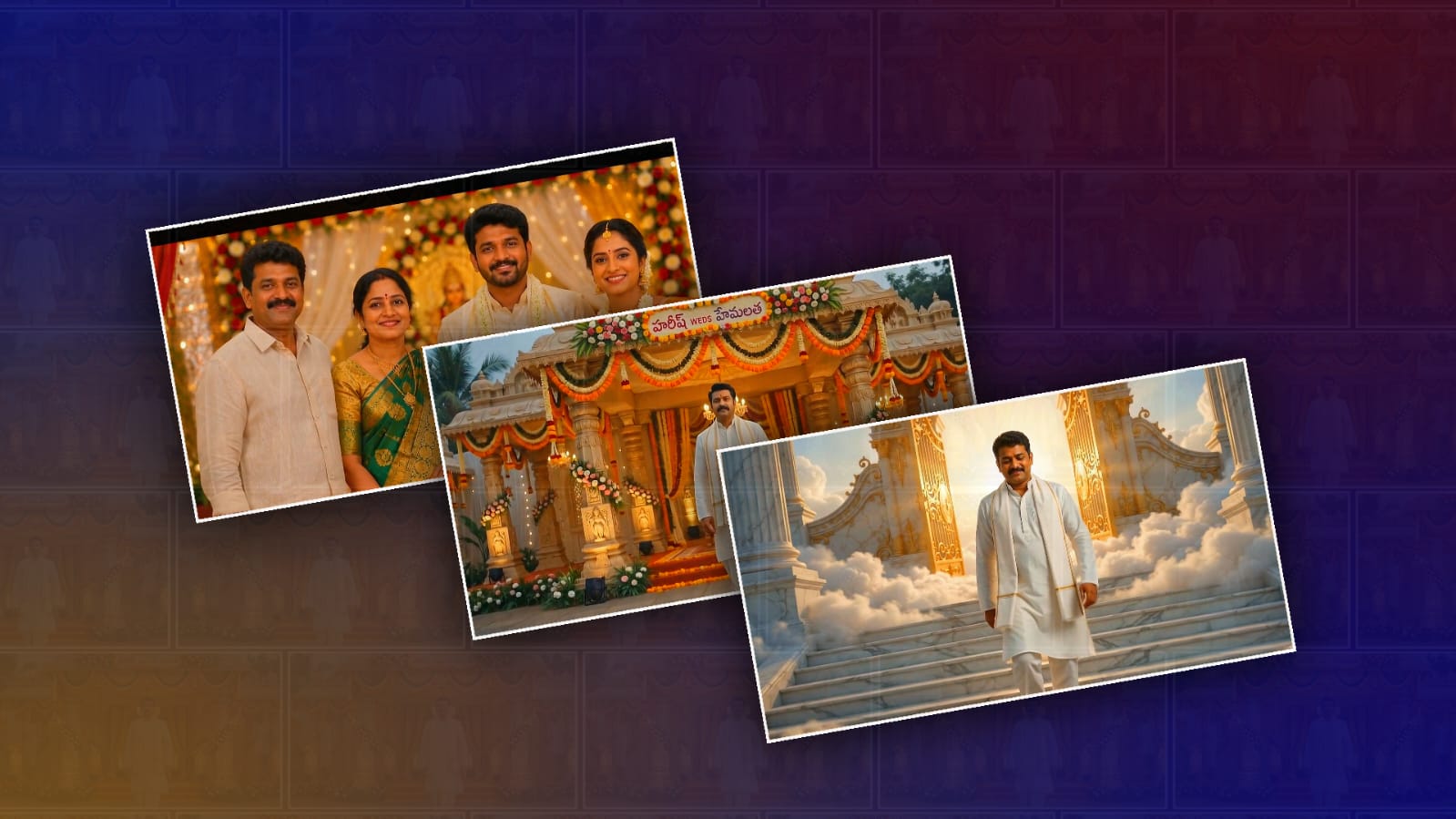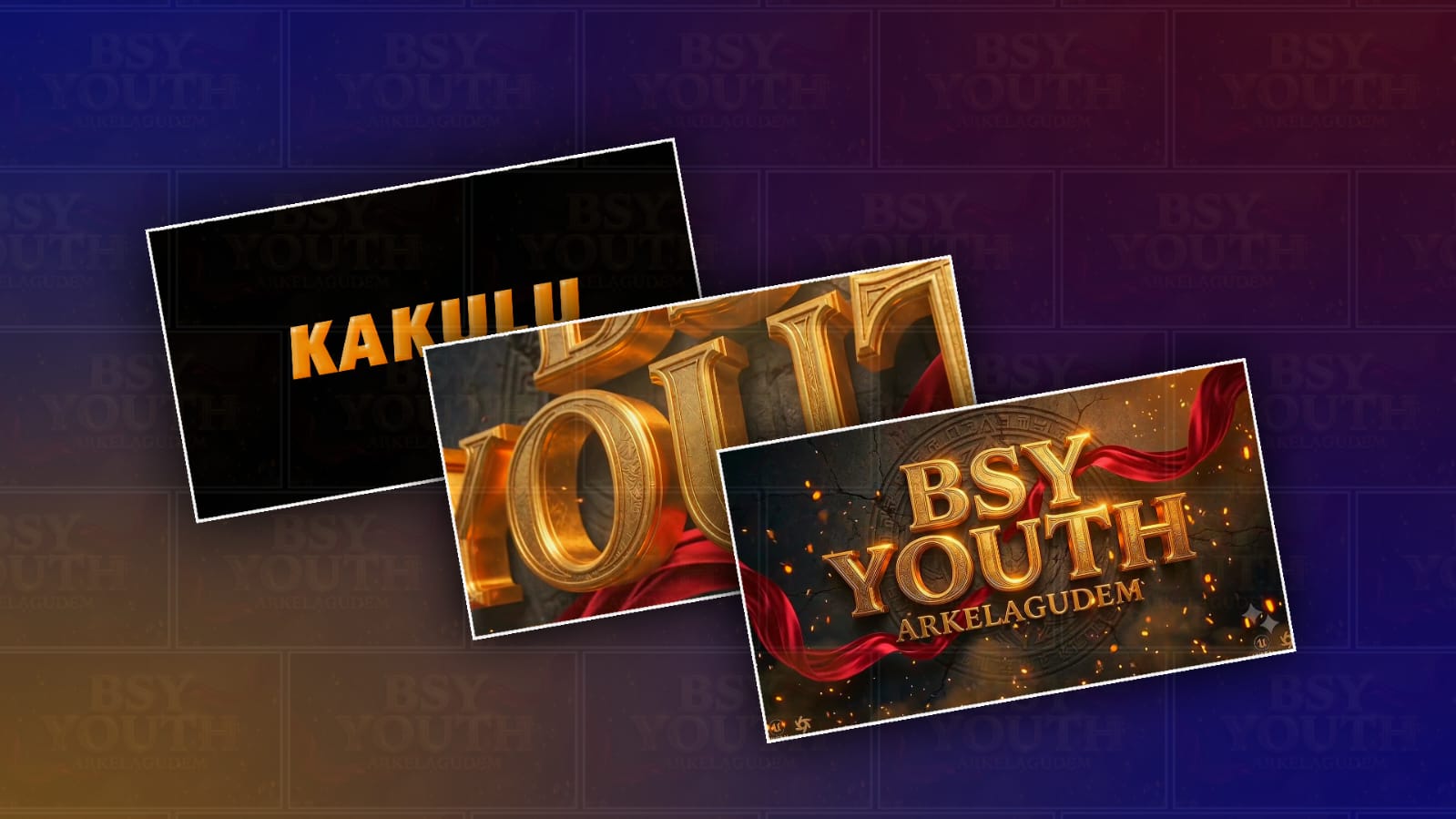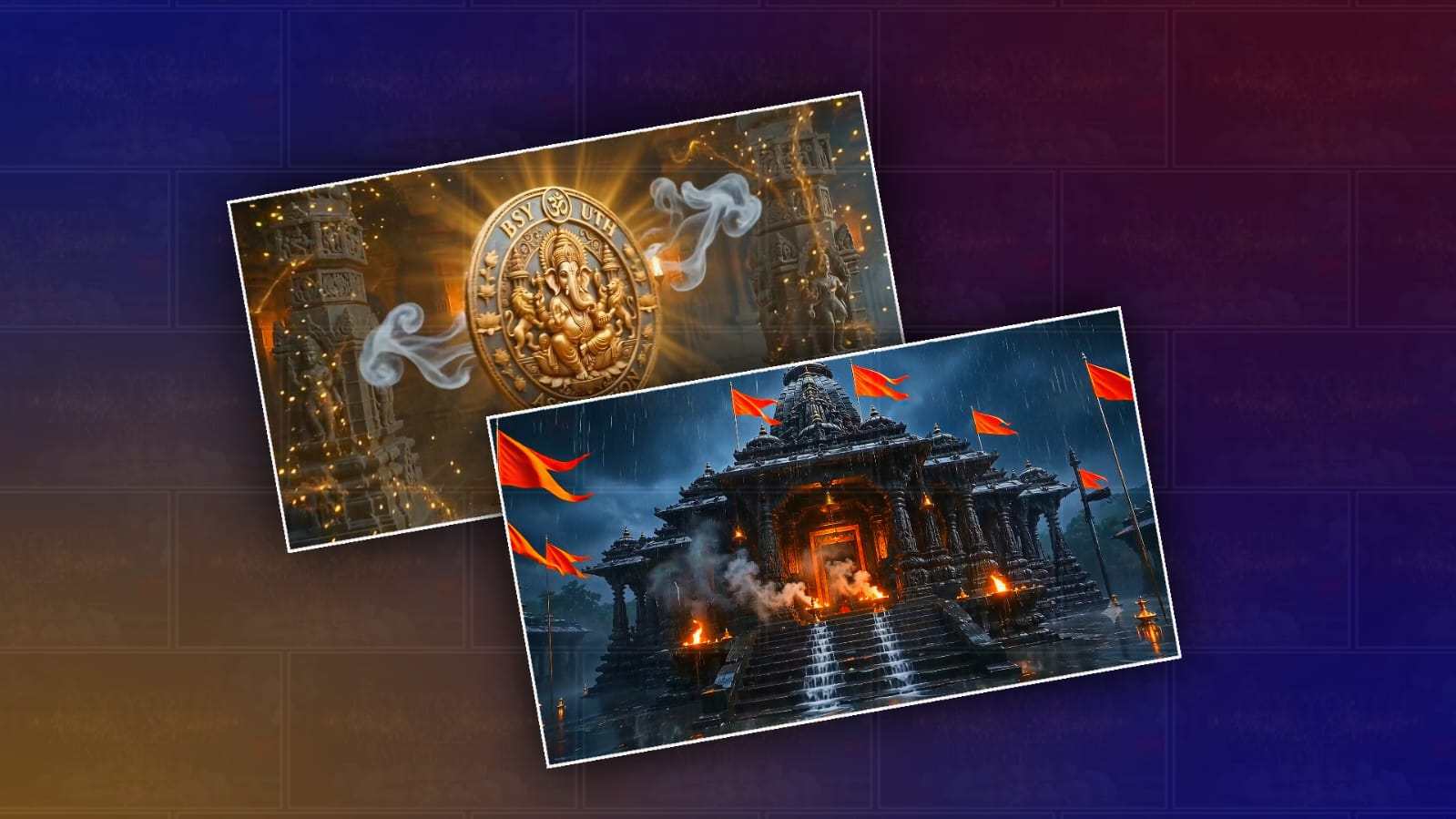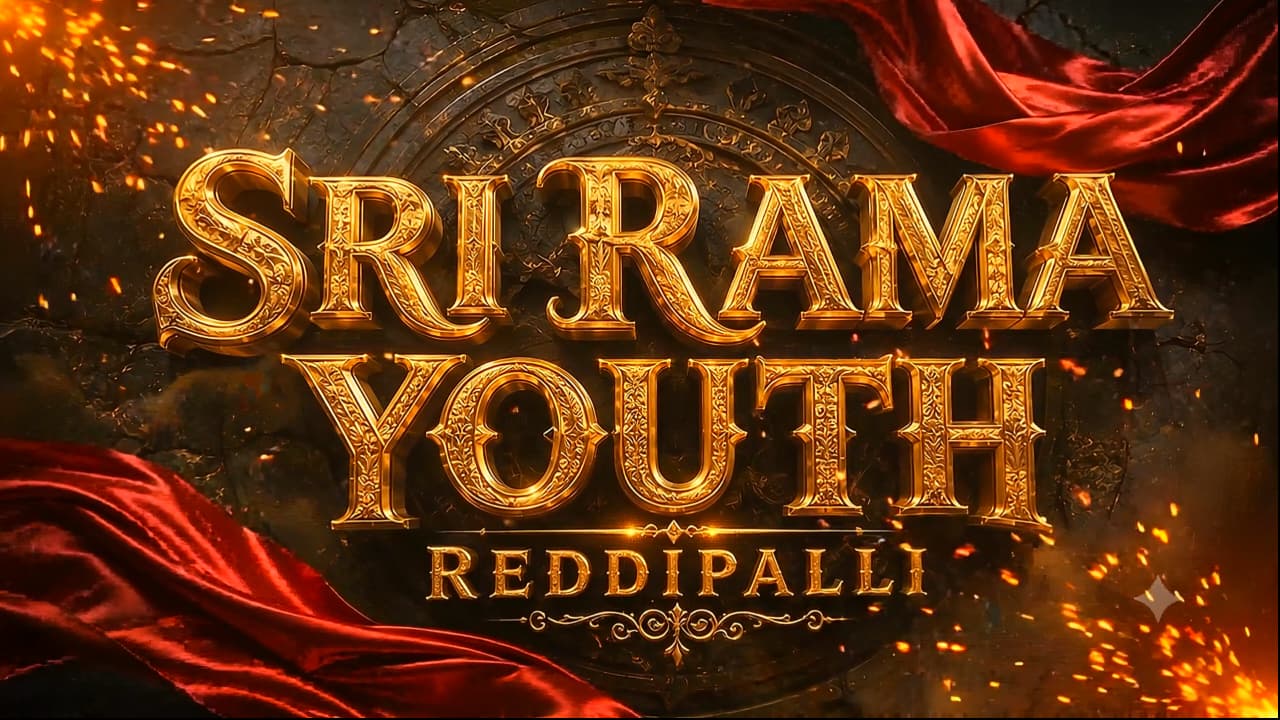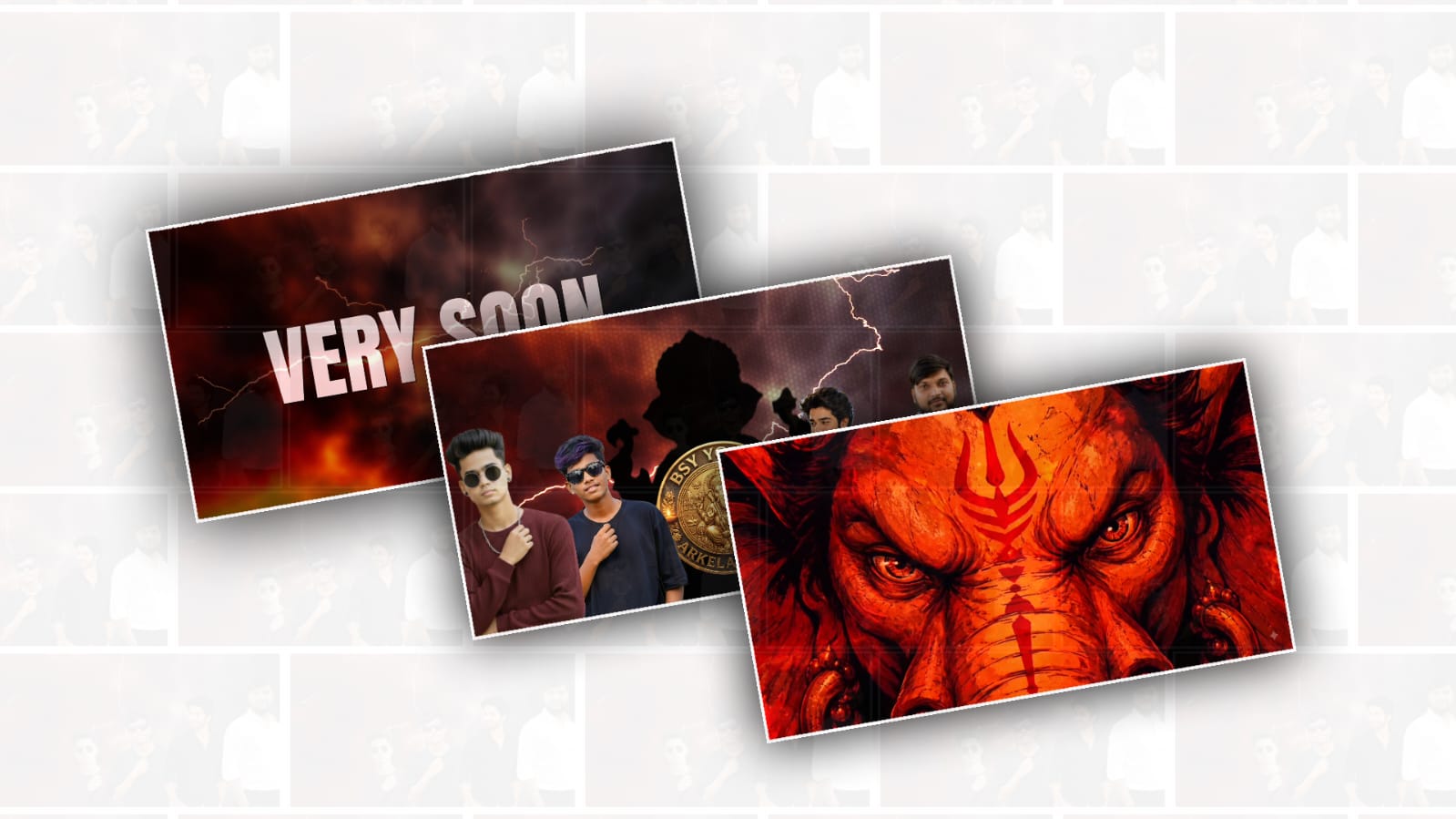
Creating a trending Ganesh Youth logo animation video in Alight Motion can be much easier than it looks. You do not need a high-end computer or professional editing software to make an attractive logo intro. With a good logo, the right colours, smooth motion, and a little creativity, you can create an energetic Ganesh Youth-style video directly on your phone. These kinds of logo animations are especially popular for Ganesh Chaturthi celebrations, youth groups, cultural events, Instagram Reels, WhatsApp Status videos, and YouTube Shorts.
Before opening Alight Motion, prepare the basic materials you want to use. The most important one is your Ganesh Youth logo, preferably in PNG format with a transparent background. A transparent PNG makes animation much easier because you can place the logo over any background without seeing a white box around it. You can also prepare a Ganesh image, a saffron or red background, a few glowing particles, and suitable devotional or energetic background music. Keep the design simple because the logo should remain the main focus of the video.
Open Alight Motion and create a new project. For social media content, a vertical 9:16 project is usually a good choice. You can use a resolution such as 1080 × 1920 for a sharp result. Choose a frame rate of 30 fps for a normal, smooth animation, or 60 fps if your phone can handle it and you want extra-smooth movement. Keep the video short, around 8 to 15 seconds. A short logo reveal often feels more powerful than a long animation.
Start by creating the background. You can use a dark black, deep red, orange, or dark saffron colour depending on the style you want. A dark background works particularly well because orange, gold, and red elements stand out strongly against it. You can also add a gradient instead of using a single colour. For a more energetic look, place a soft orange glow behind the centre of the screen. This creates depth and makes the final Ganesh Youth logo appear brighter.
Now import your Ganesh Youth logo into the project. Place it in the centre and adjust its size so that it is clearly visible without touching the edges. Before adding complicated effects, make sure the logo itself looks clean. If the logo contains several colours, try to choose a background that does not compete with those colours.
The next step is to animate the logo. A simple scale-and-opacity animation can already produce a professional result. At the beginning of the timeline, make the logo very small and reduce its opacity. Move forward by a few frames and create another keyframe where the logo becomes larger. Finally, create a keyframe where the logo reaches its normal size and full opacity. This gives the impression that the logo is appearing from the centre.
For a more modern effect, do not simply make the logo grow from small to large. Add a slight overshoot. For example, make the logo grow slightly larger than its final size and then return it to the normal size. This creates a small bounce that makes the animation feel more energetic. Alight Motion’s easing options are very useful here. Apply an ease-out or similar smooth curve so the movement does not look mechanical.
You can make the entrance even more attractive by adding a rotation. Keep the rotation subtle rather than spinning the logo continuously. A small rotation combined with scaling can make the reveal feel dynamic. The key is to keep the movement controlled. Too many rotations, flashes, and effects can make the logo difficult to see.
Next, add a glow effect. Select the logo layer and experiment with effects such as Glow, Blur, or other available lighting effects. An orange, golden, or reddish glow can work especially well with a Ganesh Youth theme. Increase the intensity carefully. The goal is to make the edges shine, not to cover the entire logo in a bright haze.
Another popular technique is the light sweep. Create a bright, narrow shape or use a suitable effect that can move across the logo from one side to the other. Animate its position so that the light quickly travels across the logo. When timed correctly with the music, this can create a premium-looking reveal. Keep the sweep quick because a slow light movement can make the intro feel less energetic.
Particles can also add a festive atmosphere. Add small dots, sparks, or glowing particles around the logo. If your version of Alight Motion does not have exactly the particle effect you want, you can import a particle overlay and use blending modes to combine it with your background. Keep the particles behind or around the logo instead of covering the important text. Orange, yellow, and white particles usually blend nicely with a devotional celebration theme.
You can also add a Ganesh silhouette or Ganesh image behind the main logo. Reduce its opacity and add a little blur so that it becomes a background element rather than competing with the logo. Slowly animate the image with a slight zoom. When the main logo appears in front, the combination can create a powerful visual effect while keeping the focus on the youth group’s identity.
Text animation is another important part. If your logo animation includes words such as the group name, event name, or “Ganesh Chaturthi,” introduce the text separately. Avoid displaying everything at the same moment. First reveal the Ganesh symbol or main logo, then bring in the text with a quick fade, slide, or scale animation. This creates a clear visual hierarchy.
Music and sound effects can make a huge difference. Choose music that matches the mood of the video and make sure you have permission to use it if you are posting publicly. Add a beat, drum hit, whoosh, or impact sound when the logo appears. The visual animation and sound should happen at nearly the same moment. Even a simple animation can feel much more professional when its key movements are synchronised with the beat.
Before exporting, watch the entire video several times. Check whether the logo is readable, whether the animation is too fast, and whether any effect hides the text. Pay special attention to the first and last second because these moments determine how clean the intro feels. If the animation feels crowded, remove effects instead of adding more. A strong logo, smooth movement, good colour combination, and accurate timing are usually enough.
Finally, export the video from Alight Motion using a suitable resolution and frame rate. For Instagram Reels, YouTube Shorts, and WhatsApp Status, vertical video is generally the most convenient format. Check the exported file on your phone before uploading it. Sometimes an effect or transition can look different after rendering, so a final check is always worthwhile.
The best Ganesh Youth logo animations are not necessarily the ones with the most effects. They are the ones that have a clear idea and good timing. Start with a strong Ganesh-themed background, reveal the logo smoothly, add a controlled glow and light sweep, introduce particles for energy, and synchronise the main reveal with the music. With a little practice in Alight Motion, you can turn a simple logo into a stylish and energetic animation that feels perfect for Ganesh Chaturthi celebrations and youth-group social media posts.
LOGO PROMPTS
Prompt 1
A circular 3D emblem design featuring Lord Ganesha at the centre, seated on a majestic throne with intricate traditional Indian carvings. Ganesha is adorned with
golden ornaments, a crown, and holding a golden mace. Flanking the centre on the left and right are two fierce, roaring golden lion heads facing outwards with detailed manes. Bold, 3D extruded golden text curves along the top reading "YOUTH NAME", and a large bold golden text reads "BOYS" directly below Ganesha. Smaller golden text curves along the bottom border reading "VILLAGE NAME". The entire design is set against a rich, deep maroon and black background, framed by a thick,
polished circular golden border. Cinematic lighting,
dramatic shadows, highly detailed textures, 8k resolution, royal and powerful aesthetic.
Prompt 2
Create a premium royal circular Lord Ganesha logo with a transparent PNG background. A realistic golden Ganesha seated on a lotus with a traditional crown, rich ornaments, sacred tilak, white-red flower garland, blessing pose (Abhaya Mudra), modaks, axe, lotus, and a glowing golden halo. Use a rich royal maroon background with subtle golden sun rays. Surround it with an ornate metallic gold circular border featuring engraved floral patterns and decorative side ornaments. Add embossed 3D metallic gold serif text around the circle.
Top Text:
"YOUR ASSOCIATION NAME"
Bottom Text:
"YOUR VILLAGE NAME"
Luxury South Indian temple-inspired emblem, ultra detailed, 3D metallic gold, cinematic lighting, symmetrical design, premium branding, 1:1 ratio, 4K, transparent PNG, no watermark, no extra text.
Prompt 3
Create a premium circular Lord Ganesha logo with a transparent PNG background. A realistic golden Lord Ganesha seated on a lotus with a traditional crown, sacred tilak, ornaments, blessing pose, modaks, axe, and lotus. Rich royal maroon background with subtle golden sun rays. Elegant double metallic gold circular border with fine engraved patterns, decorative dots, and sacred Om symbol on the left, temple icon on the right. Embossed 3D metallic gold serif text around the circle.
Top Text:
"YOUR YOUTH NAME"
Bottom Text:
"SINCE 2025"
Style: Minimal luxury, South Indian temple-inspired, ultra detailed, premium 3D gold, cinematic lighting, symmetrical design, clean vector look, 1:1 ratio, 4K, transparent PNG, no watermark, no extra text.
Prompt 4
Create a premium luxury circular Lord Ganesha logo with a transparent PNG background. A unique realistic silver Lord Ganesha seated on a lotus with a traditional crown, detailed ornaments, blessing pose, modaks, axe, lotus, and a radiant silver halo. Elegant double metallic silver circular border with engraved patterns, decorative dots, Om symbol on the left and a temple icon on the right. Use a clean silver, white, and dark grey monochrome theme with polished chrome reflections. Place large stylish embossed 3D metallic silver text at the centre: "YOUR YOUTH NAME" Below it, add smaller embossed silver text: "SINCE 2025" Style: Modern luxury, South Indian temple-inspired, ultra detailed, premium 3D chrome finish, cinematic lighting, symmetrical composition, clean vector look, 1:1 ratio, 4K, transparent PNG, no watermark, no extra text.
AM PROJECT IMPORT