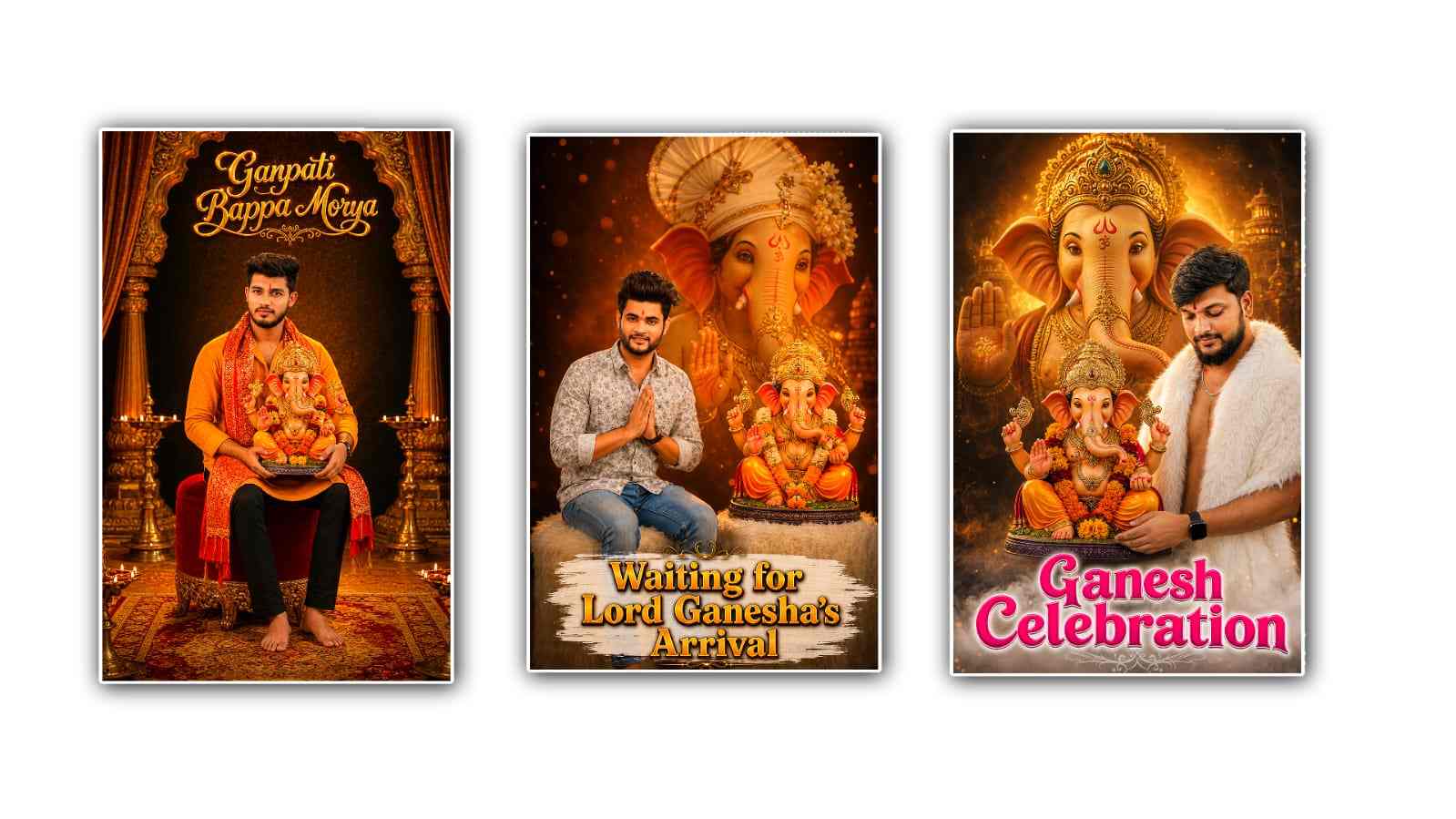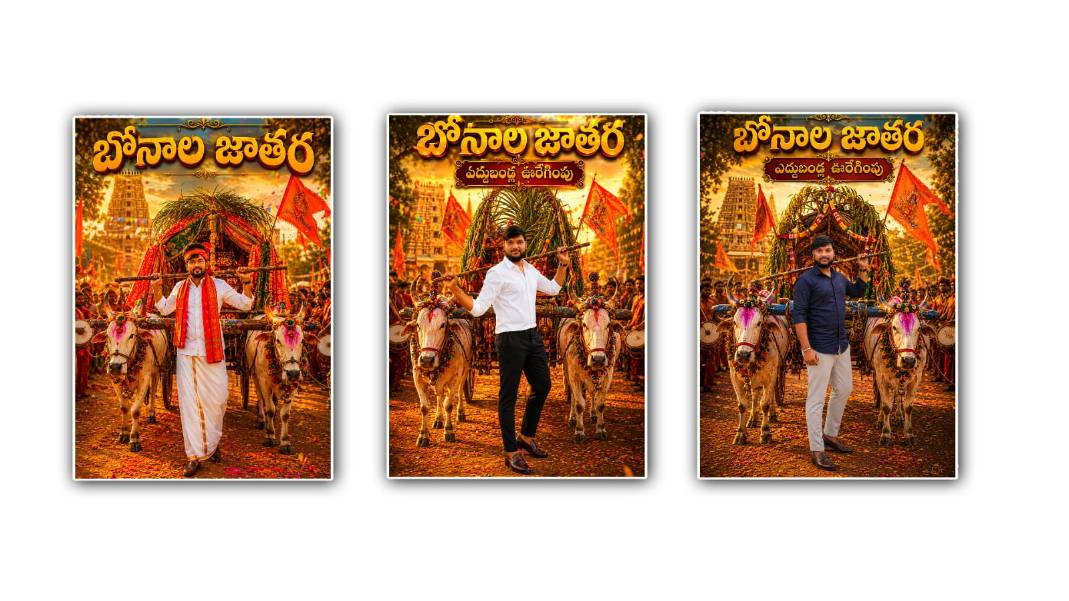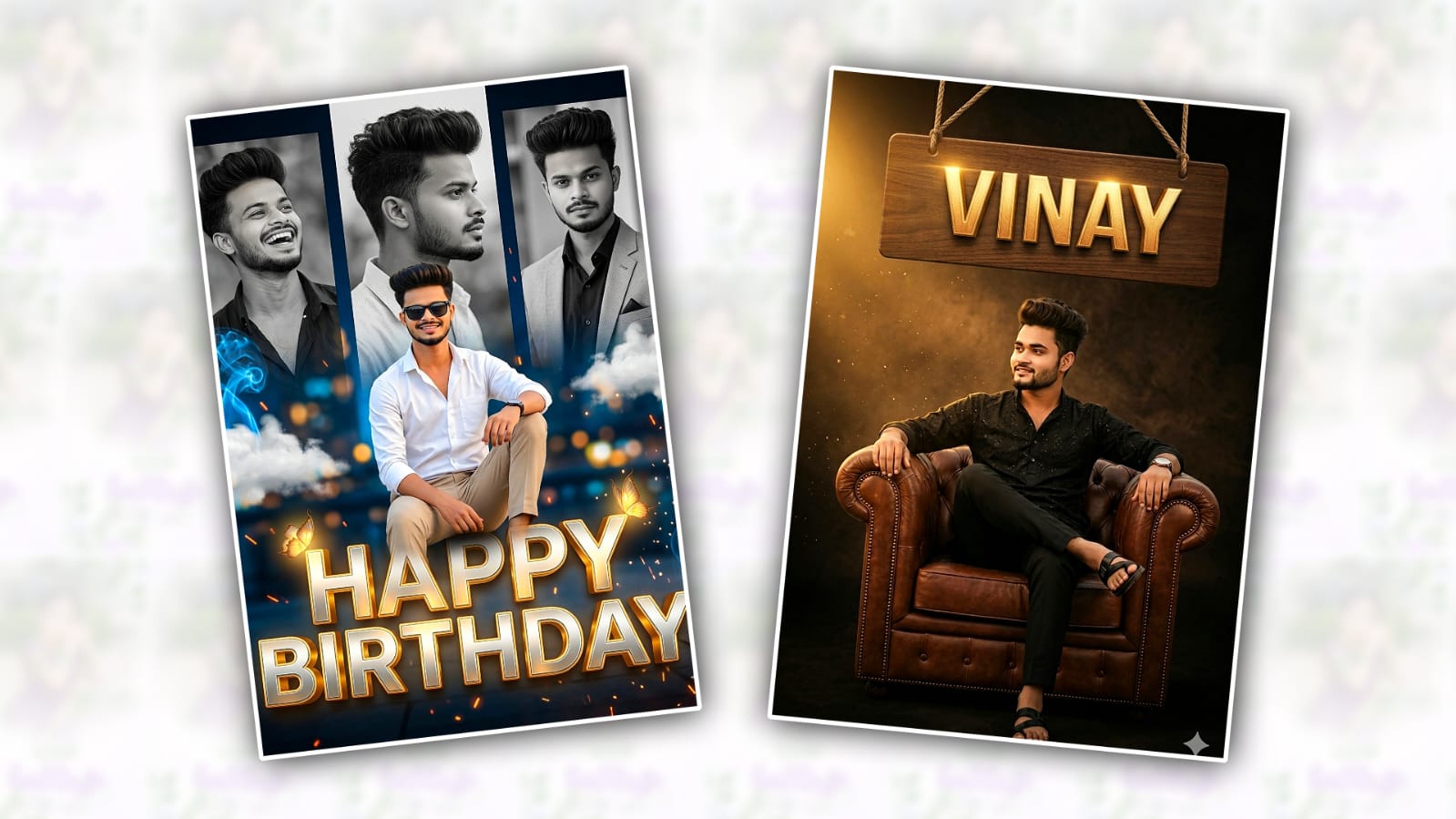
Artificial Intelligence has completely transformed the way people create and edit images. From realistic portraits to cinematic scenes, AI tools are helping creators generate stunning visuals in just a few minutes. If you’ve been scrolling through social media lately, you’ve probably seen viral AI-generated photos that look like professional photography, fantasy artwork, or even movie posters.
The good news is that you don’t need advanced design skills to create these trending images. With powerful AI tools like Google Gemini and ChatGPT, anyone can generate eye-catching photos that attract attention on Instagram, Facebook, X (Twitter), Pinterest, and other platforms.
In this guide, you’ll learn how to create trending AI photos using Google Gemini or ChatGPT, along with tips to make your images stand out and go viral.
Why AI-Generated Photos Are Trending
AI-generated images have become incredibly popular because they allow users to create professional-quality visuals without expensive cameras, studios, or editing software.
Some reasons why AI photos are trending include:
- Fast image creation
- Unique and creative designs
- Professional-quality results
- Cost-effective compared to traditional photography
- Perfect for social media content, blogs, and marketing
Whether you’re a content creator, blogger, influencer, or business owner, AI-generated photos can help you capture attention and boost engagement.
Using Google Gemini to Create Trending Photos
Google Gemini is one of the most advanced AI assistants available today. It can generate detailed image prompts and, depending on your access level, create images directly.
Step 1: Open Google Gemini
Visit Google Gemini at:
Sign in with your Google account.
Step 2: Describe the Image You Want
The secret to creating viral AI photos is writing a detailed prompt.
Instead of writing:
“Create a photo of a girl.”
Write:
“Create a cinematic portrait of a young woman standing in neon-lit Tokyo streets at night, realistic photography, shallow depth of field, vibrant colours, professional DSLR quality, ultra-detailed, 4K resolution.”
The more details you provide, the better the output.
Step 3: Add Trending Styles
Popular styles currently include:
- Studio Ghibli-inspired artwork
- Cinematic movie scenes
- Luxury lifestyle photography
- Futuristic cyberpunk portraits
- Fantasy landscapes
- Hyper-realistic portraits
- Professional fashion shoots
- Retro vintage aesthetics
Example prompt:
“Create a luxury fashion photoshoot featuring a stylish woman walking through Paris streets, golden hour lighting, realistic photography, magazine cover quality, ultra-detailed.”
Step 4: Generate and Refine
After generating the image, review the result and improve it by adding more details.
For example:
- Better lighting
- Different camera angles
- Specific background elements
- Facial expressions
- Color themes
This iterative process helps produce higher-quality results.
Using ChatGPT to Create Trending AI Photos
ChatGPT has become one of the most popular tools for generating AI image prompts and creating images.
Visit ChatGPT:
If image generation is available in your plan, you can generate images directly from your prompts.
Step 1: Start with a Clear Concept
Before writing your prompt, decide on:
- Subject
- Location
- Style
- Lighting
- Mood
For example:
- A luxury traveler
- A futuristic city
- A fantasy warrior
- A professional business portrait
Step 2: Use Detailed Prompt Engineering
Prompt quality directly affects image quality.
Example:
“Create an ultra-realistic portrait of a successful entrepreneur sitting in a luxury office overlooking a modern city skyline, dramatic lighting, professional photography, high detail, magazine cover style, 8K quality.”
Step 3: Follow Social Media Trends
Trending photo styles change frequently.
Some viral AI image categories include:
AI Action Figures
Users create realistic toy versions of themselves with accessories and packaging.
Prompt example:
“Create a realistic collectable action figure of a software developer inside premium retail packaging, modern toy design, ultra-detailed.”
Professional LinkedIn Portraits
AI-generated business headshots are becoming increasingly popular.
Prompt example:
“Create a professional corporate headshot with studio lighting, business attire, realistic photography, and LinkedIn profile quality.”
Cinematic Movie Posters
Movie-poster-style images often gain significant engagement.
Prompt example:
“Create a Hollywood movie poster featuring a futuristic detective standing in a rainy cyberpunk city, dramatic lighting, cinematic atmosphere.”
Fantasy Character Photos
Fantasy-inspired portraits continue to trend across social platforms.
Prompt example:
“Create a realistic fantasy queen standing in an enchanted forest, golden crown, magical atmosphere, cinematic lighting.”
Tips for Creating Viral AI Photos
1. Focus on Realism
Highly realistic images tend to perform better on social media.
Include terms like:
- Ultra-realistic
- DSLR photography
- Professional photography
- High detail
- 8K resolution
2. Use Cinematic Lighting
Lighting dramatically improves image quality.
Popular lighting styles include:
- Golden hour
- Neon lighting
- Soft studio lighting
- Dramatic shadows
- Volumetric lighting
3. Add Storytelling Elements
Images that tell a story attract more engagement.
Instead of:
“A man standing.”
Try:
“A successful entrepreneur standing on a rooftop overlooking a futuristic city after closing a major business deal.”
4. Follow Current Trends
Monitor platforms like:
- TikTok
- X
Observe which AI image styles are gaining popularity and adapt them to your own content.
5. Experiment Frequently
The best creators generate multiple versions before selecting the final image.
Try different:
- Camera angles
- Color schemes
- Backgrounds
- Character poses
- Lighting effects
Common Mistakes to Avoid
Many beginners struggle because they make these mistakes:
Writing Short Prompts
Avoid:
“Create a beautiful image.”
Instead, provide detailed descriptions.
Ignoring Lighting
Lighting significantly impacts image quality and realism.
Using Too Many Styles
Combining multiple unrelated styles can create confusing results.
Stick to one primary visual direction.
Not Refining Results
Most viral AI photos require several iterations before reaching their final form.
Best Prompt Formula for Trending AI Photos
You can use this simple formula:
Subject + Environment + Lighting + Camera Style + Detail Level + Mood
Example:
“Young entrepreneur standing in a luxury penthouse overlooking the Dubai skyline, golden hour lighting, professional DSLR photography, ultra-detailed, cinematic atmosphere, realistic skin texture, 8K quality.”
This structure consistently produces high-quality images.
Final Thoughts
Creating trending AI photos with Google Gemini or ChatGPT is easier than ever. The key is not simply generating images but crafting detailed prompts that guide the AI toward professional-quality results.
Focus on realism, storytelling, cinematic lighting, and current social media trends. Experiment with different prompt styles, refine your outputs, and stay up to date with what’s popular online. With practice, you’ll be able to create stunning AI-generated photos that attract attention, increase engagement, and elevate your content strategy.
Whether you’re a blogger, influencer, marketer, or hobbyist, AI image generation opens endless creative possibilities. Start experimenting today and discover how powerful tools like Google Gemini and ChatGPT can help you create the next viral image.
Happy Birthday Prompt
Ratio 4:5, Use the person from the reference photo as the main subject. Keep their exact facial features, hairstyle, skin tone, and expression perfectly unchanged to preserve all realism, emotional depth, and subtle facial lighting. Allow changes only in camera position, background motion, outfit and atmosphere. Create an ultra-realistic luxury birthday collage poster in a vertical 4:5 ratio with me sitting casually on a giant glowing “HAPPY BIRTHDAY” metallic text, a stylish white shirt and beige pants, one leg folded naturally, smiling confidently. Behind me, 3 large monochrome collage portraits in different poses and outfits, blue neon smoke background mixed with realistic clouds and glowing particles, luxury outdoor night environment with soft city lights, floating g…
Sitting on a chair prompt
High-quality cinematic dark theme poster design of a stylish young Indian man sitting confidently on a luxurious brown leather armchair in a relaxed royal attitude pose. The man has a modern textured hairstyle, trimmed beard, glowing smile, and realistic facial details. He is wearing an elegant black designer shirt with subtle patterns, black trousers, a wrist watch, and black sandals. One leg crossed over the other with a calm, confident expression, and looking sideways. Background features a dramatic black and brown textured studio atmosphere with warm golden spotlight lighting from the left side, soft cinematic shadows, dusty particles, and premium mood colour orr grad. ing Above the subject hangs a large wooden signboard suspended with ropes, featuring stylish ENGLISH typography text ABHISHEK in carved 3D golden wooden letters with glowing highlights. Ultra-realistic skin texture, sharp jawline, depth of field, professional studio lighting, cinematic composition, luxury lifestyle vibe, h
Standing Double Exposer Prompt
A high-quality double exposure style portrait of a stylish man in the foreground, he is leaning against a tree trunk covered in vibrant Pink Bougainville flowers, wearing a light lavender button -down shirt black trousers, loafers, and dark sunglasses. in the background a large, faded and desaturated close-up profile of the same man,s face is layered into the sky/ atmosphere with a soft boken effect.The lighting is warm and cinematic, capturing a professional outdoor photoshoot aesthetic