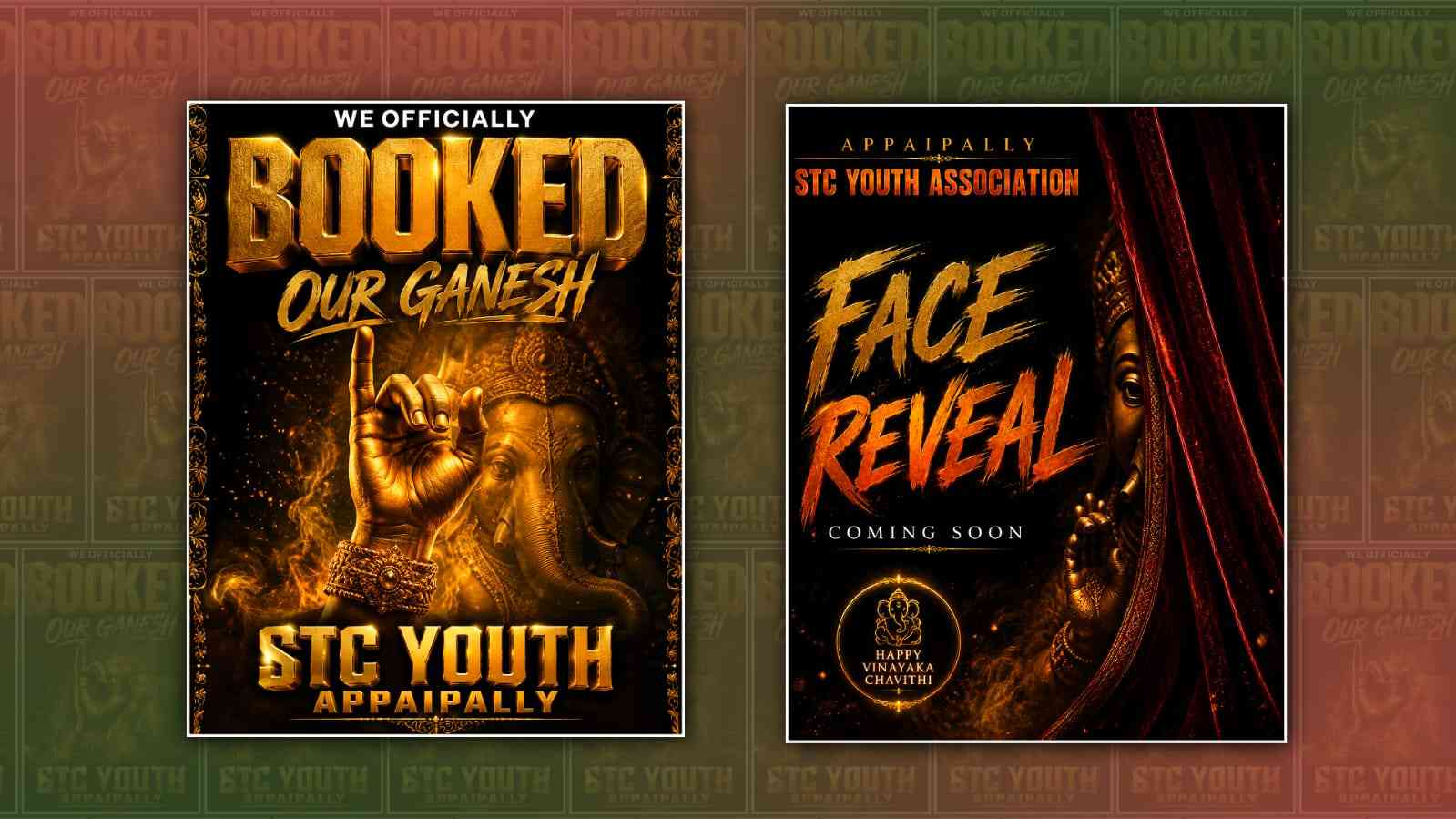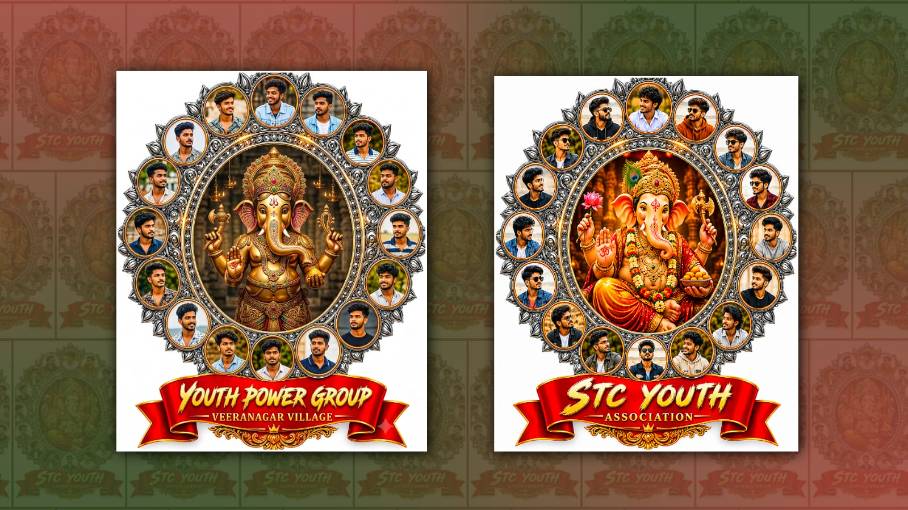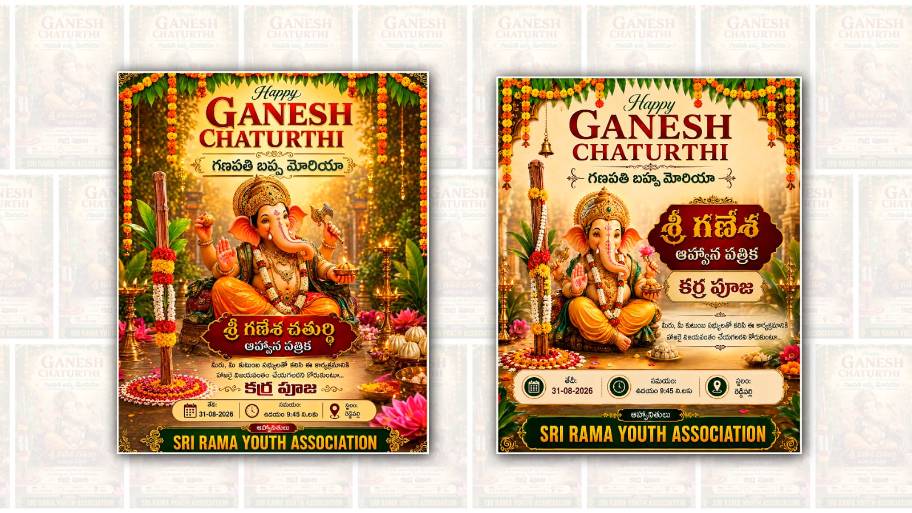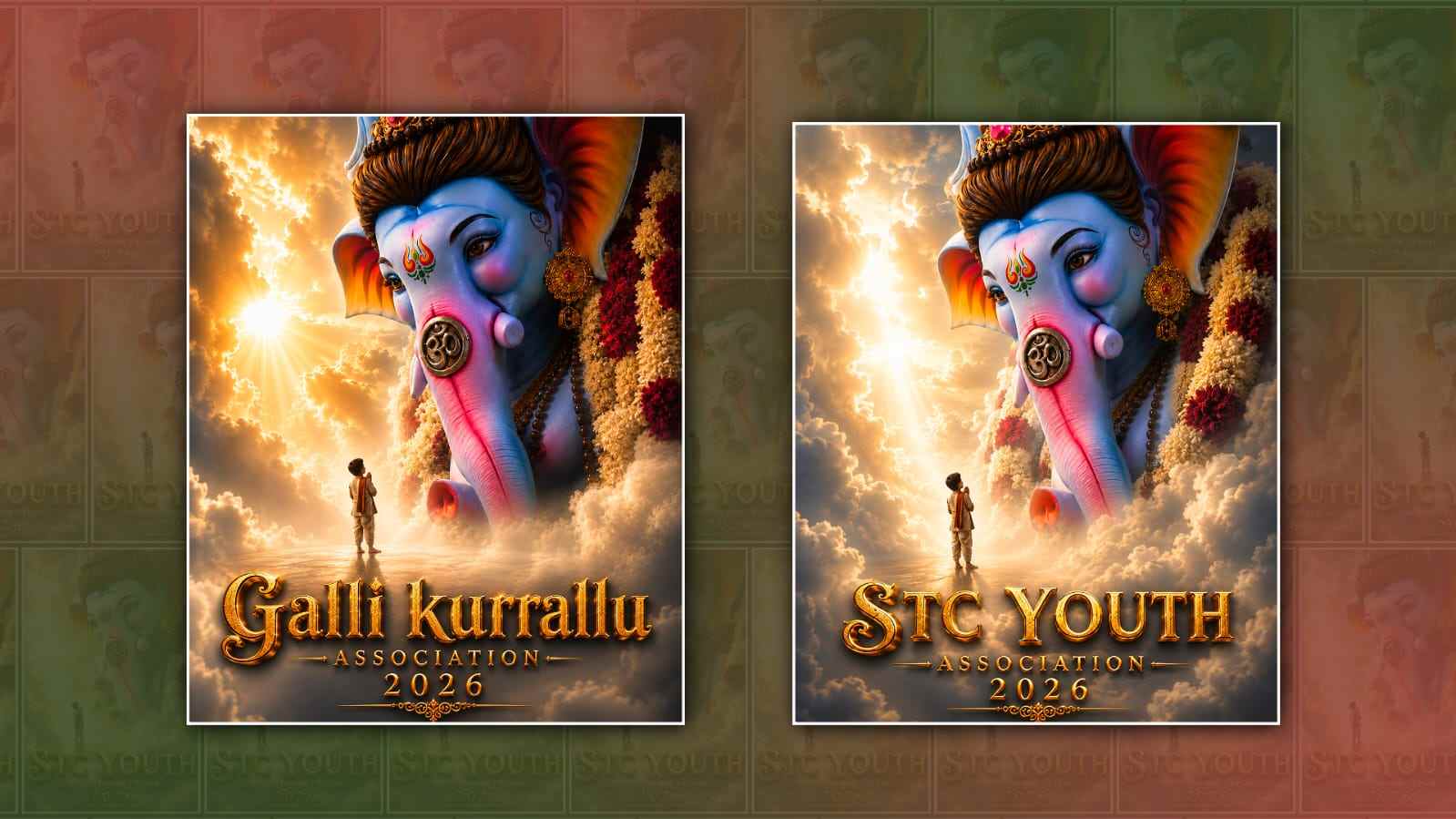
Creating a Ganesh Youth poster with your own name and village has become a popular way to celebrate Ganesh Chaturthi and share festive wishes on social media. These posters can look professional, colourful, and attractive even if you do not have advanced graphic design skills. The good thing is that you can now create this type of poster with the help of Google Gemini by simply giving it a clear prompt and the details you want to include.
Google Gemini is an AI tool that can understand written instructions and help users create or work with images. For people who want to make a personalised Ganesh Youth poster, it can save a lot of time. Instead of opening complicated editing software and manually adding every element, you can describe the poster you want and provide your name, village name, and other details.
The first thing you need to do is open Google Gemini on your phone or computer. You can use the Gemini website or the Gemini app, depending on the device you have. Sign in with your Google account if required. Once Gemini is open, look for the option that allows you to create or generate an image. The exact appearance of the interface may change over time, but the basic process is simple.
Before asking Gemini to create the poster, it is useful to decide what information you want on it. For example, you may want to add your name, village name, Ganesh Youth group name, Ganesh Chaturthi wishes, or a short devotional message. Having these details ready makes it easier to write a good prompt.
The prompt is one of the most important parts of the process. A prompt is simply the instruction you give to Gemini. If your instruction is too short, the result may not look exactly the way you imagined. Instead of writing something like “create a Ganesh poster,” describe the design, colours, text, atmosphere, and important details.
For example, you could ask Gemini to create a “beautiful and colourful Ganesh Youth festival poster featuring Lord Ganesha in the centre, a traditional Indian festive background, glowing decorative lights, flowers, marigold decorations, vibrant red and orange colours, and a modern professional poster design. Add the text ‘Ganesh Youth’ prominently, along with the name ‘Rahul’ and the village name ‘XYZ Village’. Include a respectful Ganesh Chaturthi greeting and make the text clear and easy to read.”
You can replace the sample name and village with your own information. If you are creating the poster for a youth group, you can also mention the organisation or group name. For example, you might want the poster to say “Ganesh Youth Committee,” followed by your village name.
One important thing to remember is that AI-generated images can sometimes make mistakes with text. Names, village names, and other words may occasionally appear with incorrect spelling or unusual letters. Therefore, always check the generated poster carefully. If your name or village is not written correctly, ask Gemini to correct the text or generate another version.
You can also make your prompt more specific about the style. If you want a traditional poster, ask for a traditional Indian festival design with temple-inspired decorations, diyas, flowers, and warm colours. If you prefer a modern design, ask for a stylish digital poster with dramatic lighting, a clean background, bold typography, and a premium festival look.
The image size is another detail worth considering. If you plan to share the poster on Instagram or WhatsApp, you may want a vertical design. You can mention that you want a portrait-oriented poster suitable for social media. If the poster is going to be printed, you can ask for a high-quality design with a suitable print layout. Personalisation can make the poster much more meaningful. Along with your name and village, you can include the year, Ganesh festival committee name, event details, or a short greeting. However, it is better not to overcrowd the design. A poster with too much text can look confusing. Keep the main name and important information easy to notice.
You can also ask Gemini to create several different styles. For example, after receiving the first design, you could ask for a more traditional version, a cinematic version, a simple village festival version, or a premium social-media poster version. Comparing different designs can help you choose the one that best matches your celebration.
If you want a more personal look, you can describe the mood you want. Words such as festive, devotional, energetic, elegant, vibrant, traditional, realistic, or cinematic can help communicate the type of appearance you are looking for. You can also mention specific colours, such as saffron, red, gold, orange, and yellow, which are commonly associated with festive designs.
Another useful idea is to keep the main subject clear. Lord Ganesha should remain the visual focus of the poster, while the name and village information should be positioned neatly around the design. Ask Gemini to use readable typography and balanced spacing. This can make the final poster look less like a random AI image and more like a professionally designed festival poster.
Once Gemini generates the image, take some time to inspect it. Check the spelling of your name, village, group name, date, and any other information. Also look at the overall appearance of Lord Ganesha and make sure the image is respectful and suitable for the occasion. If something does not look right, simply give Gemini another instruction describing what you want changed.
For example, you can say that you want the name to be larger, the village name to be smaller, the background to be brighter, or the decorations to be more traditional. You do not necessarily need to start the entire process again. Depending on the available Gemini features, you may be able to continue refining the image through additional instructions.
After you are satisfied with the result, save the image to your device. You can then share it as a WhatsApp status, Instagram post, Facebook post, or send it to friends and family. If you are part of a Ganesh Youth group, the poster can also be shared in your community groups to spread festival wishes.
The best part of using Gemini for this type of poster is that you do not need to be an expert designer. The main skill you need is explaining your idea clearly. A detailed prompt gives the AI more information about what you want, while checking and refining the result helps you get closer to the final design.
Creating a Ganesh Youth poster with your name and village is therefore a simple combination of creativity and AI. With a good prompt, the right colours, clear text, and a few adjustments, you can create a personalised poster that feels special to your local celebration. Whether you want a traditional village-style design or a modern social-media poster, Google Gemini can make the process much easier and more accessible for everyone.
POSTER PROMPT
Create a premium cinematic South Indian devotional festival poster in a heavenly, divine fantasy style.

SCENE:
A gigantic majestic Lord Ganesha appears beautifully through soft glowing clouds, occupying the upper-right and center portion of the composition. Lord Ganesha has an attractive divine blue-toned skin, subtle pink highlights on the trunk and ears, expressive peaceful eyes, an ornate golden crown, traditional gold jewelry, sacred decorations and beautiful flower garlands. A small young child stands in the lower-middle area, seen from behind, looking up toward Lord Ganesha with folded hands in devotion. Create a vast heavenly atmosphere filled with soft white clouds, mist and glowing divine light. A powerful warm golden-white light shines from the left side behind the clouds, creating beautiful volumetric light rays around Ganesha and the child. The atmosphere must feel emotional, spiritual, majestic and cinematic.

COMPOSITION:
Vertical premium poster composition. Lord Ganesha should dominate the upper and middle portion. The child should remain small and positioned below Ganesha. Large soft clouds should surround the subjects. Create strong cinematic depth between foreground clouds, child, Ganesha and the bright heavenly background.

TEXT DESIGN:

“STC YOUTH”

“ASSOCIATION”

“2026”

Place all text at the bottom center.

“STC YOUTH” must be very large, elegant, bold and premium 3D metallic-gold lettering.

“ASSOCIATION” must appear directly below “STC YOUTH” in a smaller, clean and elegant gold 3D font.

“2026” must appear below “ASSOCIATION” in a slightly smaller gold 3D font.

Add thin elegant gold decorative lines around the text and a small intricate ornamental gold flourish below “2026”.

TEXT ACCURACY:
Use exactly:
STC YOUTH
ASSOCIATION
2026

Do not misspell, change, remove or add any letters. Do not add any other text.

VISUAL STYLE:
Premium cinematic South Indian devotional festival poster. Photorealistic divine Lord Ganesha. Dreamlike heavenly clouds. Soft volumetric fog. Golden-white divine rays. Warm cinematic lighting. Realistic skin, jewelry and flower details. Luxury metallic-gold typography. Elegant ornamental detailing. Deep cinematic depth. High-end devotional movie-poster aesthetic. Emotional and majestic atmosphere.
Ultra-realistic, highly detailed, cinematic, 8K quality. Aspect Ratio: 4:5.