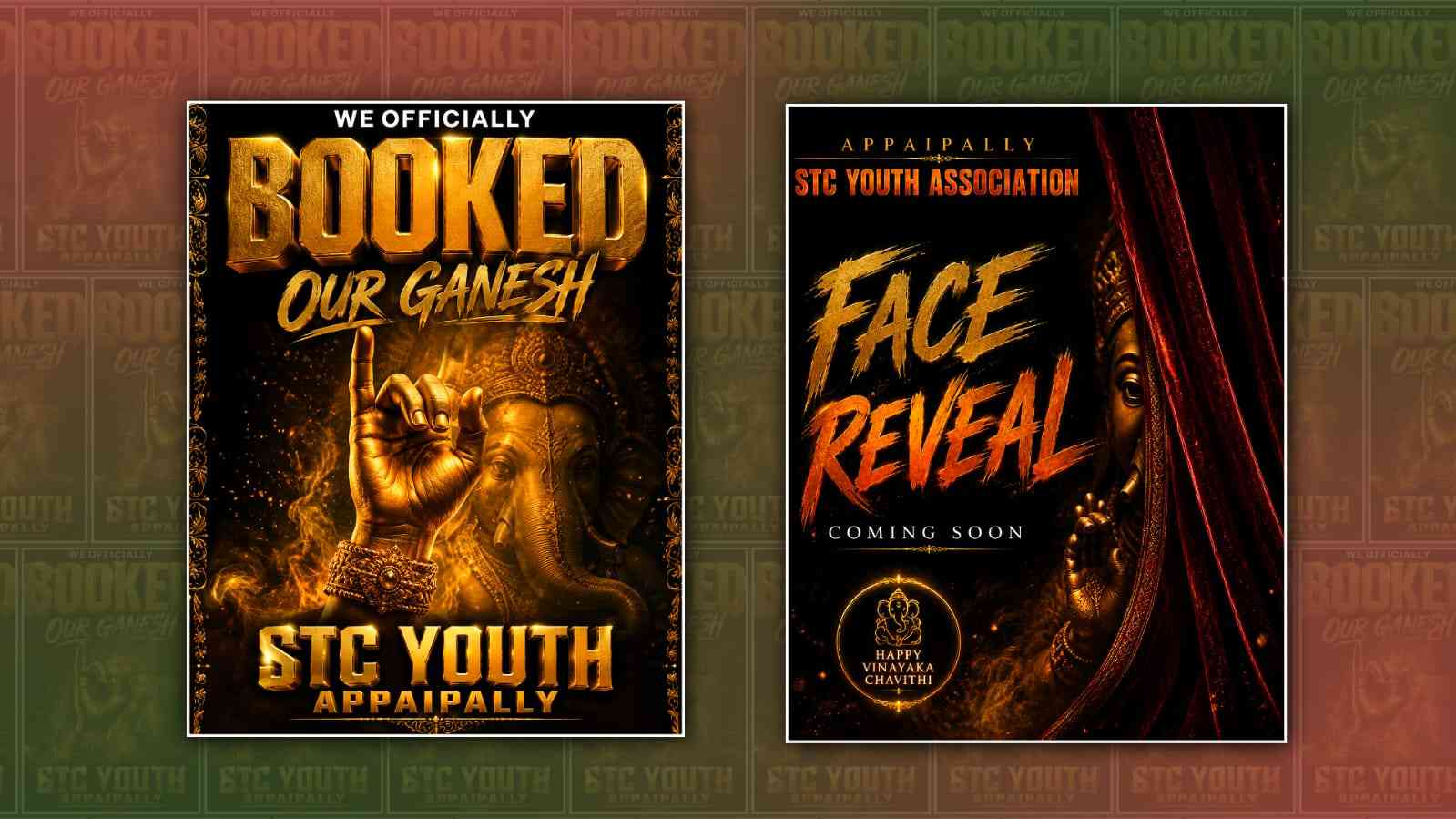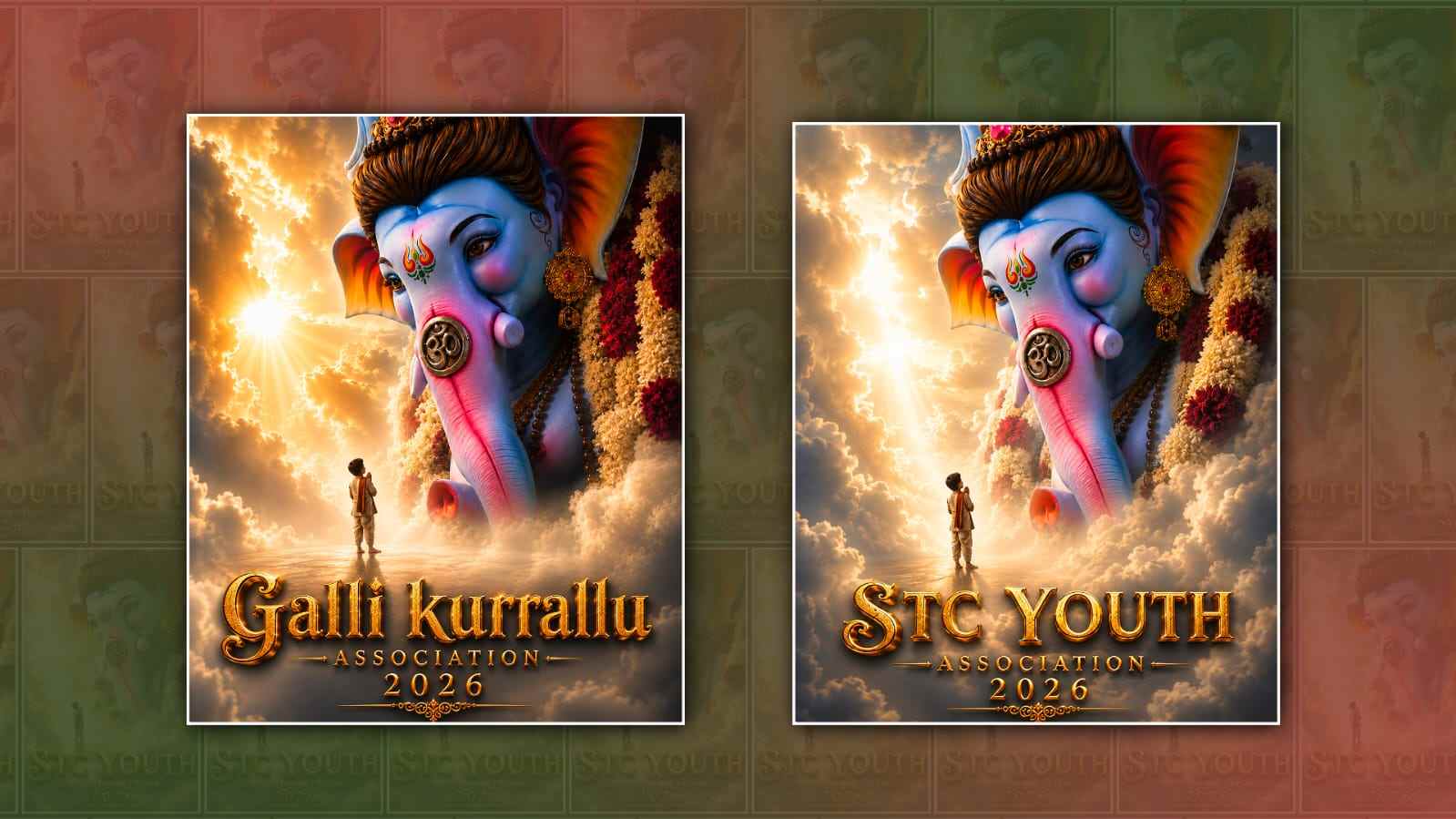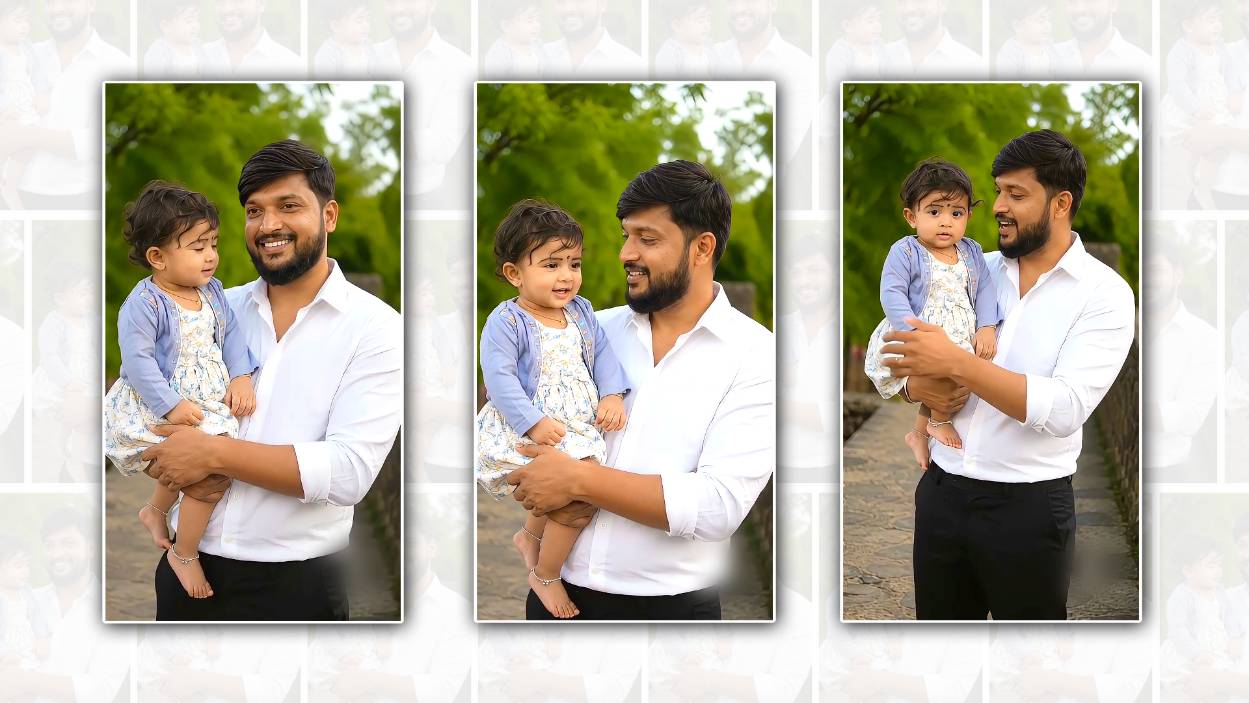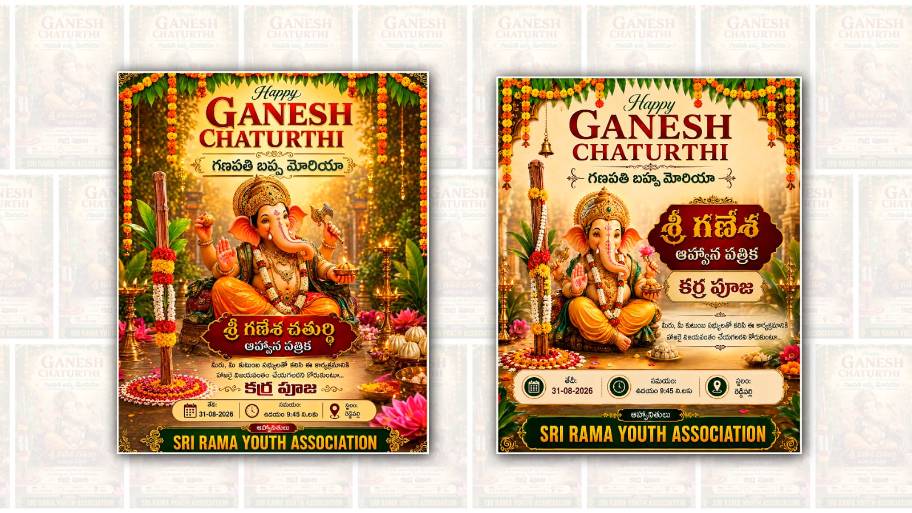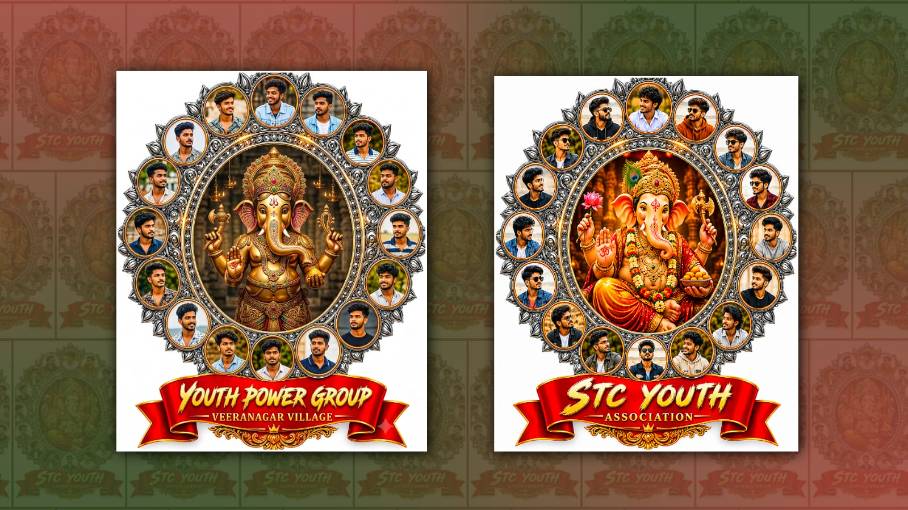
Creating a Ganesh Youth Group poster in Google Gemini is a simple and creative way to make your Ganesh Chaturthi celebration look more attractive and professional. A well-designed poster can help you share information about the event, invite people from your neighbourhood, and create excitement among young people. The best part is that you do not need to be a professional graphic designer. With Google Gemini, you can describe the poster you want in simple words, and Gemini can help you create a suitable design concept, text, and visual style.
Before starting, it is useful to decide what information you want to include on the poster. A Ganesh Youth Group poster usually contains the name of the group, the occasion, the date, time, venue, special programs, and contact details. You can also include a short devotional message or an attractive Ganesh Chaturthi greeting. If your youth group has a specific name, such as “Sri Ganesh Youth Group,” make sure the exact spelling is ready before creating the poster.
Open Google Gemini and start a new conversation. Depending on the version of Gemini you are using, you may have access to image-generation features. If image generation is available, you can ask Gemini to create a festival poster based on your description. The more clearly you explain your requirements, the closer the result will be to your idea. Instead of simply typing “Create a Ganesh poster,” give Gemini details about the colours, layout, text, background, mood, and overall style.
For example, you could describe a poster featuring Lord Ganesha in the centre, surrounded by traditional Indian decorative elements, glowing diyas, flowers, marigold garlands, and a festive background. You can request bright red, orange, yellow, and golden colours because these shades generally work well for religious and festive designs. You can also ask for a modern youth-oriented appearance if the poster is intended for a college group, neighbourhood youth association, or social media page.
A useful prompt could be written in natural language like this: “Create a vibrant and modern Ganesh Chaturthi poster for Ganesh Youth Group. Show a beautiful Lord Ganesha idol in the centre with golden lighting, marigold flowers, diyas, traditional Indian patterns, and a festive red and orange background. Make the design energetic and attractive for young people. Leave clear space for the event date, time, venue, and contact information. Use a premium, clean, colourful festival-poster style.”
One important thing to remember is that AI-generated images may sometimes produce incorrect or misspelt text, especially when the poster contains a lot of information. Because of this, it is often better to ask Gemini to focus mainly on the visual design and leave suitable empty areas for the text. After generating the image, you can add the final wording yourself using a design or editing application. This gives you better control over spelling, dates, phone numbers, and other important details.
If you want the poster to look more traditional, you can tell Gemini to use elements such as temple-style decorations, bells, rangoli, banana leaves, kalash designs, flower garlands, and warm golden lighting. If you prefer a modern style, ask for a clean layout, glowing typography areas, colourful gradients, subtle patterns, and a youthful festival atmosphere. You can even combine both approaches by using a traditional Ganesha image with a modern poster layout.
The size of the poster also matters. If you are planning to print it, a vertical poster format is usually a good choice. For Instagram Stories or WhatsApp Status, a vertical 9:16 format works well. For Instagram posts, a square or portrait design may be more suitable. You can mention the intended format in your Gemini prompt, such as “Create this as a vertical 9:16 social media poster.” If you are printing a large banner, you should also make sure the final design has sufficient resolution for printing.
Another useful approach is to create several versions instead of trying to get the perfect poster on the first attempt. You can ask Gemini to make the design more colourful, more traditional, simpler, more elegant, or more youthful. For example, after seeing the first result, you might say, “Make the Ganesha idol larger and more prominent, reduce the background decorations, use a darker red background, and leave more space at the bottom for event details.” Small changes in your instructions can make a significant difference to the final appearance.
The name “Ganesh Youth Group” should be visually prominent because it tells viewers who is organising the celebration. You can place the group name near the top of the poster, followed by a greeting such as “Ganpati Bappa Morya” or “Happy Ganesh Chaturthi.” The event information can then be arranged below the main image. Try not to overload the poster with too much text. A simple design with clear information is usually more effective than a crowded poster.
You can also use Gemini to help write the wording for the poster. For example, you can ask it to create a short invitation message that sounds friendly and festive. A message such as “Join us as we welcome Lord Ganesha with devotion, joy, music, and togetherness” can make the poster feel more inviting. If your youth group is organising cultural programs, aarti, prasadam distribution, games, music, or other activities, you can mention those in a short list.
Once you are happy with the visual design, carefully check every piece of information before sharing it. Verify the date, time, location, organiser name, spelling, and contact number. This is especially important for event posters because a small mistake can confuse guests. If the AI-generated text contains errors, replace it with manually typed text before publishing or printing the poster.
You can then share the completed poster through WhatsApp groups, Instagram, Facebook, Telegram, or other community platforms. For a local Ganesh Youth Group, sharing the poster several days before the event can help more people notice the celebration. You can also create a second version specifically for WhatsApp Status with fewer words and a larger event title.
The biggest advantage of using Google Gemini for this type of project is that it allows you to experiment without needing advanced design skills. You can start with a basic idea and gradually improve it through simple instructions. Think of Gemini as a creative assistant: you provide the theme, event details, colours, and style you want, while Gemini helps turn those ideas into a visual concept.
A good Ganesh Youth Group poster should ultimately feel festive, respectful, readable, and energetic. Avoid adding too many decorative elements just because they look attractive individually. The main Ganesha image and the important event information should remain easy to notice. Use contrasting colours, maintain enough space, and keep the overall design balanced.
With a clear prompt and a few rounds of improvement, you can create an eye-catching Ganesh Youth Group poster using Google Gemini even if you have never designed a poster before. Whether you want a traditional devotional look or a modern youth-focused design, Gemini gives you a convenient starting point. Once the design is finalised and the information is checked, your poster can become an attractive invitation for friends, families, and the entire local community to come together and celebrate Ganesh Chaturthi with devotion and happiness.
POSTER PROMPT
Create a premium cinematic South Indian devotional youth association emblem in the EXACT SAME DESIGN, STYLE, COMPOSITION and QUALITY as the reference design. I will upload multiple Youth Member photos.

IMPORTANT:
Use ALL uploaded member photos. The number of portrait frames must EXACTLY match the number of uploaded member photos. If I upload 8 photos, create 8 member frames. If I upload 12 photos, create 12 member frames. If I upload 15 photos, create 15 member frames. Never add extra random people and never duplicate any uploaded person.

PHOTO IDENTITY LOCK:
Use each uploaded person's face EXACTLY as provided. Do not change identity, facial features, hairstyle, skin tone, beard, glasses or recognizable appearance. Only professionally crop and fit each photo into the circular frame. Do not use random AI-generated people.

CENTER:
Create a new attractive and majestic Lord Ganesha image in the center. Make Ganesha highly detailed, divine, colorful and cinematic with premium gold ornaments, crown, jewelry and a beautiful devotional background.

MEMBER FRAME DESIGN:
Arrange all uploaded Youth Member portraits symmetrically around Lord Ganesha in circular gold-and-silver ornamental frames. Maintain the same premium silver filigree, gold borders, decorative floral/lotus elements and overall structure as the reference design. Automatically adjust the number and spacing of frames according to the number of uploaded photos while keeping the emblem balanced and visually attractive.

TEXT:
Main Youth Name:
“[YOUTH NAME]”

Below it:
“[VILLAGE NAME]”

Place the Youth Name prominently on the large red premium ribbon in the same bold, stylish, embossed typography as the reference design. Place the Village Name directly below the Youth Name in a smaller but clearly readable matching font.

TEXT ACCURACY:
Use ONLY the exact Youth Name and Village Name provided. Do not translate, misspell, modify, add or remove any letters. Remove all numbers from the member photo frames. Show ONLY the member photos inside the circular frames.

Remove:
Member numbers, Edited by text, Trendz Name Art text, Watermarks, App/interface elements, Any unwanted extra text Do not add any extra text.

STYLE:
Premium 3D devotional youth association emblem. Highly detailed metallic gold and silver ornamentation. Glossy red ribbon. Rich devotional colors. Realistic 3D depth, bevels, highlights and shadows. Symmetrical luxury emblem design. Professional South Indian festival/youth association branding. Cinematic lighting. Ultra-detailed, sharp and realistic. 8K quality.

MOST IMPORTANT:
Keep the same overall design language and visual style as the reference. Use ALL uploaded member photos and ONLY those photos.  The final number of member portraits must exactly equal the number of uploaded photos.

YOUTH NAME: [YOUTH NAME]
VILLAGE NAME: [VILLAGE NAME]

Aspect Ratio: 4:5