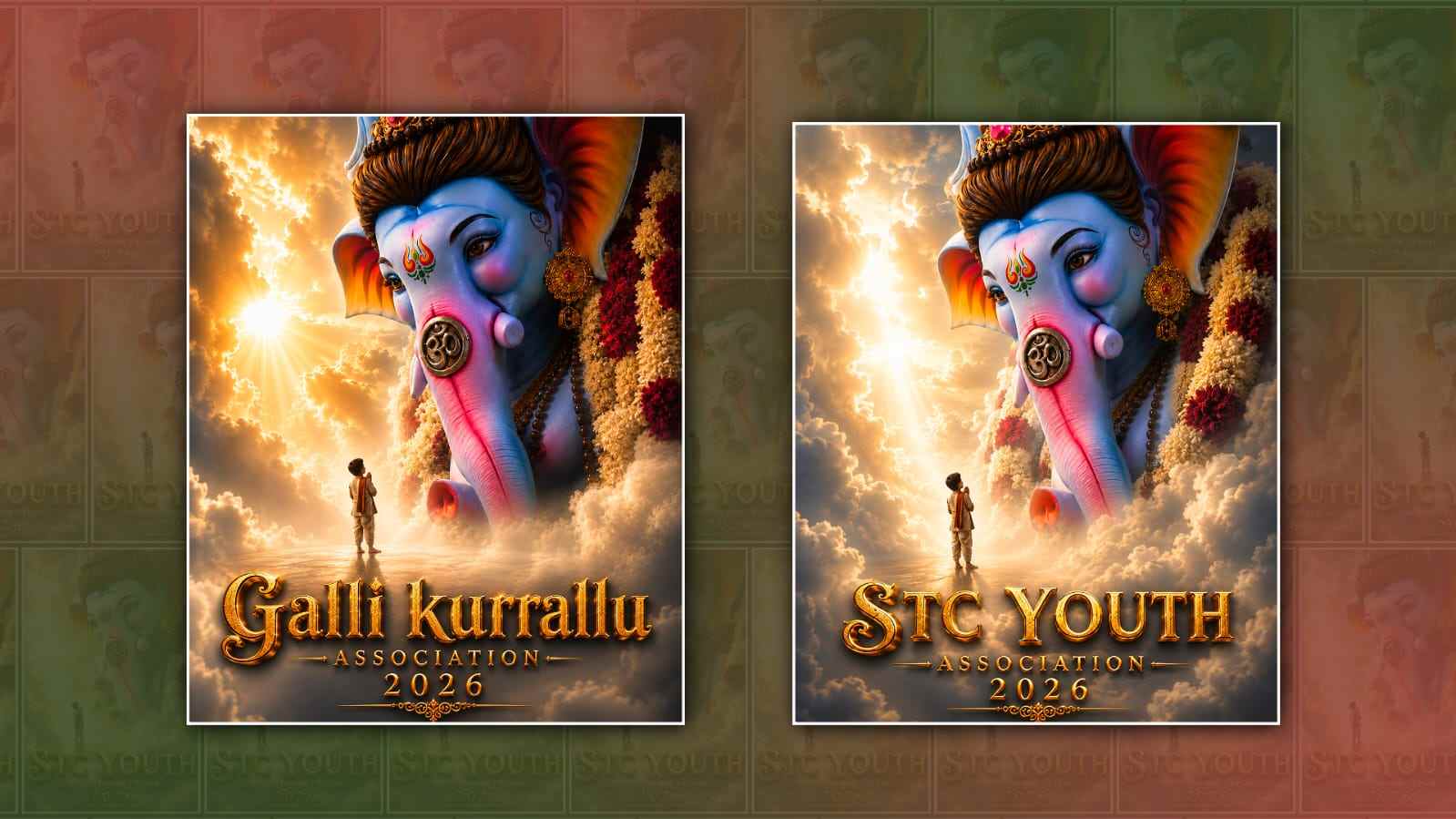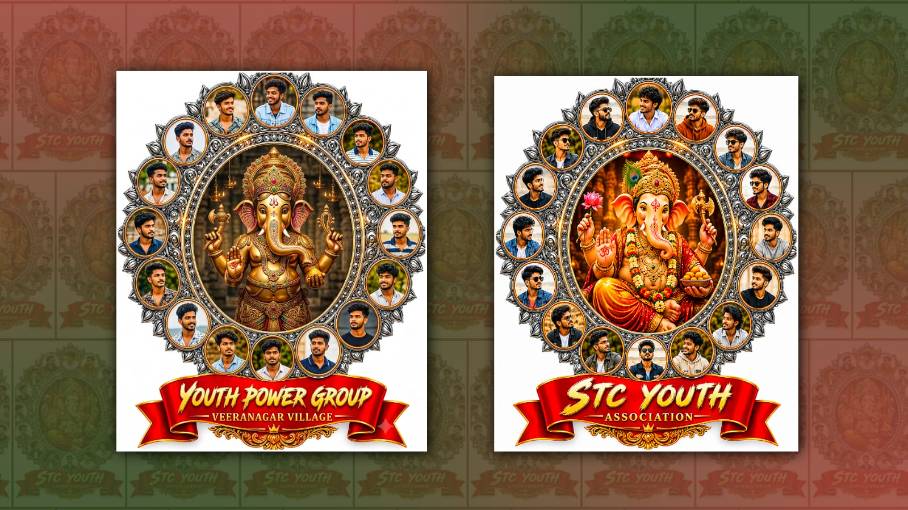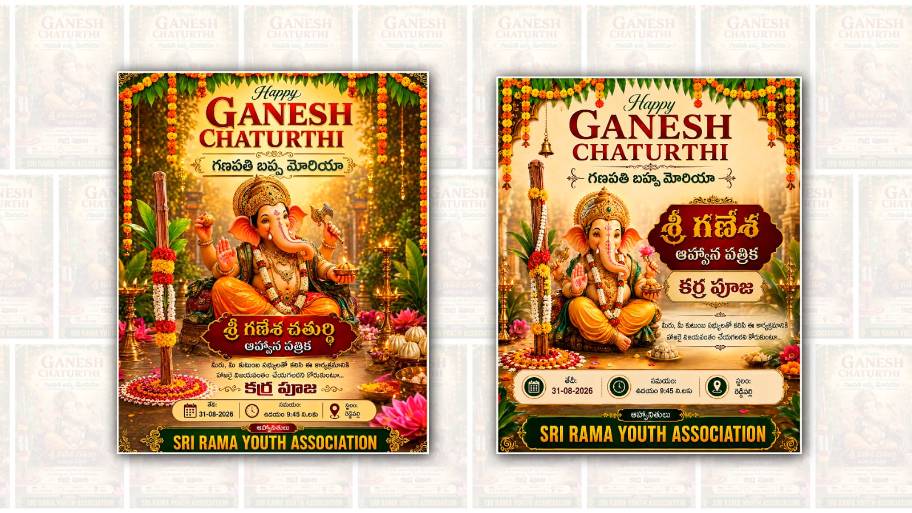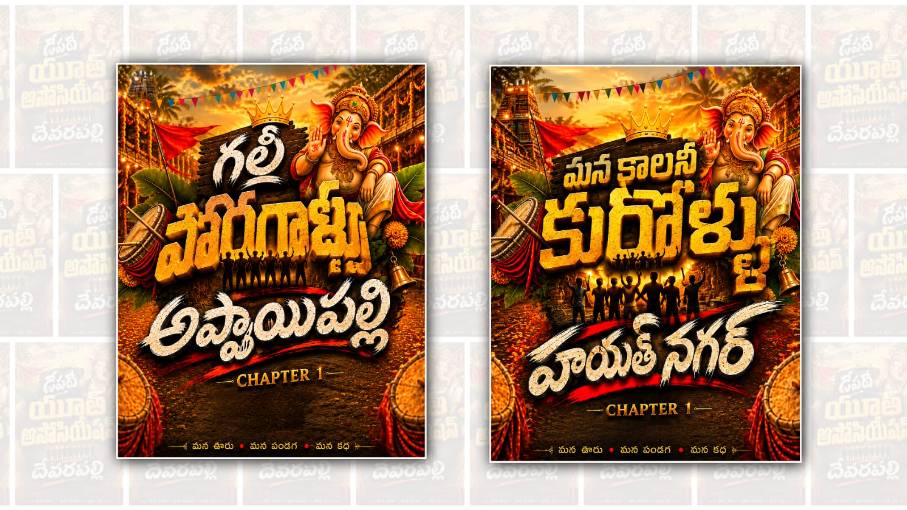
In recent years, AI tools have made poster designing much easier, especially for people who do not have professional graphic design skills. One of the most useful tools for this purpose is Google Gemini AI. With Gemini, you can create attractive festival posters, event posters, birthday designs, social media creatives, and even Telugu posters with simple instructions. If you are looking to create a Ganesh Youth Telugu poster for Vinayaka Chavithi celebrations, youth association events, or local Ganesh pandal activities, Gemini AI can help you create a good design idea within a few minutes.
The first thing you need to decide is what type of Ganesh Youth poster you want. Think about the main purpose of the poster before starting. For example, it could be a Vinayaka Chavithi celebration poster, a Ganesh idol welcome poster, a cultural event poster, a procession poster, or a simple greeting poster from a local youth group. Having a clear idea makes it easier to give the right instructions to Gemini.
Open Google Gemini AI on your phone or computer and sign in with your Google account if required. Once Gemini is open, you can describe the poster you want in a simple sentence. You do not have to know complicated AI commands. However, the more clearly you describe the design, the better your result can be. Mention the theme, colours, text, background, Ganesh idol style, lighting, and overall mood that you want.
For example, you can ask Gemini to create a powerful Telugu Ganesh Youth poster with a beautiful Lord Ganesha idol in the centre, a red and golden background, decorative flowers, glowing lights, traditional festival elements, and stylish Telugu text. You can also mention the name of your youth association or Ganesh committee if you want it included in the design.
One important point is the Telugu text. AI image generators can sometimes make mistakes while generating Telugu letters directly inside an image. The text may look distorted, spelling may be incorrect, or some characters may not appear properly. Because of this, it is better to use Gemini to create the main visual design and then add the final Telugu text using a poster editing application if necessary. This gives you much better control over spelling and placement.
Suppose your group name is “శ్రీ గణేష్ యూత్”. You can tell Gemini that the poster should have a large Ganesh idol and a space at the top for the title “శ్రీ గణేష్ యూత్”. You can also ask for space at the bottom for details such as the committee name, location, date, and event information. Creating empty areas for text is especially useful because you can later edit the poster without covering the important parts of the image.
The choice of colours also makes a big difference. Ganesh festival posters usually look attractive with combinations such as red and gold, orange and yellow, purple and gold, dark blue and saffron, or green and gold. If you want a traditional appearance, ask Gemini for warm colours, temple-style decorations, flower garlands, diyas, and golden lighting. If you want a modern youth-style poster, you can request neon lighting, dramatic shadows, glowing effects, 3D typography space, and a darker background.
You can also make the Ganesh idol the main attraction of the poster. Instead of asking for an ordinary image, describe the appearance you want. For example, you can request a majestic Lord Ganesha idol decorated with flowers and ornaments, sitting on a beautifully decorated stage, surrounded by lamps and festival decorations. If you want a realistic poster, mention realistic photography or cinematic lighting. If you prefer a colourful devotional design, ask for an artistic or traditional illustration style.
Another useful idea is to create a vertical poster because most festival posters are shared through WhatsApp, Instagram Stories, Facebook, and other social media platforms. You can ask Gemini for a portrait-oriented design suitable for a mobile screen. A vertical format also gives you enough space to place the Ganesh idol in the centre and add Telugu information above and below it.
After Gemini creates the image, carefully check the result. Look at the Ganesh idol, background, decorations, colours, and especially any text generated by the AI. If something does not look right, you can ask Gemini to modify the design. You can give instructions such as making the idol larger, changing the background colour, adding more festival lights, removing unnecessary objects, creating more space for Telugu text, or making the design more realistic.
The best part of using AI for poster editing is that you do not need to create everything from the beginning. You can keep improving the same concept until you get a design that matches your idea. If the first result looks too simple, ask for a more attractive festival atmosphere. If it looks too crowded, ask Gemini to make the background cleaner. If the colours are not suitable, ask for a different colour combination.
Once you are happy with the generated image, you can use a mobile editing application to add accurate Telugu text. Applications such as Canva or other photo-editing tools allow you to choose Telugu fonts, adjust text size, change colours, add shadows, and position the words exactly where you want them. This step is helpful when you need the poster to contain important information such as names, dates, addresses, contact numbers, or committee details.
For a Ganesh Youth poster, you can keep the main title large and attractive. Below the title, you can add a short devotional message or the name of the event. At the bottom, you can include the names of organisers and other details. Try not to fill every empty area of the poster with text. A clean design usually looks more professional and allows the main Ganesh image to stand out.
You can also create different versions of the same poster. For example, one version can be used as a WhatsApp status, another can be designed for Instagram, and another can be prepared for printing. The basic Ganesh image can remain the same while the text arrangement and dimensions are changed according to the platform.
If you want a particularly impressive result, think about the emotion you want the poster to create. A Ganesh Youth poster should feel energetic, festive, devotional, and positive. You can ask Gemini for a combination of traditional Indian festival elements and modern youth-oriented visual effects. This can create a design that feels both culturally meaningful and visually attractive.
It is also a good idea to avoid adding too many unrelated elements. A common mistake in festival posters is putting excessive effects, multiple idols, too many colours, and large amounts of text into one design. A strong central image, a clear title, balanced colours, and a clean layout are usually enough to make the poster look appealing.
Finally, before sharing or printing the poster, check every Telugu word carefully. Make sure names are spelt correctly and verify dates, locations, and other important information. AI is a helpful design assistant, but you should always review the final poster yourself.
Creating a Ganesh Youth Telugu poster with Google Gemini AI is therefore quite simple. You can start with a basic idea, describe the design clearly, generate the main visual, make improvements through additional instructions, and finally add accurate Telugu text using an editing application. You do not need to be a professional designer to create an attractive festival poster. With a little creativity and some patience, AI can help you turn a simple idea into a colourful and eye-catching Ganesh festival poster that you can proudly share with your friends, youth association, and local community.
POSTER PROMPT
Create a premium Indian village festival poster in the same style and composition as the reference image.

Design details:
Golden orange cinematic evening background, Traditional village temple street atmosphere, Lord Ganesha on the right side with royal ornaments, blessing pose, Red flags, colourful triangle decorations, drums, banana leaves, flowers, temple lights, Dark wooden board behind the main title with a golden crown on top, Large cracked stone texture 3D golden Telugu typography in tthe centre, Silhouette of young people standing below the main title, White stone texture Telugu text at the bottom with black shadow and 3D depth, Red brush stroke effects behind the bottom text, Royal, mass, youth association festival poster look, Ultra realistic, high detail, cinematic lighting, 8K quality

Text placement must be exactly like the reference:

Top small Telugu title:
" [MAIN TITLE NAME] "

Main huge golden 3D Telugu text:
" [YOUTH ASSOCIATION NAME] "

Bottom white 3D Telugu text:
" [VILLAGE NAME] "

Bottom tagline:
"మన ఊరు • మన పండుగ • మన కథ"

Important:
Telugu text must be typed exactly as provided. No spelling mistakes. No changes in letters. Do not generate random Telugu words. Keep all Telugu fonts clear, readable and professional. Maintain the same layout, colours, depth, shadows and style as the reference poster.