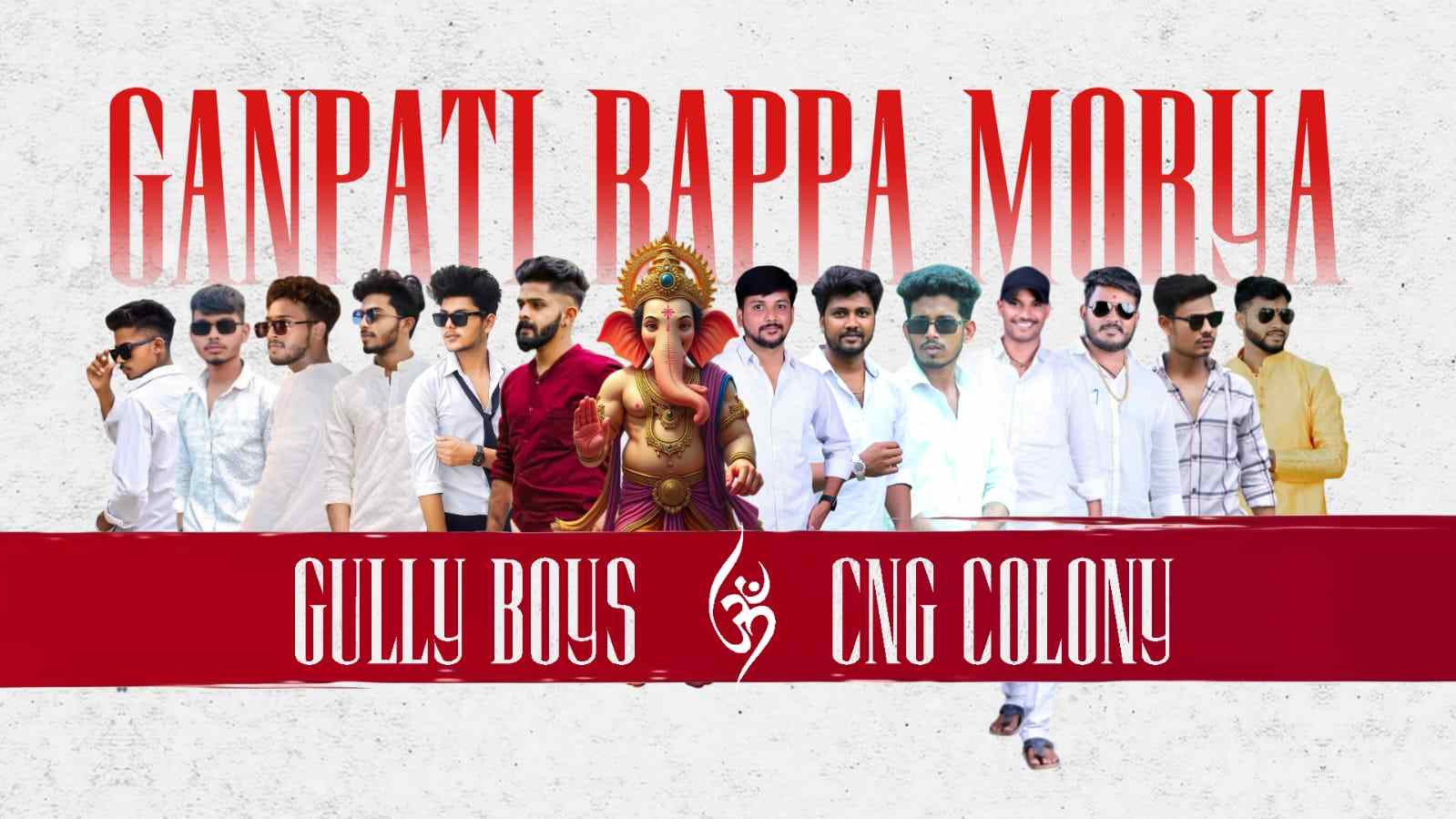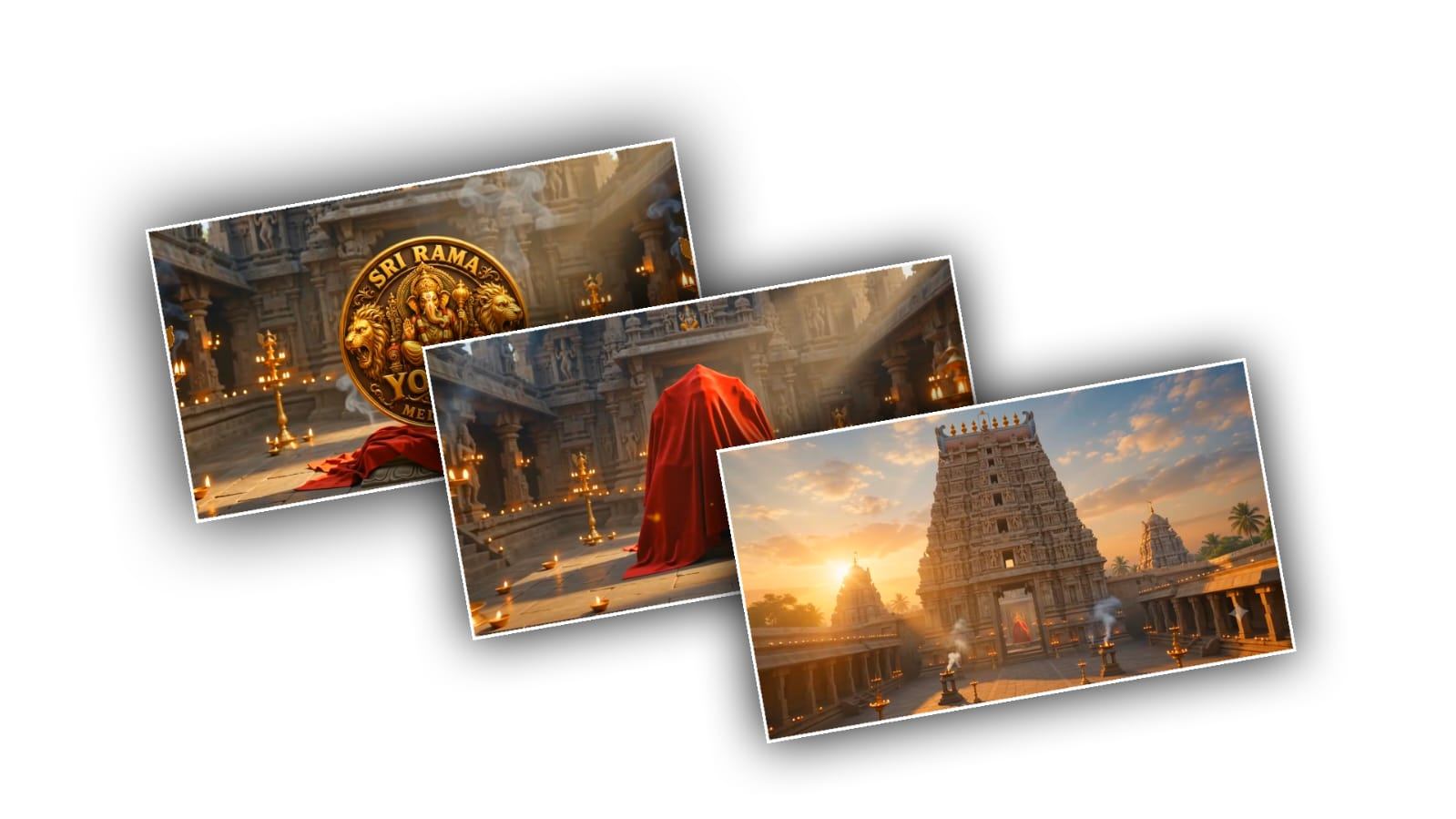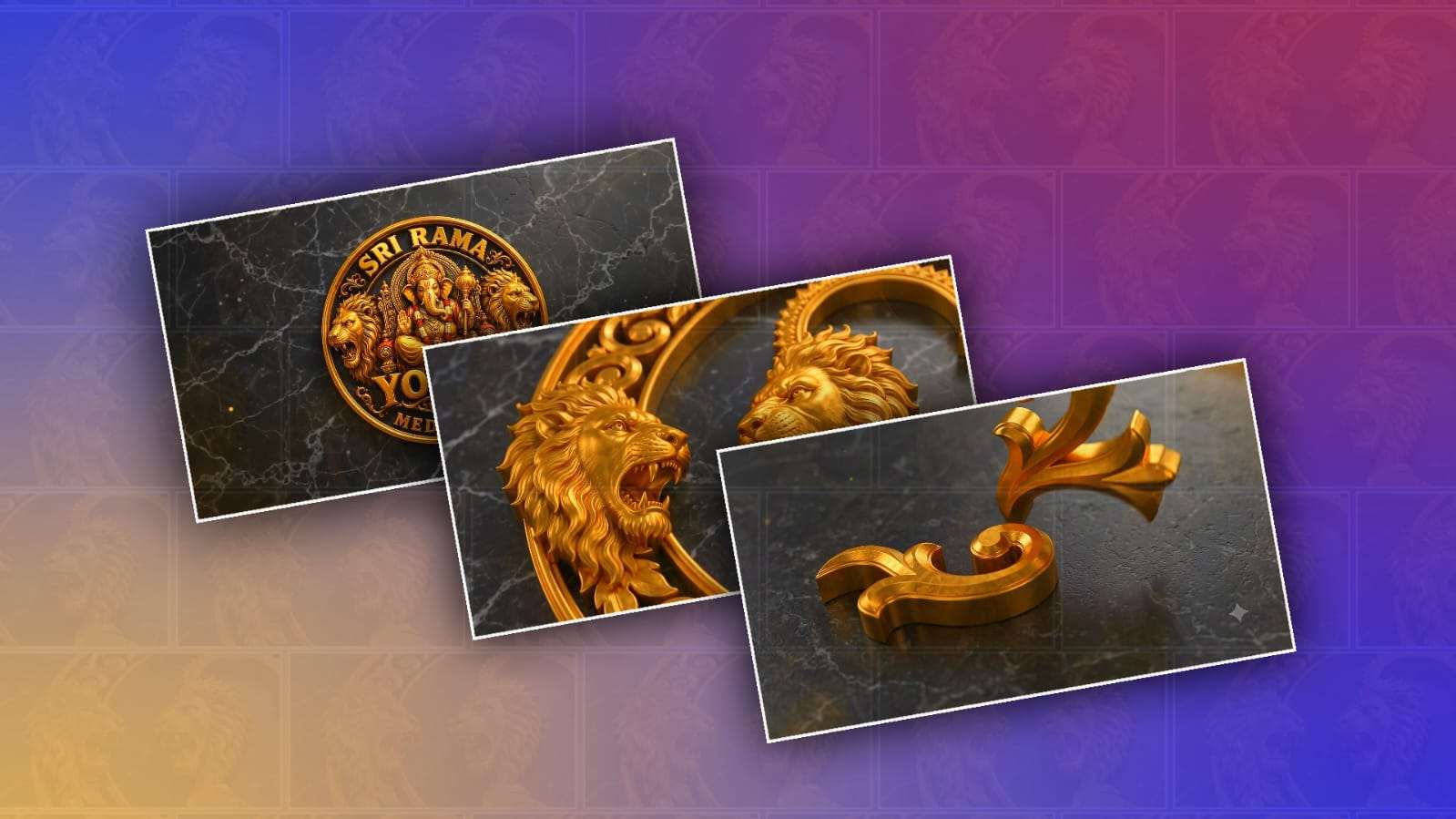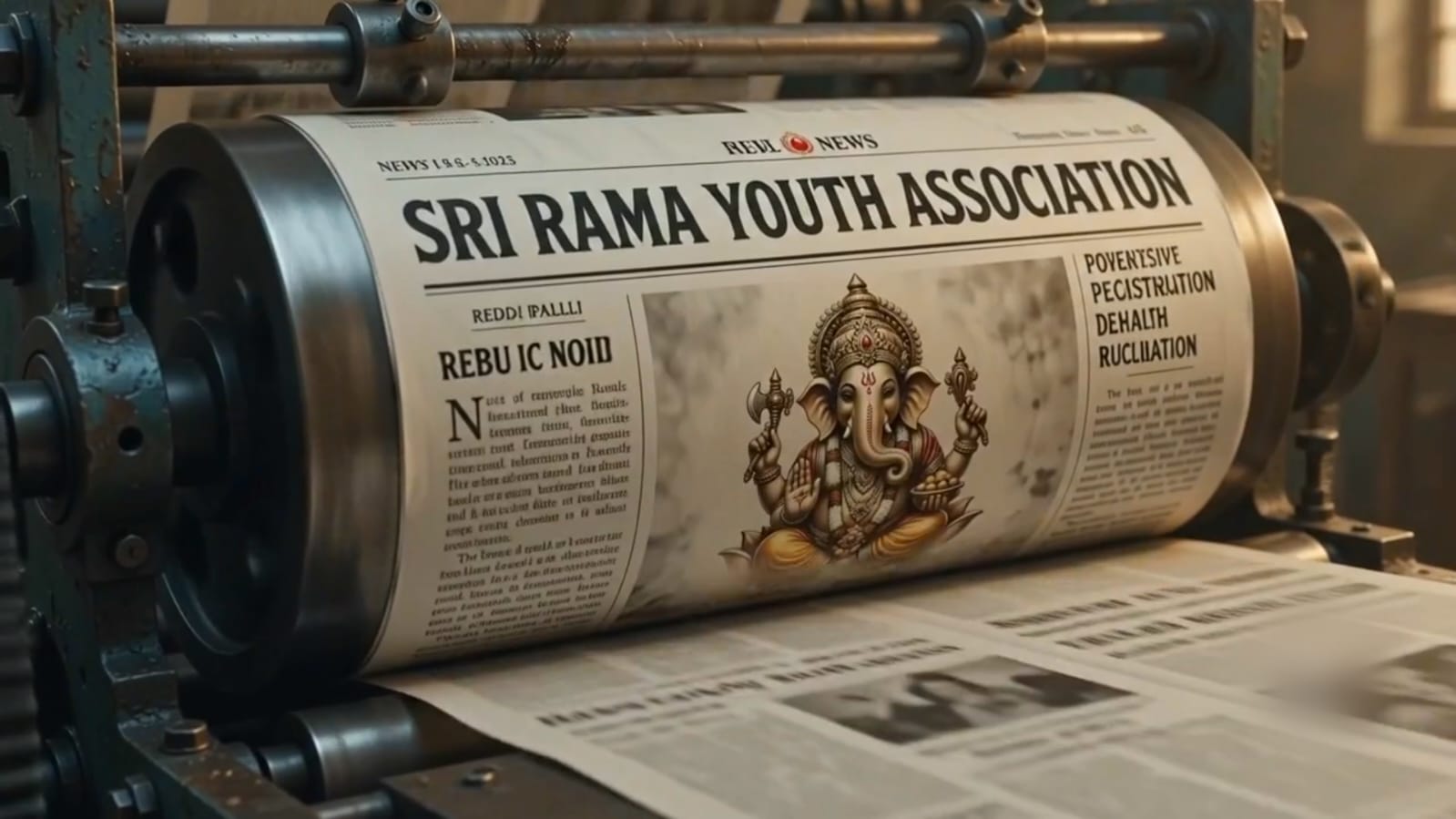
Nowadays, creating a creative and attractive Ganesh Youth logo has become very popular on social media. Many young people want to make their own stylish Ganesh logo for Ganesh Chaturthi, youth groups, local celebrations, Instagram posts, YouTube videos, and WhatsApp status. The good thing is that you do not need to be a professional graphic designer to create this type of design. With the help of Google Gemini, you can easily create a trending Ganesh Youth logo on a new paper-style background and turn it into a beautiful video.
Google Gemini is becoming useful for people who want to create AI images and creative designs using simple text instructions. You only need to explain what you want in the prompt, and Gemini can generate an image based on your description. For a Ganesh Youth logo, you can ask Gemini to create Lord Ganesha in a powerful, artistic style along with the words “Ganesh Youth” and a fresh paper background.
Before starting, think about what type of logo you want. A simple logo can look clean and professional, while a colourful design can look more festive and attractive. If you are making the logo for a youth group, you can choose a bold and energetic style. You can also add traditional Indian elements such as saffron colours, red, gold, lotus flowers, decorative patterns, diyas, or a traditional Ganesh crown. The main idea is to combine a traditional Lord Ganesha theme with a modern youth-style design.
To begin, open Google Gemini on your phone or computer and sign in with your Google account if required. Start a new conversation and select the image creation option if it is available to you. Then write a clear prompt describing your desired logo. You do not need to use complicated English. The more clearly you describe the design, however, the better chance you have of getting the result you are looking for.
For example, you can describe a design with a powerful Lord Ganesha illustration in the centre, bold “GANESH YOUTH” text, a fresh white paper texture, saffron and red colours, golden highlights, modern typography, and a clean professional logo composition. You can also mention that you want the design to look suitable for a social media video thumbnail or festival poster.
If the first image does not look exactly as you expected, do not worry. This is one of the useful things about using Gemini. You can continue the conversation and ask it to change particular parts of the design. You can request a bigger Ganesha image, different colours, a cleaner background, larger text, a more traditional appearance, or a more modern youth-style look. It is better to make small changes instead of starting again every time.
The new paper effect is especially useful if you want the logo to look like it has been designed or printed on a fresh sheet of paper. You can ask for a realistic white paper texture, slightly rough handmade paper, clean drawing paper, or a premium textured paper background. If you want a video effect, the paper can appear at the beginning, ng and the Ganesh logo can gradually become visible on it.
After generating the image, save the best version to your phone. If you want to create a video from the image, you can use a video-editing application that supports photos, text, transitions, music, and effects. Add the generated Ganesh Youth logo as the main image and set the video duration according to your preference. A short video of around 10 to 15 seconds can work well for Instagram Reels, YouTube Shorts, and WhatsApp Status.
To make the video more interesting, you can start with a blank paper background. Then add a slow zoom effect so the viewer feels that the camera is moving toward the design. After that, reveal the Ganesh logo using a fade, paper reveal, or light effect. You can also add animated particles, golden light, flowers, or a soft glow around the design. Keep the effects balanced because too many effects can make the logo difficult to see.
Music is another important part of the video. For a Ganesh-themed creation, many people prefer devotional music, traditional instrumental sounds, dhol beats, or energetic festival music. Make sure that the audio you use is appropriate for the platform and that you have permission to use copyrighted music when required. A strong beat combined with the appearance of the Ganesh Youth logo can make a short video feel much more energetic.
Text placement is also important. The words “Ganesh Youth” should be easy to read. Avoid placing the text over complicated parts of the Ganesh illustration. Bold letters with a clean outline can work well. Saffron, red, white, black, and golden combinations can give the design a festive Indian appearance. If the logo is for a particular youth group, you can also include the group name, year, location, or a short slogan, but avoid putting too much information into one logo.
Another useful idea is to create several versions before choosing the final one. You can ask Gemini for a traditional version, a modern version, a 3D version, and a simple minimal version. Compare all of them and select the design that best represents your group. Sometimes the simplest design looks better than a very complicated one, especially when the logo will be used as a profile picture or social media icon.
When making an AI-generated religious design, it is also good to keep the representation respectful. Lord Ganesha is an important Hindu deity, so avoid prompts that create disrespectful, inappropriate, or confusing imagery. A clean and devotional presentation usually works better for festival-related content and community youth groups.
You can also use the final logo in many different ways. It can be used as a WhatsApp profile picture, Instagram post, YouTube thumbnail, festival banner, invitation design, T-shirt artwork, group poster, or opening screen for a Ganesh Chaturthi video. If you need a larger banner, ask Gemini to generate a wider composition. If you need a profile image, request a square format with the main logo in the centre.
The main advantage of this method is that you can experiment with different ideas without needing advanced Photoshop or graphic-design knowledge. A simple prompt can give you a starting point, and you can improve the result through additional instructions. After that, a basic video editor can turn the still image into a stylish short video.
So, if you are looking for a trending Ganesh Youth logo on a new paper background, Google Gemini can be a convenient way to start. Focus on a clear Ganesh design, attractive youth-style typography, a clean paper texture, and simple animation. Once you combine the AI-generated image with suitable music and smooth video effects, you can create a unique Ganesh Youth video that looks modern while still keeping the traditional festival feeling. The most important thing is to try different prompts, compare the results, and choose the design that matches your own style and celebration.
TRENDING GANESH YOUTH LOGO REVEAL PROMPTS
STYLE 1
SCENE 1 PROMPT
Use the uploaded reference images. Create a cinematic, realistic traditional newspaper printing press. Fast camera cuts of rotating gears, ink rollers and newspaper sheets moving through the machine. The newspaper is gradually printed with a large Lord Ganesha image/logo. The headline must be very large: “SRI RAMA YOUTH ASSOCIATION”, with “REDDIPALLI” below it in a noticeably smaller size. Intercut beautiful cinematic shots of the FULL Lord Ganesha idol during the printing process. Finally, the completely printed newspaper comes out of the machine and opens fully toward the camera, clearly revealing the Ganesha image, large Youth Name and smaller Village Name. Fast cinematic camera movements, dramatic lighting, realistic newspaper texture, 4K, premium Indian cinema style. Keep the same logo and text.SCENE 2 PROMPT
Continue from the exact final frame of Scene 1. The same printed newspaper is now published and being read by many people in an Indian village during Vinayaka Chavithi. Fast cinematic shots of young people, villagers and elders opening, holding and reading the newspaper. Clearly show the same Ganesha image/logo, “SRI RAMA YOUTH ASSOCIATION” as the large headline and “REDDIPALLI” smaller underneath. Intercut cinematic shots of the FULL Lord Ganesha idol, decorations and festival atmosphere. End with a wide cinematic shot showing many people reading the newspaper in the foreground and the COMPLETE Lord Ganesha idol visible in the background. Fast camera angles, smooth transitions, realistic crowd movement, warm cinematic lighting, 4K photorealistic. Keep the same newspaper design, logo and text from Scene 1.STYLE 2
SCENE 1 PROMPT
A highly cinematic, ultra-realistic 4K Indian printing press environment during Vinayaka Chavithi celebrations. A large professional commercial printing machine is operating at high speed. Start with a wide shot of the printing machine, then smoothly move toward the printing area. A clean, large white poster paper enters the machine. The printer starts printing a beautiful Lord Ganesha logo using rich golden, red and orange ink. The uploaded Lord Ganesha youth association logo must be preserved and reproduced accurately on the printed paper. As the printing continues, the large text becomes clearly visible on the paper:

“SRI RAMA YOUTH ASSOCIATION”

and underneath, in very large bold letters:

“REDDIPALLI”

The complete Lord Ganesha logo must appear prominently above the youth name. The Youth Name and Village Name must be LARGE, BOLD, CENTERED and clearly readable. The freshly printed poster slowly comes out from the printing machine. The camera follows the paper as it emerges. At the end of Scene 1, the entire printed poster is fully visible in front of the camera for a clear hero reveal. The logo, “SRI RAMA YOUTH ASSOCIATION” and “REDDIPALLI” must all be clearly visible together. Cinematic lighting, realistic printing movement, subtle ink and paper details, premium advertising-film quality, smooth camera movement, realistic Indian environment, festive golden atmosphere, no unnecessary text, no distorted letters, no extra logos.
SCENE 2 PROMPT
Continue directly from the exact final frame of Scene 1. The same freshly printed poster is now being displayed publicly in a busy Indian village during Vinayaka Chavithi celebrations. A group of young people and local villagers gather around the printed poster. Some people hold the poster, while others stand around it and carefully read the information. Show different people looking directly at the poster, pointing toward the Lord Ganesha logo and reading the large text. The camera slowly moves from one side of the crowd toward the poster, then gently pulls back to reveal a larger group of people looking at and reading the poster together. The poster must remain clearly visible throughout the scene, with the same Lord Ganesha logo and the exact large text:

“SRI RAMA YOUTH ASSOCIATION”

“REDDIPALLI”

People should look genuinely interested and impressed, as if this is an important Vinayaka Chavithi youth association publicity announcement. End with a wide cinematic shot showing the complete poster in the centre and a crowd of people around it reading and viewing it. Festive Vinayaka Chavithi atmosphere, subtle decorations, warm cinematic lighting, realistic Indian village setting, premium commercial advertisement style, natural human movements, 4K photorealistic quality.

IMPORTANT CONTINUITY: The printed poster, Lord Ganesha logo, Youth Name and Village Name must remain the same in both scenes. Do not redesign, replace or alter the logo between scenes. Do not change the spelling of the text. No random text, no extra words, no distorted typography.