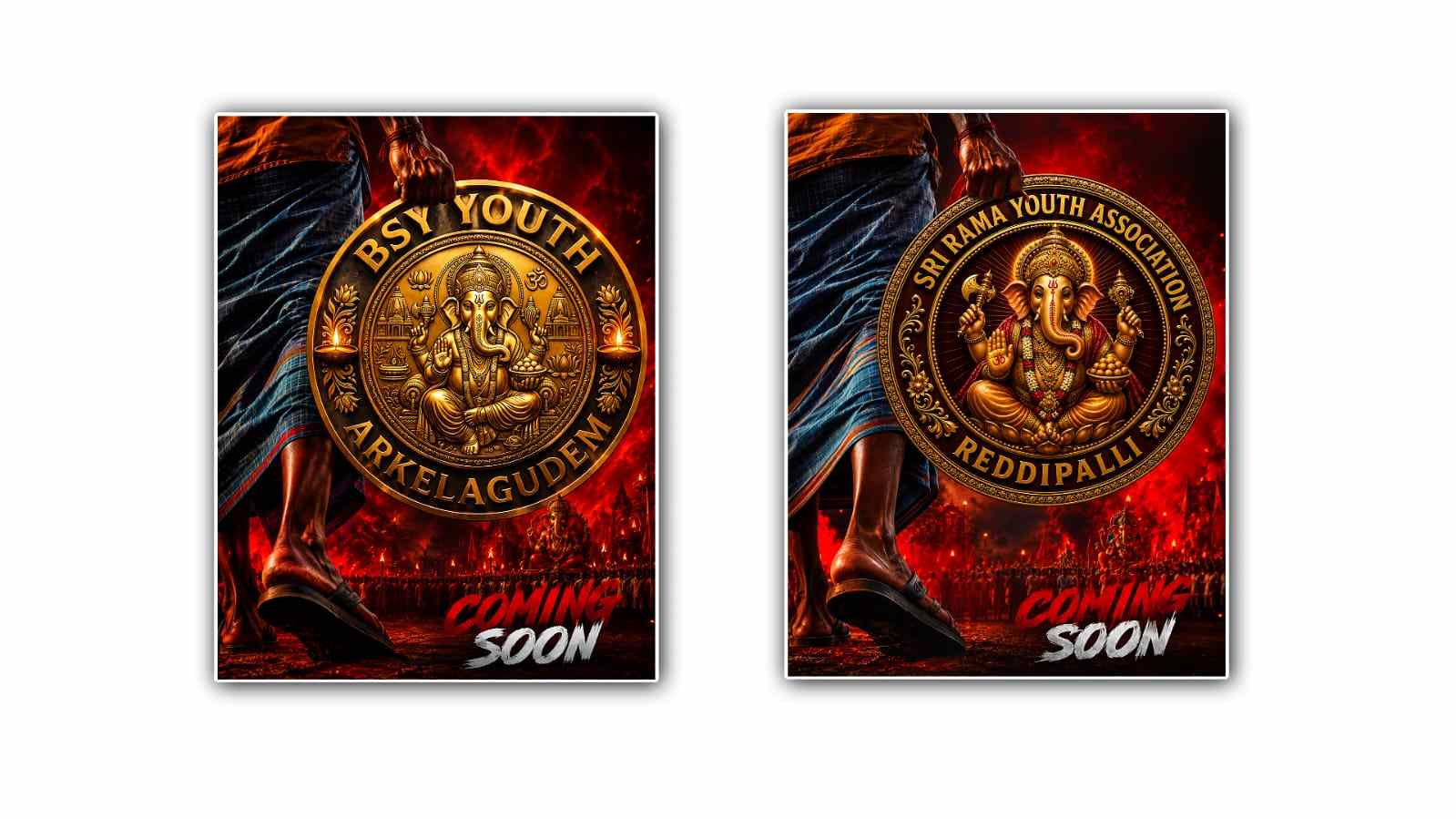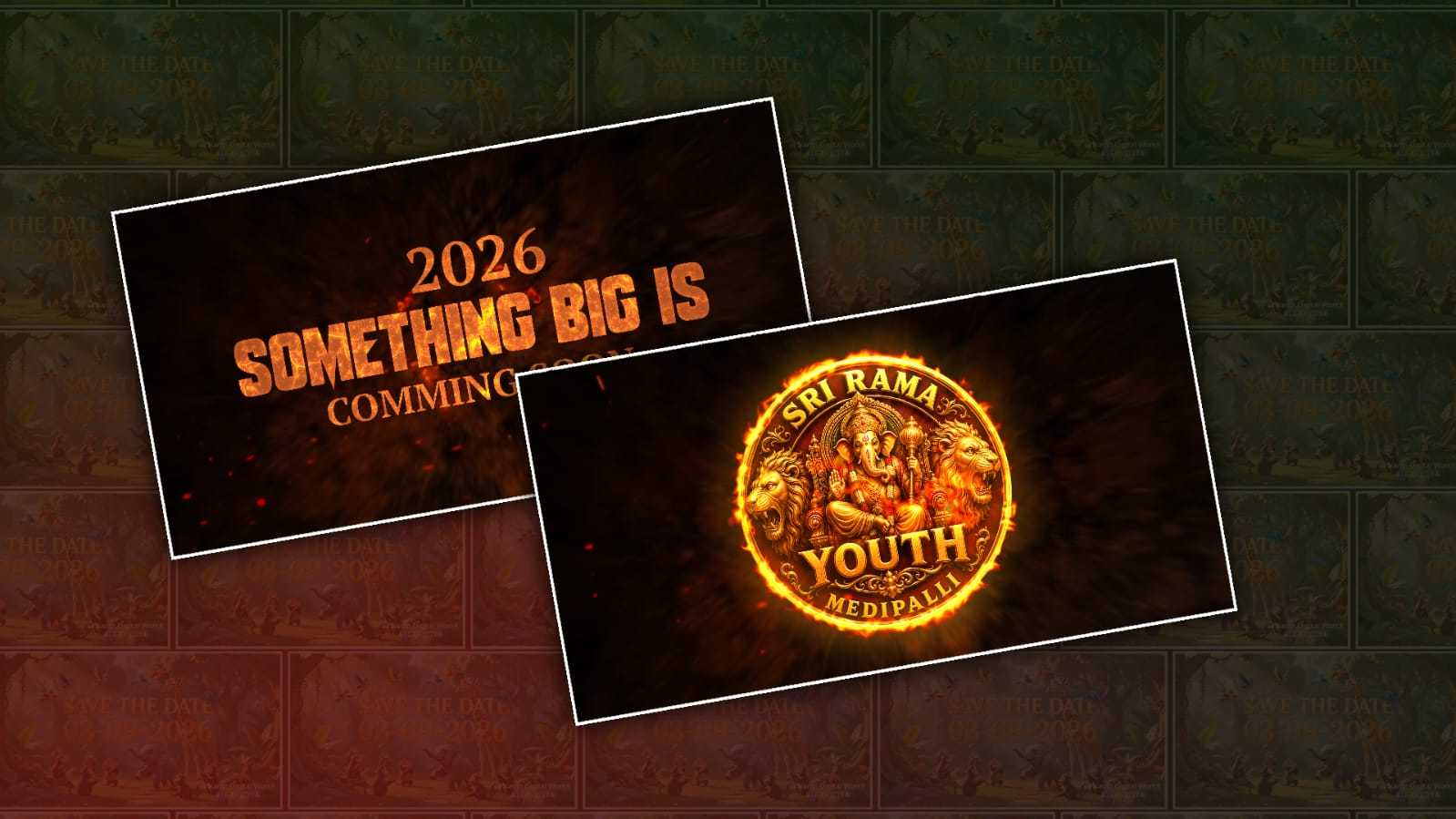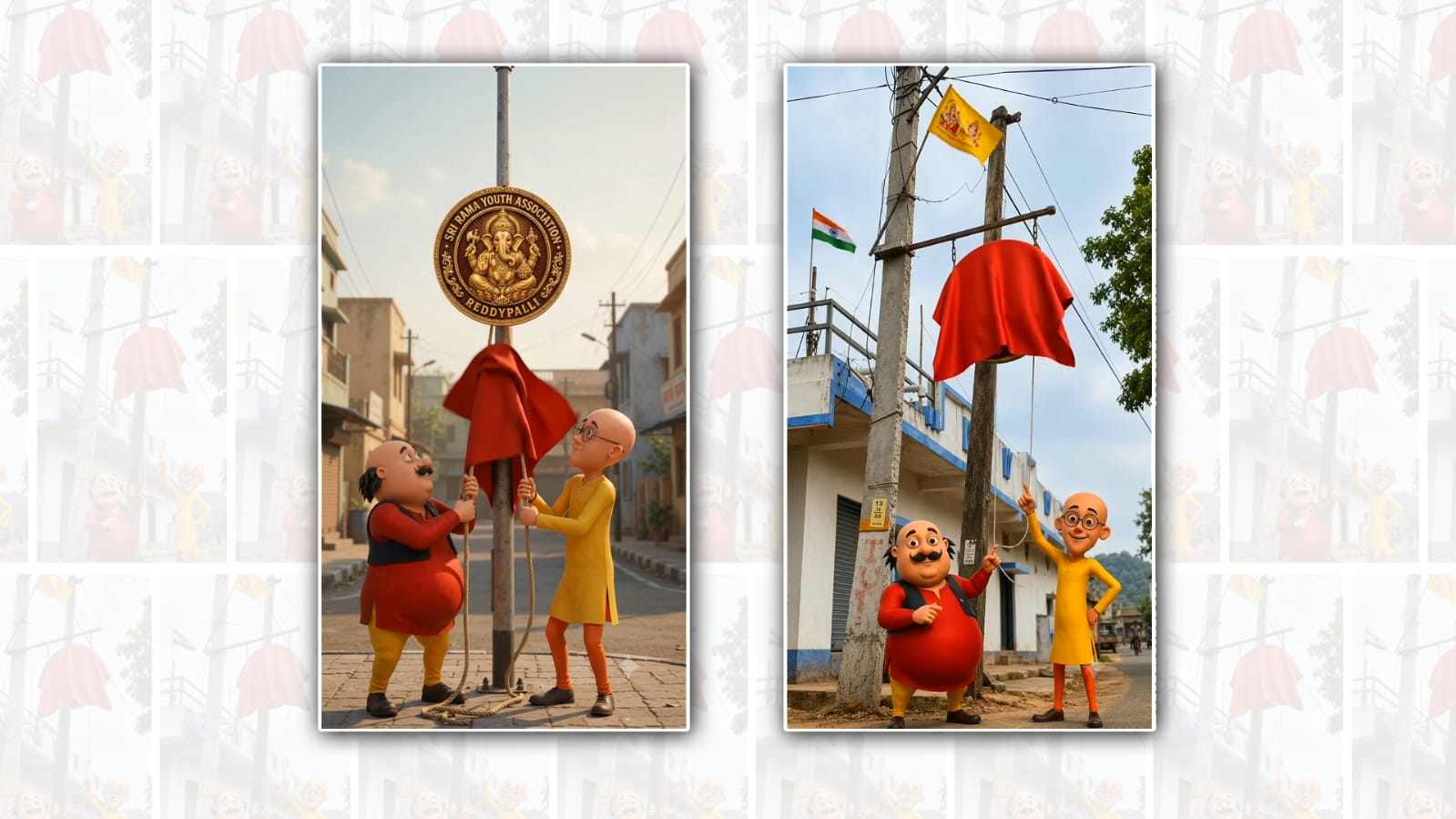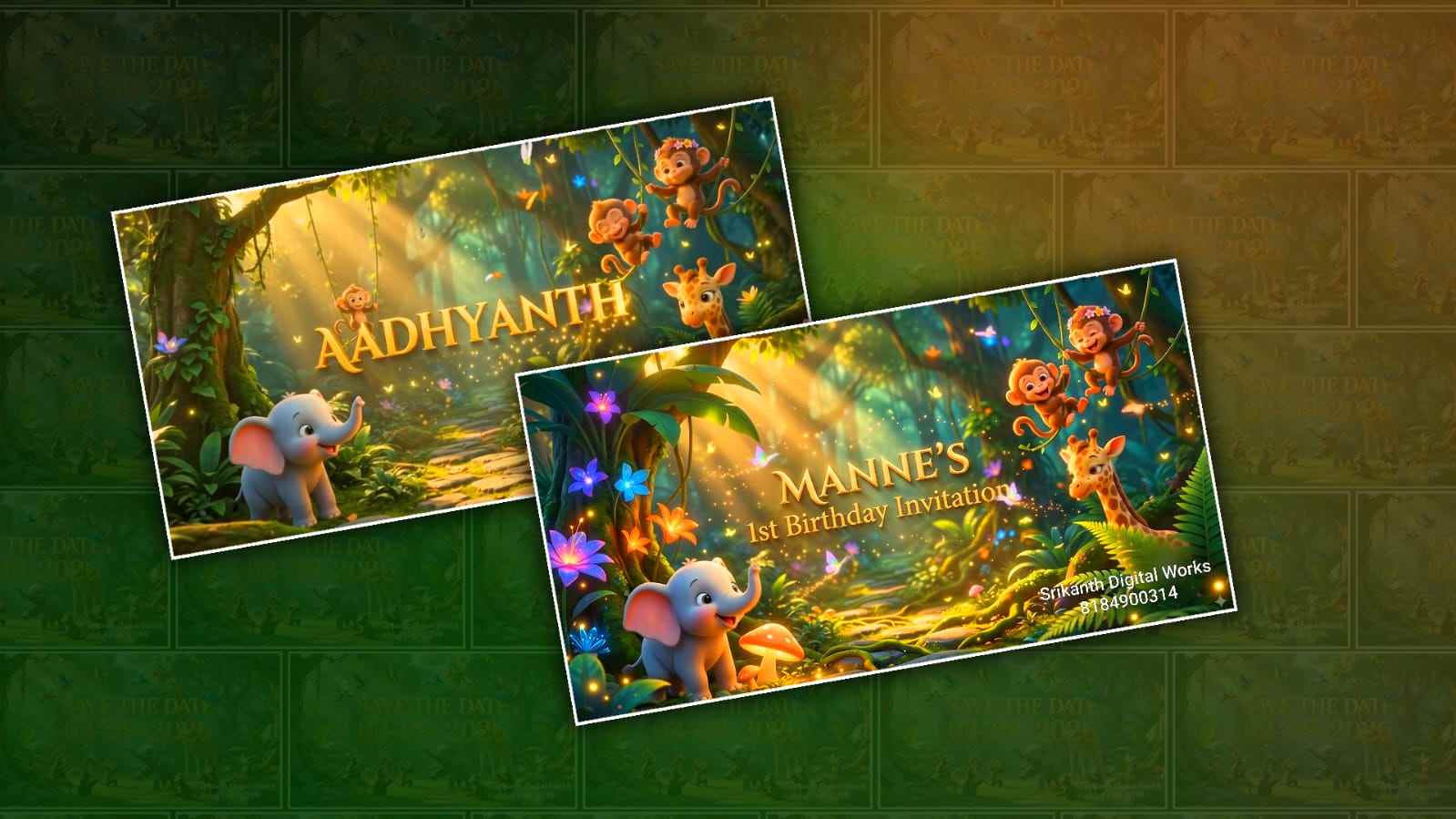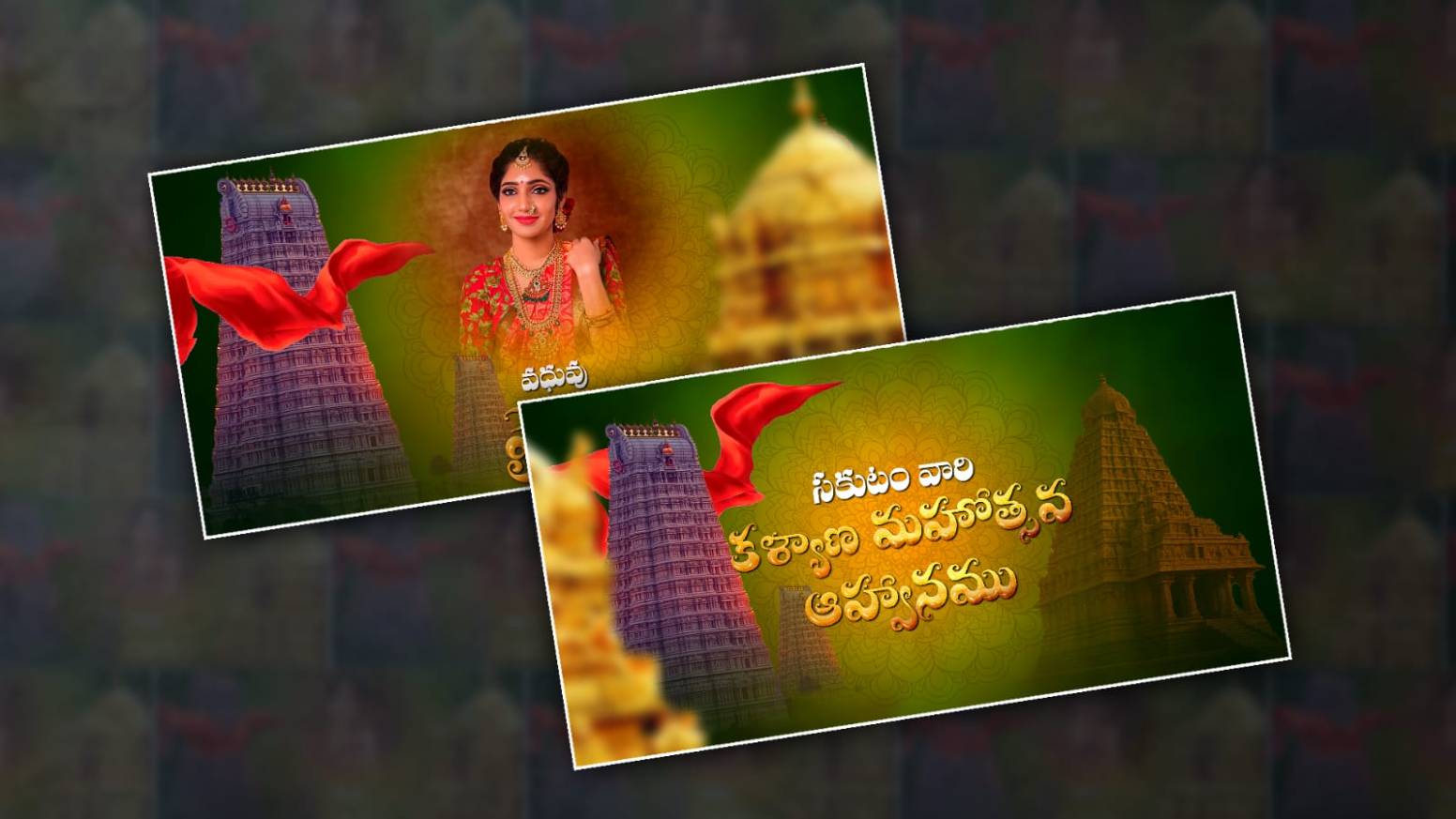
Introduction to Traditional Marriage Invitation Video Editing
Creating a traditional marriage invitation video has become one of the most popular trends for weddings because it adds a personal and emotional touch to the celebration. Instead of sending plain text invitations, couples now prefer cinematic digital invitations that showcase culture, traditions, music, and beautiful memories. With Alight Motion, editing a professional-looking marriage invitation video has become easier even for beginners. The app provides powerful tools like keyframe animation, transitions, visual effects, typography, and motion graphics that help creators design stunning wedding invitations directly from their mobile phones. A traditional wedding invitation video usually includes the couple’s names, family details, wedding dates, venue information, cultural elements, and elegant background music. In this tutorial, you will learn how to edit a complete traditional marriage invitation video in Alight Motion using smooth transitions, cinematic effects, and attractive text animations.
Understanding the Style of Traditional Wedding Invitation Videos
Traditional wedding invitation videos are very different from modern party-style edits because they focus more on elegance, culture, emotional storytelling, and graceful animations. The colours used in traditional invitations are usually gold, red, cream, maroon, royal green, and white because these shades represent celebration and purity in many cultures. Most editors also use traditional elements like flowers, temple bells, diyas, mandala designs, decorative borders, and cultural symbols to make the invitation look more authentic. Slow-motion transitions, soft glow effects, and classical background music make the video feel rich and premium. Before starting the editing process, it is important to understand the overall mood and design style so the final video looks visually balanced and emotionally appealing.
Setting Up the Project in Alight Motion
The first step in editing a traditional marriage invitation video is creating a new project in Alight Motion with the correct resolution and frame settings. Open Alight Motion and tap the plus icon to create a project. Choose a 1080×1920 resolution for vertical videos because this format works perfectly for WhatsApp, Instagram Reels, and YouTube Shorts. Set the frame rate to 30 FPS for smooth motion and select a duration according to your invitation script. Most traditional invitation videos are between 30 seconds and 1 minute long. After creating the project, organise all required assets like background images, a couple of photos, PNG decorations, music, fonts, and video clips into separate folders so the editing process becomes smoother and faster.
Choosing the Perfect Background for the Invitation
The background is one of the most important parts of a marriage invitation video because it creates the overall visual atmosphere. Traditional wedding invitation videos usually use elegant backgrounds such as royal palace designs, floral textures, temple art, silk fabric textures, glowing lights, or cinematic wedding scenes. You can either use a still image background or a slow-motion video background, depending on the style you want to create. Import the background into Alight Motion and adjust it to fit the screen properly. Applying slight blur and brightness adjustments can help make the text more visible while maintaining a premium cinematic feel. Warm colours and soft lighting effects usually work best for traditional invitation edits.
Adding Traditional Music and Audio Effects
Music plays a major role in making a wedding invitation video emotional and engaging. Traditional invitation videos often use instrumental music, flute melodies, classical wedding tunes, devotional music, or soft romantic background tracks. Import your selected music into Alight Motion and trim it according to the video duration. Smooth audio fading at the beginning and ending creates a professional finish. You can also add sound effects like bells, sparkle sounds, cinematic whooshes, or soft drum beats to enhance transitions and text animations. Choosing music that matches the cultural theme of the wedding helps create a deeper emotional connection with viewers.
Importing Couple Photos and Wedding Images
Photos are the heart of any wedding invitation video because they help tell the couple’s story beautifully and memorably. Select high-quality photos with good lighting and traditional outfits to maintain a premium look. Import the images into Alight Motion and place them on the timeline according to the sequence of your invitation script. Use crop and fit options carefully so the subjects remain centred and visually balanced. Applying slight zoom animations and motion effects to still images can make the video feel alive and cinematic. Traditional edits often use slow pan movements, fade-ins, and elegant transitions instead of flashy effects because simplicity looks more graceful for wedding invitations.
Using Elegant Fonts for Traditional Invitations
Typography is extremely important in traditional marriage invitation editing because the text delivers all the key information about the wedding ceremony. Fonts should look elegant, readable, and culturally suitable. Script fonts, serif fonts, and royal calligraphy fonts work perfectly for traditional invitations because they create a luxurious and emotional appearance. In Alight Motion, add text layers for the couple’s names, wedding date, venue, and family details. Use gold, white, or cream-colored text with slight shadow or glow effects for better visibility. Proper spacing and alignment are necessary to make the invitation look clean and professional. Avoid using too many font styles because consistency improves the overall visual quality.
Creating Smooth Text Animations
Text animation is one of the most attractive parts of a wedding invitation video because it makes the information appear dynamic and cinematic. Alight Motion provides keyframe animation tools that allow you to create smooth movement for text layers. Traditional wedding invitation videos usually use slow fade-ins, upward motion, zoom effects, and elegant slide animations. Start by selecting the text layer and adding keyframes to position, scale, and opacity. Keep the animation smooth and gentle rather than fast or aggressive because traditional invitations should feel calm and classy. Timing is also very important because the text should appear according to the rhythm of the background music.
Adding Decorative PNG Elements
Decorative PNG elements help enhance the beauty of traditional marriage invitation videos. Floral frames, golden ornaments, hanging lamps, mandala designs, peacock feathers, roses, sparkles, and traditional symbols are commonly used in invitation edits. Import transparent PNG files into Alight Motion and position them around the text or photo sections. You can animate these elements with slight rotation, floating motion, or opacity changes to create a premium cinematic look. Avoid overcrowding the screen with too many decorations because a balanced design looks more elegant and professional. The purpose of decorative elements is to complement the invitation, not distract viewers from the main content.
Using Transitions for a Cinematic Flow
Smooth transitions are essential for maintaining flow and continuity in a marriage invitation video. Abrupt cuts can make the video feel unprofessional, while cinematic transitions create a more polished experience. In Alight Motion, you can use transitions like fade, blur, zoom, swipe, light leak, and motion blur to connect scenes smoothly. Traditional invitation videos generally use soft and graceful transitions instead of energetic effects because the overall tone should remain emotional and classy. Syncing transitions with music beats can also improve the viewing experience and make the video feel more engaging.
Applying Colour Grading and Effects.
Colour grading helps unify the entire video and gives it a premium cinematic atmosphere. Traditional marriage invitation videos often use warm tones, golden highlights, soft shadows, and slightly reduced contrast to create a rich and elegant appearance. Alight Motion includes several effects that can improve video quality, such as glow, blur, exposure adjustments, and vignette effects. Applying subtle cinematic filters can make the visuals more appealing without making them look unnatural. The goal of colour grading is to maintain visual consistency across all clips and images while enhancing the emotional mood of the invitation.
Creating a Royal Intro Scene
The intro scene is the first impression of your wedding invitation video, so it should look grand and visually attractive. Most traditional invitation videos begin with a decorative title screen featuring the couple’s initials, wedding logo, or a cultural symbol. Use elegant animations, glowing effects, and cinematic music to create a memorable opening. Slow zoom effects combined with golden sparkles or floral animations can instantly make the invitation feel luxurious. The intro should smoothly transition into the main content while maintaining the traditional aesthetic of the entire video.
Designing the Wedding Details Section
The wedding details section is where all important information is displayed, including the wedding date, venue, reception details, and family invitations. This section should be clear, organised, and easy to read because viewers need to understand the information quickly. Use centred text alignment and elegant spacing to maintain a clean layout. Background decorations and subtle animations can make the section visually appealing without affecting readability. Timing each detail with music beats creates a more cinematic and emotional presentation.
Adding Emotional Couple Story Segments
Many modern traditional invitation videos include short couple story segments to make the invitation more personal and emotional. These segments may include childhood photos, engagement moments, travel memories, or romantic pictures of the couple together. Soft transitions, emotional music, and cinematic effects help create a storytelling experience that connects emotionally with family and friends. In Alight Motion, combining slow zoom animations with warm colour grading can make these moments feel beautiful and heartfelt. Emotional storytelling adds uniqueness to the invitation and makes it more memorable for viewers.
Exporting the Final Video in High Quality
Once the editing process is complete, carefully preview the entire project to check for timing issues, spelling mistakes, or unwanted gaps. High-quality export settings are important because wedding invitations should look clear and professional on all devices. In Alight Motion, select 1080p resolution with a high bitrate for better video quality. Export the project in MP4 format because it works smoothly across social media platforms and messaging apps. After exporting, watch the final video completely before sharing it with family and friends to ensure everything looks perfect.
Tips for Making Your Invitation Video Look Professional
Creating a professional traditional marriage invitation video requires patience, creativity, and attention to detail. Maintaining consistent colours, fonts, and animation styles throughout the video helps achieve a polished look. Avoid overusing effects because simplicity often looks more elegant in wedding invitations. Proper synchronisation between visuals and music is another key factor that improves cinematic quality. Using high-resolution images and premium design elements can significantly enhance the final result. Spending extra time on fine adjustments like text alignment, transitions, and colour correction can make your invitation video stand out beautifully.
Conclusion
Traditional marriage invitation video editing in Alight Motion is a creative and rewarding process that allows you to design emotional and visually stunning wedding invitations directly from your smartphone. With the right combination of elegant typography, smooth transitions, cinematic music, traditional decorations, and beautiful storytelling, you can create a professional-quality invitation that leaves a lasting impression on viewers. Alight Motion provides powerful editing tools that make it possible for beginners and experienced editors to produce amazing wedding invitation videos without needing expensive software. By practising different animation styles, experimenting with colour grading, and maintaining a clean traditional aesthetic, anyone can create a memorable marriage invitation video that perfectly captures the joy and beauty of a wedding celebration.
Anu Fonts Download