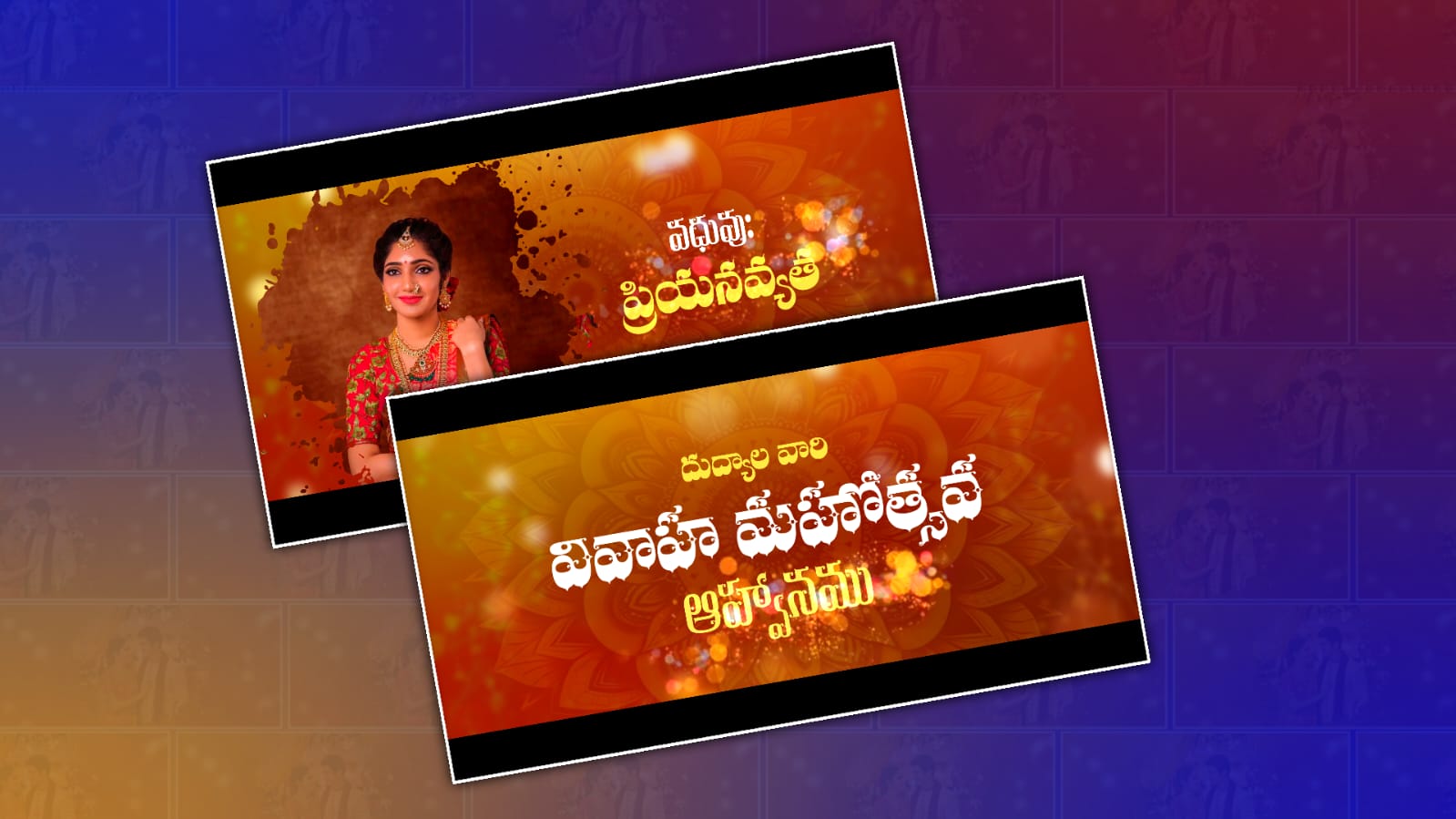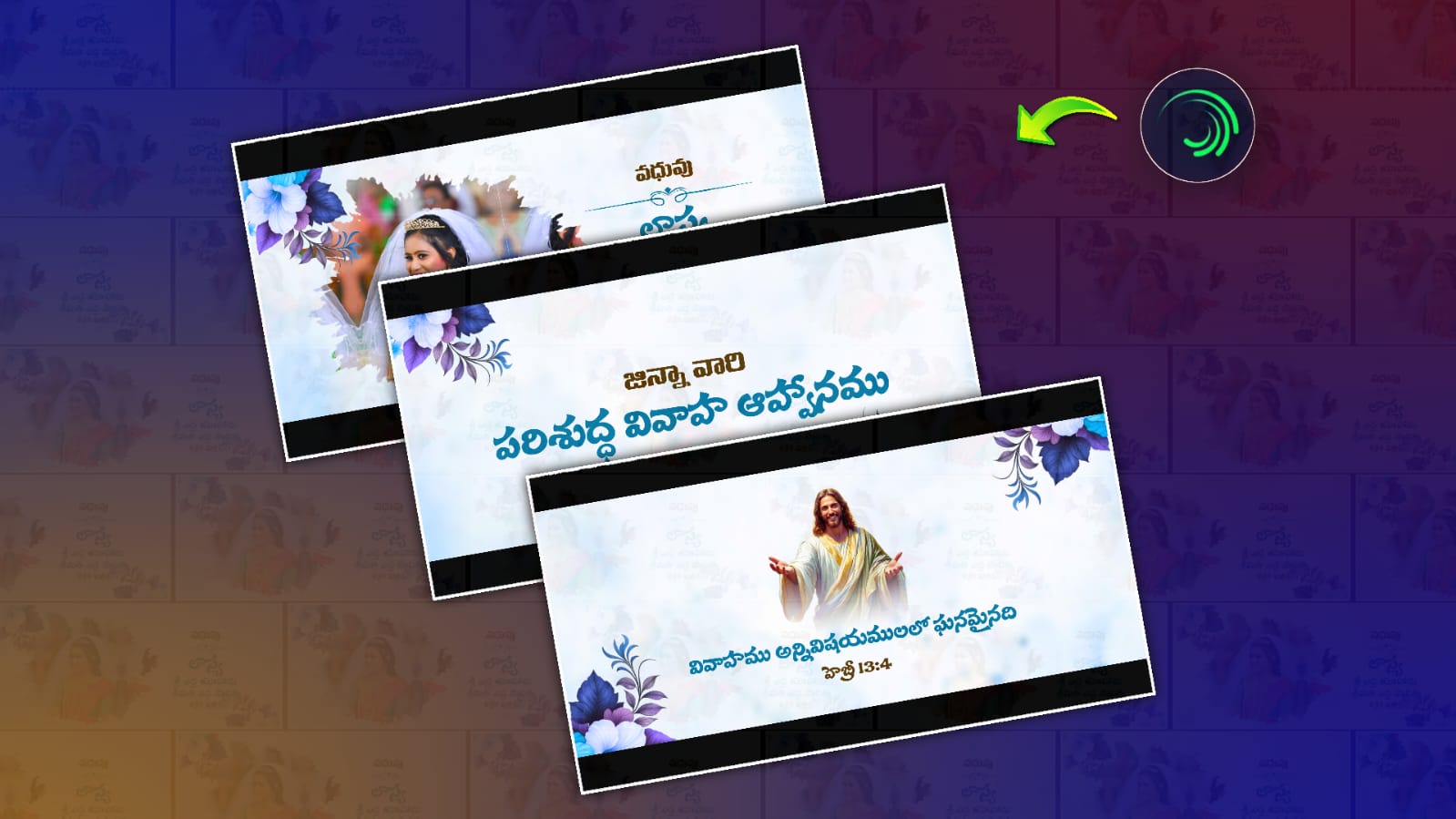
Creating a beautiful Christian Telugu wedding invitation has become much easier with mobile editing apps. Among them, Alight Motion is one of the most powerful applications for designing professional animated wedding invitations without using a computer. If you’re a content creator, video editor, freelancer, or someone planning a wedding, learning how to create a professional Christian Telugu wedding invitation in Alight Motion can save money and help you produce elegant invitation videos with cinematic effects. In this tutorial, you’ll learn everything from project setup to exporting a high-quality wedding invitation video.
Why Use Alight Motion for Christian Wedding Invitations?
Alight Motion offers advanced animation tools that allow anyone to create premium invitation videos directly from a smartphone.
Some advantages include:
- Professional keyframe animations
- Multiple layer support
- Custom fonts
- Blend modes
- Motion blur
- Effects and transitions
- High-quality 1080p and 4K export
Whether you’re designing invitations for clients or personal use, Alight Motion provides enough creative freedom to produce modern and elegant wedding invitation videos.
What You’ll Need Before You Start
Prepare the following assets before opening your project:
- Bride and groom names
- Wedding date and time
- Church name
- Wedding venue address
- Reception details
- Family names
- Couple photographs (optional)
- Christian cross PNG
- Floral PNG elements
- Golden frame PNG
- Background image or video
- Soft worship or instrumental background music
Keeping these resources ready will make the editing process faster and more organised.
Step 1: Create a New Project
Open Alight Motion and create a new project using these settings:
- Resolution: 1920 × 1080 (Full HD)
- Frame Rate: 30 FPS
- Background Colour: White, Cream, or Transparent
- Duration: 25–40 seconds
These settings work well for YouTube, WhatsApp, Instagram, and Facebook sharing.
Step 2: Choose an Elegant Background
A Christian wedding invitation looks more premium with a clean and elegant background.
Popular choices include:
- White floral backgrounds
- Golden textured backgrounds
- Church interior backgrounds
- Soft light bokeh
- Minimal cream-colored designs
Avoid backgrounds with excessive colours or distracting patterns.
Step 3: Add Christian Design Elements
To give the invitation a spiritual and elegant appearance, include tasteful Christian-themed elements such as:
- Cross icons
- White lilies
- Dove illustrations
- Floral borders
- Golden decorative frames
- Light glow effects
Keep the design balanced. Too many decorative elements can reduce readability.
Step 4: Add Telugu Wedding Text
Insert your Telugu wedding invitation text using elegant Telugu fonts.
Typical information includes:
- Wedding title
- Bride’s name
- Groom’s name
- Parents’ names
- Church details
- Wedding date
- Time
- Venue
- Reception information
- RSVP contact details
Use separate text layers for each section to make animation easier.
Best Font Combinations
For professional results, combine Telugu and English fonts.
Example combinations:
Telugu Fonts
- Pothana2000
- Gautami
- NTR
- Mandali
English Fonts
- Cinzel
- Great Vibes
- Playfair Display
- Cormorant Garamond
Elegant fonts create a premium invitation that feels formal and sophisticated.
Step 5: Animate Text Using Keyframes
Animations make your invitation more engaging.
Popular text animations include:
- Fade In
- Slide Up
- Zoom In
- Scale Animation
- Opacity Fade
- Smooth Rotation
Avoid fast or flashy animations. Slow, graceful movements suit Christian wedding invitations better.
Step 6: Add Couple Photos
If the family wants a personalised invitation, include the bride and groom’s photographs.
Tips:
- Use high-resolution images.
- Remove backgrounds if necessary.
- Add soft shadows.
- Apply slight zoom animation.
- Position photos symmetrically.
This creates a polished and memorable invitation.
Step 7: Add Background Music
Music greatly enhances the emotional appeal of a wedding invitation.
Choose:
- Soft piano
- Violin instrumentals
- Worship instrumentals
- Peaceful orchestral music
Avoid copyrighted tracks if you’re uploading the invitation publicly. Royalty-free music is a safer choice.
Step 8: Apply Smooth Transitions
Transitions improve the flow between sections.
Recommended options include:
- Fade
- Dissolve
- Blur Transition
- Scale Transition
- Light Flash
- Smooth Slide
Consistent transitions create a cinematic viewing experience.
Step 9: Add Final Blessing Message
Conclude your invitation with a warm blessing.
Example:
“With God’s abundant grace, we warmly invite you to celebrate our joyous wedding ceremony. Your presence and blessings will make our special day even more memorable.”
This adds a heartfelt and respectful ending.
Step 10: Export the Video
Use the following export settings for the best quality:
- Resolution: 1080p
- Frame Rate: 30 FPS
- Format: MP4
- Quality: High
- Bitrate: 12–20 Mbps
These settings produce a sharp video suitable for social media and messaging apps.
Tips for a Premium Wedding Invitation
To make your invitation stand out:
- Use a consistent colour palette.
- Keep text readable with proper spacing.
- Limit the number of fonts to two or three.
- Use subtle animations instead of flashy effects.
- Maintain alignment throughout the design.
- Proofread all names, dates, and venue details before exporting.
Attention to these details gives your final video a professional appearance.
Common Mistakes to Avoid
Many beginners make these errors:
- Using low-quality images
- Adding too many effects
- Choosing hard-to-read fonts
- Overcrowding the screen with text
- Using loud or copyrighted music
- Exporting at low resolution
Avoiding these mistakes will significantly improve the quality of your invitation.
Frequently Asked Questions (FAQs)
Can I create a professional wedding invitation using only my phone?
Yes. Alight Motion includes advanced animation and editing features that allow you to design professional invitation videos without a computer.
Which resolution is best?
Full HD (1920 × 1080) is ideal for most social media platforms and messaging apps.
Is Alight Motion suitable for beginners?
Yes. With practice, beginners can learn keyframes, animations, and effects to create impressive invitation videos.
Can I use Telugu and English fonts together?
Absolutely. Combining elegant Telugu and English fonts creates a stylish and easy-to-read invitation.
How long should a wedding invitation video be?
A duration of 25–40 seconds is generally enough to present all the important information while keeping viewers engaged.
Final Thoughts
Designing a Professional Christian Telugu Wedding Invitation in Alight Motion is an excellent way to create a memorable and visually appealing invitation without expensive software. By selecting elegant backgrounds, readable fonts, smooth animations, and meaningful Christian design elements, you can produce a high-quality invitation suitable for sharing with family and friends on WhatsApp, Instagram, Facebook, and YouTube. Whether you’re creating invitations for your own wedding or offering freelance editing services, mastering this workflow can help you deliver polished, professional results. Focus on clean design, accurate event details, and subtle animations to ensure the final invitation is both beautiful and respectful of the occasion.