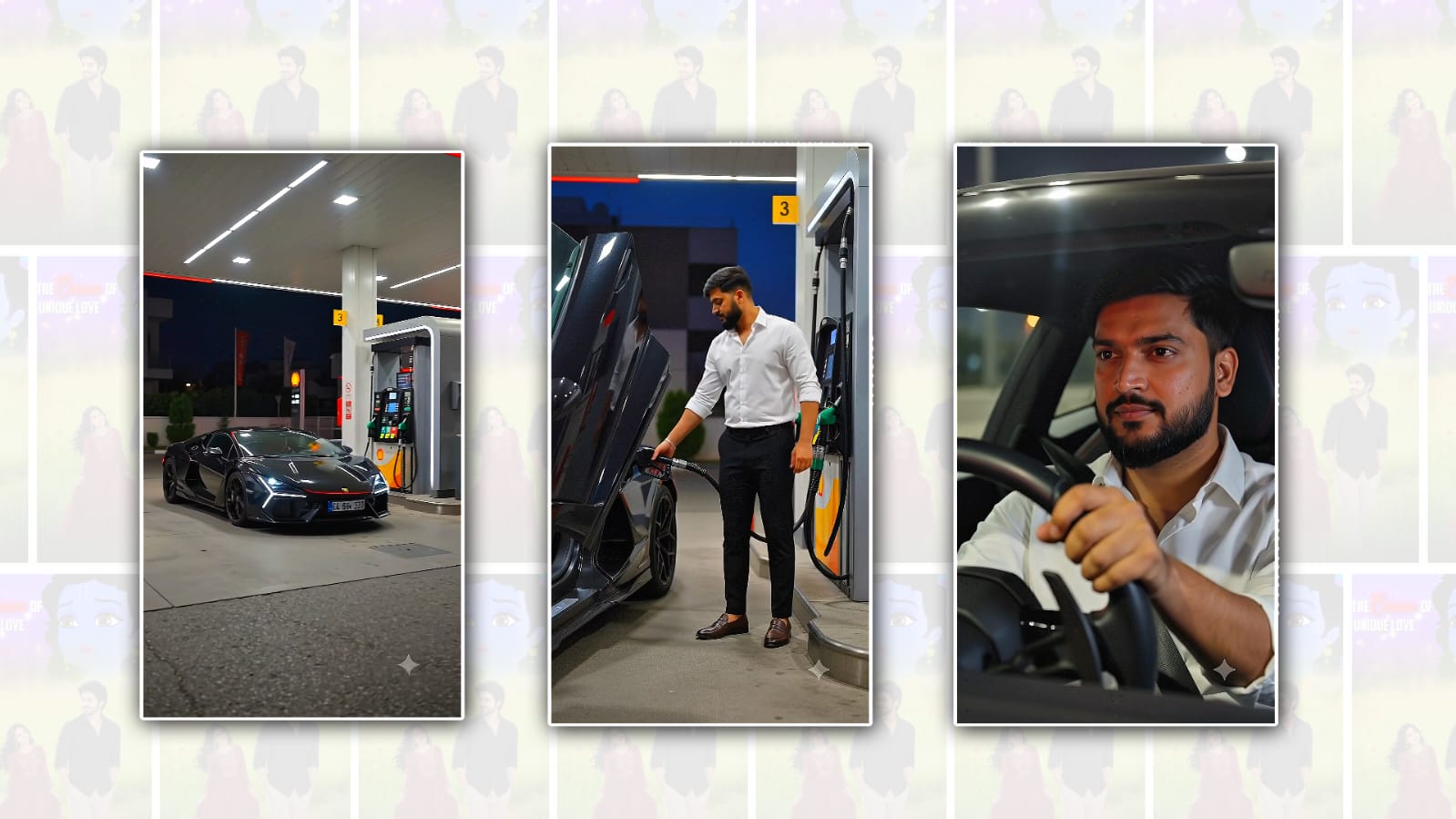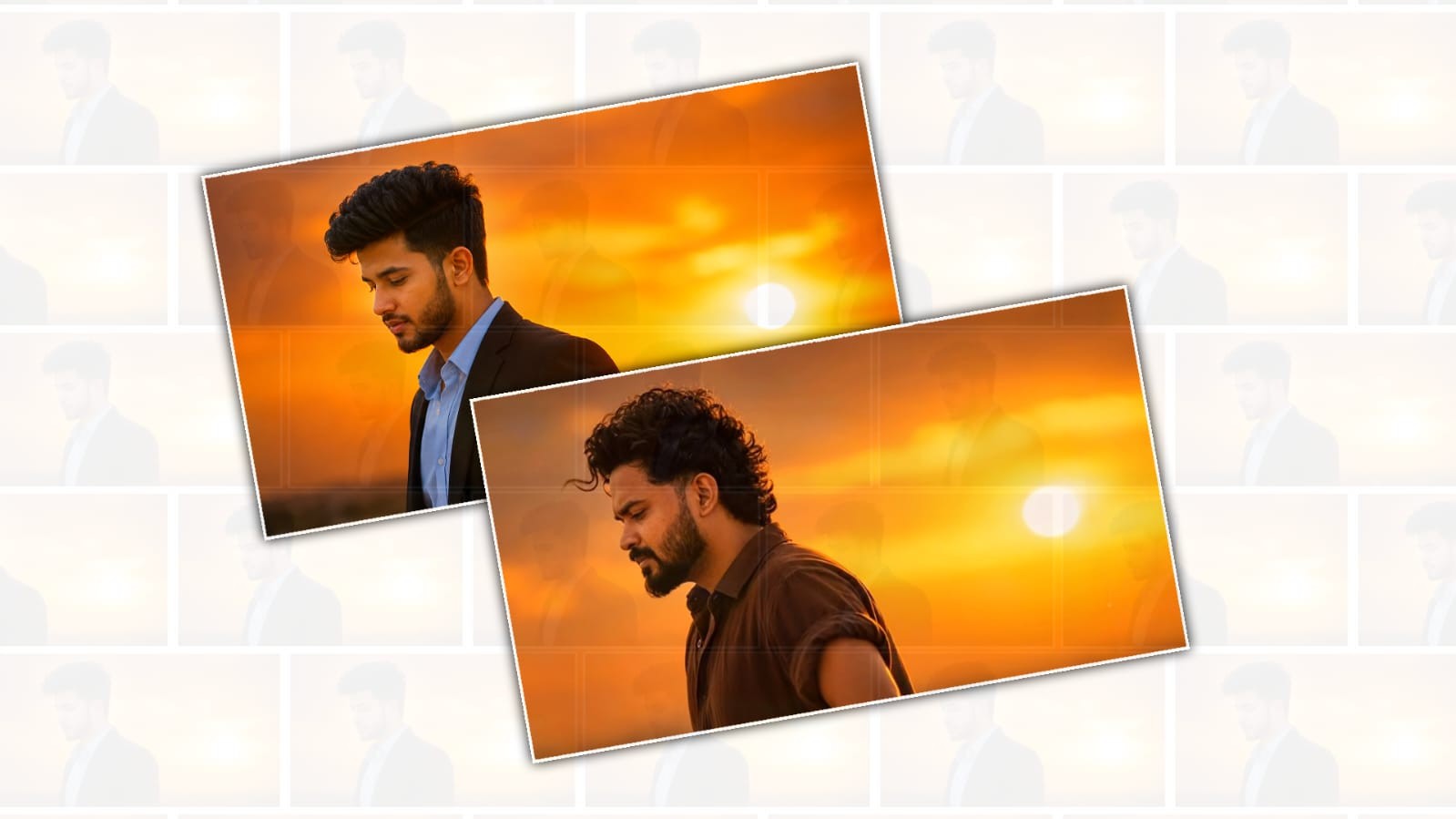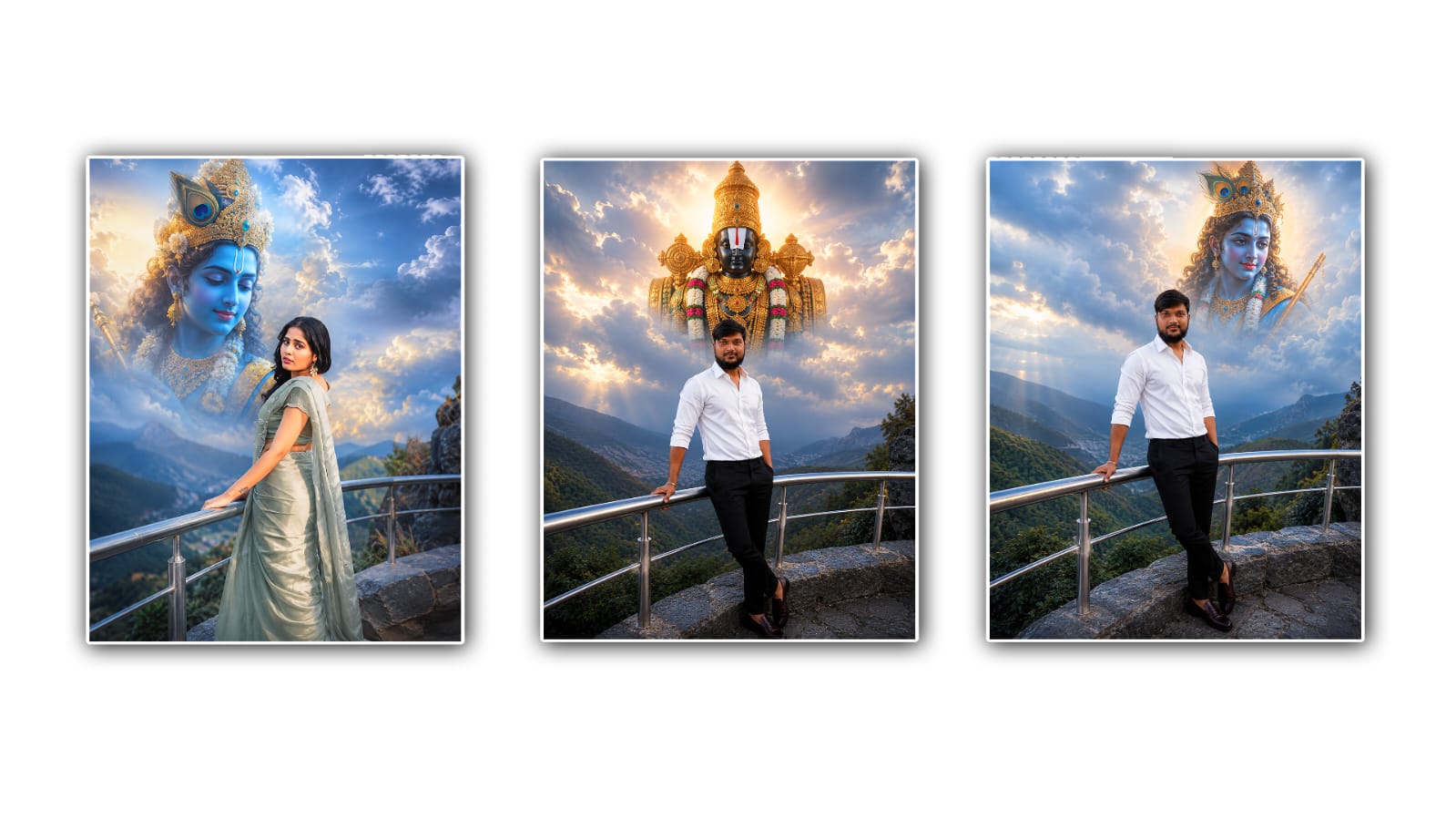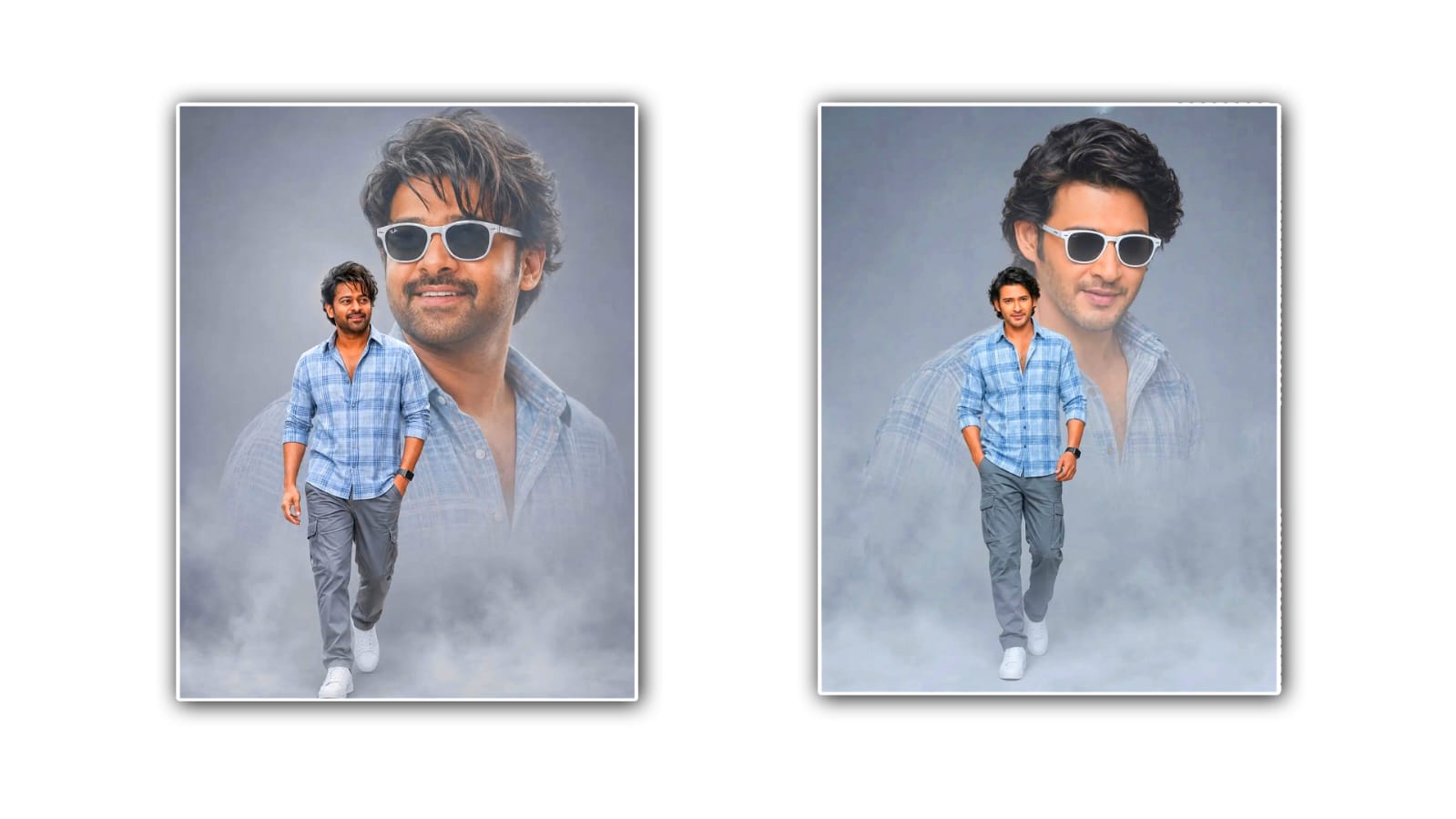
The clone effect, also known as dual photo editing, has become one of the biggest trends on social media. From Instagram reels to YouTube thumbnails and WhatsApp status updates, people love creating eye-catching images where the same person appears multiple times in a single frame. What once required advanced editing skills in Photoshop can now be achieved much faster with the help of Google Gemini. Thanks to its AI capabilities, Gemini can assist with creative ideas, detailed prompts, editing instructions, and realistic compositions that make clone effect photos look professional.
The popularity of clone effect editing comes from its ability to create something unique without needing expensive equipment. Imagine standing on both sides of a road, sitting across from yourself at a café, playing chess against your own clone, or even shaking hands with another version of yourself. These creative concepts grab attention instantly because they make viewers stop and wonder how the image was created. With Google Gemini, planning these edits becomes much easier since the AI can generate creative concepts within seconds.
The first step in creating an impressive clone effect is deciding on the scene. A good background makes a huge difference. Open spaces such as parks, roads, beaches, gardens, rooftops, or empty rooms work best because they provide enough space to position multiple versions of yourself. Gemini can even suggest locations based on your preferred style. If you want a cinematic look, it may recommend urban streets during golden hour. For a fantasy-themed clone effect, it might suggest a foggy forest, mountain landscape, or futuristic city.
Once you have selected the location, think about the story your photo will tell. The best clone effect images are not just random duplicates. Instead, they create the illusion that multiple versions of the same person are interacting naturally. For example, one clone can be reading a book while another drinks coffee. One version can be taking a selfie while another watches. Some creators even make funny scenes where one clone surprises the other or pretends to argue with themselves. Google Gemini can generate dozens of creative ideas based on your interests, making every photo feel original.
Another advantage of using Gemini is prompt writing. AI image editing tools perform much better when they receive detailed instructions. Rather than writing a simple request such as “make clone effect,” Gemini can help you generate highly descriptive prompts. These prompts include camera angles, lighting, facial expressions, clothing details, background descriptions, realistic shadows, reflections, and depth of field. The more detailed the prompt, the more realistic the final image usually becomes.
Lighting is one of the most important factors in dual photo editing. If one clone appears brighter than the other, the image immediately looks fake. Gemini can remind you to maintain consistent lighting across the entire scene. Whether you are shooting during sunrise, sunset, or midday, keeping the light direction the same helps create a believable final result. It can also suggest adding natural shadows beneath every clone to improve realism.
Choosing the right poses is equally important. Simply standing in different locations may not create an exciting image. Instead, try interacting with yourself. One clone can point toward another, high-five, hug, dance, or even appear to be passing an object. These interactions make the image look alive rather than staged. Gemini can recommend pose combinations that suit different themes, including casual, dramatic, funny, cinematic, or fantasy-inspired edits.
Clothing can also make a big difference. Some creators wear different outfits for each clone, making it easier to distinguish between the multiple versions of themselves. Others wear identical clothes to create the illusion that every clone is truly the same person. Google Gemini can recommend outfit combinations based on the mood you want to create. It may even suggest colour palettes that complement the background and improve the overall visual appeal.
Background consistency is another detail that many beginners overlook. When creating clone effect photos, the camera should remain completely still between shots. Any movement can cause alignment issues later. Gemini can provide step-by-step guidance for capturing multiple photos correctly so that editing becomes much smoother. It can also explain how to avoid common mistakes such as overlapping body positions or inconsistent perspectives.
One of the reasons clone effect editing is trending is its versatility. It works well for birthdays, travel photography, fashion shoots, gaming content, motivational posters, and social media profile pictures. Content creators often use clone effects to make entertaining thumbnails because they naturally attract viewers’ attention. Businesses and influencers also use dual photo editing to produce memorable promotional content that stands out in crowded social media feeds.
Google Gemini can also assist in improving the overall composition of your design. It may suggest placing the main subject using the rule of thirds, balancing empty spaces, or adding subtle visual elements that enhance the storytelling without making the image look cluttered. These professional suggestions help even beginners create polished results. Colour grading is another important step after completing the clone effect. Applying the same tones across the entire image creates a consistent appearance. Whether you prefer warm cinematic colours, vibrant travel photography, dark moody edits, or soft pastel aesthetics, Gemini can recommend editing styles that match your vision. Consistent colour grading makes every clone appear naturally integrated into the scene.
Many creators enjoy combining clone effects with other trending AI styles. For example, you can create futuristic cyberpunk versions of yourself, fantasy warriors, astronauts, superheroes, or vintage film-inspired characters. Gemini can generate imaginative prompts that blend clone photography with cinematic storytelling, making your images far more engaging than simple duplicate photos.
Social media platforms reward visually interesting content, and clone effect photos are excellent for increasing engagement. People are naturally curious when they see one person appearing multiple times in the same image. These photos often receive more likes, comments, and shares because viewers spend extra time examining how the effect was created. Gemini can even suggest captions, hashtags, and creative titles that complement your finished design.
One of the greatest strengths of Google Gemini is that it encourages creativity instead of replacing it. Rather than generating identical ideas for everyone, it can adapt its suggestions based on your personality, interests, and artistic preferences. Whether you enjoy comedy, fashion, travel, sports, or fantasy art, Gemini helps transform your imagination into detailed editing concepts that feel fresh and unique.
As AI technology continues to evolve, creating professional-looking clone effect images will become even more accessible. Instead of spending hours learning complicated editing software, creators can now focus on developing creative ideas while using AI as a helpful assistant. This saves time without limiting originality, making advanced photo editing possible for beginners and experienced designers alike.
In the end, the best trending clone effect or dual photo editing is not just about duplicating yourself in an image. It is about telling a creative story that captures attention and sparks curiosity. Google Gemini simplifies the planning process by generating ideas, writing detailed prompts, suggesting realistic poses, improving compositions, and helping you achieve polished results. With a little imagination and thoughtful planning, anyone can create stunning clone effect photos that look professional, unique, and ready to stand out across today’s most popular social media platforms.
Prompt
Create image Use my uploaded photo as the face reference with strict 100% facial identity preservation. Create a clean minimalist editorial poster with a large faded close-up portrait in the background wearing white sunglasses and a smiling expression. Place a smaller full-body version of me in the foreground walking confidently toward the camera with one hand in my pocket. Wear a light blue checked shirt, grey cargo pants, white sneakers, and a smartwatch. Soft grey gradient background, subtle fog at the bottom, premium studio lighting, ultra-realistic DSLR photo, natural skin texture, sharp focus, 8K quality, Instagram 4:5 aspect ratio. Optional: Replace the outfit with your own style (black shirt, denim, hoodie, etc.) while keeping the same composition.