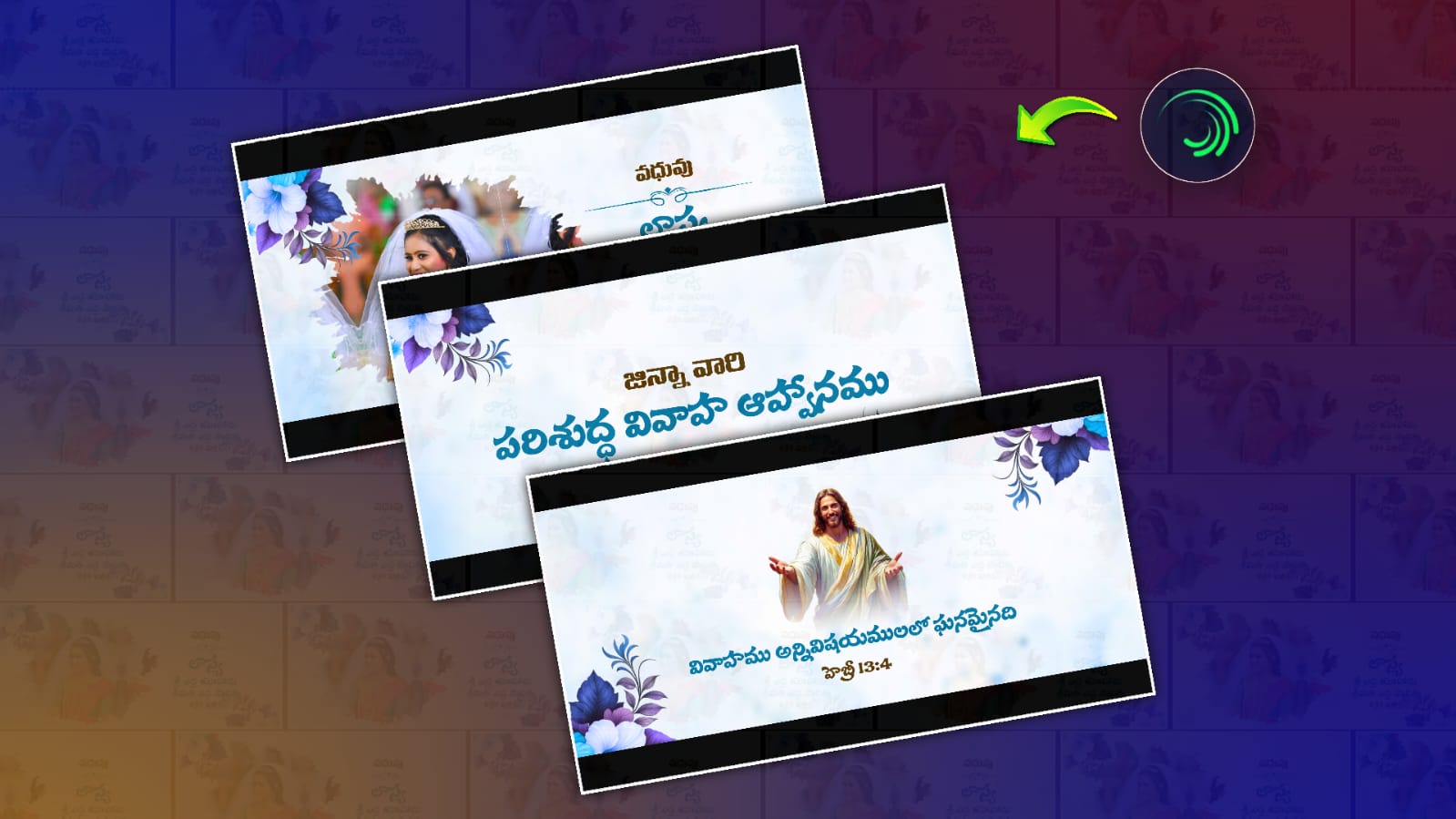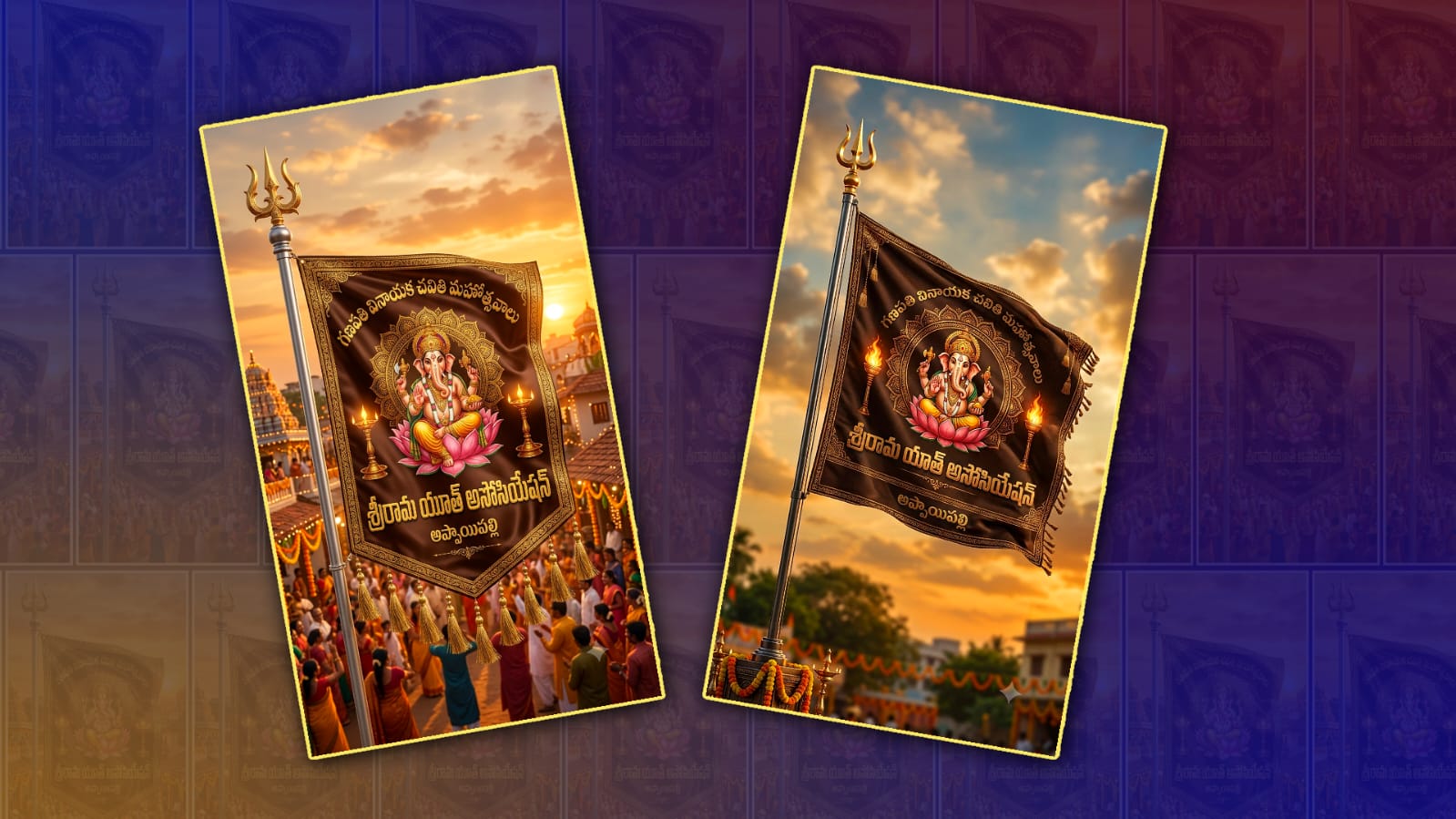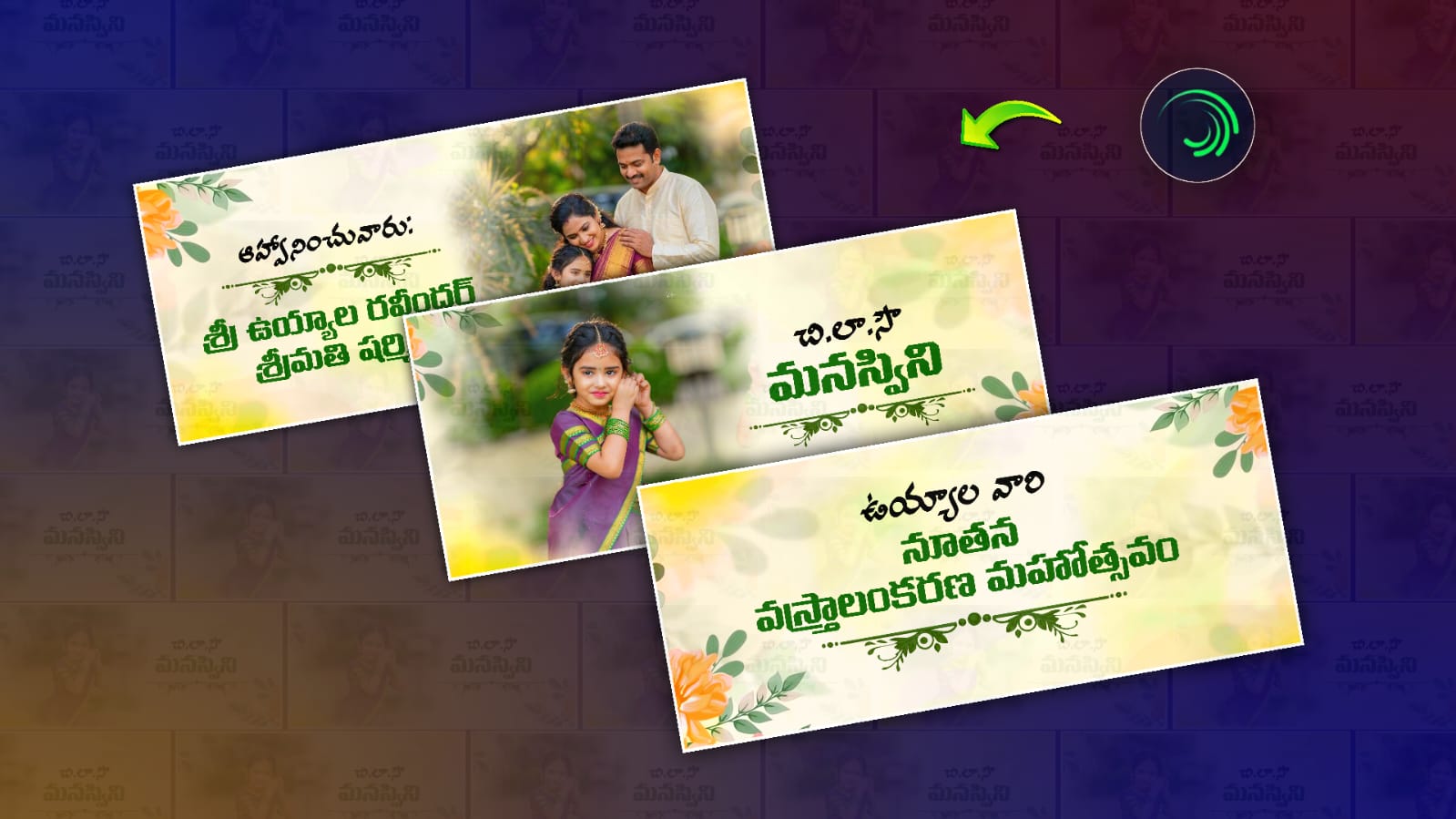
A saree ceremony is one of the most memorable celebrations in many families. It marks a special milestone in a girl’s life and brings together relatives, friends, and loved ones to celebrate the occasion with happiness and blessings. In today’s digital world, invitation cards are no longer limited to printed designs. Video invitations have become a modern and creative way to invite guests. They look attractive, are easy to share through WhatsApp, Instagram, Facebook, and other social media platforms, and leave a lasting impression. Among the many editing applications available today, Alight Motion has become one of the best choices for creating stunning saree ceremony invitation videos.
Alight Motion is a professional mobile video editing application that allows users to create high-quality motion graphics, animations, visual effects, and cinematic videos. Whether you are a beginner or an experienced editor, the app provides simple tools that help you design eye-catching invitation videos without using a computer. With a little creativity and practice, anyone can create an elegant saree ceremony invitation that looks premium and professional.
The biggest advantage of using Alight Motion is its wide range of editing features. Users can add multiple layers of text, images, videos, and graphics in a single project. This makes it easy to create beautiful invitation videos with decorative backgrounds, flower animations, golden frames, and traditional elements that perfectly match the theme of a saree ceremony. The application also supports keyframe animation, allowing editors to create smooth movements for text, images, and effects.
A beautiful saree ceremony invitation video usually starts with an elegant background. Most editors prefer using traditional floral designs, temple decorations, silk fabric textures, golden borders, or pastel colour themes. These backgrounds create a festive atmosphere and immediately attract the viewer’s attention. Choosing colours like gold, pink, red, maroon, cream, or royal blue gives the invitation a rich and cultural appearance.
Typography also plays an important role in invitation video editing. The title of the ceremony should appear with stylish fonts and smooth animations. Many editors use elegant script fonts for names and decorative fonts for event titles. Animating the text with fade-in, zoom, slide, or glow effects makes the invitation look more engaging. The key is to keep the text easy to read while maintaining a premium design.
Photos are another essential part of the invitation. High-quality images of the girl, family members, or traditional attire can be added to make the invitation more personal. Alight Motion allows users to apply smooth transitions between photos, giving the video a cinematic look. Popular transition effects include zoom, blur, spin, fade, shake, and slide animations. These effects help maintain the flow of the video without making it look overcrowded.
Music is equally important because it creates the emotional feel of the invitation. Soft instrumental music, classical melodies, devotional tunes, or light background music perfectly suit a saree ceremony invitation. The music should match the pace of the video and should not overpower the invitation details. Adding gentle sound effects during text animations can further enhance the viewing experience.
One of the reasons why Alight Motion is popular among content creators is its support for visual effects. Editors can use glow effects, particles, light leaks, sparkle animations, and colour correction tools to improve the overall quality of the video. These effects make the invitation look vibrant and luxurious without requiring expensive software.
Keyframe animation is considered one of the strongest features of Alight Motion. It allows users to control the movement, size, rotation, and opacity of every element frame by frame. This means text can smoothly appear from one side, images can gently zoom in, and decorative elements can move naturally across the screen. These animations make the invitation more dynamic and visually appealing.
Many creators also use PNG elements in their invitation videos. Decorative flowers, peacocks, diyas, lotus designs, mandalas, jewellery, traditional borders, and cultural symbols are commonly added to give the invitation an authentic festive appearance. Since PNG files have transparent backgrounds, they blend perfectly with the main design and improve the overall presentation.
Colour grading is another important editing technique that enhances the beauty of the invitation. Alight Motion provides various filters and adjustment tools to modify brightness, contrast, saturation, shadows, and highlights. Proper colour correction ensures that every image and background looks balanced and attractive. Warm colour tones usually work best for traditional ceremonies because they create a welcoming and elegant atmosphere.
Another useful feature is motion blur. Motion blur makes animated objects move more naturally by creating smooth transitions during movement. Combined with easing options, it gives the invitation a professional cinematic finish. Even simple animations become much more realistic when motion blur is applied correctly.
Most invitation videos are created in vertical format because they are mainly shared on smartphones through social media platforms. A resolution of 1080 × 1920 pixels provides excellent video quality while maintaining compatibility with Instagram Reels, WhatsApp Status, Facebook Stories, and YouTube Shorts. Exporting the video at 30 or 60 frames per second ensures smooth playback on different devices.
Timing is equally important while editing. Each section of the invitation should remain on screen long enough for viewers to read the information comfortably. The names of the family members, event date, venue, and timing should appear clearly with attractive animations. Avoid making transitions too fast because guests need enough time to understand the invitation details.
Templates have also become popular among editors. Many creators design reusable Alight Motion project files that allow users to replace names, photos, and event details within minutes. These templates save time while maintaining professional quality. Beginners often start with templates and then customise them according to their own creative ideas.
One of the best ways to make an invitation unique is by maintaining a consistent theme throughout the video. Every element, including fonts, colours, backgrounds, music, and animations, should match the traditional mood of the saree ceremony. Consistency gives the final video a polished appearance and creates a memorable impression on viewers.
After completing the editing process, it is important to preview the entire video several times. Check for spelling mistakes, alignment issues, timing problems, and animation smoothness. Even a small correction can significantly improve the final output. Once satisfied, export the project using the highest available quality settings to ensure the invitation looks sharp on all devices.
The growing popularity of digital invitations has made video editing an essential creative skill. Alight Motion provides an excellent platform for designing elegant, modern, and professional saree ceremony invitation videos directly from a smartphone. Its powerful editing tools, user-friendly interface, advanced animations, and high-quality export options make it suitable for beginners as well as professional editors.
In conclusion, creating the best saree ceremony invitation video in Alight Motion is a combination of creativity, proper planning, and effective use of editing features. By selecting beautiful backgrounds, elegant fonts, smooth animations, meaningful music, attractive visual effects, and high-quality images, anyone can design an invitation that captures the joy and tradition of the celebration. A well-edited invitation not only informs guests about the event but also reflects the importance of the occasion, making the celebration even more memorable for everyone who receives it.