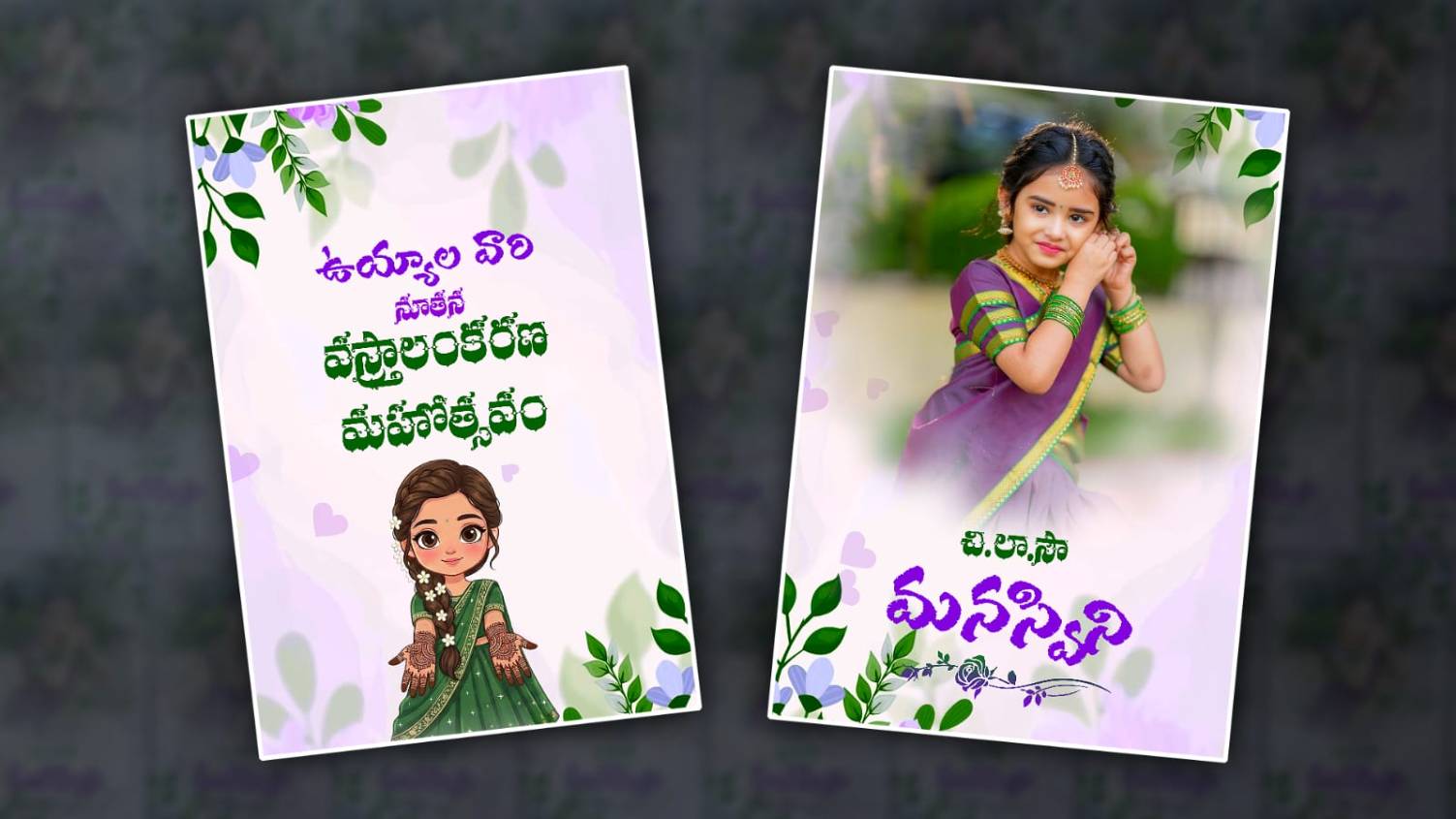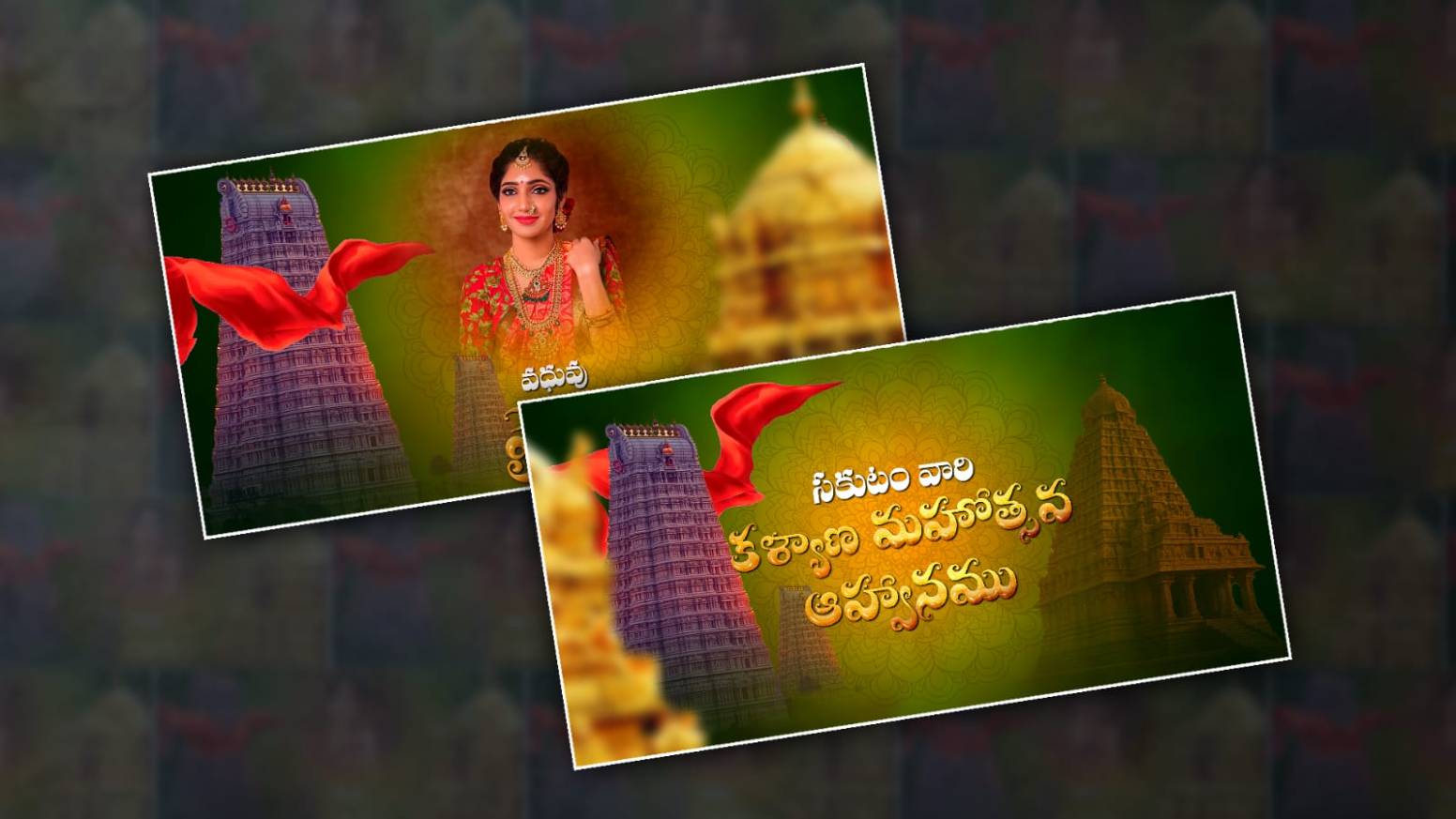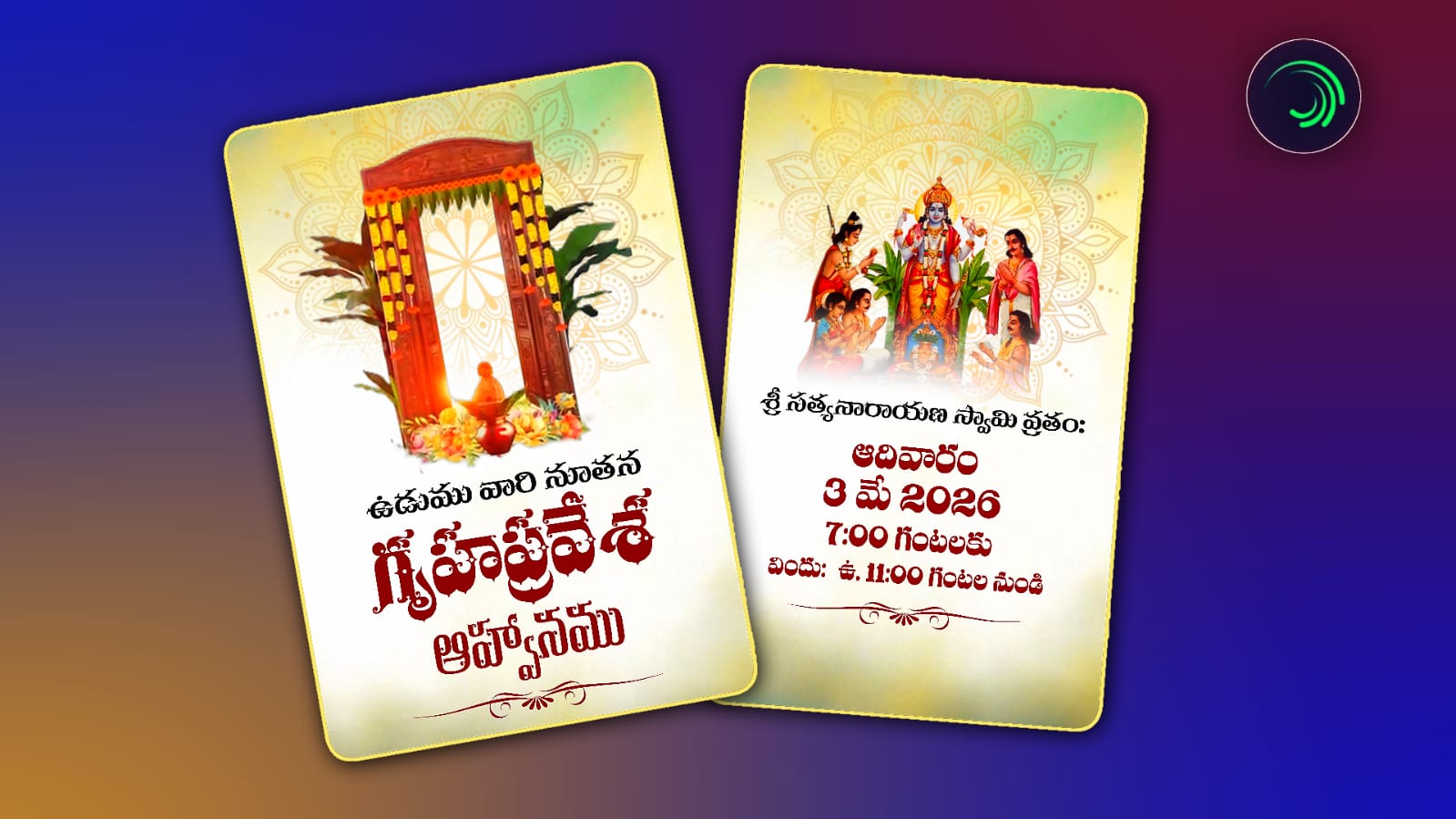
A beautifully designed housewarming invitation video creates a memorable first impression for your guests. Instead of sending a simple text message or printed invitation, many families now prefer elegant invitation videos that can be shared instantly through WhatsApp, Instagram, Facebook, and other social media platforms. If you already use Alight Motion, you can create a professional Telugu housewarming invitation video without expensive editing software. With the right typography, animations, background music, and visual effects, your invitation can look modern while maintaining a traditional Telugu theme. This guide explains everything you need to know—from project setup to exporting your final video—so you can confidently create a premium-looking invitation.
Table of Contents
- Why Choose Alight Motion?
- Planning Your Invitation Video
- Project Settings
- Choosing the Right Fonts
- Selecting Colours and Backgrounds
- Adding Smooth Animations
- Music and Sound Effects
- Export Settings
- Comparison Table
- Practical Tips
- Common Mistakes
- Conclusion
Why Use Alight Motion for Telugu House Warming Invitation Video Editing?
Alight Motion has become one of the most popular mobile video editing applications because it offers professional editing tools without requiring a computer.
Some major advantages include:
- Easy keyframe animation
- Layer-based editing
- Motion blur support
- Custom fonts
- Shape layers
- Professional transitions
- Export in high quality
Whether you are creating invitation videos for clients or personal use, Alight Motion provides enough creative freedom to produce premium results.
Planning Your Invitation Video
Before opening the app, collect all the content you need.
Prepare the following:
- Family names
- Housewarming date
- Time
- Venue
- Telugu invitation text
- Photos (optional)
- Background music
- Temple or floral elements
- Decorative PNG files
Organising these assets beforehand makes editing much faster.
Project Settings for Best Quality
Using proper project settings helps maintain sharp visuals.
Recommended Settings
| Setting | Recommended Value |
|---|---|
| Resolution | 1080 × 1920 |
| Frame Rate | 30 FPS |
| Background | Dark or Light Theme |
| Aspect Ratio | 9:16 |
| Export Format | MP4 |
| Quality | High |
These settings work well for WhatsApp Status, Instagram Reels, YouTube Shorts, and mobile viewing.
Choosing Beautiful Telugu Fonts
Typography plays a major role in invitation videos.
Use elegant Telugu fonts that are easy to read and match the traditional style.
A good invitation usually combines:
Main Heading
Use larger decorative Telugu fonts.
Examples:
- శుభ గృహ ప్రవేశం
- గృహ ప్రవేశ మహోత్సవం
Body Text
Keep the body simple and readable.
Avoid mixing too many different font styles in one video.
Maintain consistent spacing between lines for a cleaner appearance.
Selecting the Right Background
The background sets the mood of the invitation.
Popular choices include:
- Temple backgrounds
- Floral decorations
- Golden abstract backgrounds
- Traditional mandala designs
- Soft blurred lighting
- Wooden textures
- Luxury marble backgrounds
Avoid backgrounds that are too bright because they can reduce text readability.
Add Professional Animations
Animations should enhance the invitation rather than distract viewers.
Use smooth transitions such as:
Fade In
Perfect for titles.
Scale Animation
Makes headings appear elegantly.
Slide Animation
Ideal for displaying event details.
Glow Effect
Adds a premium appearance to important text.
Motion Blur
Creates smoother movement during transitions.
Avoid using too many flashy effects, as they can make the invitation look unprofessional.
Use Decorative Elements Carefully
Small decorative graphics improve the overall design.
Popular elements include:
- Flowers
- Diyas
- Temple bells
- Leaves
- Rangoli patterns
- Gold borders
- Sparkle particles
Place decorations around the edges instead of covering the invitation text.
Add Suitable Background Music
Music adds emotion to your invitation.
Choose soft instrumental tracks that match the traditional atmosphere.
Good options include:
- Veena music
- Flute instrumentals
- Classical Indian music
- Soft devotional background music
- Light cinematic instrumentals
Keep the volume low enough so it complements the visuals without becoming distracting.
Timing Your Animation Properly
A professional invitation follows a clear flow.
Example sequence:
- Welcome screen
- Housewarming title
- Family name
- Event date
- Time
- Venue
- Invitation message
- Closing screen
Each section should remain visible long enough for viewers to read comfortably.
Export Settings
After completing the design, export using high-quality settings.
Recommended export:
- Resolution: 1080p
- Frame Rate: 30 FPS
- Bitrate: High
- Format: MP4
Preview the exported video before sharing it to ensure text remains sharp and animations are smooth.
Comparison Table
| Feature | Basic Invitation | Professional Invitation |
| Typography | Simple | Premium Telugu Fonts |
| Animation | Basic Fade | Smooth Keyframe Animation |
| Background | Plain Color | Traditional Decorative Design |
| Music | None | Soft Instrumental |
| Effects | Minimal | Motion Blur & Glow |
| Overall Look | Average | Elegant and Professional |
Practical Tips
To make your invitation stand out:
- Keep the total duration between 30 and 60 seconds.
- Use high-resolution PNG elements.
- Maintain consistent colour throughout the video.
- Leave enough spacing around the text.
- Use smooth animations instead of fast transitions.
- Check spelling carefully before exporting.
- Preview the video on multiple devices.
- Use copyright-free music whenever possible.
Common Mistakes to Avoid
Many beginners make small mistakes that reduce the quality of their invitation.
Avoid these issues:
- Using too many fonts
- Adding excessive visual effects
- Choosing unreadable text colours
- Crowding too much information onto one screen
- Using low-quality images
- Exporting at low resolution
- Animating every element differently
- Making text appear too quickly
Keeping the design simple often produces the most professional results.
Suggested External References
- Google Search Essentials – https://developers.google.com/search/docs/fundamentals/creating-helpful-content
- Alight Motion Official Website – https://alightmotion.com
- Google Fonts – https://fonts.google.com
Conclusion
Creating a professional Telugu housewarming invitation video in Alight Motion is easier than many people expect when you focus on good design principles instead of excessive effects. A clean layout, readable Telugu fonts, balanced colours, smooth animations, and carefully chosen background music can transform a simple invitation into a polished presentation that reflects the importance of the occasion.
Take time to organise your content before editing, maintain consistency throughout the design, and always preview your final export. By following the techniques in this guide, you can create invitation videos that look professional, are easy to share, and leave a lasting impression on your guests while following modern design practices and high-quality editing standards.