Introduction
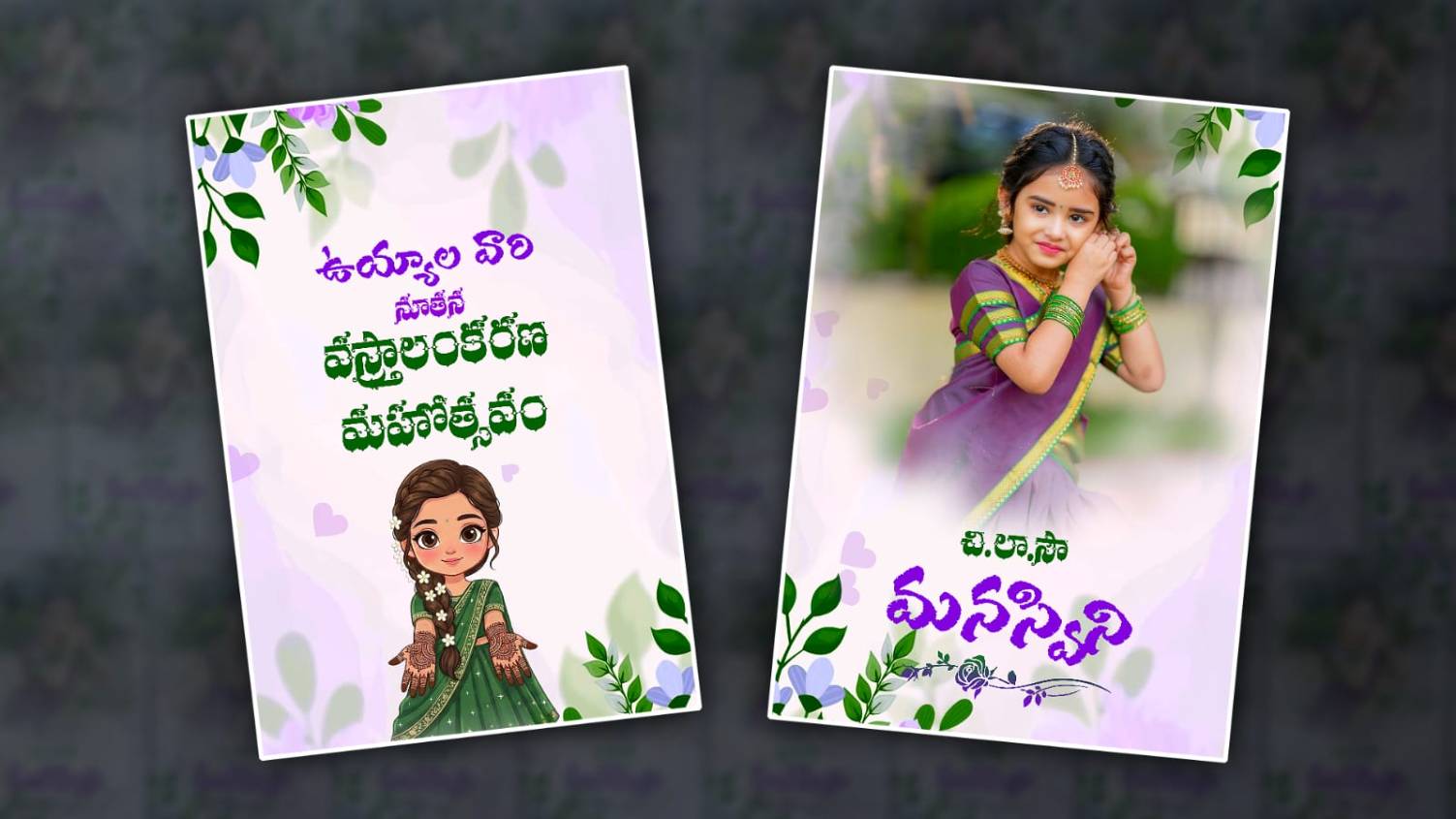
The Half Saree Ceremony is one of the most memorable traditional celebrations in Telugu families. It marks an important milestone in a young girl’s life and is usually celebrated with family gatherings, cultural traditions, music, and beautiful decorations. In recent years, digital invitation videos have become extremely popular because they are attractive, easy to share, and create excitement among relatives and friends before the event. A full-screen Telugu Half Saree Ceremony invitation video gives a professional and cinematic look that stands out on social media platforms like WhatsApp, Instagram, Facebook, and YouTube. With the help of Alight Motion, anyone can create a stunning invitation video without requiring advanced editing skills.
Why Full-Screen Invitation Videos Are Trending
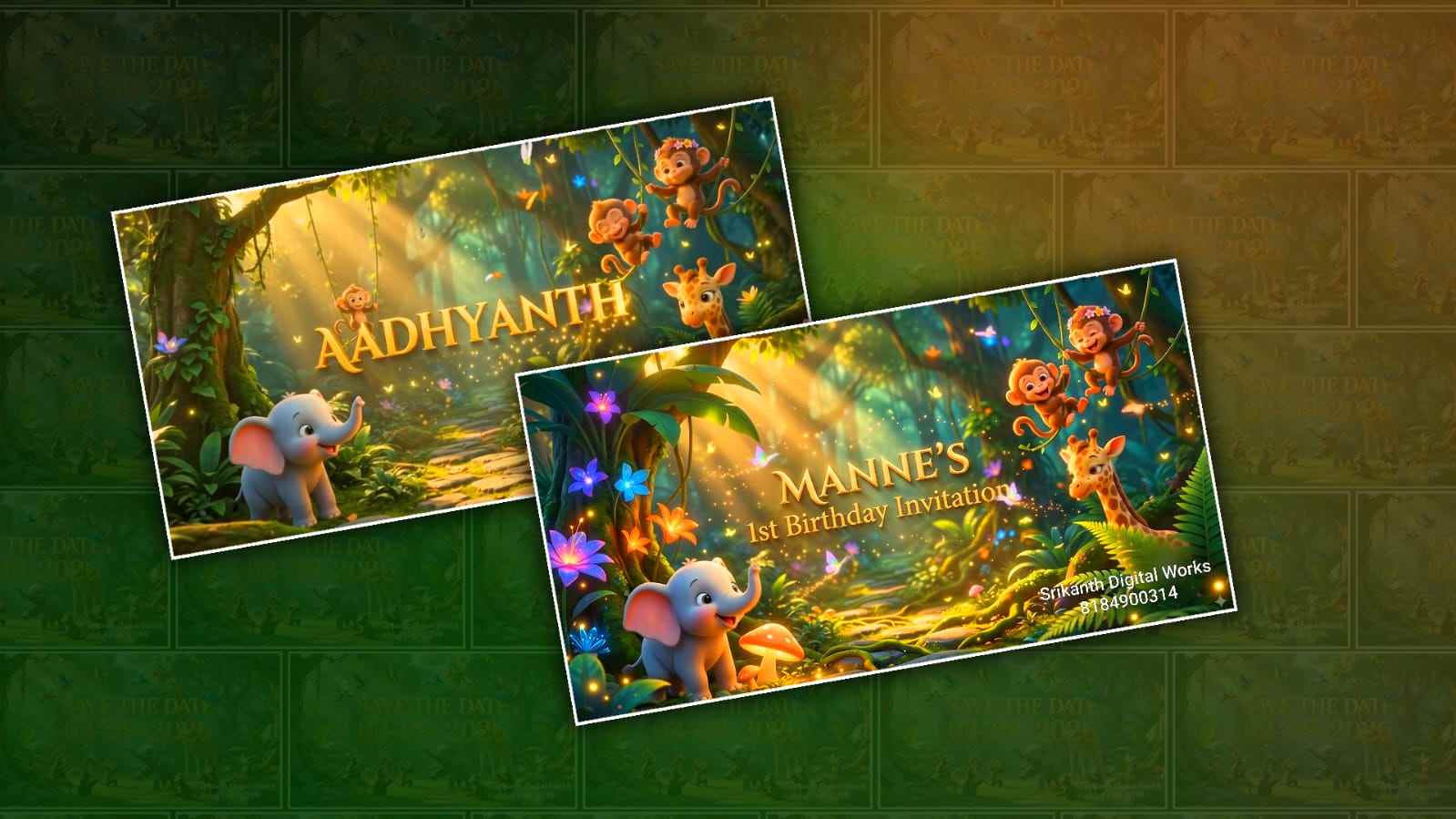
Full-screen invitation videos have become a trend because they utilise the entire mobile screen, making every visual element more engaging and eye-catching. Unlike traditional image invitations, video invitations can include animations, transitions, Telugu typography, music, and personalised photographs. When family members receive a beautifully designed invitation video, they instantly feel connected to the event. The immersive experience of a full-screen format helps showcase traditional attire, ceremony details, and family memories in a much more appealing way.
Understanding Alight Motion for Invitation Video Editing
Alight Motion is one of the most powerful mobile video editing applications available today. It offers advanced features such as keyframe animation, visual effects, motion graphics, blending modes, and professional transitions. These features make it an excellent choice for creating Telugu Half Saree Ceremony invitation videos. Even beginners can learn the basics quickly because the application provides an intuitive interface. By combining photos, text animations, and music, editors can produce high-quality invitation videos directly from their smartphones.
Choosing the Right Project Settings
Before starting the editing process, it is important to select the correct project settings in Alight Motion. For a full-screen invitation video, the most commonly used aspect ratio is 9:16, which is ideal for mobile viewing. Setting the resolution to 1080×1920 ensures high-quality output and sharp visuals. A frame rate of 30 FPS provides smooth animations and transitions. Starting with proper project settings helps maintain professional quality throughout the editing process and ensures that the final video looks impressive on all devices.
Selecting a Beautiful Telugu Traditional Theme
The theme of the invitation video plays a major role in creating the right impression. Since a Half Saree Ceremony is a traditional Telugu celebration, incorporating cultural elements such as floral decorations, temple-inspired designs, traditional patterns, and vibrant colours can enhance the visual appeal. Gold, pink, red, yellow, and royal blue are popular colour choices that represent celebration and elegance. A consistent theme throughout the video creates a cohesive and visually pleasing experience for viewers.
Adding High-Quality Photos
Photographs are the heart of any invitation video because they personalise the entire presentation. Selecting high-resolution images of the girl, family members, and memorable moments can make the video more meaningful. Images should be properly cropped and adjusted to fit the full-screen format without losing important details. Using professional portraits or traditional dress photos adds elegance and creates a strong emotional connection with viewers who receive the invitation.
Creating an Attractive Opening Scene
The opening scene is the first thing viewers notice, making it one of the most important parts of the invitation video. A beautiful introduction featuring animated flowers, glowing particles, or traditional Telugu design elements can instantly capture attention. Smooth zoom effects and elegant text animations can be used to reveal the title of the ceremony. A strong opening creates curiosity and encourages viewers to watch the invitation until the end.
Using Telugu Fonts for Better Cultural Appeal
Telugu typography adds authenticity and cultural richness to the invitation video. Choosing stylish Telugu fonts for names, event titles, and ceremony details helps create a traditional atmosphere. The font colour should complement the overall theme while remaining easy to read. Decorative Telugu text animations can make the invitation more engaging and visually appealing. Well-designed typography plays a significant role in making the video feel personal and culturally relevant.
Animating Text with Keyframes
Keyframe animation is one of the most powerful features in Alight Motion. It allows editors to create smooth movements, scaling effects, rotations, and opacity changes. Applying keyframe animations to invitation text helps make the information appear professionally animated rather than static. Smooth entrance and exit animations create a polished look and maintain viewer engagement throughout the video. Proper use of keyframes can transform a simple invitation into a cinematic visual presentation.
Adding Traditional Background Music
Music significantly enhances the emotional impact of an invitation video. Traditional Telugu instrumental music, classical melodies, or soft cultural background tracks can create a festive atmosphere. The selected music should match the mood of the ceremony while remaining pleasant and elegant. Synchronizing text animations and photo transitions with the rhythm of the music creates a more immersive viewing experience and increases the overall quality of the invitation.
Incorporating Smooth Transitions
Transitions connect different scenes and images within the invitation video. Smooth transitions help maintain visual flow and prevent abrupt changes that may distract viewers. Popular transition styles include zoom transitions, fade effects, slide animations, and blur movements. Using transitions creatively can add a professional touch while keeping the audience focused on the ceremony details and visual storytelling.
Using Effects and Overlays
Visual effects and overlays can elevate the overall appearance of a Telugu Half Saree Ceremony invitation video. Sparkle effects, glowing particles, light leaks, floral overlays, and cinematic elements create a premium look. These effects should be used carefully to enhance the visuals without overwhelming the main content. Balanced use of effects adds elegance and sophistication while maintaining a clean and professional design.
Highlighting Event Details Clearly
Every invitation video should clearly communicate important information such as the ceremony date, time, venue, and family names. These details should be displayed in a visually attractive manner while remaining easy to read. Using elegant text layouts and sufficient screen time ensures viewers can comfortably absorb all necessary information. Proper presentation of event details makes the invitation practical as well as visually appealing. Colour Grading for a Professional Look Colour grading helps create consistency and enhances the overall mood of the invitation video. Adjusting brightness, contrast, saturation, and colour tones can make photos and backgrounds look more vibrant. Wcolourolor grading often works well for traditional ceremonies because it creates a welcoming and celebratory atmosphere. Professicolourcolor correction improves visual quality and gives the final video a polished appearance.
Exporting the Final Video
After completing the editing process, exporting the project with high-quality settings is essential. Selecting 1080p resolution with a suitable bitrate ensures excellent visual quality while keeping file size manageable for sharing. Reviewing the video before export helps identify any mistakes in text, transitions, or event details. A properly exported video will look sharp and professional across various social media platforms and messaging applications.
Tips for Creating Viral Invitation Videos
Creating a memorable invitation video requires attention to detail, creativity, and storytelling. Using emotional photographs, attractive Telugu typography, synchronised music, and smooth animations can significantly increase viewer engagement. Maintaining a balance between traditional elements and modern editing techniques helps create a unique invitation that resonates with audiences. A well-crafted invitation video not only informs guests about the event but also builds excitement and anticipation for the celebration.
Conclusion
A full-screen Telugu Half Saree Ceremony invitation video is a modern and creative way to invite friends and relatives to a special celebration. With Alight Motion, anyone can design professional-quality invitation videos using photos, animations, Telugu fonts, music, and visual effects. By following the right editing techniques and focusing on cultural aesthetics, you can create an invitation video that leaves a lasting impression on every viewer. Whether you are a beginner or an experienced editor, Alight Motion provides all the tools needed to transform a simple invitation into a beautiful cinematic experience that perfectly reflects the joy and tradition of a Telugu Half Saree Ceremony.