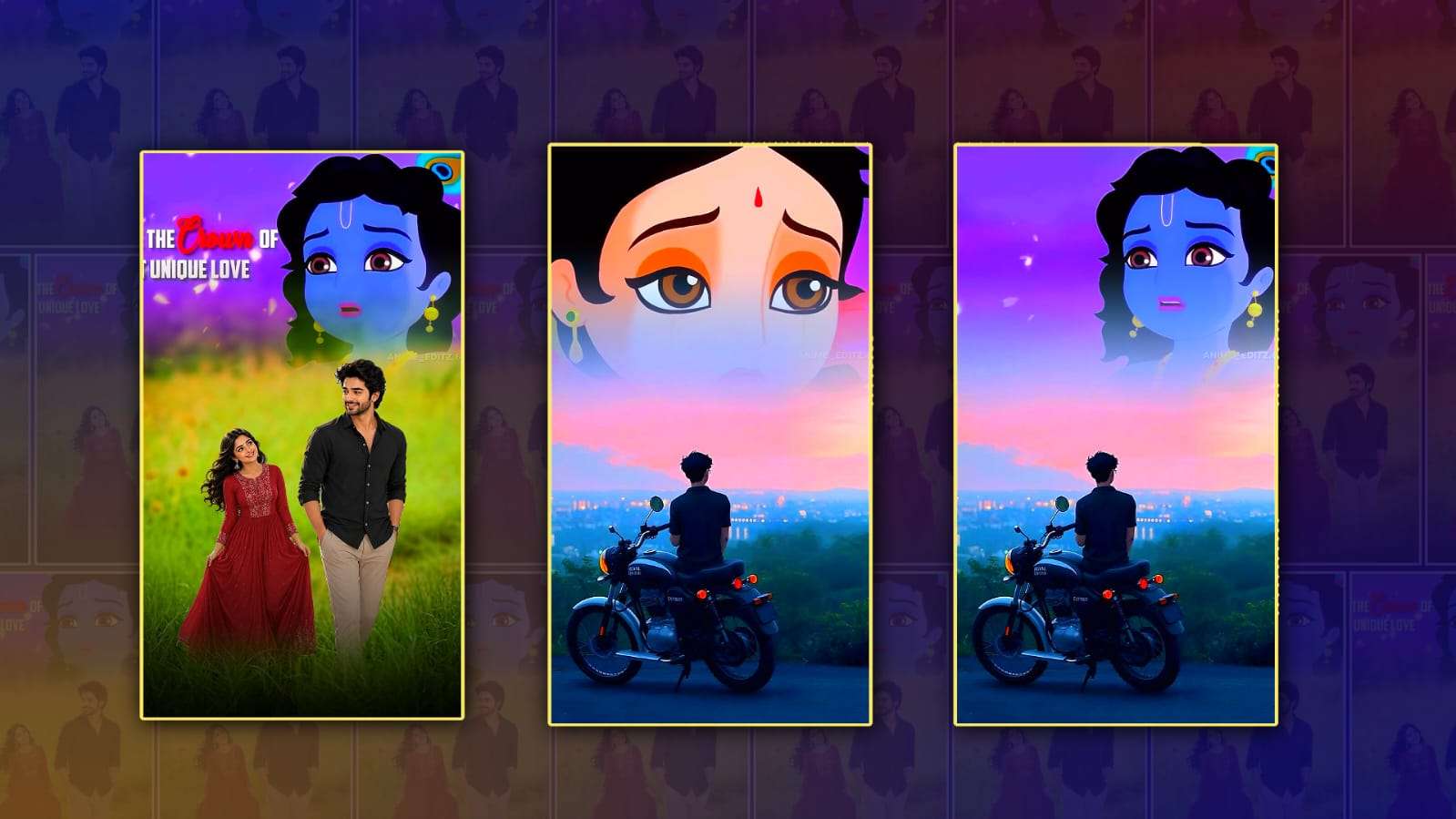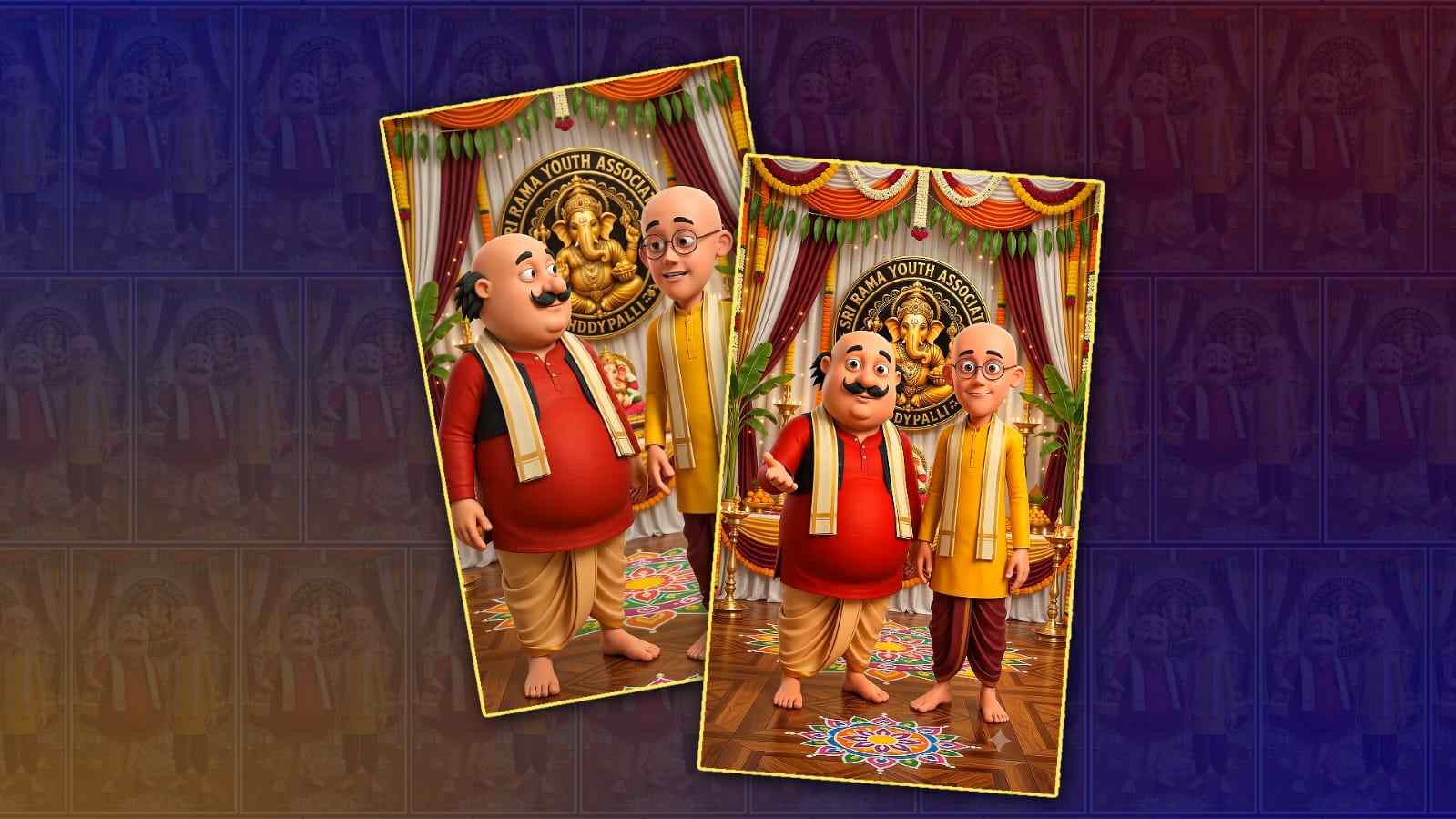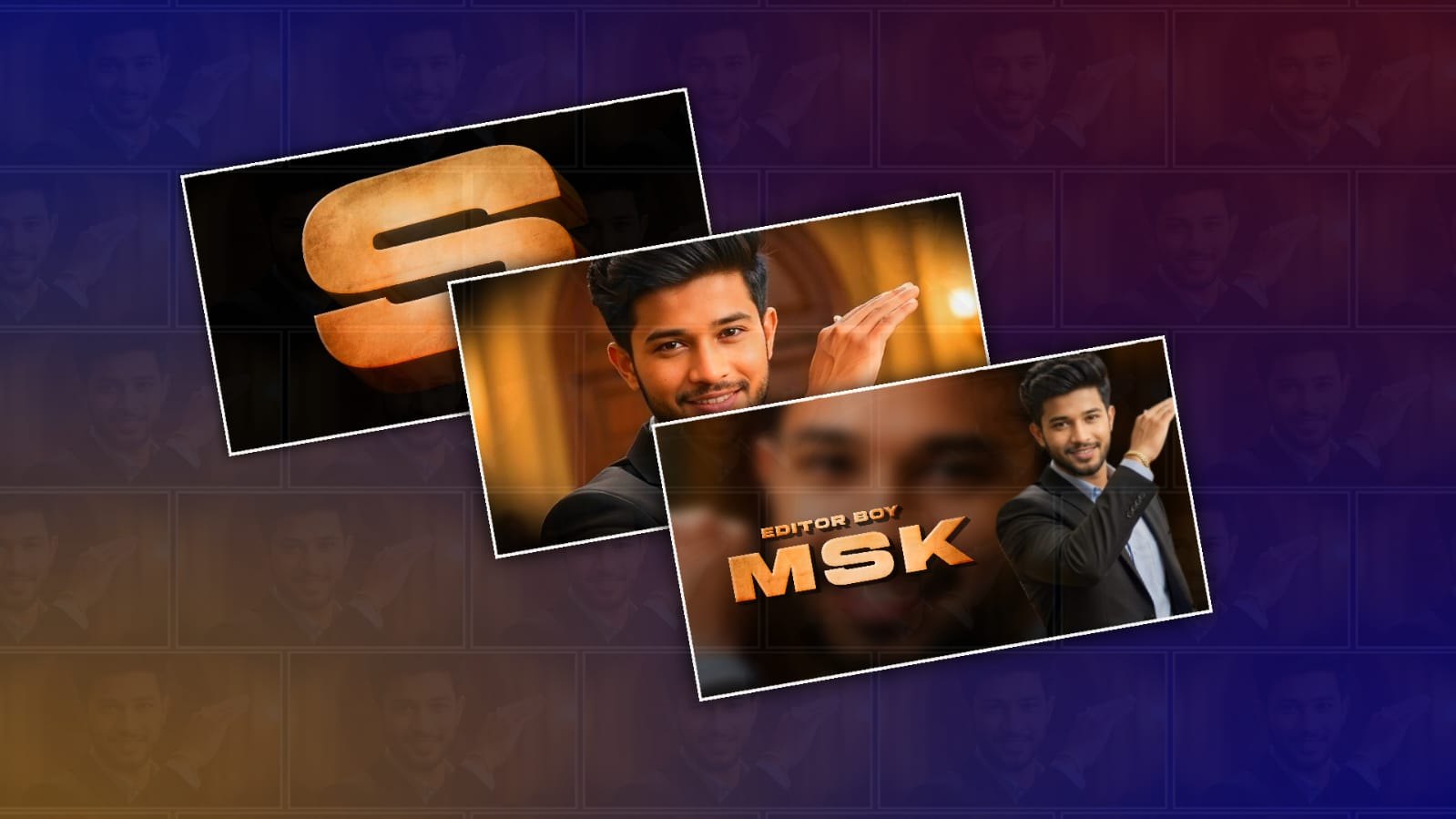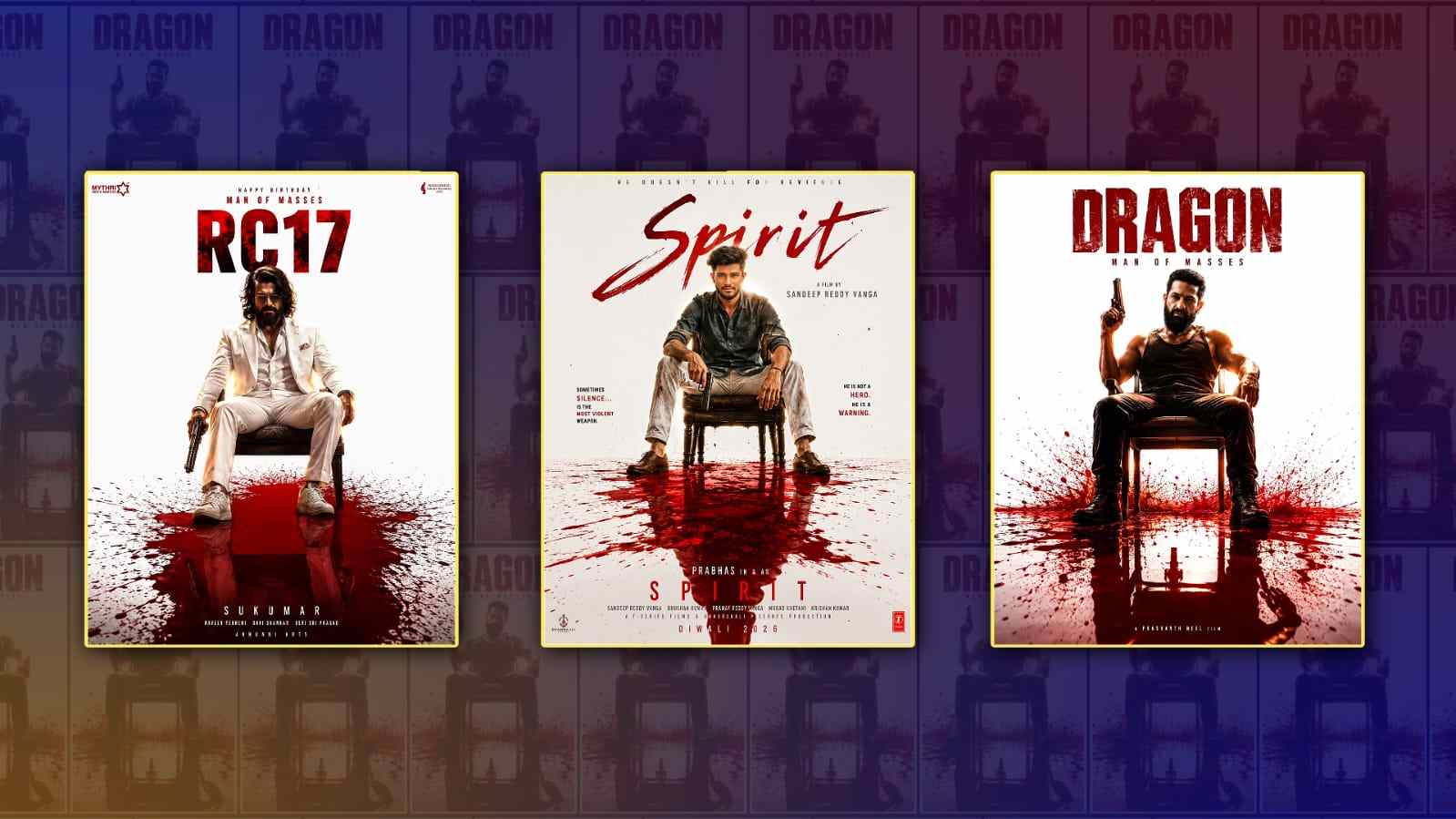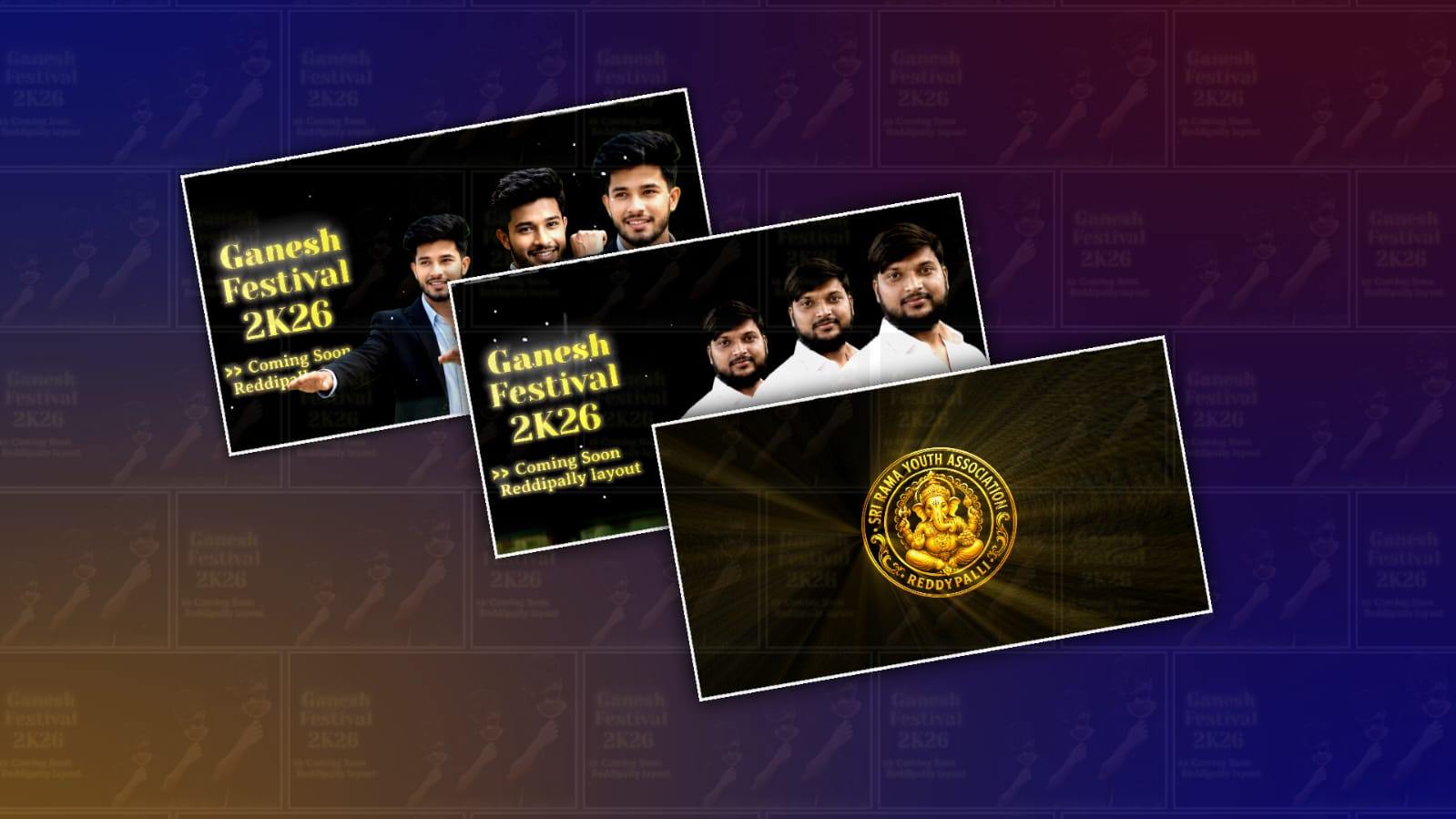
Youth members today are more creative than ever, and one of the biggest reasons is the easy access to smartphones and powerful editing applications. Among these apps, Alight Motion has become one of the most popular choices for creating cinematic videos. It allows young creators to transform ordinary clips into visually stunning content with smooth transitions, cinematic colour grading, creative effects, and professional animations. Whether it is for social media, YouTube, college projects, or personal memories, youth members are using Alight Motion to express their creativity in ways that were once possible only with expensive software.
The rise of short-form content on platforms like Instagram, YouTube Shorts, and TikTok has encouraged many young people to learn video editing. A cinematic video stands out because it tells a story rather than simply showing random clips. Every scene is carefully edited with matching music, slow-motion effects, smooth camera movements, and emotional colour tones. Alight Motion provides all the essential tools needed to create such videos directly from a mobile phone, making professional editing accessible to everyone.
One of the most attractive features of Alight Motion is its user-friendly interface. Beginners can quickly understand the basic timeline, layers, keyframes, and effects without needing advanced editing knowledge. At the same time, experienced editors can create highly detailed projects using multiple layers, masking, blending modes, and custom animations. This flexibility makes the application suitable for both newcomers and skilled editors who want to create high-quality cinematic content.
Creating a cinematic video begins with proper planning. Youth members who produce impressive edits usually start by deciding on a theme or story. It could be a travel vlog, friendship memories, sports highlights, motivational moments, or a college event. Instead of recording random clips, they capture different camera angles, close-up shots, wide landscapes, slow-motion scenes, and detailed movements. These varied shots make the editing process much more engaging and help build a visual story.
Music plays an equally important role in cinematic editing. The background music determines the mood of the entire video. Emotional piano melodies, energetic beats, orchestral soundtracks, or soft acoustic tunes can completely change the viewer’s experience. Successful editors synchronise video cuts with the rhythm of the music, creating a satisfying flow that keeps viewers engaged from beginning to end. Even simple clips become much more attractive when they match the timing of the soundtrack.
Colour grading is another essential element that gives cinematic videos their professional appearance. Instead of leaving footage with its original colours, editors adjust brightness, contrast, saturation, highlights, and shadows to create a specific mood. Warm tones often create a nostalgic and happy atmosphere, while cooler tones provide a dramatic or mysterious feeling. Many youth creators also use LUT-inspired presets or manually fine-tune colours in Alight Motion to give every scene a unique cinematic identity.
Transitions are frequently used to connect scenes smoothly. While flashy transitions may look exciting at first, experienced editors understand that simple and clean transitions often produce a more cinematic result. Fade-ins, fade-outs, motion blur, zoom transitions, and camera movement effects help maintain visual continuity without distracting the audience. Alight Motion offers various transition effects that can be customised using keyframes for smoother animations.
Keyframe animation is one of the strongest features of Alight Motion. It allows creators to animate almost every property of an object, including position, scale, rotation, opacity, and effects. Youth members use keyframes to create smooth camera movements, animated text, logo reveals, and dynamic visual effects. Although mastering keyframes requires practice, understanding this feature opens endless creative possibilities for cinematic storytelling.
Text and typography also contribute significantly to professional-looking videos. Instead of placing plain text on the screen, editors animate titles with smooth fades, sliding effects, scaling animations, and motion blur. Clean fonts combined with subtle animations help maintain the cinematic style without overwhelming the viewer. Intro titles, location names, motivational quotes, or ending credits become more engaging when designed thoughtfully.
Another popular technique among young editors is speed ramping. This effect smoothly changes the playback speed between slow motion and fast motion, emphasising important actions and creating dramatic visual impact. Sports videos, dance performances, travel sequences, and action scenes often become much more exciting when speed ramping is combined with suitable background music and smooth transitions.
Sound design is another area that many beginners overlook. Besides background music, cinematic videos often include ambient sounds such as footsteps, wind, rain, birds, city traffic, or water flowing. These subtle audio effects create a more immersive viewing experience and make scenes feel realistic. Even small sound effects during transitions, text animations, or camera movements can greatly improve the overall production quality.
Consistency is one of the biggest factors that separates average editors from exceptional ones. Youth members who regularly practice editing gradually improve their understanding of pacing, storytelling, composition, and visual effects. Every project teaches new techniques, whether it involves masking, motion tracking, colour correction, or audio synchronisation. Over time, these skills combine to produce highly polished cinematic videos.
Social media has also become an important learning platform for aspiring editors. Thousands of creators share tutorials, editing tips, presets, and project files that help beginners improve quickly. By studying professional edits, analysing transitions, and recreating popular effects, young editors continuously develop their creative abilities. However, originality remains important. Instead of copying every trend, successful creators eventually develop their own editing style that reflects their personality.
Patience is essential throughout the editing process. Creating a cinematic video often requires several hours of selecting clips, trimming unwanted footage, adjusting colours, adding effects, synchronising music, and making final corrections. Rushing through these steps usually leads to average results, while careful attention to detail produces videos that leave a lasting impression on viewers.
Youth members interested in cinematic editing should also focus on recording high-quality footage. Even the best editing software cannot completely fix blurry, shaky, or poorly lit videos. Using stable camera movements, natural lighting, and thoughtful composition during recording provides a strong foundation for successful editing. Simple techniques such as holding the phone steadily, recording during golden hour, or using different perspectives can dramatically improve the outcome.
Alight Motion continues to inspire millions of young creators because it combines professional editing capabilities with mobile convenience. Instead of requiring expensive computers and advanced software, it allows anyone with creativity and determination to produce visually appealing cinematic videos directly from a smartphone. This accessibility has encouraged students, content creators, freelancers, and hobbyists to explore filmmaking and digital storytelling.
Ultimately, cinematic video editing is more than adding effects or transitions. It is about communicating emotions, sharing experiences, and telling meaningful stories through visuals and sound. Every project reflects the editor’s imagination, effort, and artistic vision. Youth members who invest time in learning Alight Motion not only develop valuable technical skills but also build confidence in expressing themselves creatively. As technology continues to evolve, mobile editing applications like Alight Motion will remain powerful tools that empower the next generation of storytellers to create inspiring cinematic experiences for audiences around the world.
Logo Prompt
Create a premium royal circular Lord Ganesha logo with a transparent PNG background. A realistic golden Ganesha seated on a lotus with a crown, ornaments, a blessing pose, and modaks. Rich maroon background with golden sun rays. Ornate metallic gold border with engraved floral patterns and decorative side elements. Embossed gold serif text around the circle.
Top Text: "YOUR ASSOCIATION NAME"
Bottom Text: "YOUR VILLAGE NAME"
Luxury Indian festival logo, temple-inspired, ultra detailed, 3D metallic gold, cinematic lighting, symmetrical design, 1:1 ratio, 4K, transparent PNG, no watermark.