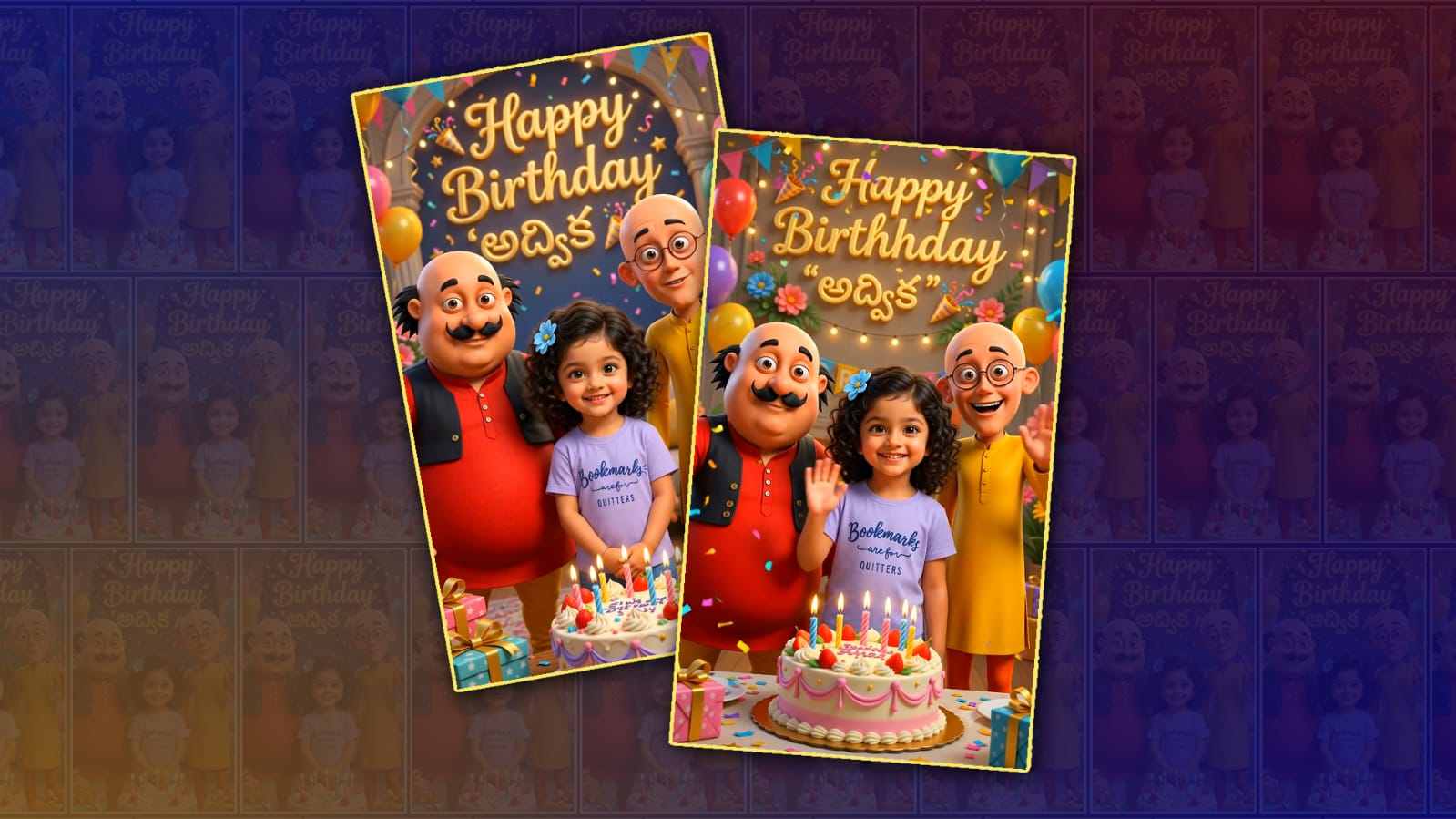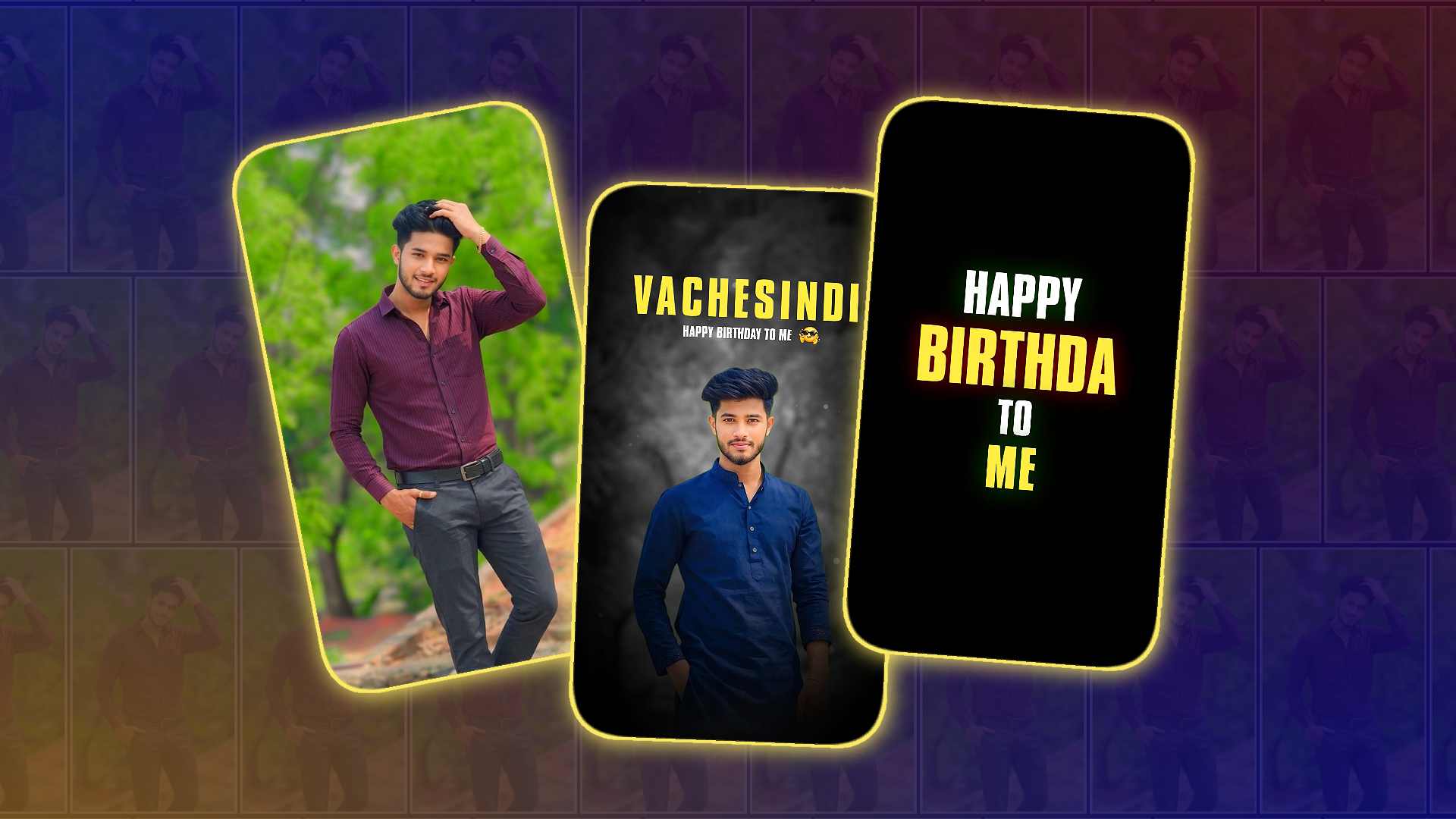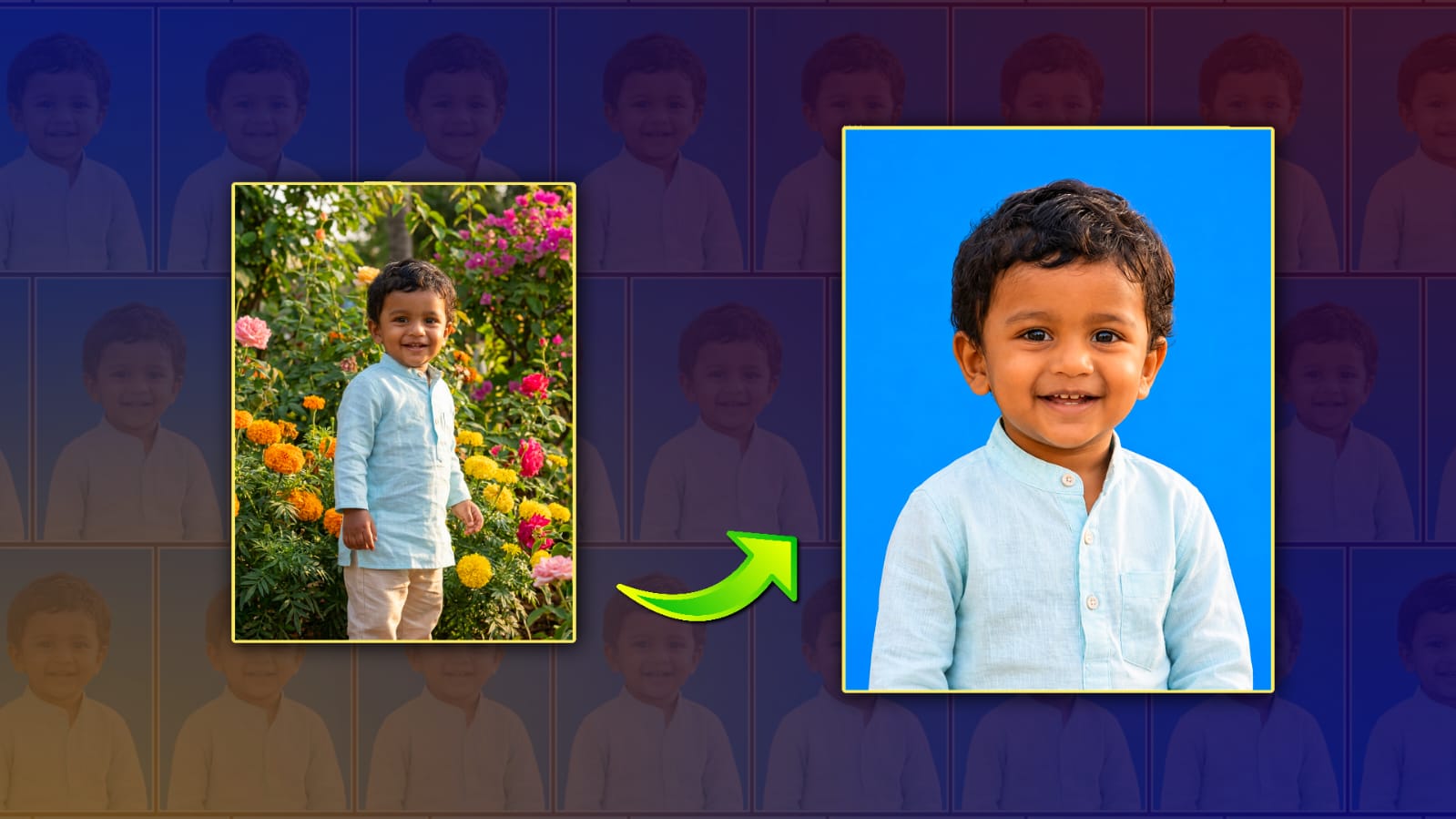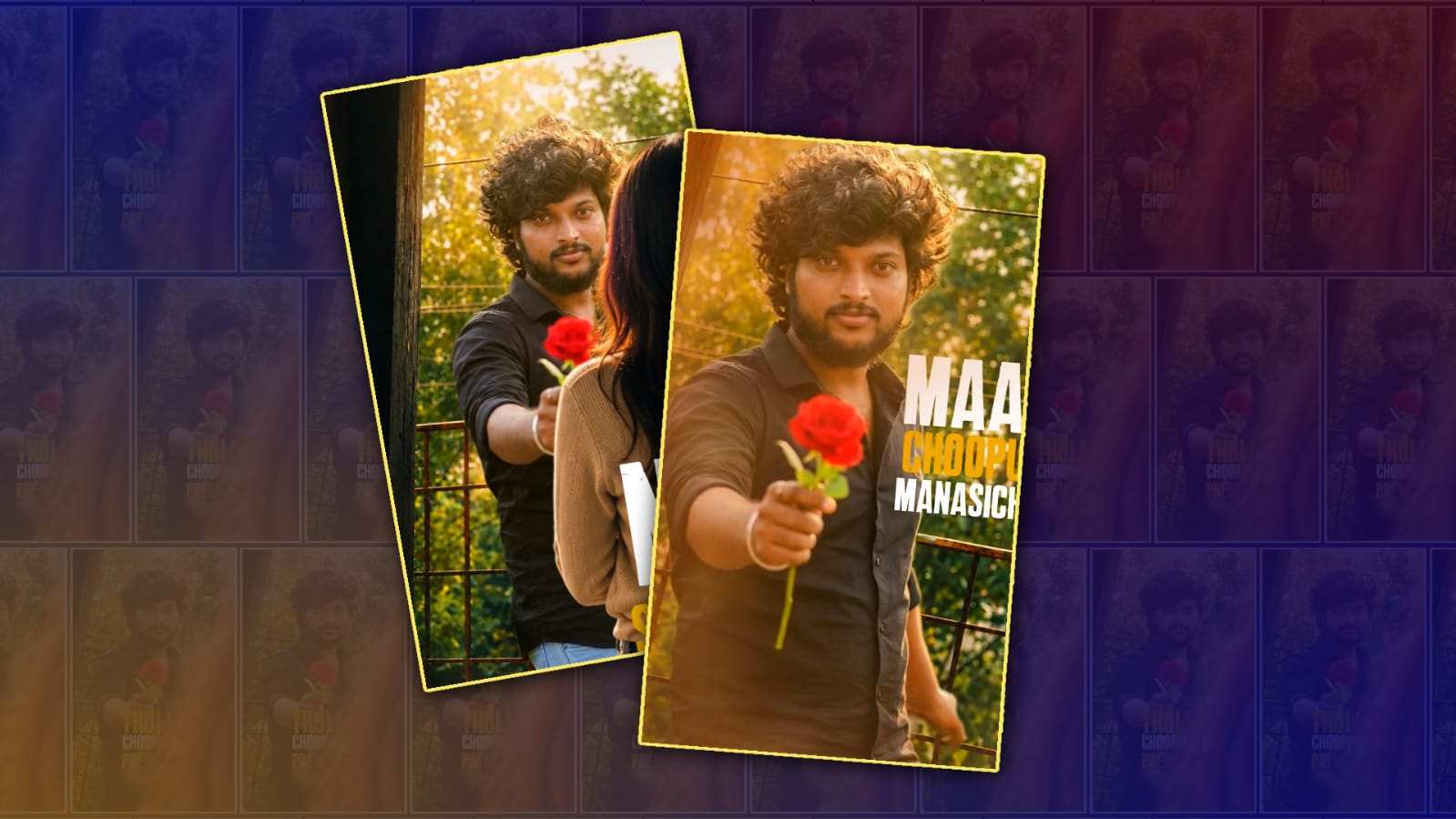
Creating a full-screen trending love lyrical video in Alight Motion has become one of the most popular editing styles for Instagram Reels, YouTube Shorts, and WhatsApp Status. This editing style combines emotional song lyrics, smooth transitions, glowing effects, and cinematic animations to create an engaging video that captures attention within seconds. Even if you are a beginner, Alight Motion provides enough tools to produce professional-looking lyrical edits without needing expensive software. The key is understanding how each element works together instead of simply adding random effects.
Before starting your project, make sure you have a good-quality song, high-resolution photos or video clips, and the lyric text you want to display. Choosing a full HD or 4K project with a vertical 9:16 aspect ratio is ideal for social media platforms. A frame rate of 30 or 60 FPS will help your animations appear smooth. Organising all your media before editing also saves time and makes the editing process easier.
The first step is importing your background footage or image into Alight Motion. Many editors use aesthetic landscapes, romantic couple silhouettes, sunsets, rain scenes, or slow-motion clips because they match the emotional tone of love songs. If you are using a still image, you can bring it to life by applying slow zoom-in or zoom-out keyframe animations. This simple movement makes the video feel more cinematic without requiring complicated editing techniques.
After placing the background, add the song that will be used in your project. Listen carefully to identify the beats and important lyric timings. Music synchronisation is one of the biggest reasons why trending lyrical videos look satisfying. Zoom into the timeline and place markers wherever the lyrics or beat changes occur. These markers make it much easier to align text animations with the music.
Now add your lyric text using a stylish font. Clean fonts with bold letters are often easier to read on mobile screens. White text with a soft glow or shadow usually stands out well against most backgrounds. Instead of displaying all the lyrics at once, split them into smaller phrases. Showing only a few words at a time keeps the video clean and allows viewers to focus on each emotional line of the song.
Animation plays an important role in making lyrical videos attractive. Use keyframes to animate the text with fade-ins, scale effects, or slight upward movement. Avoid making every lyric use the same animation because it can become repetitive. Mixing different entrance and exit effects gives the video a more professional appearance while maintaining a smooth viewing experience.
Another feature that makes love lyrical videos popular is motion blur. When text or images move quickly, motion blur creates a softer and more natural animation. If your version of Alight Motion supports motion blur, enabling it can instantly improve the overall quality of your edit. Small details like this often separate beginner edits from advanced ones.
Colour grading also has a major impact on the mood of the video. Warm tones create a romantic feeling, while cool blue tones work well for sad or emotional songs. Adjust brightness, contrast, saturation, highlights, and shadows carefully instead of applying extreme filters. The goal is to enhance the original footage while preserving natural colours.
Glow effects are commonly used in trending lyrical edits. A subtle glow around the text makes it more visible without looking distracting. Likewise, adding light leaks, lens flares, or soft particles can create a dreamy atmosphere. However, moderation is important because too many effects may reduce the clarity of the lyrics.
Transitions between different images or video clips should feel smooth rather than sudden. Zoom transitions, spin effects, blur transitions, and camera movements are frequently used in romantic edits. Place transitions exactly on the music beats for maximum impact. Good timing is often more important than using complicated effects.
Many creators also use overlays such as bokeh lights, floating hearts, rain effects, dust particles, or sparkles. These overlays add depth to the composition and make the video feel more dynamic. Lowering the opacity of these elements helps them blend naturally with the background instead of overpowering the main content.
Typography is another detail that deserves attention. Choosing the right font style, spacing, and size can greatly improve readability. Avoid using overly decorative fonts that make the lyrics difficult to understand. Keeping enough spacing between letters and lines ensures viewers can comfortably read the text even on small mobile screens.
If your video includes multiple images, apply slight movement to each one using keyframes. This technique, often called the Ken Burns effect, creates smooth panning and zooming animations. Since full-screen lyrical videos rely heavily on visual emotion, these gentle camera movements help maintain audience interest throughout the song.
Background blur can also improve the overall composition. If the background is too busy, slightly blurring it allows the lyric text to remain the main focus. You can also use gradient overlays or dark transparent layers behind the text for better visibility without affecting the beauty of the original footage.
Preview your project several times before exporting. Watch carefully for timing mistakes, spelling errors, or animations that appear too fast or too slow. Small corrections during this stage can significantly improve the final result. Professional editors often spend more time refining details than adding effects.
When exporting, choose the highest quality your device can handle. A resolution of 1080 × 1920 with a high bitrate usually produces excellent results for Instagram Reels, YouTube Shorts, Facebook Reels, and WhatsApp Status. Saving the project in good quality ensures your animations remain sharp after uploading.
Consistency is one of the biggest secrets behind successful creators. Instead of trying every new effect available, develop a recognisable editing style. Using similar colours, smooth animations, balanced typography, and clean transitions across your videos helps build a unique identity that viewers can easily recognise.
Learning from other editors is useful, but avoid copying their work exactly. Observe how they synchronise lyrics with music, how they use camera movement, and how they combine effects. Then apply those techniques in your own creative way. Original edits are more likely to stand out and attract long-term viewers than direct copies.
With regular practice, creating full-screen trending love lyrical videos in Alight Motion becomes much easier. As you gain experience, you’ll understand which animations fit different songs, how to create smoother transitions, and how to balance visual effects without making the video look overcrowded. Patience, creativity, and attention to detail are the real factors behind eye-catching lyrical edits. By focusing on timing, readable typography, cinematic motion, and emotional storytelling, you can create engaging lyrical videos that look professional and keep viewers watching until the very end.
Font Download
AM Project Import
Prompt
A stylish young man standing on a rustic balcony during golden hour, wearing a fitted black button-up shirt with rolled-up sleeves, light blue jeans, a. He has thick, messy curly hair and is holding a single vibrant red rose toward the camera, creating a romantic and mysterious mood. The background features lush green trees with soft bokeh, warm sunlight filtering through, and a weathered metal railing. Cinematic composition, shallow depth of field, warm colour grading, ultra-realistic skin and fabric textures, soft natural lighting, high detail, DSLR photography, 85mm lens, f/1.8, HDR, 8K, photorealistic, sharp focus on the subject, premium portrait photography.