Google Gemini has quickly become one of the most useful AI tools for creating text, images, and videos with simple prompts. Whether you are a content creator, YouTuber, blogger, or a member of a Ganesh youth committee, Gemini can help you create engaging announcement videos without needing professional editing skills. Instead of spending hours designing scenes, writing scripts, and adding animations manually, you can describe your idea in plain language and let AI generate a creative result.
Many people search for ways to create videos featuring popular cartoon characters. While it may be tempting to use well-known characters, it’s important to remember that they are protected by copyright. A better approach is to create an original cartoon style inspired by colourful Indian animation. This gives you complete creative freedom while avoiding copyright issues.
To begin, visit Google Gemini and sign in with your Google account. Depending on your region and subscription, you may have access to Gemini’s latest AI capabilities, including image and video generation. If video creation is available, you can simply describe the scene you want, and Gemini will generate visuals based on your prompt.
The quality of your prompt plays the biggest role in the final result. Instead of writing a short request like “Make a Ganesh announcement video,” provide detailed instructions. Mention the setting, characters, clothing, background decorations, camera movement, lighting, expressions, voice style, and duration. The more descriptive your prompt is, the better Gemini understands your vision.
For example, you could ask Gemini to create a colourful 10-second animated scene featuring cheerful young volunteers standing on a beautifully decorated Ganesh festival stage. Include flowers, lights, traditional decorations, and festive music. Ask the characters to welcome everyone and invite local youth to join the Ganesh celebration with enthusiasm and unity. Because the characters are original, the video remains unique and avoids copyright concerns.
Gemini also makes script writing incredibly easy. Instead of thinking about dialogue yourself, ask the AI to generate a welcoming announcement in your preferred language. If your audience speaks Telugu, Hindi, Kannada, Marathi, Tamil, or English, Gemini can produce a natural script within seconds. This feature is especially useful for local Ganesh committees that want to reach people in their regional language.
Another useful feature is prompt refinement. If the first video isn’t exactly what you imagined, you don’t need to start over. Simply ask Gemini to make the animation brighter, add more festival decorations, include fireworks, slow down the camera movement, or change the background music. AI remembers your previous instructions and can improve the output with every revision.
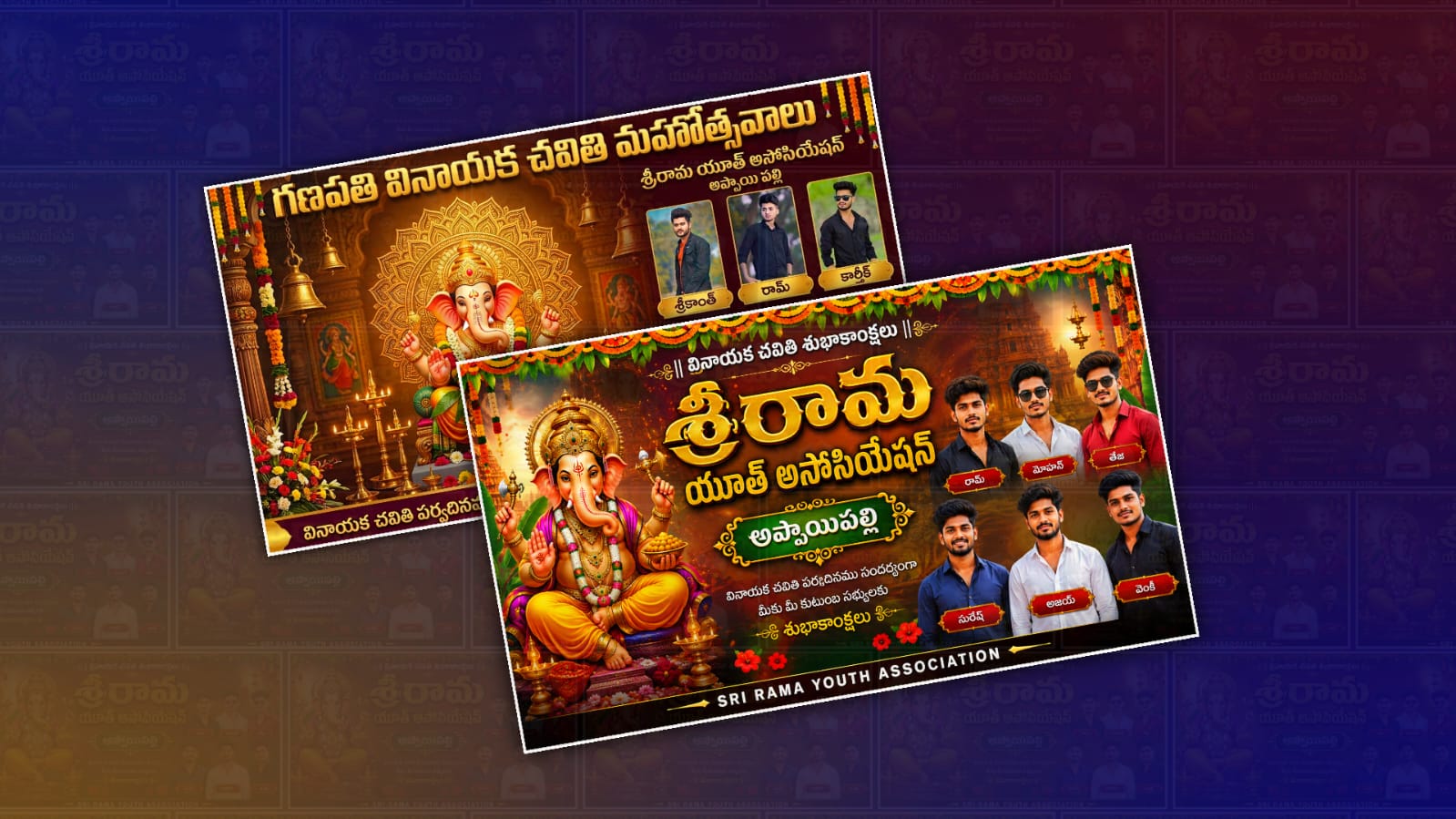
If your version of Gemini supports image generation, you can first create posters, invitation cards, and social media banners before producing a video. This helps maintain a consistent visual style across your festival promotions. Many organisers create matching thumbnails, YouTube banners, WhatsApp invitations, and Instagram posts using the same prompt.
Voice generation is another area where AI can save time. You can ask Gemini to prepare a friendly and energetic announcement script, then record it yourself or use another AI voice tool to narrate it. Combining an original voice with AI-generated visuals often creates a more personal and engaging result for local audiences.
Music also plays an important role in festival videos. Rather than using copyrighted songs, choose royalty-free devotional or instrumental music. This ensures your video can be shared on YouTube, Facebook, Instagram, and WhatsApp without copyright claims. Many free music libraries offer festive background tracks suitable for Ganesh celebrations.
Once your video is complete, you can further enhance it with a video editor. Add your youth association’s name, event date, venue, and contact information. Include smooth transitions, subtitles, and your organisation’s logo. Even simple finishing touches can make an AI-generated video look polished and professional.
One of Gemini’s biggest strengths is its ability to generate multiple versions of the same idea. You can create a short 10-second announcement for WhatsApp Status, a 30-second version for Instagram Reels, and a one-minute version for YouTube Shorts. Instead of creating each version manually, simply ask Gemini to adjust the duration while keeping the same theme.
For bloggers and content creators, Gemini is also useful beyond video generation. It can help write SEO-friendly titles, meta descriptions, YouTube descriptions, hashtags, and social media captions. This allows you to promote your Ganesh festival content across multiple platforms with consistent messaging.
If you’re creating content for YouTube, remember that originality matters. Videos featuring your own characters, scripts, narration, and creative direction are generally more sustainable than relying on existing copyrighted characters. Original content also helps build your own identity and brand over time.
Google continues to expand Gemini’s capabilities with new AI features, making it easier for beginners to create professional-looking content without advanced editing knowledge. Whether you’re organising a neighbourhood Ganesh celebration or promoting a youth volunteer event, Gemini can significantly reduce the time required to prepare attractive promotional materials.
To explore the latest features, tutorials, and updates, visit the Google Gemini Official Website and Google AI Documentation. These official resources explain available AI features, supported regions, and best practices for creating high-quality content.
By combining clear prompts, original cartoon characters, festive visuals, and thoughtful editing, you can create an engaging Ganesh Youth announcement video that looks professional while respecting copyright. As Gemini continues to improve, creating attractive festival videos will become even more accessible for bloggers, creators, and community organisations looking to share their celebrations with a wider audience.
Reference Image Download
Image Prompt
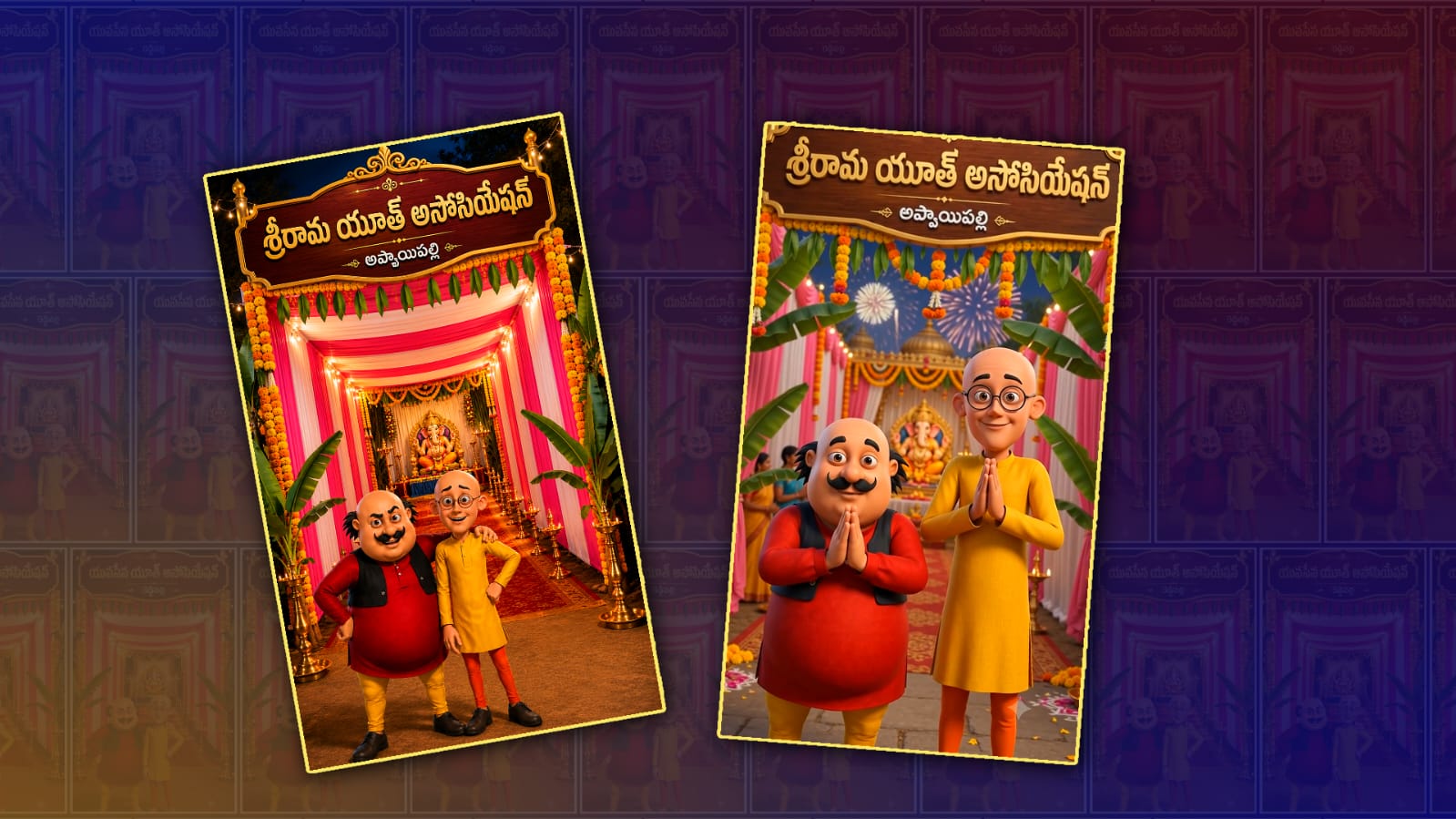
Use the uploaded image as the exact reference. Keep the same premium Ganesh festival entrance, pink & white fabric decoration, wooden signboard, golden border, marigold garlands, banana plants, glowing lamps, Lord Ganesha idol, warm cinematic lighting, and 9:16 composition. Replace only the signboard text with: Youth Name: “YOUTH NAME” and below it in smaller Telugu font: Village Name: “VILLAGE NAME“. Keep the same Motu & Patlu style and positions, but remove their shoes completely and make them barefoot. Do not change their faces, expressions, clothes, colors, hairstyle, or pose. Ultra-realistic Pixar-quality 3D render, HDR, cinematic, highly detailed, festive atmosphere, 8K, 9:16 vertical.
Scene 1 Prompt
Use the uploaded Motu & Patlu image as the base. Do not change anything in the image. Keep the characters, faces, clothes, background, Ganesh festival entrance, wooden signboard, Telugu text, Youth Name “YOUTH NAME“, and Village Name “VILLAGE NAME” exactly the same. Animate only natural lip-sync, eye blinking, facial expressions, hand gestures, and slight body movement. Add a slow cinematic camera push-in, soft twinkling lights, and gentle movement of flower garlands. Ultra-realistic Pixar-quality 3D animation, HDR, 9:16.
Dialogue:
మోటు: “హలో VILLAGE NAME ప్రజలారా… ఇంకొన్ని రోజులే ఉంది!”
పట్లు: “గణపతి బప్పా మహోత్సవాలు వస్తున్నాయి! మన YOUTH NAME ఈసారి గ్రాండ్గా సెలబ్రేట్ చేయబోతోంది.”
మోటు: “యూత్ మెంబర్స్ అందరూ సిద్ధంగా ఉండండి… ఈసారి సెలబ్రేషన్ నెక్స్ట్ లెవెల్!”Scene 2 Prompt
Use the uploaded Motu & Patlu image as the base. Do not change anything in the image. Keep the characters, faces, clothes, background, Ganesh festival entrance, wooden signboard, Telugu text, Youth Name “YOUTH NAME“, and Village Name “VILLAGE NAME” exactly the same. Animate only natural lip-sync, eye blinking, facial expressions, hand gestures, and slight body movement. Add a slow cinematic camera movement, soft festive lighting, gentle flower movement, and subtle fireworks in the background. Ultra-realistic Pixar-quality 3D animation, HDR, 9:16.
Dialogue:
పట్లు: “మన యూత్ మెంబర్స్… అశోక్… జ్ఞానేశ్వర్… సురేష్… కిరణ్… తేజ… రవి… మీ అందరూ వెంటనే ఏర్పాట్లలో పాల్గొనండి!”
మోటు: “గణపతి బప్పా మోరియా! VILLAGE NAME గర్వం… YOUTH NAME జై! అందరం కలిసి ఈ మహోత్సవాన్ని విజయవంతం చేద్దాం!”