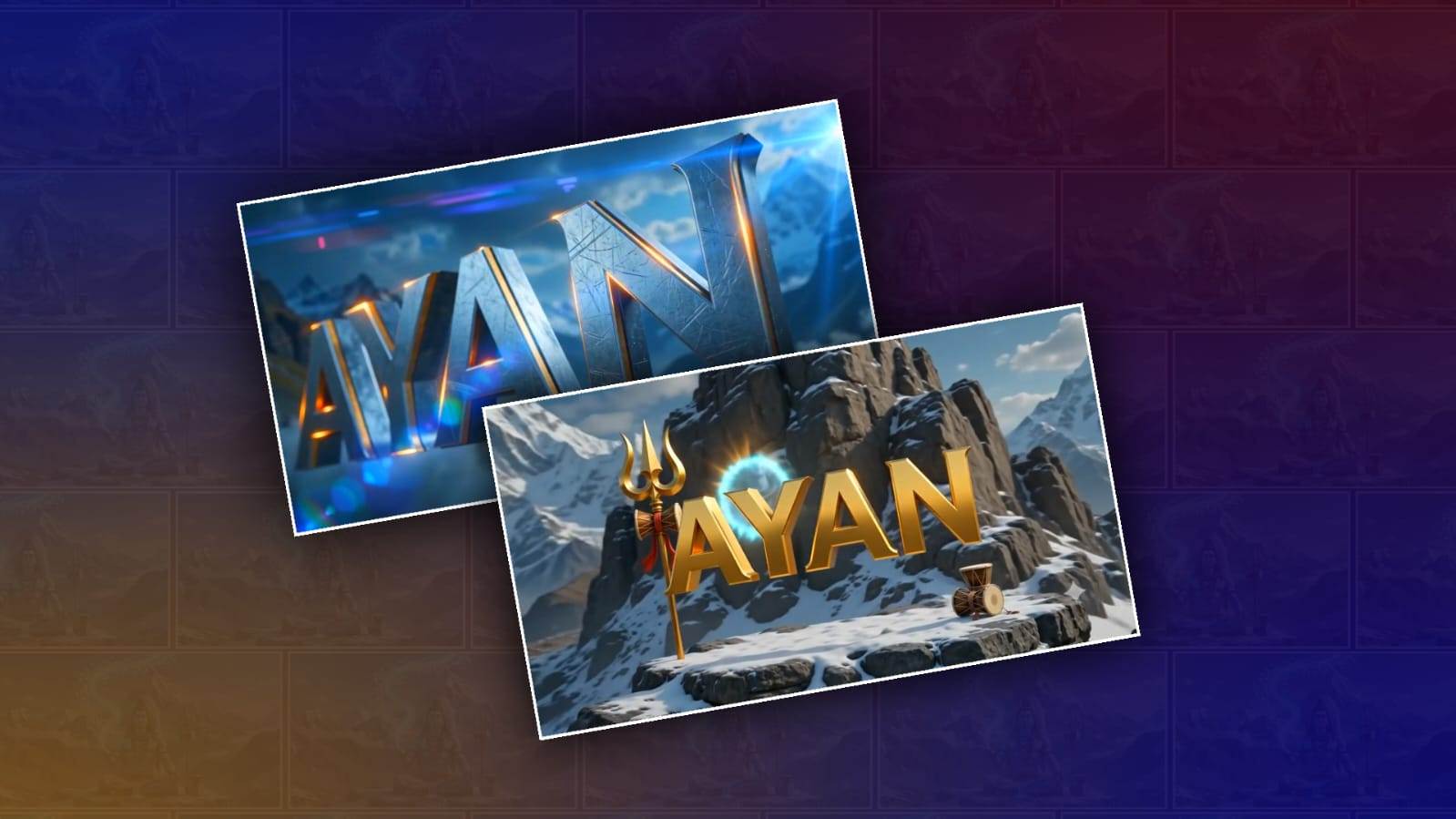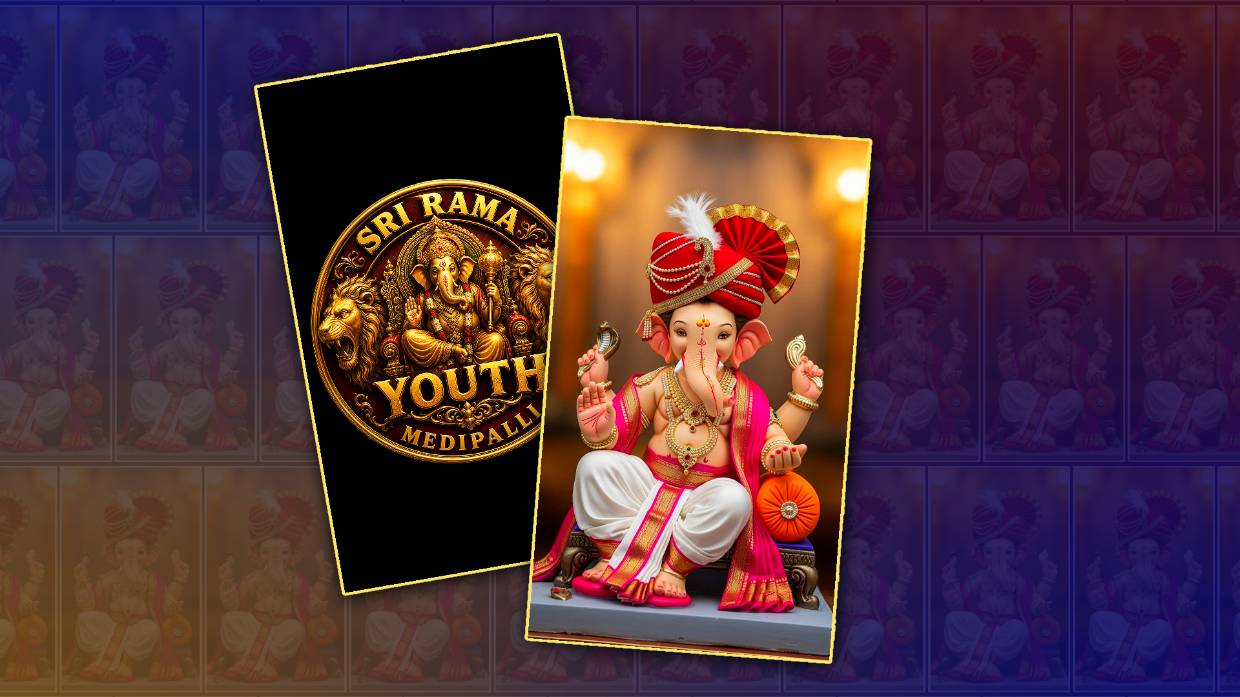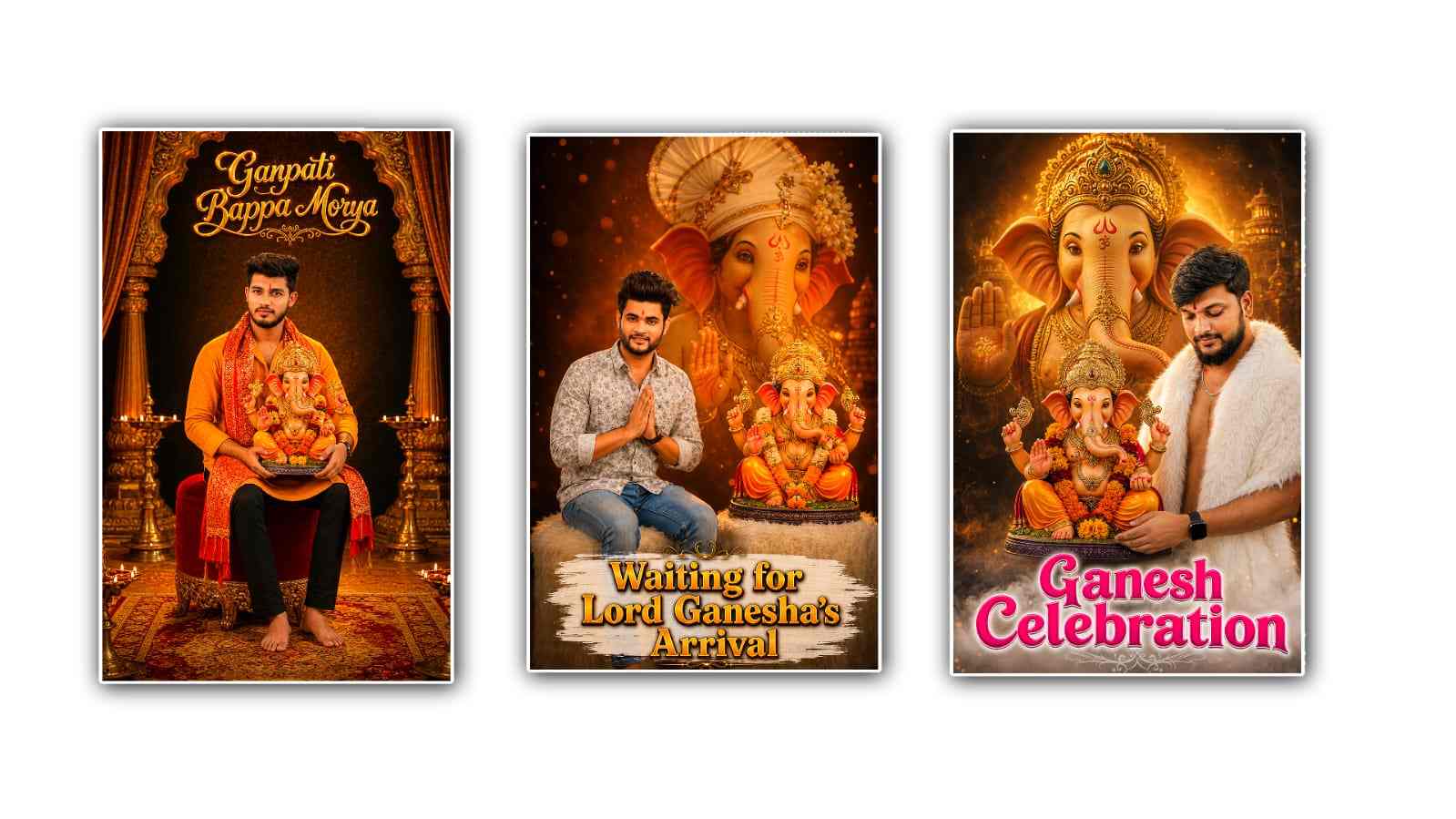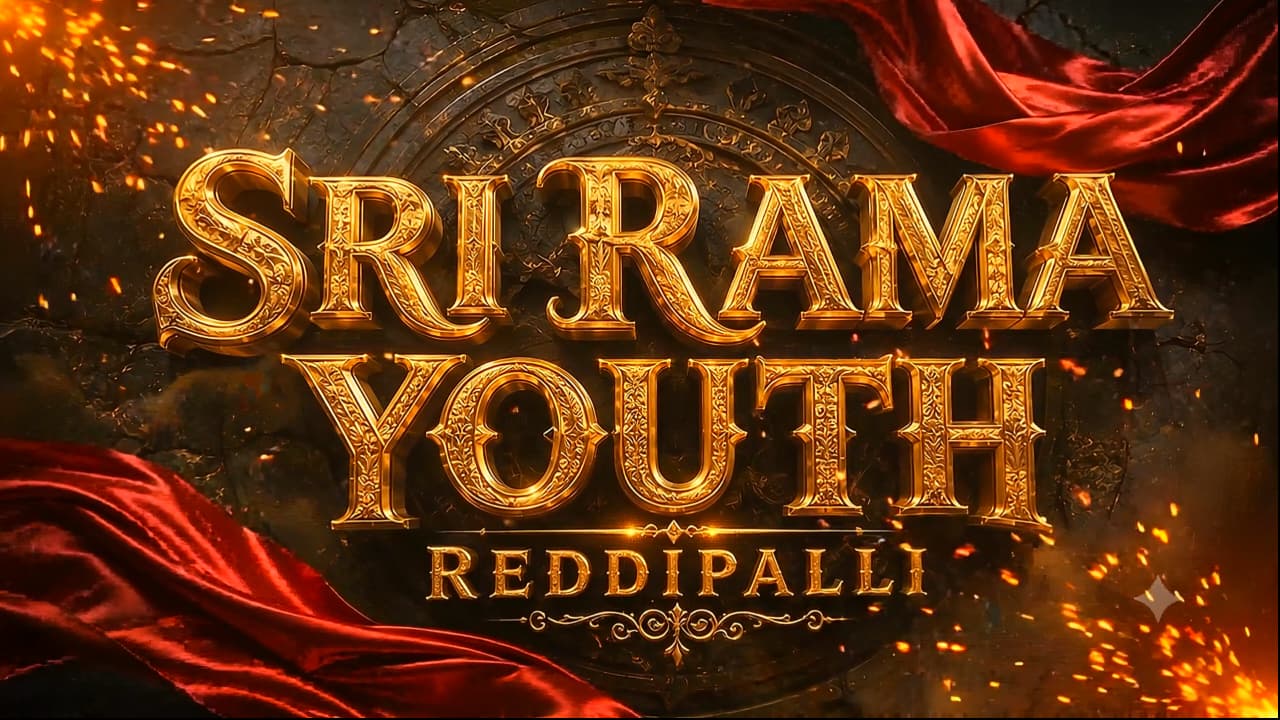
Creating a 3D cinematic youth logo animation in Google Gemini is one of the easiest and most exciting ways to bring your creative ideas to life. Whether you are a content creator, YouTuber, designer, gamer, or social media influencer, a stylish 3D logo animation can instantly make your brand look more professional and memorable. Thanks to the latest AI capabilities in Google Gemini, you no longer need advanced editing skills or expensive software to generate stunning visual concepts. With the right prompt and a little creativity, Gemini can help you create detailed ideas, cinematic scenes, animation scripts, and visual descriptions that can later be transformed into impressive logo animations using compatible AI video tools.
The first step is deciding what kind of youth logo you want to create. Youth-themed logos usually feature bold typography, vibrant colours, energetic lighting, futuristic elements, and dynamic motion effects. Think about your personality or your brand identity before writing your prompt. If your content is related to gaming, sports, fashion, music, travel, or technology, include those details in your prompt. The more specific your description is, the more accurate and creative Gemini’s response will be. Instead of writing a simple request like “make a logo animation,” describe the environment, colours, lighting, camera movement, background, and animation style.
A good prompt should explain exactly how the animation begins and ends. For example, you can ask Gemini to generate a cinematic sequence where glowing particles gather from different directions, forming a metallic 3D logo in the centre of the screen. You can describe dramatic lighting, colourful neon reflections, floating dust, realistic shadows, slow-motion effects, and a powerful camera zoom. These small details make the animation feel much more realistic and engaging.
Another important element is choosing the right colour combination. Bright blue, electric purple, fiery orange, emerald green, and golden highlights are popular choices for youthful and modern logo animations. Gemini can also suggest matching colour palettes based on your brand personality. If you want a luxury look, you can request black and gold with glossy reflections. If your audience is younger, vibrant colours or futuristic lighting often create a stronger visual impact.
The typography also plays a major role in the final appearance. Bold 3D letters with metallic textures, chrome finishes, glowing edges, or glass-like materials usually look cinematic. You can ask Gemini to describe different font styles that match your brand. Thick, modern lettering often works well for gaming channels, while sleek minimalist fonts are better for technology or business brands. Combining the right typography with dramatic lighting creates a premium-looking logo animation.
Camera movement is another feature that makes an animation look professional. Instead of showing a static logo, ask Gemini to create a cinematic camera movement. The camera can slowly rotate around the logo, zoom through glowing particles, or move upward while revealing the final design. Smooth camera transitions create a movie-like atmosphere that captures viewers’ attention within the first few seconds.
Lighting effects are equally important because they define the mood of the animation. You can describe cinematic spotlight, colourful neon glows, volumetric light rays, lens flares, reflections, and soft shadows. Gemini understands descriptive prompts very well, so using expressive words like “epic,” “realistic,” “ultra-detailed,” “high contrast,” “dramatic,” and “cinematic” helps produce better creative outputs. These effects give the impression that the logo belongs in a professional film intro rather than a simple graphic.
Background selection also affects the overall quality. A dark futuristic city, space environment, abstract digital tunnel, smoky atmosphere, crystal cave, cyberpunk skyline, or glowing geometric shapes can make the logo stand out even more. Instead of leaving the background plain, ask Gemini to generate an immersive environment that complements your logo. A detailed background adds depth and realism to the animation without distracting from the main design.
Motion effects bring energy into the animation. You can request flying sparks, swirling smoke, floating particles, glowing energy waves, digital glitches, shattered glass, lightning effects, or magical light trails. These dynamic elements make the logo reveal more exciting and visually impressive. Gemini can describe these effects in a way that works well with AI video generation tools, making it easier to create cinematic animations later.
Sound design should also be considered, even though Gemini mainly generates text. You can ask it to recommend cinematic sound effects such as deep bass hits, whooshes, metallic impacts, rising orchestral music, futuristic electronic sounds, or dramatic booms. Matching audio with visual motion greatly enhances the professional feel of your logo animation and creates a stronger emotional connection with viewers.
If you plan to use the animation on YouTube, Instagram, TikTok, or other social media platforms, make sure your prompt includes the desired aspect ratio and video duration. Short logo animations between five and ten seconds usually perform best because they quickly introduce your brand without losing audience attention. Gemini can even suggest optimised animation timing for different platforms, helping you create content that looks polished everywhere.
Experimenting with different prompt variations is one of the best ways to achieve unique results. Instead of using the same description every time, try changing lighting styles, environments, materials, colours, and camera angles. One version might feature a futuristic cyberpunk atmosphere, while another could use a luxury gold theme or a cosmic galaxy background. Small prompt adjustments often lead to completely different creative concepts, giving you more options to choose from.
The most effective prompts are descriptive but organised. Mention the subject first, then explain the environment, camera movement, lighting, colours, animation sequence, materials, mood, and final appearance. This structured approach helps Gemini understand your vision more clearly and generate higher-quality responses. Spending a few extra minutes improving your prompt often saves much more time during the creative process.
As AI technology continues to improve, creating professional-quality logo animations is becoming accessible to everyone. You no longer need years of experience in motion graphics or expensive editing software to produce eye-catching branding. Google Gemini acts as a creative assistant that helps transform simple ideas into detailed cinematic concepts with remarkable speed. Whether you are starting a new YouTube channel, building a personal brand, promoting a gaming community, or launching a business, a well-designed 3D cinematic youth logo animation can leave a lasting impression on your audience. By combining creative prompts, vivid descriptions, dramatic lighting, dynamic camera movements, realistic materials, and energetic motion effects, you can create visually stunning logo animation concepts that stand out and give your brand a modern, professional, and unforgettable identity.
IMAGE PROMPT 1
A premium cinematic 3D typography poster with the text “BSY YOUTH” in massive embossed metallic gold letters, featuring ultra-detailed engraved textures, beveled edges, realistic reflections, and glowing golden highlights. Below it, a smaller metallic gold subtitle reading “ASSOCIATION”.

Background: Dark ancient black stone wall with cracked textures and a faint circular carved temple emblem behind the text.

Two luxurious deep crimson silk cloth ribbons flow dynamically around the title with realistic fabric physics and elegant motion.

Atmosphere filled with glowing orange embers, floating sparks, golden dust particles, subtle smoke, dramatic volumetric lighting, cinematic shadows, warm orange rim light. HDR illumination, high contrast, ultra-realistic, epic festival mood.

Centered composition, premium movie title reveal style, luxury branding. Unreal Engine 5, Octane Render, ray tracing, global illumination, photorealistic, 8K, ultra sharp, masterpiece.

Replace:

BSY YOUTH = Your Main Name

ASSOCIATION = Village / Team / Organization Name

Aspect Ratio: 16:9
IMAGE PROMPT 2
A luxurious circular 3D golden emblem featuring Lord Ganesha seated gracefully at the center with intricate Indian temple carvings, highly detailed ornaments, crown, jewelry, lotus, modak bowl, blessing hand, and sacred symbols.

The outer circular ring is engraved with customizable metallic gold text.

Top Curve: BSY YOUTH

Bottom Curve: ASSOCIATION

Decorative lotus motifs, traditional floral engravings, glowing diyas on both sides, elegant ornamental details, polished gold finish with realistic reflections and engraved textures.

Background: Dark aged black stone wall with weathered texture, cinematic warm lighting, floating glowing embers, subtle smoke, golden particles, dramatic volumetric light, divine aura, festival atmosphere.

Premium luxury badge design, centered composition, ultra realistic, Unreal Engine 5, Octane Render, ray tracing, global illumination, HDR, photorealistic, 8K, masterpiece.

Replace:

BSY YOUTH = Your Youth Name

ASSOCIATION = Village Name

Aspect Ratio: 16:9
VIDEO PROMPT
CINEMATIC 3D TITLE REVEAL VIDEO PROMPT

Use the first uploaded image as the exact Start Frame and the second uploaded image as the exact End Frame.

Create an 8–10 second premium cinematic 3D title reveal with the visual quality of Cinema 4D, Octane Render, Unreal Engine 5.

The video begins with an extreme macro close-up of the ancient black stone wall and the metallic gold letters. The camera slowly glides across the beveled gold typography, revealing engraved details, scratches, polished reflections, and glowing golden edges. Warm orange light sweeps across the metal surface while tiny embers, golden dust, and subtle smoke drift naturally through the scene.

The deep crimson silk ribbons gently move with realistic fabric physics around the title. The metallic gold surface comes alive with animated reflections and soft golden glow, as if illuminated by hidden cinematic lights. Every engraved detail becomes more visible as the camera continues its slow, elegant movement.

After revealing the full title, the camera smoothly pulls back while remaining perfectly centered. Golden particles begin swirling toward the center, forming a divine circular aura. The premium golden emblem of Lord Ganesha gradually appears from the glowing particles with realistic metallic reflections, embossed carvings, lotus motifs, sacred ornaments, and polished gold details. The reveal must feel majestic, luxurious, and cinematic, like the opening logo of a blockbuster film.

The camera finally stops on the completed emblem, matching the second uploaded image exactly. Hold the final frame for one second with a divine golden aura, floating embers, volumetric light rays, and subtle smoke.

Preserve every element exactly as provided in both images. Do not redesign or regenerate Lord Ganesha, the typography, emblem, ribbons, carvings, stone wall, lighting style, colors, composition, or proportions. Keep the visual identity consistent throughout the animation.

Negative Prompt: No camera shake, no fast movements, no cartoon style, no low quality, no blurry textures, no text distortion, no spelling changes, no morphing of the title, no redesign of the emblem, no extra objects, no missing details, no flickering, no deformation, no perspective changes, no color shifts. The first frame must match the first uploaded image exactly, and the final frame must match the second uploaded image exactly.