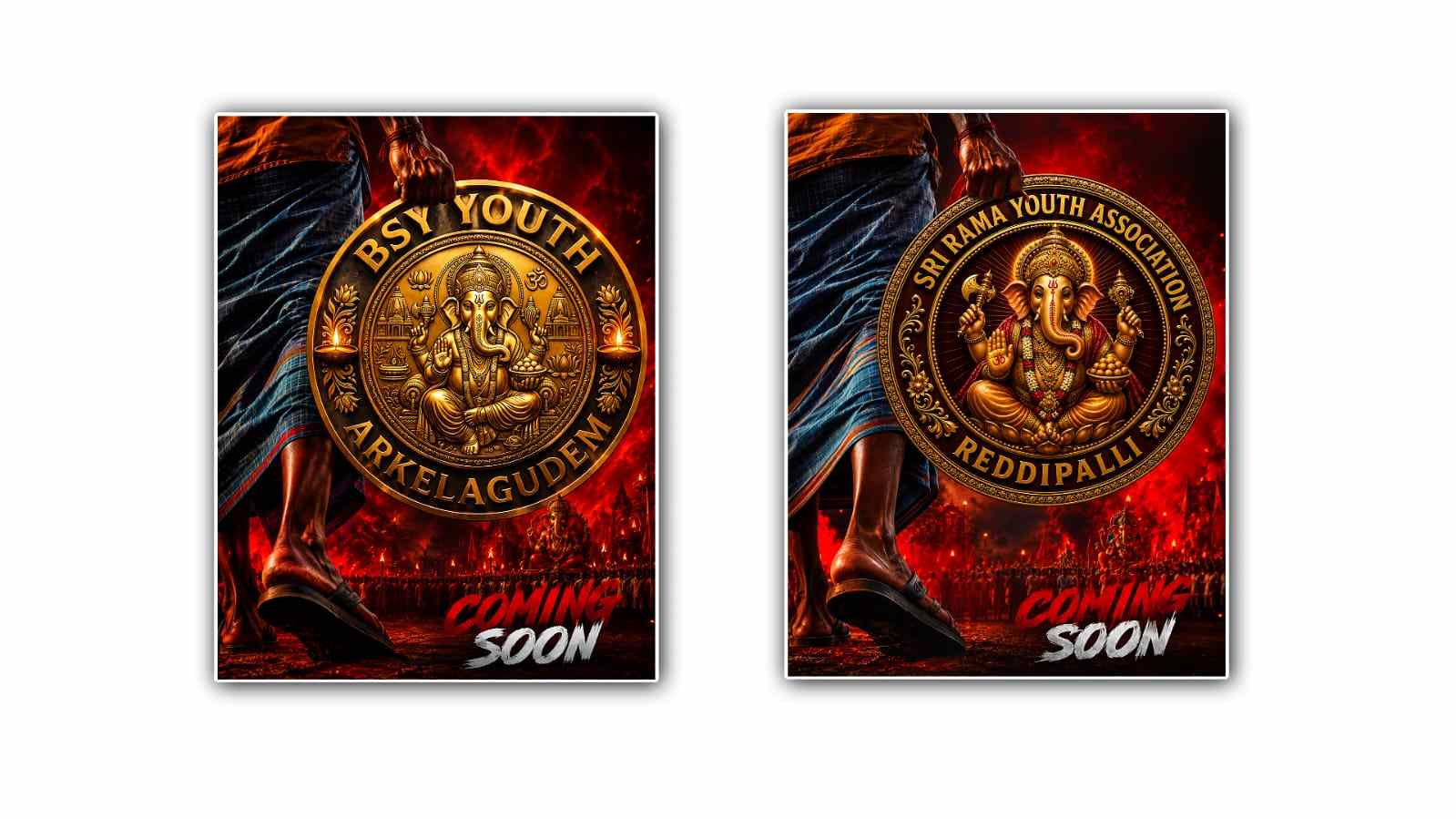
Creating a logo does not always require professional design software or years of graphic design experience. With AI tools becoming easier to use, anyone can now create a meaningful and attractive logo with just a simple idea and a good prompt. Google Gemini is one of the AI tools that can help with this process. If you want to create a “hand holding youth” logo in Google Gemini, you can start with a basic concept and gradually improve the design until it matches your vision.
A hand holding youth logo can represent many positive ideas, including support, guidance, care, education, opportunity, growth, and empowerment. The exact meaning depends on how you design the hand and the young person or symbol in the logo. For example, a hand gently supporting a young person can communicate mentorship, while a hand holding a small plant can represent nurturing the next generation. Because logos are usually small and need to be recognisable quickly, keeping the design simple is one of the most important things to remember.
To begin, open Google Gemini and sign in to your Google account if required. Look for the image-generation feature available in your Gemini interface. The exact buttons and options may change over time. Still, the basic process is usually the same: describe the image you want, submit your prompt, and allow Gemini to generate a visual based on your description.
The most important part of the process is writing a clear prompt. Instead of simply typing “make a hand holding youth logo,” give Gemini enough information to understand the style, composition, colours, and purpose of the logo. A detailed prompt can help you get much closer to the result you have in mind.
For example, you could write a prompt such as: “Create a modern and meaningful logo showing a human hand gently holding and supporting a young person, symbolising youth empowerment, guidance, care, hope, and a brighter future. Use a clean minimalist vector style, simple shapes, balanced composition, professional appearance, and a white background. Use blue and green colours with subtle yellow accents. Make the logo suitable for an education or youth development organisation.”
This type of prompt gives Gemini several important instructions. It explains what the main subject should be, what the logo should communicate, which visual style you prefer, and where the logo might be used. You can change these details according to your project.
If you want a more symbolic design, you can ask Gemini to avoid realistic human figures. For example, you might request a simple hand holding a small human silhouette or a young person represented by an abstract figure. Symbolic designs can work particularly well for logos because they remain recognisable even when the logo is printed at a small size.
You can also experiment with different colours. Blue can create a feeling of trust, stability, and professionalism, while green can suggest growth, hope, and development. Orange and yellow can make a logo feel more energetic and youthful. If the organisation already has brand colours, include those colours in your Gemini prompt so that the generated design fits your existing identity.
Another useful approach is to tell Gemini exactly what you do not want. For example, you can say, “Keep the design simple and avoid excessive details, realistic photography, complicated backgrounds, shadows, and unnecessary decorative elements.” This can help push the image toward a cleaner logo style instead of producing something that looks more like an illustration.
Once Gemini generates the first version, do not worry if it is not perfect. AI-generated images often need several attempts before they match the original idea. Look carefully at the first result and decide what you like and what needs to change. You can then give Gemini a follow-up instruction instead of starting from the beginning.
For example, you could say, “Make the hand more elegant and simple, make the young person more recognisable, remove the background elements, and use a stronger blue and green colour combination.” Gemini can use your follow-up request to create another version based on the changes.
You can continue refining the logo by changing one or two things at a time. If you change everything in a single prompt, it may become difficult to understand which instruction affected the final result. Small adjustments can make the process easier and help you reach a better design.
The positioning of the elements is also important. A hand holding a young person should look natural and balanced. You could ask Gemini to place the hand underneath the figure, with the young person positioned centrally above it. Another option is to show two hands supporting a young person, which can communicate community, teamwork, and collective responsibility.
If you want the logo to include text, you can ask Gemini to add the organization’s name or a short slogan. However, AI image generators can sometimes produce incorrect spelling or unusual-looking text. For this reason, it can be better to create the main logo symbol first and add the final text later using a design application. This gives you more control over fonts, spacing, and spelling.
Font selection can also change the personality of the logo. A clean sans-serif font can give the design a modern and professional appearance. A softer rounded font may feel more friendly and suitable for a youth-focused organisation. If the logo is intended for a school, nonprofit, youth club, community project, or educational campaign, choose typography that matches the audience and purpose.
You should also think about where you plan to use the logo. A good logo should work on social media profiles, websites, posters, banners, business cards, certificates, T-shirts, and printed documents. A complicated image may look attractive on a large screen but become difficult to recognise when reduced to a small size. That is why a simple design with a strong central symbol is usually a safer choice.
For a more professional result, you can ask Gemini for several variations of the same concept. For example, request a minimalist version, an outlined version, a circular badge version, and a modern geometric version. Comparing different styles can help you discover which direction works best for your project.
You can also experiment with prompts such as “professional nonprofit logo,” “modern youth empowerment logo,” “flat vector logo,” “minimal line-art logo,” or “simple community support emblem.” Each phrase can influence the visual direction of the generated image.
After you are satisfied with the concept, check the image carefully before using it officially. Make sure the hands and human figures look natural, the symbolism is easy to understand, the colours work together, and there are no unwanted objects or visual elements. If the logo represents an organisation or public project, it is also worth checking whether the final design is sufficiently original and appropriate for your intended use.
The biggest advantage of using Google Gemini for this type of project is that you do not need to know complicated design terminology to get started. You can describe your idea in normal language and use the generated results to discover what looks best. The first image does not have to be the final image. Think of the process as a conversation with an AI designer: explain your idea, review the result, give feedback, and keep improving it.
A hand holding a youth logo can be a powerful visual symbol because it immediately suggests support, protection, opportunity, and growth. With a clear concept, a detailed prompt, and a little experimentation, Google Gemini can help turn that idea into a visual design. The key is not simply asking Gemini to “make a logo,” but explaining the message you want the logo to communicate and the visual style you want to see. Start simple, refine the details, and choose the version that remains clear and meaningful even at a small size.
LOGO PROMPT
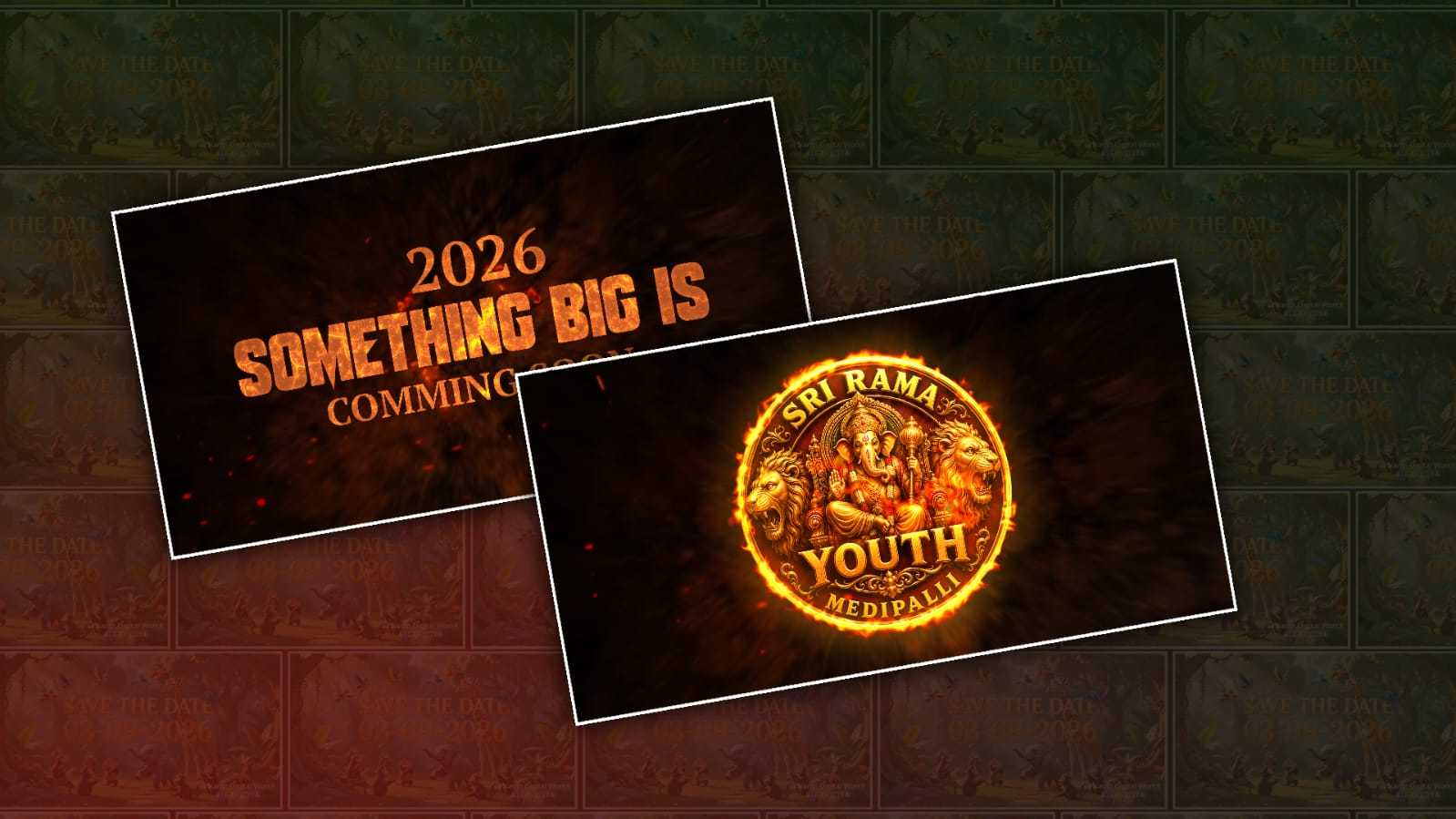
Use the uploaded logo as the ONLY image reference. Create a premium cinematic 4:5 portrait poster featuring the uploaded logo as a large physical emblem being held by a person from the top edge with one hand. The composition should have a dramatic South Indian festival mass-poster aesthetic. Show only the lower body of a traditionally dressed man on the LEFT side of the frame, wearing a realistic traditional dhoti/lungi and sandals. His hand comes from the upper-left area and firmly grips the TOP EDGE of the uploaded logo. The uploaded logo must be the main hero element, large and dominant in the centre of the frame. Make the uploaded logo look like a real heavy physical emblem/signboard being held in the person's hand, with realistic thickness, depth, perspective, reflections, shadows, and cinematic lighting.

IMPORTANT LOGO LOCK:
Use the uploaded logo EXACTLY as provided. Do not redesign it. Do not change its shape. Do not change its text. Do not change letters. Do not change symbols. Do not change colors. Do not add or remove any elements. Do not create a different logo. Preserve the logo's original design and proportions perfectly.

BACKGROUND:
Create a powerful red-and-black cinematic Ganesh festival atmosphere. Deep crimson smoky sky, dramatic clouds, glowing red-orange firelight, distant festival crowd, red flags, torches, smoke and atmospheric particles. A large Lord Ganesha idol should appear in the distant background behind the crowd. The background must remain slightly blurred so the uploaded logo stays the main focus.

CAMERA:
Low-angle cinematic camera. Large foreground logo. Person positioned on the left. Strong depth and perspective. Dramatic rim lighting. High contrast. Volumetric smoke and light. Realistic shadows. The overall poster should feel like a high-budget South Indian mass movie announcement / Ganesh festival teaser poster. At the bottom, add bold cinematic "COMING SOON" typography, with "COMING" in aggressive red brush-style lettering and "SOON" in bold white brush-style lettering. Make everything photorealistic and cinematic while keeping the uploaded logo completely unchanged. Ultra-detailed, realistic skin, realistic hand anatomy, realistic fabric, realistic sandal, realistic logo surface, cinematic depth of field, dramatic lighting, volumetric atmosphere, premium poster design, 8K quality. PORTRAIT 4:5.