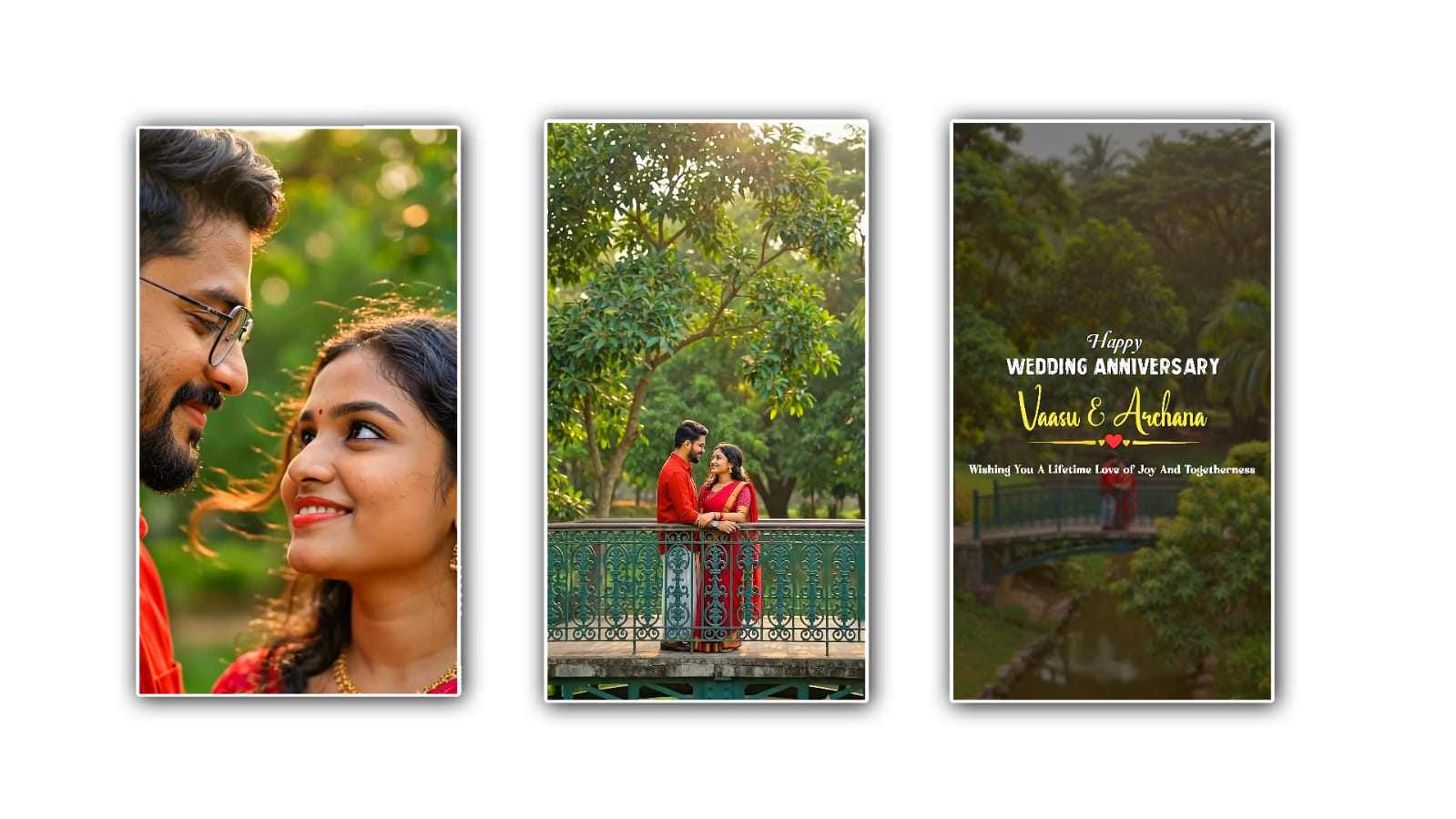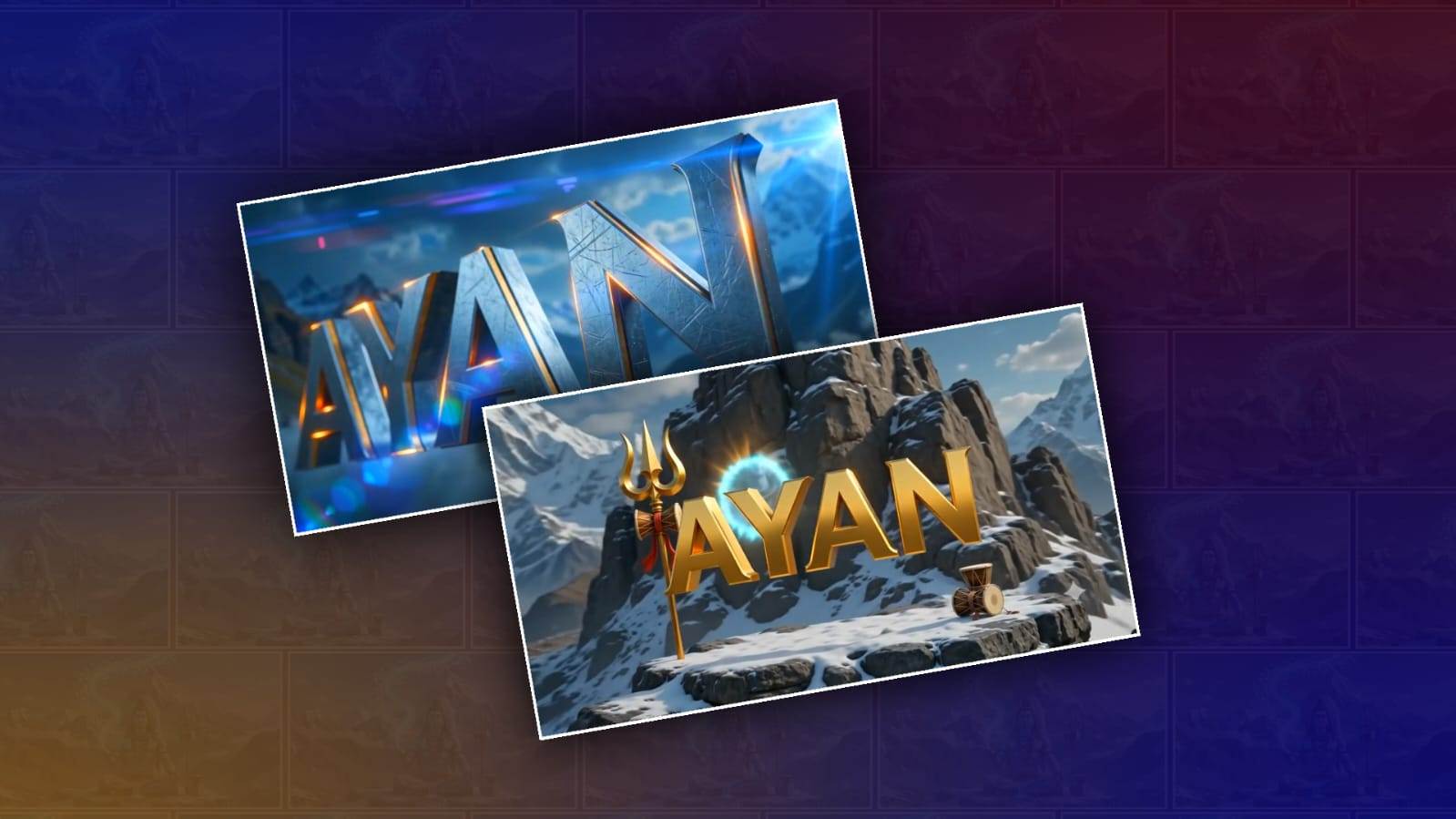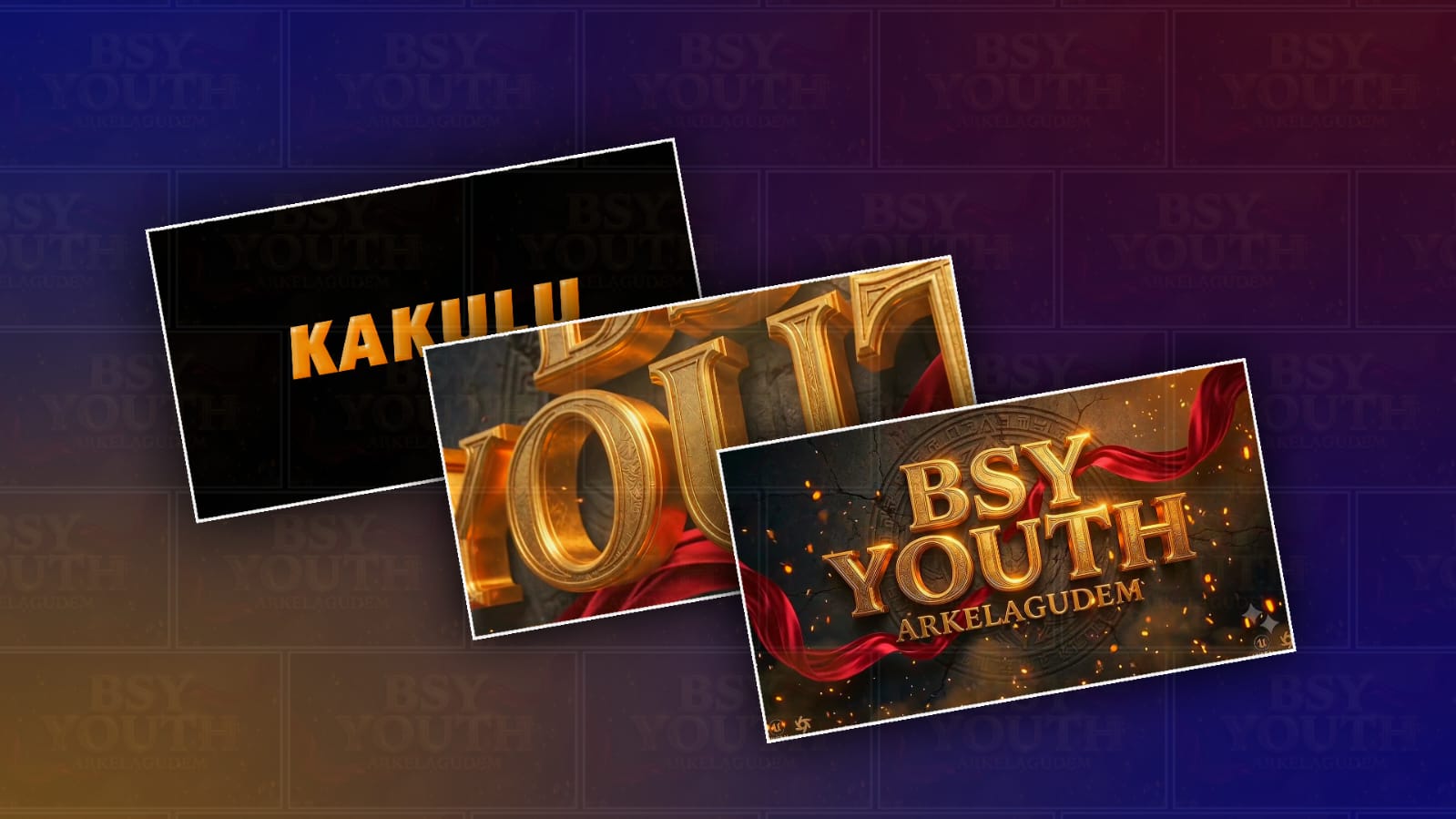
Creating short, stylish videos with a strong dialogue and a professional logo reveal has become a popular way to promote a personal brand, YouTube channel, Instagram page, business, or even a small online project. The good thing is that you do not always need advanced video-editing skills to create this kind of content. With Google Gemini, you can plan the dialogue, develop the visual concept, create suitable prompts, and turn a simple idea into a video concept that feels modern and engaging.
The first thing you need is a clear idea for your video. A trending dialogue video usually works best when it starts with a short conversation, question, statement, or surprising line that immediately catches attention. Instead of making the dialogue too long, keep it natural and easy to understand. For example, you can create a conversation where one person asks, “What makes your brand different?” and the other person replies with a confident line that leads naturally into the logo reveal. The purpose is not simply to add random dialogue but to create a small story that makes viewers curious about what comes next.
Google Gemini can be useful at this stage because you can describe your idea and ask it to create several dialogue variations. You could write a simple prompt such as, “Create a short, modern dialogue for a 10-second promotional video that ends with a dramatic logo reveal.” Gemini can then help you generate different versions. You can choose the one that sounds closest to your brand and make small changes to the wording so it feels more personal.
The dialogue should sound like something a real person would say. Avoid filling the script with complicated words or overly promotional language. Short sentences usually work better for social media videos because viewers decide very quickly whether they want to continue watching. A good opening line can create curiosity, while the final line can act as the bridge to the logo reveal.
Once your dialogue is ready, think about the visual style. This is where many people make the mistake of trying to put too many effects into one short video. A professional-looking logo reveal does not necessarily need dozens of animations. In fact, a simple dark background, cinematic lighting, smooth camera movement, dramatic sound, and a clean logo animation can look much more impressive.
You can ask Gemini to help you develop a visual prompt. For example, you could describe the scene as a cinematic studio environment with a dark background, soft blue lighting, floating particles, realistic shadows, and a premium advertising style. If your brand uses specific colours, mention them in the prompt. You can also explain where you want the logo to appear and how you want it to be revealed.
If you already have a logo, make sure you use the correct logo file when working with a video or image-generation workflow that supports image references. This is important because AI-generated visuals can sometimes change letters, shapes, colours, or small details in a logo. Your actual brand logo should remain the final source of truth. If the generated result changes the logo, you can use a video editor to add the original logo over the final animation.
A simple structure for the video can be divided into three moments, even though you do not need to show these as separate sections. The first few seconds should introduce the dialogue. The middle should build anticipation. The final seconds should reveal the logo. For example, the video could begin with two people having a short conversation in a cinematic setting. One person asks a question about success or identity. The second person gives a memorable response. The camera then moves closer, the background becomes darker, the music rises, and the logo appears with a smooth glow or light effect.
The timing of the logo reveal is especially important. If the logo appears too early, viewers may lose interest. If it appears too late, the video can feel unnecessarily long. For a short social media video, a reveal near the final one or two seconds can work well. The logo should remain on screen long enough for viewers to recognise it, but the animation should still feel quick and natural.
You can also use Gemini to experiment with different moods. A luxury brand might work better with black and gold colours, slow camera movement, elegant typography, and subtle lighting. A gaming brand could use neon colours, fast transitions, glowing effects, and energetic sound design. A technology brand might look better with futuristic environments, cool blue lighting, digital particles, and smooth motion graphics. The important thing is to match the visual style with the personality of the logo.
Another useful idea is to create several versions instead of trying to make one perfect video immediately. Ask Gemini for three or four different dialogue concepts and visual directions. One can be cinematic, another funny, another emotional, and another futuristic. After seeing the options, you can choose the style that best matches your audience.
When writing prompts for Gemini, be specific about the details you actually care about. Instead of saying “make a cool logo reveal,” describe the camera movement, lighting, environment, mood, colours, dialogue, duration, and final action. For example, you could ask for a “short cinematic promotional video with realistic characters, natural facial expressions, dramatic studio lighting, slow camera movement, a confident dialogue exchange, and a clean premium logo reveal at the end.” You can then refine the prompt based on the result.
It is also worth remembering that AI-generated video may not always produce perfect dialogue, lip-sync, text, or branding on the first attempt. This is completely normal. Treat the first result as a creative draft rather than the final product. If something looks wrong, change one part of the prompt instead of rewriting everything. Small adjustments can sometimes make a big difference.
After generating the visual material, you can finish the video in a video-editing application. Add the dialogue voice-over, background music, sound effects, subtitles, and your original logo if necessary. Keep the audio balanced so that the dialogue is easy to hear. A subtle whoosh, impact, or rising sound immediately before the logo appears can make the reveal feel more dramatic without making it look excessive.
For social media, vertical video is generally a practical choice because it fills the screen on platforms such as Instagram Reels, YouTube Shorts, and TikTok. Keep the important visual elements away from the extreme edges of the frame because platform interfaces can cover parts of the video. Large, readable subtitles can also help viewers understand the dialogue when they are watching without sound.
The most important part of making a trending dialogue and logo reveal video is not the number of effects you use. It is the combination of a strong opening, natural dialogue, attractive visuals, good timing, and a memorable ending. Google Gemini can help you develop the idea and refine the script and creative direction, but your own brand identity should remain at the centre of the video.
You can start with something as simple as your logo and one sentence of dialogue. Ask Gemini to turn that idea into a short cinematic concept, experiment with different visual prompts, and then refine the result until the video feels natural. Once you understand the process, you can create multiple variations for different campaigns, products, events, or social media posts. A simple dialogue can become the beginning of a much more professional-looking brand video when it is combined with thoughtful visuals and a well-timed logo reveal.
IMAGE PROMPT 1
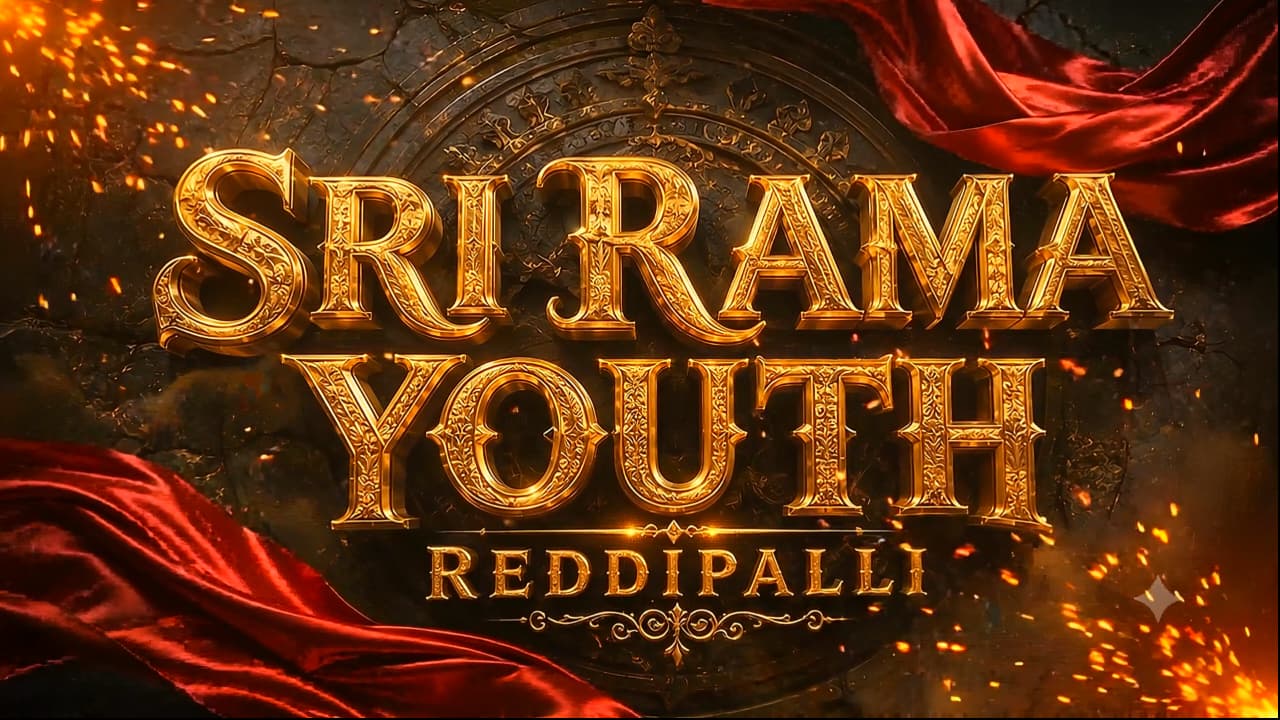
A premium cinematic 3D typography poster with the text “ BSY YOUTH” in massive embossed metallic gold letters, featuring ultra-detailed engraved textures, beveled edges, realistic reflections, and glowing golden highlights. Below it, a smaller metallic gold subtitle reading “VILLAGE NAME”. Background: Dark ancient black stone wall with cracked textures and a faint circular carved temple emblem behind the text. Two luxurious deep crimson silk cloth ribbons flow dynamically around the title with realistic fabric physics and elegant motion. Atmosphere filled with glowing orange embers, floating sparks, golden dust particles, subtle smoke, dramatic volumetric lighting, cinematic shadows, warm orange rim light. HDR illumination, high contrast, ultra-realistic, epic festival mood. Centered composition, premium movie title reveal style, luxury branding. Unreal Engine 5, Octane Render, ray tracing, global illumination, photorealistic, 8K, ultra sharp, masterpiece. Aspect Ratio: 16:9
IMAGE PROMPT 2
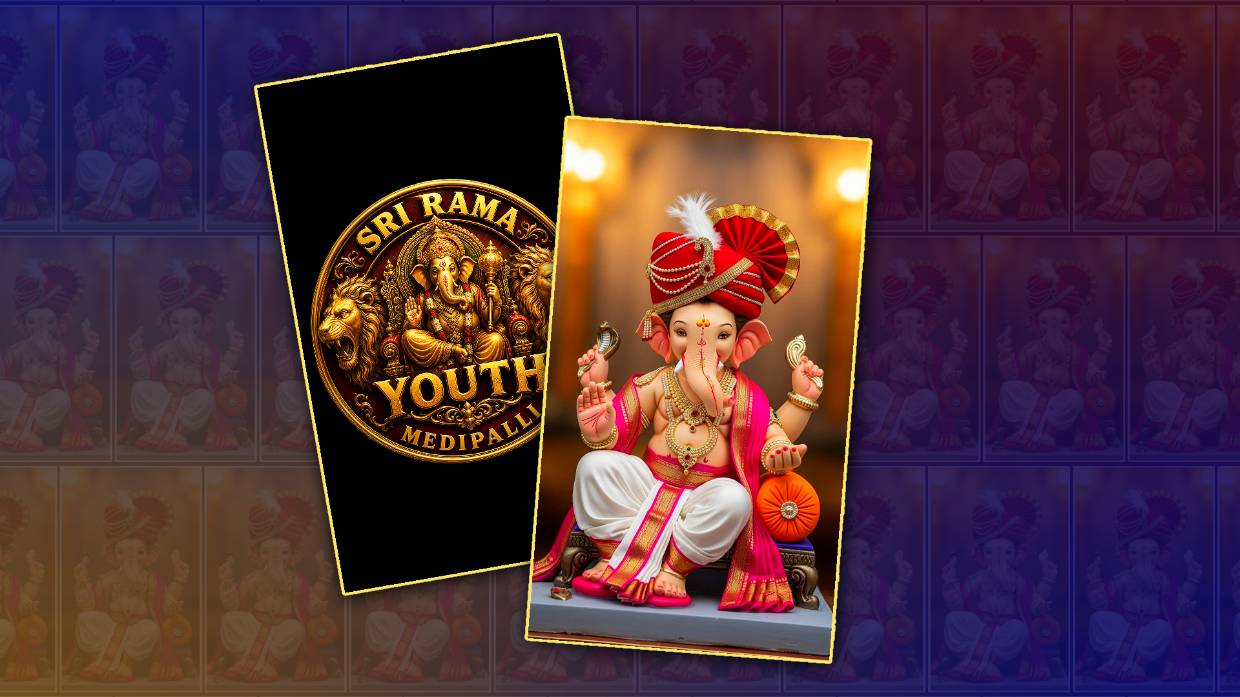
A luxurious circular 3D golden emblem featuring Lord Ganesha seated gracefully at the center with intricate Indian temple carvings, highly detailed ornaments, crown, jewelry, lotus, modak bowl, blessing hand, and sacred symbols. The outer circular ring is engraved with customizable metallic gold text. Top Curve: BSY YOUTH Bottom Curve: VILLAGE NAME Decorative lotus motifs, traditional floral engravings, glowing diyas on both sides, elegant ornamental details, polished gold finish with realistic reflections and engraved textures. Background: Dark aged black stone wall with weathered texture, cinematic warm lighting, floating glowing embers, subtle smoke, golden particles, dramatic volumetric light, divine aura, festival atmosphere. Premium luxury badge design, centered composition, ultra realistic, Unreal Engine 5, Octane Render, ray tracing, global illumination, HDR, photorealistic, 8K, masterpiece. Aspect Ratio: 16:9
VIDEO PROMPT
Use the first uploaded image as the exact Start Frame and the second uploaded image as the exact End Frame. Create an 8-10 second premium cinematic 3D title reveal with the visual quality of Cinema 4D, Octane Render, Unreal Engine 5. The video begins with an extreme macro close-up of the ancient black stone wall and the metallic gold letters. The camera slowly glides across the beveled gold typography, revealing engraved details, scratches, polished reflections, and glowing golden edges. Warm orange light sweeps across the metal surface while tiny embers, golden dust, and subtle smoke drift naturally through the scene. The deep crimson silk ribbons gently move with realistic fabric physics around the title. The metallic gold surface comes alive with animated reflections and soft golden glow, as if illuminated by hidden cinematic lights. Every engraved detail becomes more visible as the camera continues its slow, elegant movement. After revealing the full title, the camera smoothly pulls back while remaining perfectly centered. Golden particles begin swirling toward the center, forming a divine circular aura. The premium golden emblem of Lord Ganesha gradually appears from the glowing particles with realistic metallic reflections, embossed carvings, lotus motifs, sacred ornaments, and polished gold details. The reveal must feel majestic, luxurious, and cinematic, like the opening logo of a blockbuster film. The camera finally stops on
the completed emblem, matching the second uploaded image exactly. Hold the final frame for one second with a divine golden aura, floating embers, volumetric light rays, and subtle smoke. Preserve every element exactly as provided in both images. Do not redesign or regenerate Lord Ganesha, the typography, emblem, ribbons, carvings, stone wall, lighting style, colors, composition, or proportions. Keep the visual identity consistent throughout the animation.
Negative Prompt: No camera shake, no fast movements, no cartoon style, no low quality, no blurry textures, no text distortion, no spelling changes, no morphing of the title, no redesign of the emblem, no extra objects, no missing details, no flickering, no deformation, no perspective changes, no color shifts. The first frame must match the first uploaded image exactly, and the final frame must match the second uploaded image exactly.