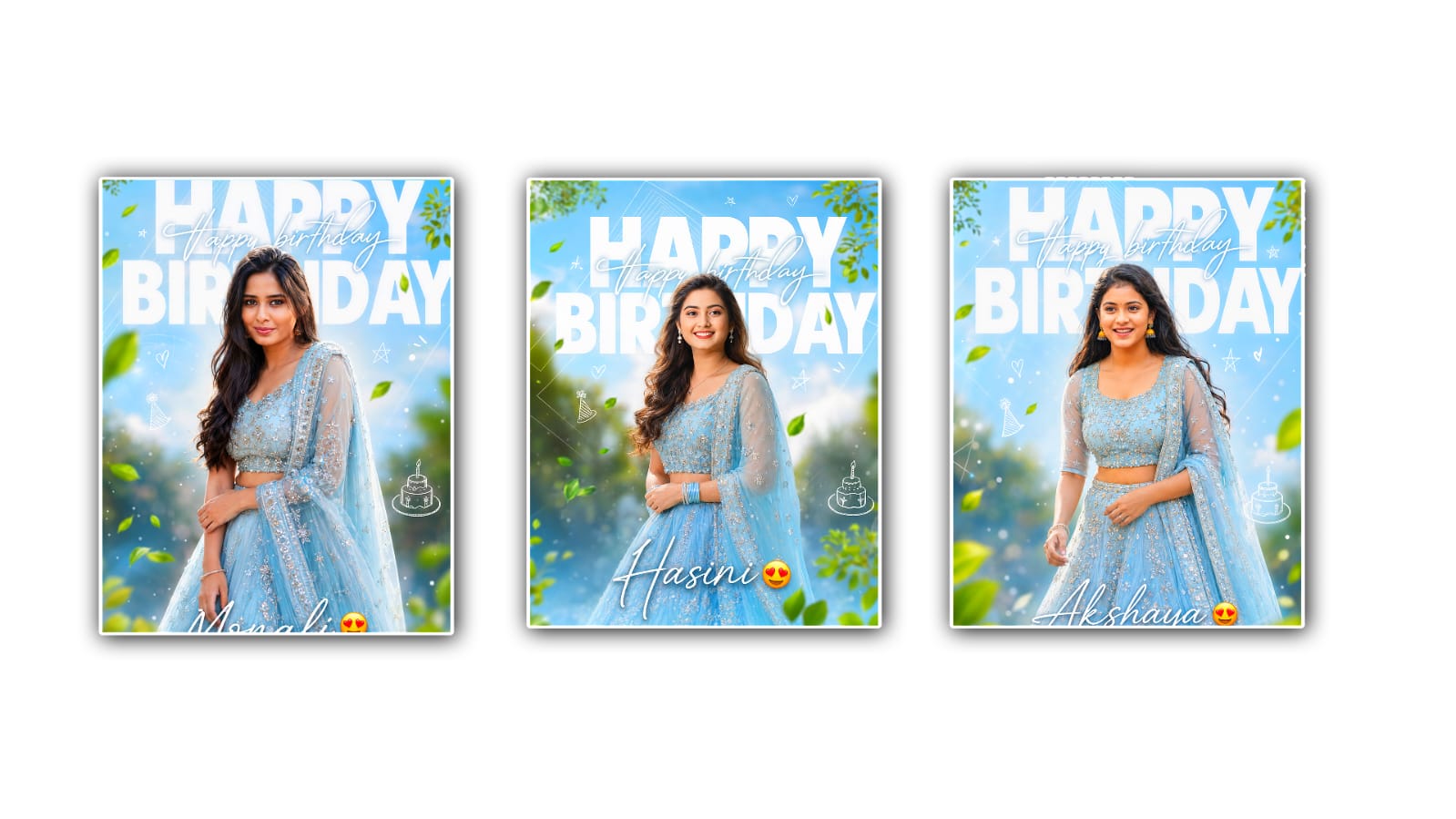
Trending speed motion reel editing in Alight Motion has become one of the most popular editing styles on Instagram, TikTok, and YouTube Shorts. Every day, millions of creators upload fast-paced videos with smooth transitions, velocity effects, and cinematic motion that instantly capture viewers’ attention. This editing style is no longer limited to professional editors because Alight Motion gives anyone the tools to create eye-catching reels directly from a smartphone. Whether you are editing travel clips, bike videos, fashion content, gaming highlights, or daily vlogs, mastering speed motion editing can make your videos look more engaging and professional.
One of the biggest reasons this editing trend has gained so much popularity is its ability to create excitement within just a few seconds. Social media audiences have very short attention spans, so creators need to impress viewers immediately. Speed motion editing combines fast cuts, slow-motion effects, zooms, shakes, and synchronised beats to create an energetic viewing experience. When these elements are timed perfectly with music, the final result feels smooth, dynamic, and visually satisfying.
Alight Motion offers a wide range of features that make this editing style possible. The app includes keyframe animation, velocity control, blending modes, motion blur, effects, colour correction, and professional transitions. These tools allow editors to control every movement in the video frame. Even beginners can achieve high-quality results by practising with simple edits before moving on to more advanced techniques.
The editing process usually begins by importing video clips into a new project. Choosing the correct aspect ratio, especially 9:16 for Instagram Reels and YouTube Shorts, helps ensure the video fits perfectly on mobile screens. After importing the clips, editors trim unnecessary parts to keep only the most interesting moments. Shorter clips create faster pacing, which is one of the defining characteristics of trending speed motion edits.
Music selection is another important step. Most viral reels are edited around popular songs or trending audio clips. Instead of adding random transitions, experienced editors carefully synchronise every cut with the beat of the music. Beat synchronisation creates rhythm and keeps viewers engaged from start to finish. Alight Motion makes this easier by allowing users to zoom into the audio timeline and place keyframes precisely where the beats occur.
Velocity editing is the heart of speed motion reels. This technique involves changing the playback speed at different points in the video. For example, a clip may begin in slow motion, quickly speed up during movement, and then return to slow motion at a dramatic moment. These speed variations add excitement and make ordinary clips look cinematic. Smooth velocity curves are essential because sudden speed changes without proper easing can appear rough or unnatural.
Motion blur is another feature that significantly improves speed edits. Whenever a video speeds up or transitions rapidly, motion blur creates a realistic sense of movement. Instead of seeing sharp jumps between frames, viewers experience smooth visual flow. Many editors consider motion blur one of the most important finishing touches because it makes transitions appear seamless and professional.
Keyframes are equally important in Alight Motion. They allow editors to animate zooms, rotations, position changes, and scale adjustments throughout the video. Instead of using static clips, creators can make every scene feel alive. A slow zoom toward the subject followed by a quick zoom-out during a beat drop adds energy without requiring expensive camera equipment. Learning how to use keyframes effectively opens endless creative possibilities.
Transitions also play a major role in trending reel editing. Rather than relying on basic cuts, editors use whip transitions, spin effects, flashes, shakes, and blur animations to connect scenes smoothly. These transitions should always match the movement inside the clips. If the subject moves from left to right, using a transition that follows the same direction creates a natural visual flow. Random transitions often distract viewers instead of enhancing the story.
Colour grading is another factor that makes speed motion edits stand out. Bright colours, increased contrast, balanced shadows, and vibrant highlights give videos a polished appearance. Some creators prefer cinematic tones with cool colours, while others use warm and vibrant looks depending on the content style. The goal is to maintain consistency throughout the video so every clip feels connected.
Text animations have also become a common part of trending reel edits. Dynamic typography can introduce the video, emphasise key moments, or display motivational quotes. Instead of keeping text static, editors animate it with scaling, fading, bouncing, or rotation effects. These subtle animations increase viewer engagement without overpowering the main visuals.
Another growing trend is combining camera movement effects with speed ramps. Since many videos are recorded using smartphones, digital zooms and pans created with keyframes simulate professional camera movements. This technique makes simple footage look more cinematic and immersive. When combined with smooth velocity changes and motion blur, the final edit feels much more expensive than it actually is.
Practice is the biggest factor in improving editing skills. Beginners often try to use too many effects in one project, resulting in cluttered videos. Experienced editors understand that timing is more important than quantity. A clean edit with perfect beat synchronisation and smooth transitions usually performs better than a video overloaded with unnecessary effects. Watching successful reels and analysing their pacing can help new editors understand why certain styles attract millions of views.
Project organisation is another habit that saves time during editing. Naming layers, grouping effects, and keeping the timeline clean make complex projects easier to manage. As edits become more advanced, organised workflows help avoid mistakes and improve overall efficiency.
Export settings are equally important for maintaining quality. High resolution, an appropriate frame rate, and sufficient bitrate ensure the final reel looks sharp on social media platforms. Even the best edit can lose its visual appeal if exported with low-quality settings. Before uploading, many creators watch the exported video several times to check for timing issues, frame drops, or audio synchronisation problems.
Consistency is often overlooked by beginners, yet it is one of the biggest reasons successful creators continue to grow. Posting high-quality speed motion reels regularly helps build an audience and improves editing skills over time. Every new project becomes an opportunity to experiment with different transitions, velocity curves, colour styles, and storytelling techniques.
Trending editing styles continue to evolve as new effects and music become popular, but the fundamentals remain the same. Smooth timing, creative storytelling, balanced effects, and clean editing always outperform videos that rely only on flashy animations. Alight Motion provides enough professional tools for creators to transform simple smartphone footage into engaging social media content that attracts views, likes, and shares.
Ultimately, trending speed motion reel editing in Alight Motion is about creating emotion through movement. Every speed change, transition, zoom, and visual effect should support the story rather than distract from it. With patience, regular practice, and attention to detail, anyone can learn this editing style and produce reels that stand out in today’s competitive social media landscape. As creators continue to push their creativity further, Alight Motion remains one of the most accessible and powerful mobile editing applications for producing stunning speed motion reels that leave a lasting impression on viewers.