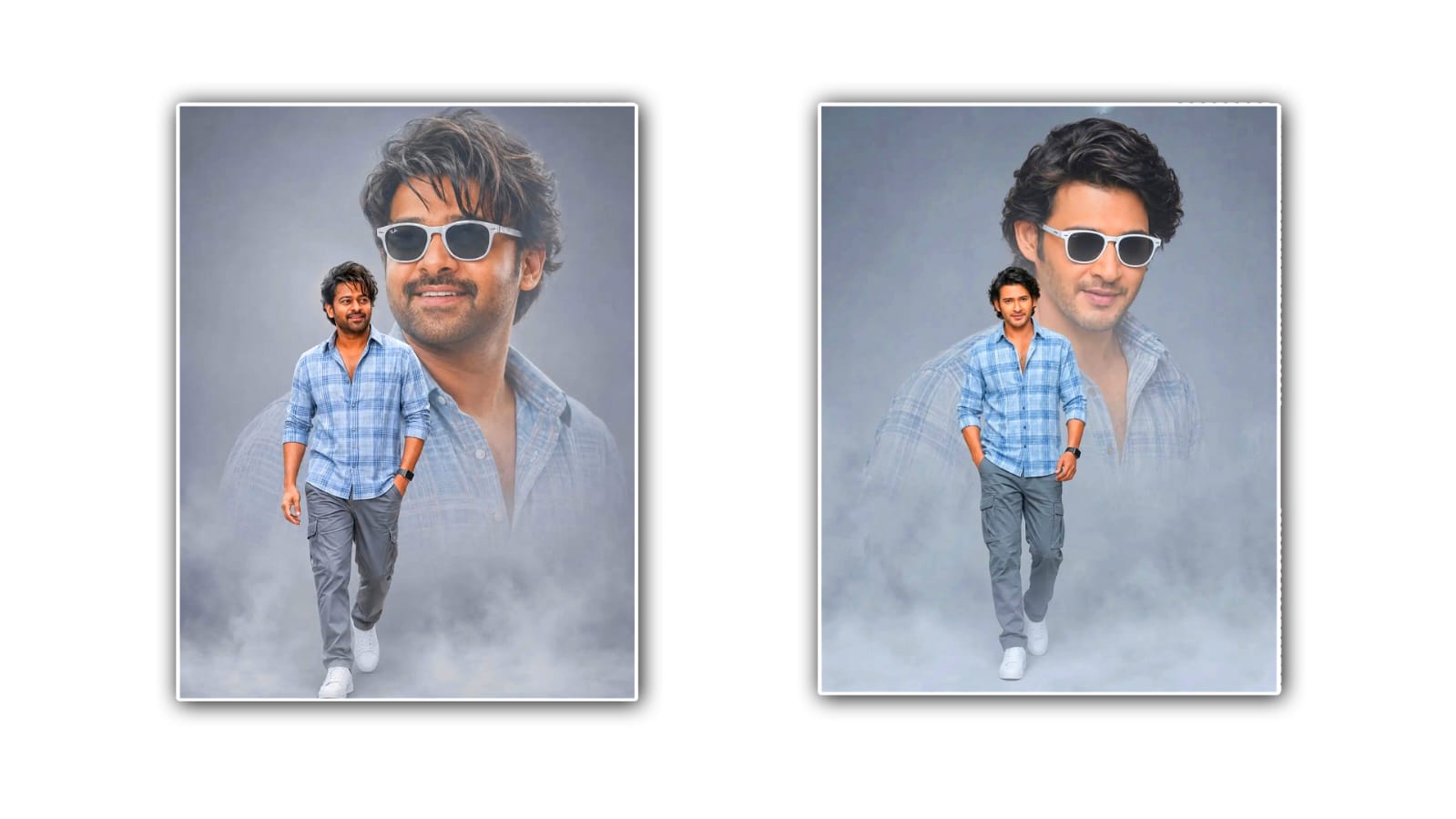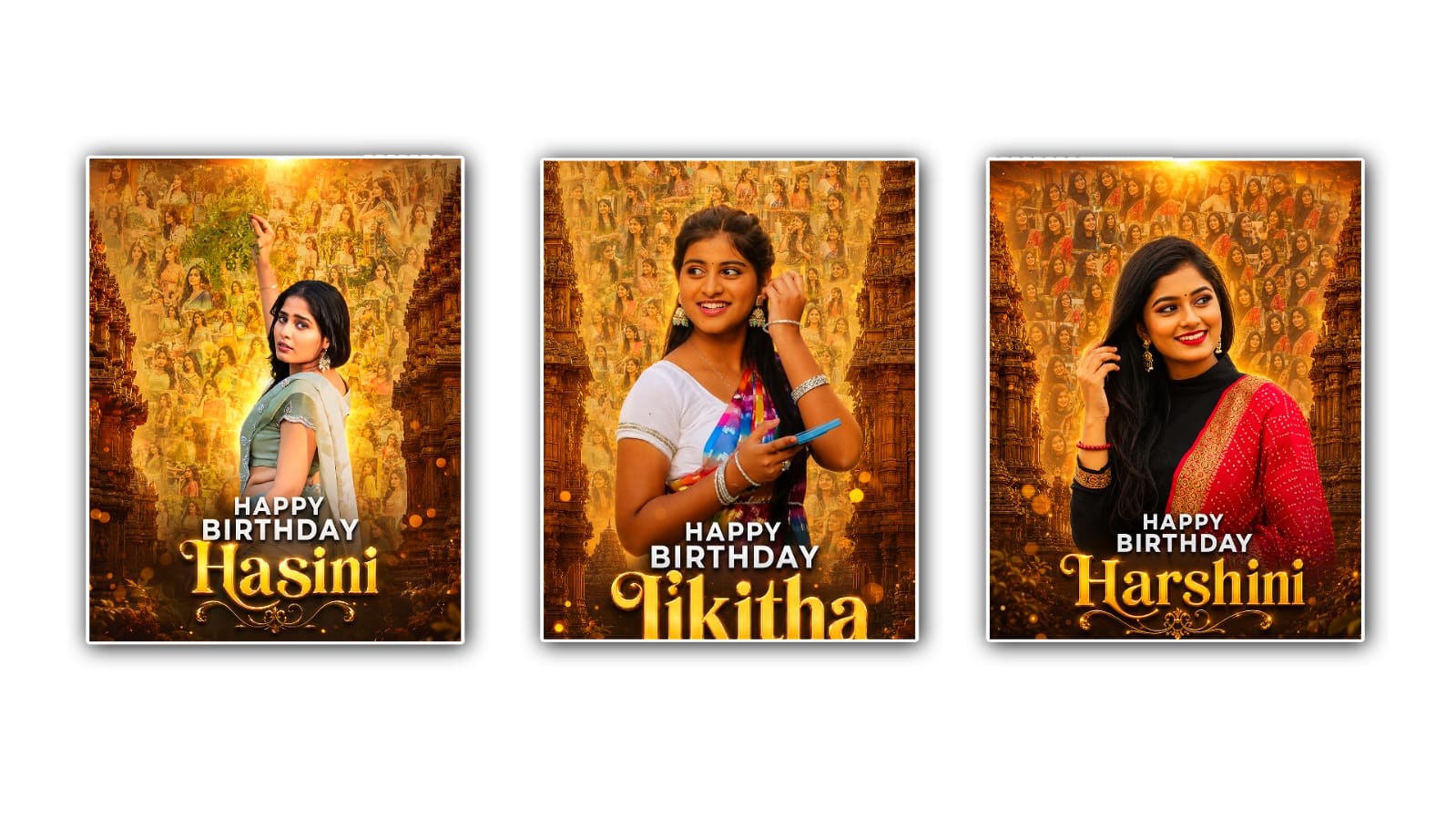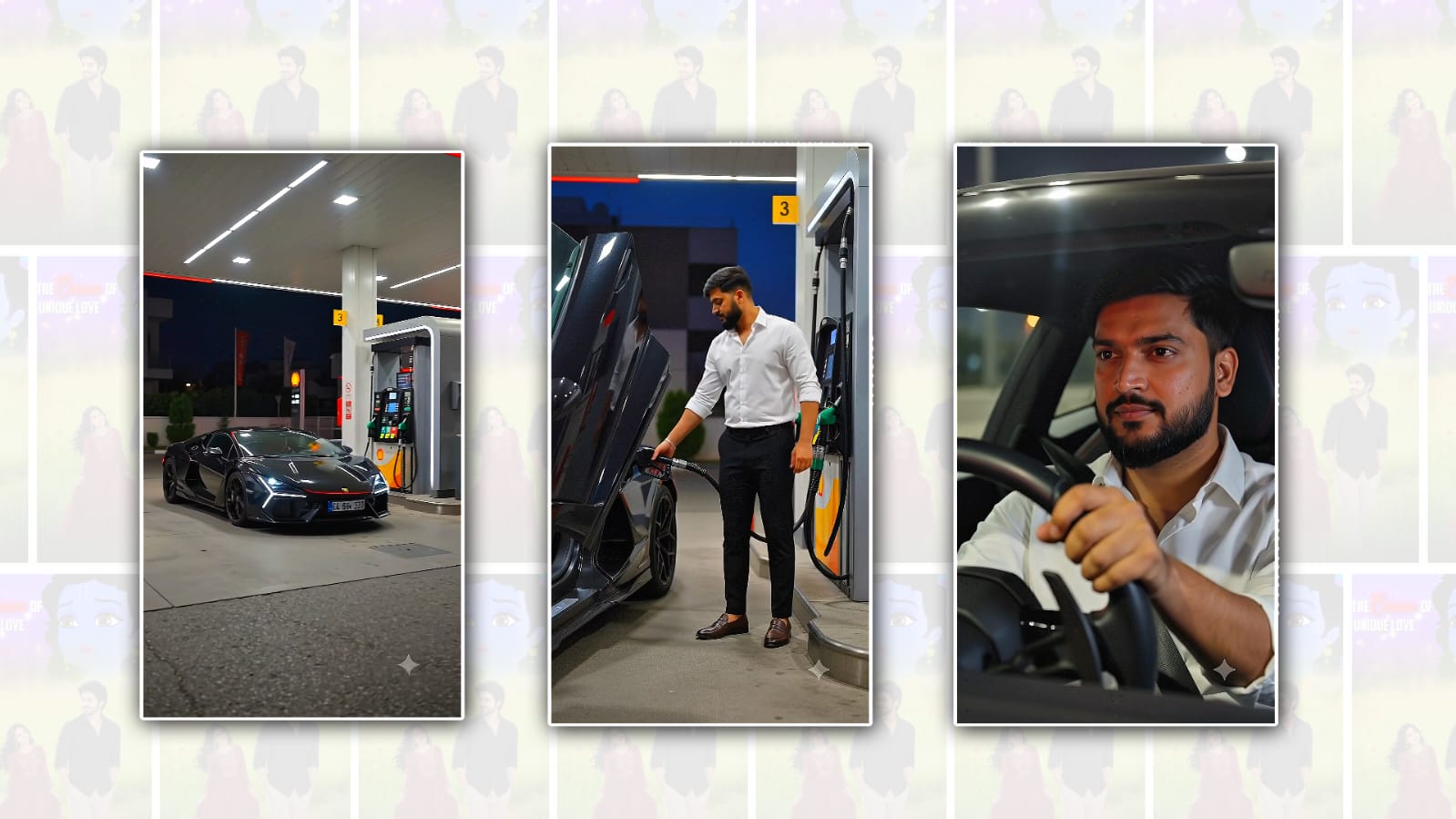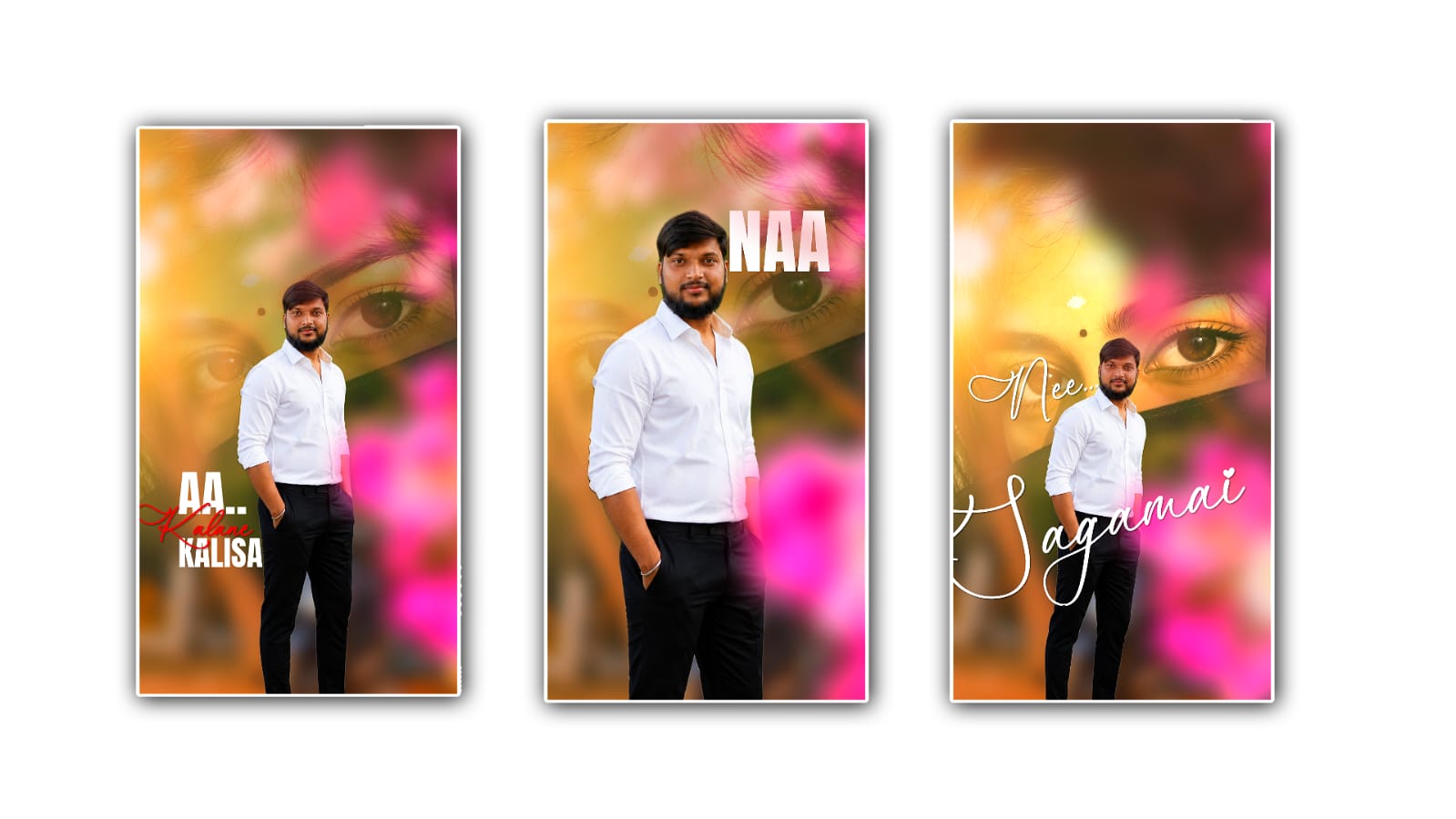
Creating the best trending love lyrical video in Alight Motion is one of the most popular ways to grow on Instagram Reels, YouTube Shorts, WhatsApp Status, and TikTok-like platforms. People love emotional edits that combine beautiful lyrics, smooth animations, cinematic effects, and eye-catching transitions. If you want your videos to stand out and attract thousands of views, you need more than just adding text to a song. A great lyrical video tells a story, creates emotion, and keeps viewers watching until the end.
The first step is choosing the right song. A trending romantic song always has a better chance of reaching a larger audience because people are already searching for it. You can check YouTube Music, Spotify charts, Instagram Reels, or other music platforms to find the latest trending love songs. Select a song with meaningful lyrics and emotional moments. Short songs or a 15 to 30-second clip usually perform better because they match the format of short-form videos.
After selecting the song, gather high-quality images or video clips. You can use romantic couple videos, aesthetic nature backgrounds, rain scenes, sunsets, city lights, or cinematic clips. The background should match the mood of the song. If the lyrics are emotional, avoid bright and colourful backgrounds. Instead, choose soft colours, dark tones, or cinematic lighting that enhances the feeling of the music.
Open Alight Motion and create a new project using a vertical resolution such as 1080×1920 pixels. This size is ideal for YouTube Shorts, Instagram Reels, and WhatsApp Status videos. Set the frame rate to 30 FPS or 60 FPS for smooth animations. Import your background clips and adjust their length according to the song. Trim unnecessary parts so that every second of the video feels engaging.
Now import the music into your project. Listen carefully and mark the beats where the lyrics change or where the music becomes emotional. Syncing animations with the beats makes the video feel professional. Beat synchronisation is one of the biggest reasons why trending lyrical videos receive higher engagement. Even simple animations look impressive when they move perfectly with the rhythm of the song.
Adding stylish typography is the most important part of a lyrical video. Instead of using plain fonts, choose elegant and modern font styles that are easy to read. White text with a soft shadow or glow often works well because it remains visible on different backgrounds. You can also use gradient colours or light effects, but avoid making the text too flashy. The lyrics should always remain the main focus of the video.
Animate each line of lyrics using smooth keyframes. You can use fade-in, scale-up, slide, or rotation animations to introduce the text. When the lyric ends, use a fade-out or blur effect before the next line appears. Smooth motion creates a premium look and keeps viewers interested. Avoid sudden or overly fast animations because they can distract from the emotional impact of the lyrics.
Effects play a major role in making videos look professional. Alight Motion offers many built-in effects like blur, glow, shake, exposure, and colour adjustments. You can also import presets created by professional editors. Use effects carefully because too many effects can make the video messy. A clean and balanced edit usually performs better than one filled with unnecessary transitions. Colour correction is another important step. Increase contrast slightly, adjust brightness if needed, and improve saturation without making the colours unrealistic. Many editors also apply cinematic colour grading to create a dreamy atmosphere. If your background is dark, adding a subtle blue or orange tone can make the entire video more attractive.
Motion blur is another feature that gives your animations a smooth and realistic appearance. Enable motion blur for moving elements like text, particles, or transitions. It reduces the sharpness of fast movements and makes the video feel more cinematic. Many trending editors use this technique because it instantly improves the overall quality of the animation.
Particles and overlays can add extra beauty to your lyrical edits. Light leaks, glowing particles, snow, rain, bokeh lights, and floating dust create a magical atmosphere. Make sure these elements do not cover the lyrics. They should support the visual experience rather than becoming the centre of attention.
Transitions between scenes should be smooth and synchronised with the music. Zoom transitions, blur transitions, flash effects, and camera movements are popular choices. The key is to change scenes exactly when the beat drops or when the lyrics change. Good timing makes even simple transitions look impressive.
Another useful technique is adding subtle camera movement. Instead of keeping images completely still, apply slow zoom-in, zoom-out, or pan animations using keyframes. This creates depth and prevents the video from feeling static. Small camera movements make viewers feel more connected to the visuals.
Don’t forget to add your personal editing style. Many successful creators become popular because people recognise their unique editing style. You can use a signature font, a specific colour grading style, or a consistent transition pattern. Developing your own editing identity helps people remember your content.
Preview the entire video several times before exporting. Check if the lyrics appear at the correct time, whether the animations are smooth, and if there are any spelling mistakes. Even a small error can reduce the overall quality of the video. Take your time to make final adjustments before rendering.
Export the video in Full HD quality with a high bitrate to maintain sharp visuals. Avoid compressing the video too much because social media platforms already reduce quality during uploads. A clear and high-resolution export gives your video a more professional appearance.
Uploading is just as important as editing. Use a catchy title, relevant hashtags, and an attractive thumbnail if the platform supports it. Include hashtags related to love status, lyrical edits, Alight Motion, trending songs, and short videos. Posting when your audience is most active can also increase the chances of getting more views and engagement.
Consistency is the secret behind long-term growth. One viral video is great, but uploading high-quality lyrical videos regularly builds a loyal audience. Study popular creators, observe current editing trends, and continue learning new techniques. Every project helps you improve your editing skills and understand what viewers enjoy watching.
The best trending love lyrical videos are not created by using expensive effects alone. They succeed because they combine emotional music, meaningful lyrics, smooth animations, beautiful visuals, proper timing, and clean editing. With practice and creativity, Alight Motion gives you everything needed to produce professional-quality lyrical videos directly from your smartphone. Focus on storytelling, keep your edits simple yet elegant, and always prioritise smooth synchronisation between music and visuals. As you continue experimenting with new ideas and improving your editing techniques, your videos will become more engaging, more shareable, and more likely to reach a wider audience across social media platforms.