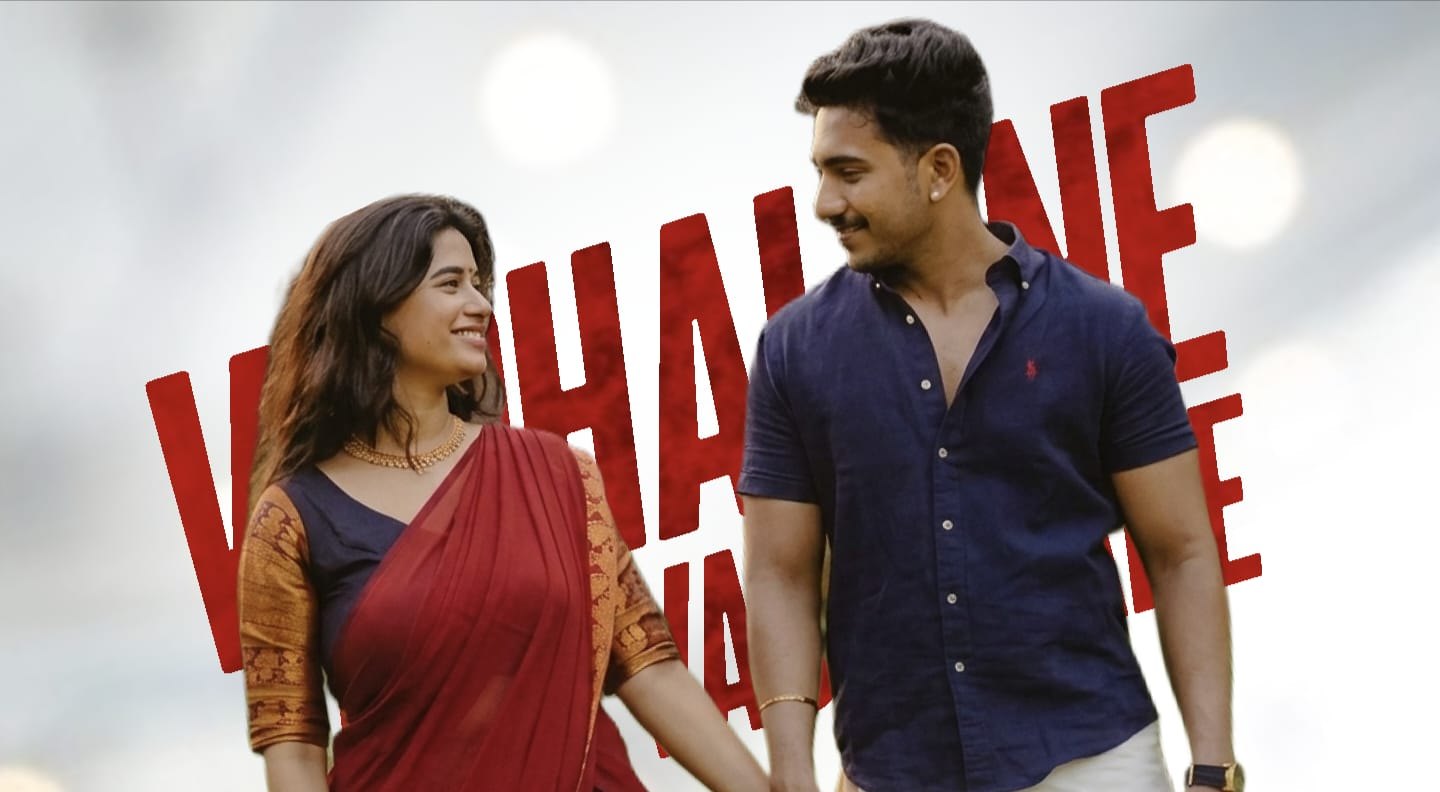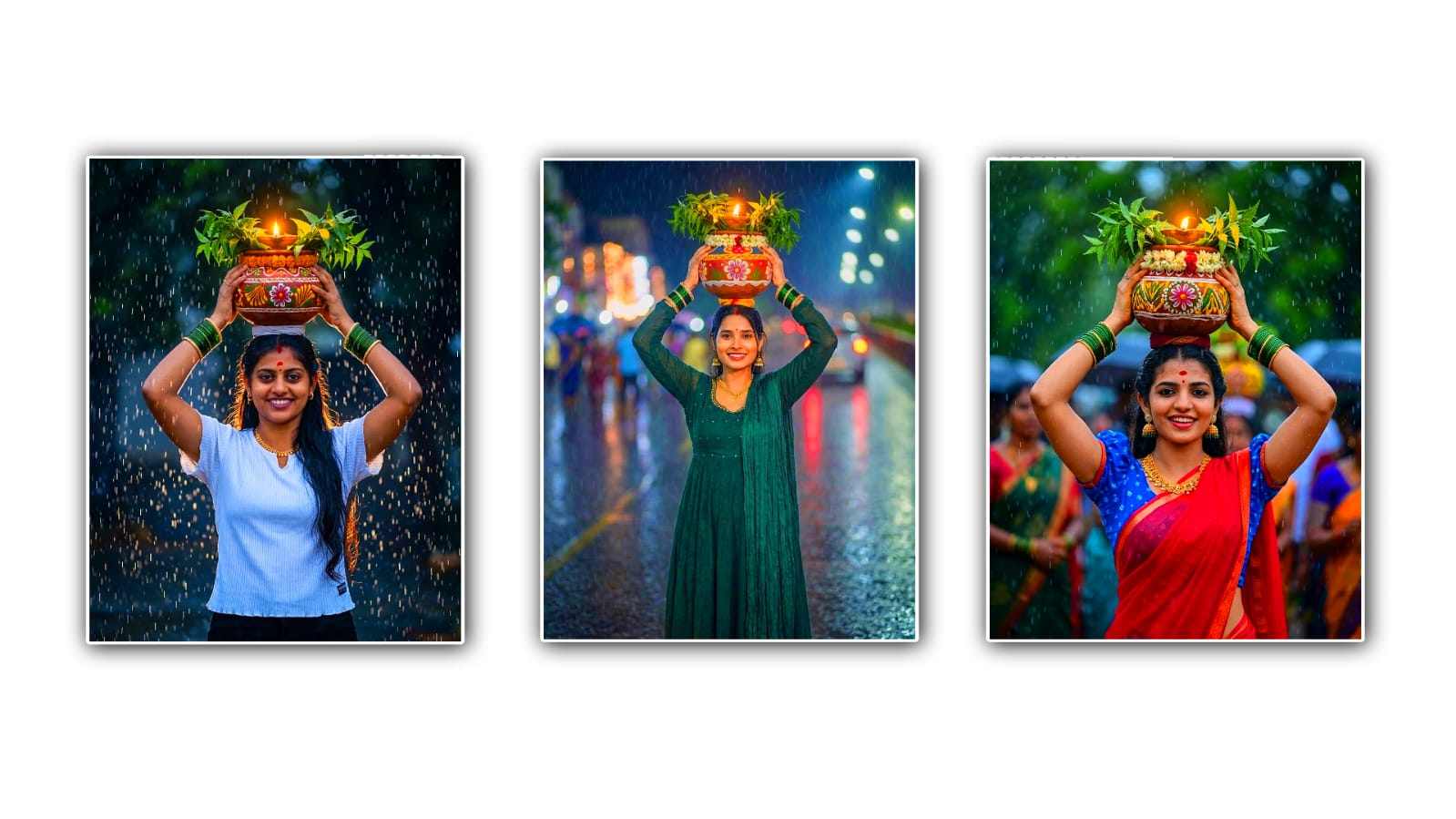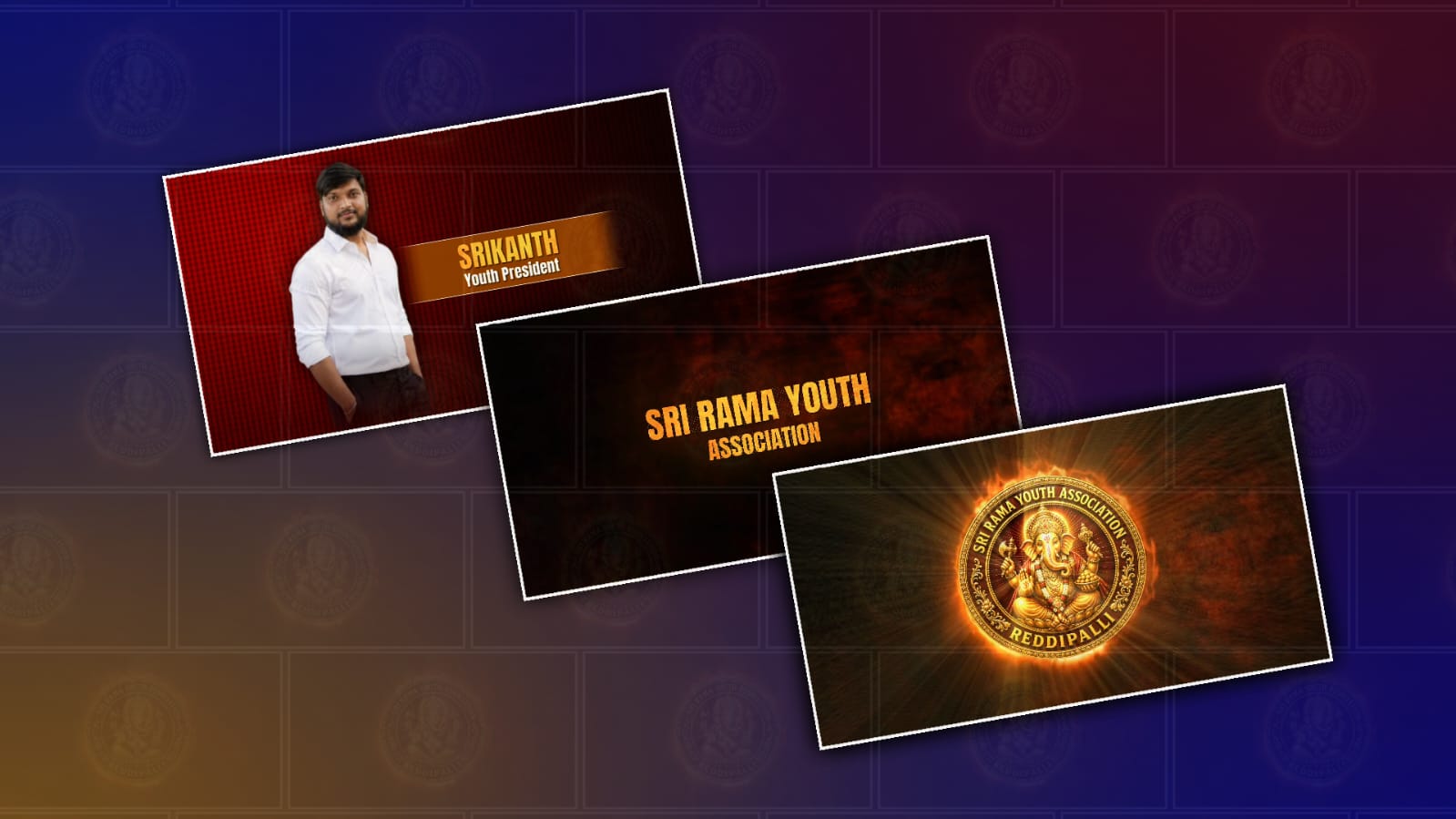
Creating a cinematic youth member introduction video in Alight Motion is one of the best ways to present a team, club, or organisation with a professional and engaging look. Whether you are introducing members of a school club, church youth group, sports team, or creative community, a cinematic editing style helps make every member feel important while leaving a lasting impression on viewers. Alight Motion has become one of the most popular mobile editing applications because it offers professional animation tools, smooth keyframe controls, visual effects, and motion graphics that can transform simple photos and videos into an eye-catching introduction.
The first step in creating a cinematic youth member introduction video is collecting quality photos or short video clips of every member. High-resolution images always produce better results, especially when adding zoom effects or camera movements. If possible, ask every member to provide a portrait with a clean background or record a short video clip with natural lighting. Consistent image quality across all members helps maintain a polished and professional appearance throughout the video.
Before opening Alight Motion, it is helpful to plan the sequence of your introduction. Decide the order in which members will appear and how much screen time each person will receive. Most introduction videos display each member for three to five seconds, which keeps the pacing smooth without making the video too long. You can also organise members according to their roles, such as leader, coordinator, media team, volunteers, or performers.
After creating a new project in Alight Motion, choose a resolution of 1080p and a frame rate of 30 or 60 FPS for smooth playback. Selecting a cinematic aspect ratio such as 16:9 works well for YouTube, while 9:16 is ideal for Instagram Reels, YouTube Shorts, and TikTok. The project settings play an important role in ensuring the final export looks sharp on different devices.
A cinematic introduction depends heavily on the background. Instead of using a plain colour, choose a dramatic background featuring nature, city lights, abstract textures, or soft gradients. Dark backgrounds combined with glowing highlights often create a premium cinematic atmosphere. You can also add particles, fog, lens flares, or light leaks to increase visual depth without distracting from the members being introduced.
Text animation is another essential element. Every member’s name should appear with elegant typography that matches the cinematic style. Clean fonts with bold lettering usually work better than decorative fonts because they remain readable on mobile screens. Adding a subtitle below the name, such as “Team Leader,” “Content Creator,” or “Youth Volunteer,” gives viewers additional context. Smooth fade-ins, slide animations, or scale effects created with keyframes help the text appear naturally instead of suddenly popping onto the screen.
Camera movement is what makes cinematic edits stand out. Alight Motion’s keyframe animation allows editors to simulate professional camera movements by slowly zooming in, zooming out, or panning across an image. These subtle movements create life even in still photographs. Combining scale, position, and rotation keyframes gives each member’s introduction a dynamic appearance while maintaining a smooth visual flow.
Transitions between members should also be carefully selected. Rather than using flashy transitions for every scene, cinematic editing usually favours smooth motion blur, fade transitions, whip pans, or seamless zoom transitions. Consistent transitions help maintain the emotional rhythm of the video and prevent unnecessary distractions. Matching transition timing with the background music creates a more satisfying viewing experience. Colour or grading plays a significant role in achieving a cinematic appearance. Alight Motion includes several effects that can adjust brightness, contrast, saturation, highlights, and shadows. Slightly reducing saturation while increasing contrast often creates a movie-like colour palette. Many editors also add teal and oracolourolor tones because they produce a professional cinematic look. Applying the colour adjustments to every clip ensures visual consistency throughout the project.
Music is equally important because it sets the emotional tone. Inspirational orchestral tracks, emotional piano melodies, or modern cinematic electronic music work well for youth introduction videos. Choose music that gradually builds in intensity as new members appear on screen. Synchronising changes with the beat of the music makes the entire presentation feel more energetic and professionally edited.
Sound effects can further improve the overall quality. Whoosh effects during transitions, soft impact sounds for text animations, and subtle ambient audio create a more immersive experience. However, sound effects should complement the music rather than overpower it. Balanced audio mixing helps maintain clarity and professionalism.
Many editors also enhance their videos using overlays. Film grain, light leaks, cinematic bars, dust particles, and glow effects can all contribute to a premium visual style. These effects should be used moderately because excessive overlays may reduce image clarity. The goal is to enhance the presentation while keeping every member clearly visible.
Timing is another factor that separates amateur edits from professional ones. Avoid rushing through member introductions. Each person should have enough time for viewers to read the name and recognise the face. Maintaining a consistent duration for every member creates balance and fairness, especially in group presentations.
Alight Motion offers blending modes that allow different visual elements to merge naturally. Experimenting with Screen, Overlay, Add, or Soft Light blending modes can produce attractive lighting effects. Motion blur and easing options also make animations appear smoother and more realistic by removing mechanical-looking movements.
Export settings are the final step in the editing process. Rendering the project in Full HD with a high bitrate preserves image quality while minimising compression artefacts. Before sharing the final video, watch it from beginning to end to identify any spelling mistakes, timing issues, or animation glitches. Even small corrections can significantly improve the finished product.
Cinematic youth member introduction videos are widely used for social media promotions, annual events, conferences, church gatherings, school programs, sports clubs, and community organisations. A well-designed introduction not only highlights individual members but also reflects the identity and professionalism of the entire group. It creates excitement among participants and leaves a memorable impression on the audience.
With creativity, patience, and consistent practice, anyone can create impressive cinematic member introduction videos using only a smartphone and Alight Motion. Learning keyframe animation, colour grading, typography, transitions, and music synchronisation gradually improves editing skills over time. As you experiment with different styles and effects, your videos will become more polished and engaging, helping every youth member receive a memorable introduction that captures attention and showcases the spirit of the entire team.
AM Project Import
Logo Prompt
Create a premium royal circular Lord Ganesha logo with a transparent PNG background. A realistic golden Ganesha seated on a lotus with a traditional crown, rich ornaments, sacred tilak, white-red flower garland, blessing pose (Abhaya Mudra), modaks, axe, lotus, and a glowing golden halo. Use a rich royal maroon background with subtle golden sun rays. Surround it with an ornate metallic gold circular border featuring engraved floral patterns and decorative side ornaments. Add embossed 3D metallic gold serif text around the circle.
Top Text:
"YOUR ASSOCIATION NAME"
Bottom Text:
"YOUR VILLAGE NAME"
Luxury South Indian temple-inspired emblem, ultra detailed, 3D metallic gold, cinematic lighting, symmetrical design, premium branding, 1:1 ratio, 4K, transparent PNG, no watermark, no extra text.