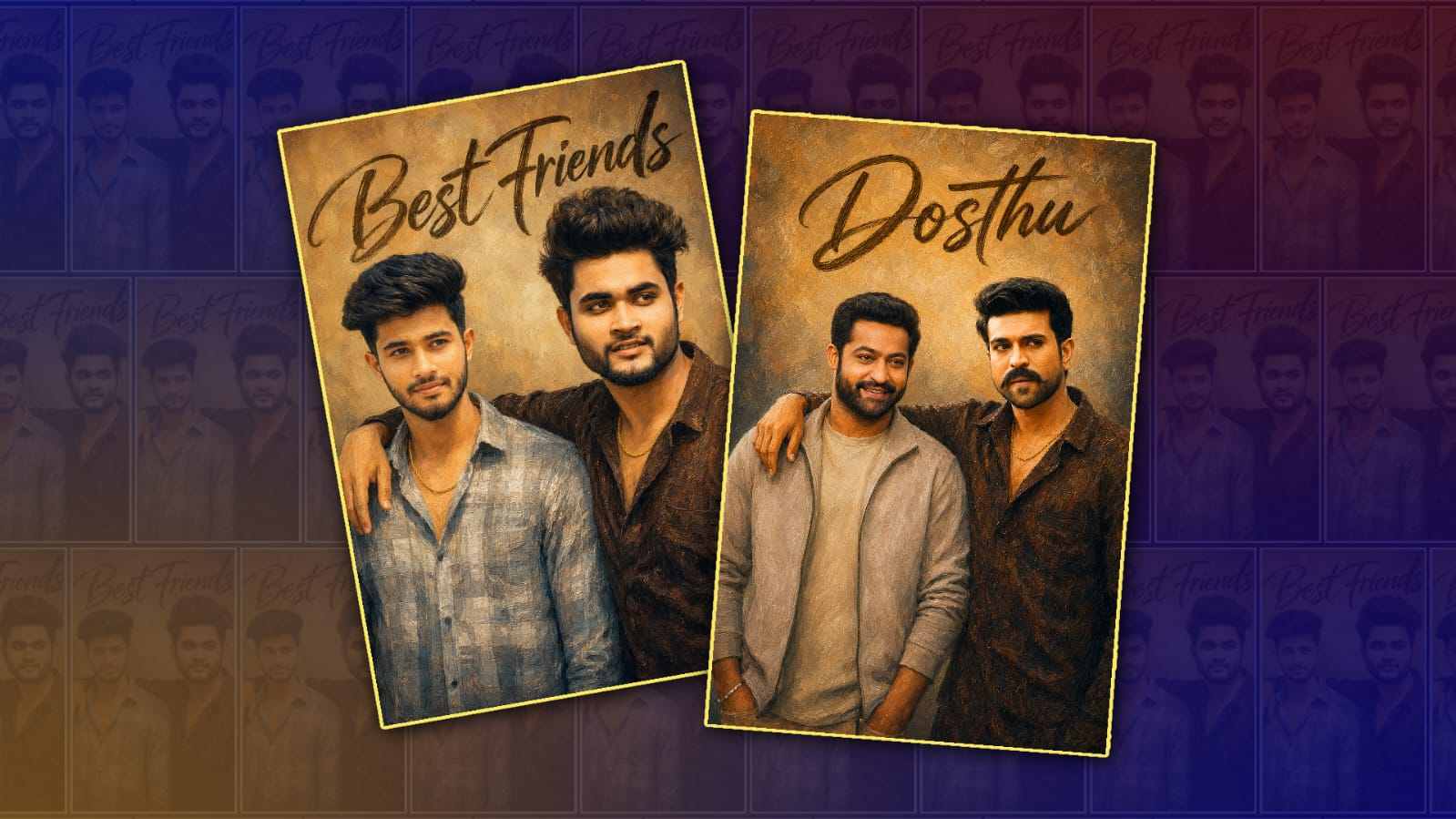
Friendship is one of the most beautiful relationships in life. Every photo with your best friend tells a unique story filled with laughter, adventures, and unforgettable moments. Today, artificial intelligence has changed the way we edit photos, making it easier than ever to transform ordinary pictures into stunning works of art. One of the most exciting tools helping people achieve this is ChatGPT.
While ChatGPT doesn’t directly edit images by itself, it can help you create detailed editing prompts, suggest creative ideas, write captions, and guide AI image editing tools to produce professional-quality results. Whether you want a cinematic look, cartoon style, fantasy background, or trendy social media edit, ChatGPT can make the entire process faster and more creative.
In this article, you’ll learn how to use ChatGPT for best friends photo editing, discover creative editing ideas, and explore tips for getting impressive results.
What Is Best Friends Photo Editing with ChatGPT?
Best friends photo editing with ChatGPT means using AI-generated prompts and creative suggestions to improve or transform photos featuring you and your best friend.
Instead of spending hours learning complicated editing software, you simply describe the style you want. ChatGPT helps create detailed instructions that can be used with AI-powered image editing tools to generate stunning edits.
For example, you can ask ChatGPT to create prompts like:
- Turn the background into a sunset beach.
- Add glowing lights and cinematic effects.
- Create a fantasy forest scene.
- Transform the image into anime style.
- Add colourful neon lighting.
- Make the photo look like a professional magazine cover.
These prompts help AI editing tools understand exactly what kind of image you want.
Why People Love AI Photo Editing
AI photo editing has become incredibly popular because it saves time and delivers professional-looking results without requiring advanced editing skills.
Some of the biggest benefits include:
- Easy to use for beginners.
- Fast editing process.
- Endless creative possibilities.
- Professional-quality effects.
- Perfect for Instagram, Facebook, and WhatsApp.
- No need for expensive editing software.
With just a few words, ChatGPT can generate creative ideas that would normally take hours to design manually.
Creative Best Friends Photo Editing Ideas
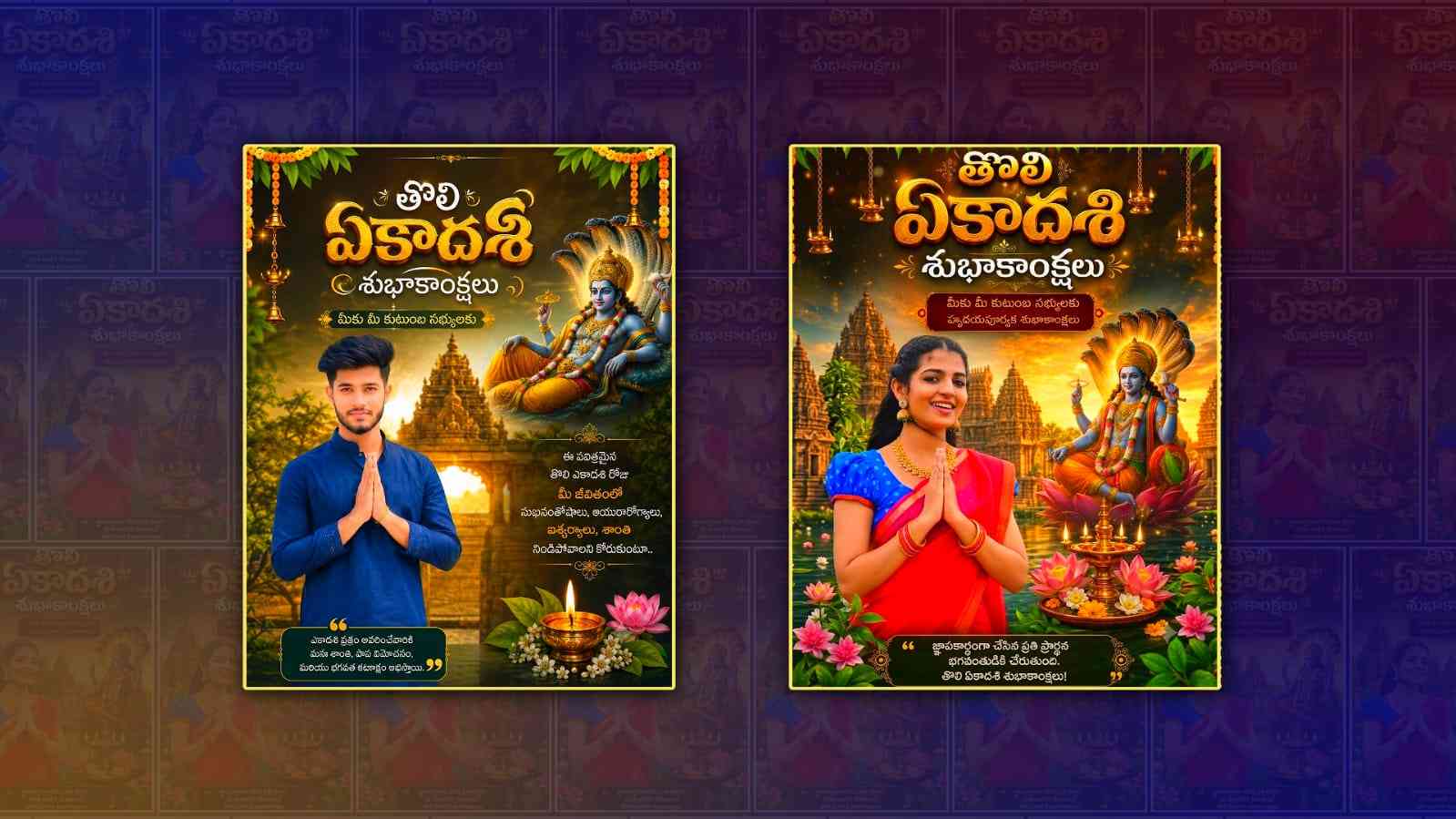
If you’re looking for inspiration, here are some popular editing styles you can create with ChatGPT.
Cinematic Movie Style
Transform your best friends’ photo into a dramatic movie poster with warm lighting, realistic shadows, and cinematic colours. This style creates an emotional and premium look that stands out on social media.
Fantasy Adventure Theme
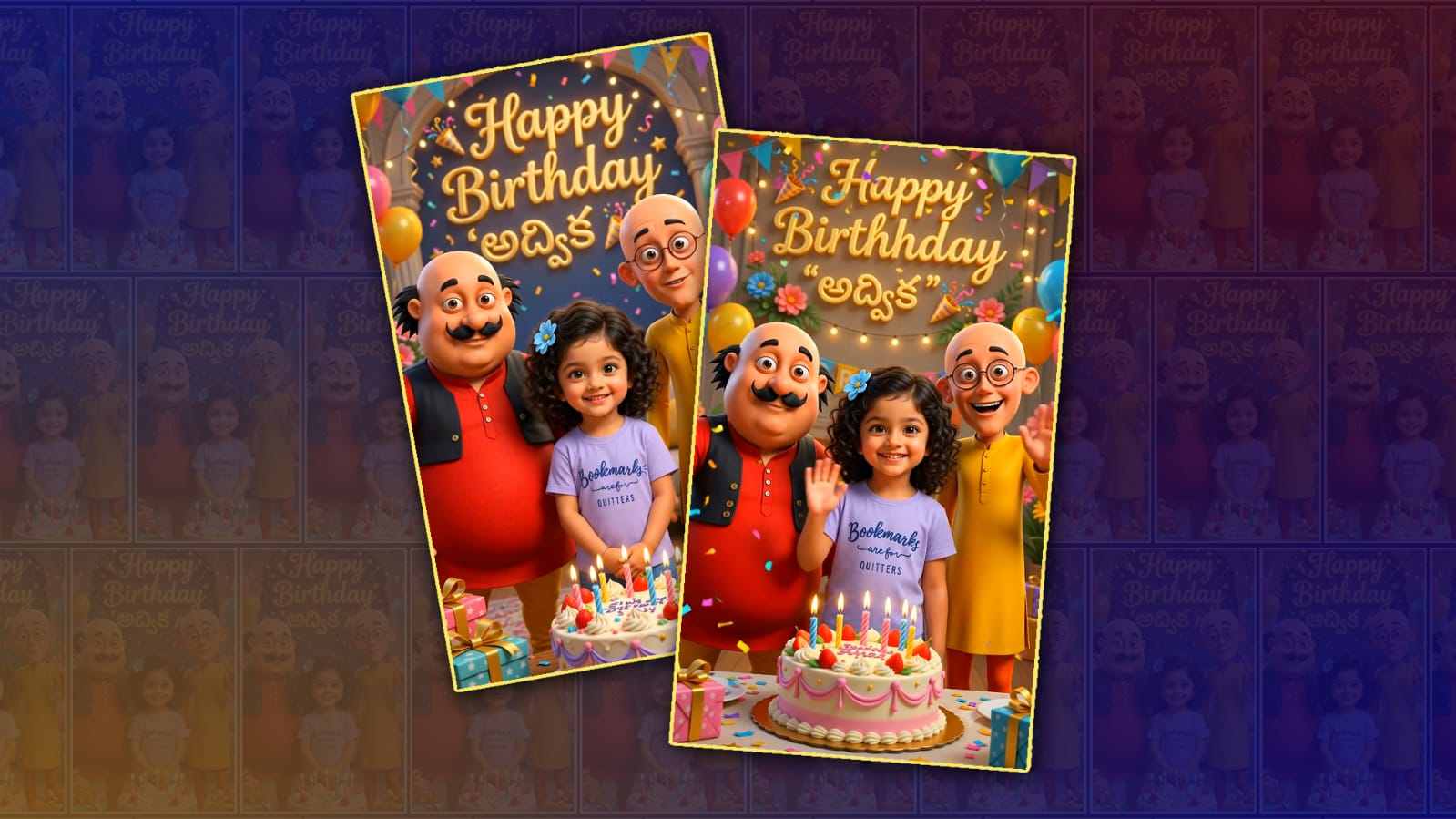
Imagine you and your best friend standing inside a magical forest filled with glowing flowers, waterfalls, and floating lights. Fantasy edits are perfect for creating unique memories.
Anime Style Portrait
Anime-style photo editing has become a huge trend. ChatGPT can help generate prompts that transform your image into colourful Japanese animation artwork while preserving your facial features.
Neon City Background
Create a futuristic atmosphere with glowing neon signs, rainy streets, and vibrant city lights. This style is especially popular for Instagram profile pictures.
Royal King and Queen Edit
Want to look majestic? Transform your photo into a royal portrait with elegant clothing, luxurious palaces, golden crowns, and cinematic lighting.
Vintage Memories
Add colours, film grain, faded effects, and retro lighting to make your friend’s look like an old memory captured decades ago.
How ChatGPT Helps in Photo Editing
Although ChatGPT is primarily an AI assistant, it plays an important role in the creative process.
It can help by:
- Writing detailed AI editing prompts.
- Suggesting matching backgrounds.
- Recommending lighting effects.
- Creating social media captions.
- Generating photo ideas.
- Suggesting colour combinations.
- Writing hashtags for Instagram.
- Improving photo descriptions.
Instead of struggling to explain your editing idea, ChatGPT creates professional prompts that AI image generators understand more accurately.
Example Prompt for Best Friends Photo Editing
Here is an example of a detailed prompt you can use:
“Create a high-quality cinematic portrait of two best friends standing together during golden hour. Add warm sunset lighting, realistic colourful flowers, soft background blur, natural skin tones, stylish casual outfits, smiling faces, vibrant colours, ultra-realistic details, DSLR quality, 8K resolution, and a dreamy atmosphere.”
You can modify this prompt according to your preferred editing style.
Tips for Better AI Photo Editing
To get the best results, keep these tips in mind:
- Upload a high-resolution photo.
- Make sure faces are clearly visible.
- Use detailed editing prompts.
- Mention lighting preferences.
- Specify clothing styles if needed.
- Include the desired background.
- Mention camera quality such as DSLR or 8K.
- Request realistic skin tones.
- Avoid overly complicated instructions in one prompt.
The more details you provide, the better the AI can understand your vision.
Best Occasions for Best Friends Photo Editing
AI-edited friendship photos are perfect for many occasions, including:
- Friendship Day
- Birthday celebrations
- Graduation memories
- School reunions
- College farewell
- Road trips
- Beach vacations
- Festival celebrations
- Social media posts
- Profile pictures
These edits help preserve special moments creatively and memorably.
Common Mistakes to Avoid
Many beginners make simple mistakes that reduce the quality of AI-generated edits.
Avoid these common issues:
- Using blurry photos.
- Writing very short prompts.
- Mixing too many editing styles.
- Ignoring lighting instructions.
- Forgetting to mention image quality.
- Uploading low-resolution images.
Clear images combined with detailed prompts usually produce much better results.
Benefits of Using ChatGPT for Creative Editing
ChatGPT makes the editing process much easier by helping users think creatively. Instead of searching online for editing ideas, you can simply ask ChatGPT for recommendations based on your preferred style.
Some major advantages include:
- Unlimited creative inspiration.
- Quick prompt generation.
- Personalised editing ideas.
- Time-saving workflow.
- Better communication with AI image tools.
- Professional-looking concepts for beginners.
Whether you want realistic portraits or imaginative fantasy scenes, ChatGPT helps bring your ideas to life.
The Future of AI Photo Editing
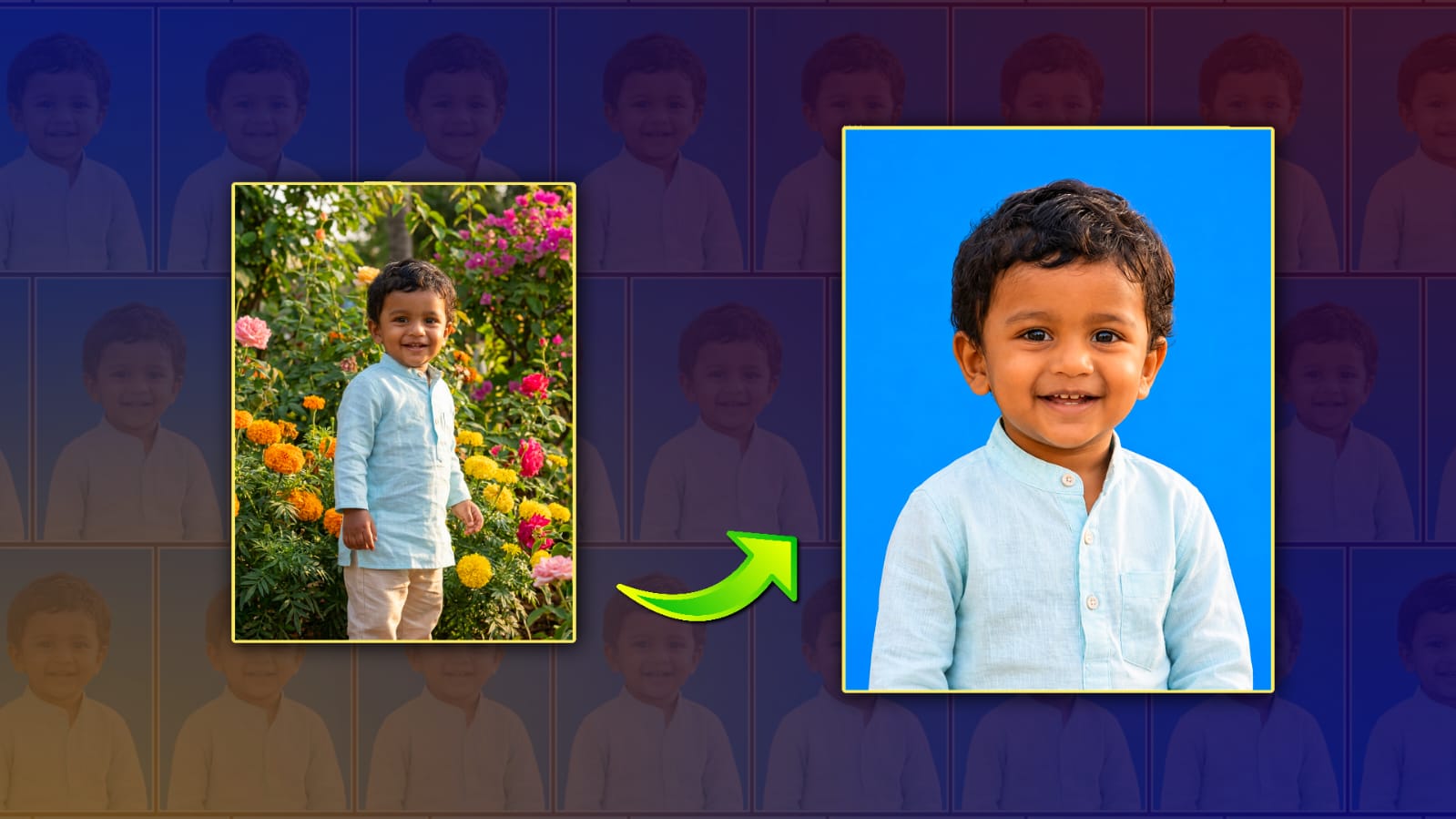
Artificial intelligence continues to improve every year. Modern AI tools can already generate incredibly realistic images, remove unwanted objects, change backgrounds, improve lighting, and even create entirely new artistic styles.
As AI technology advances, editing photos with simple text instructions will become even easier. ChatGPT will continue to help users generate smarter prompts, develop fresh creative ideas, and simplify complex editing tasks.
In the future, creating professional-quality friendship photos may take only a few seconds, allowing anyone to produce beautiful images without advanced editing skills.
Conclusion
Best friends photo editing with ChatGPT is an exciting way to enhance your favourite memories using the power of artificial intelligence. While ChatGPT doesn’t edit images directly, it acts as a creative assistant that helps generate detailed prompts, unique editing concepts, engaging captions, and professional ideas for AI image editing tools.
Whether you’re creating a cinematic portrait, anime artwork, fantasy scene, or stylish social media post, ChatGPT can make the creative process faster, easier, and more enjoyable. By combining high-quality photos with detailed prompts, you can produce stunning friendship images that perfectly capture your special bond.
If you’re ready to transform ordinary friendship photos into extraordinary memories, ChatGPT is an excellent place to start your creative journey.
Prompt
Use the uploaded two persons’ exact faces with maximum identity preservation. Two young Telugu male friends standing side-by-side with a natural friendship pose, one friend’s arm resting casually on the other friend’s shoulder. Chest-up portrait only. One friend wearing a light grey checkered shirt, the other wearing a dark brown textured shirt. Gold chains visible. Strong friendship bond, confident and natural expressions, looking slightly in different directions.
Warm beige textured studio background with large elegant handwritten “Dosthu” calligraphy at the top. Premium friendship poster design. Soft cinematic lighting, dramatic shadows, shallow depth of field, high-end studio setup.
Ultra-detailed oil painting style, luxury canvas artwork, realistic facial likeness, rich brush strokes, textured paint details, warm earthy tones, Renaissance-inspired portrait composition, masterpiece quality, highly detailed eyes, realistic beard and hair texture, premium color grading, artistic yet realistic appearance, museum-quality artwork, 8K details, centered composition, vertical 4:5 ratio.
Negative Prompt:
photorealistic, DSLR photo, camera artifacts, low quality, blurry, extra fingers, extra hands, duplicate face, bad anatomy, distorted features, cropped head, watermark, text artifacts, low resolution, oversaturated colors, cartoon, anime, 3D render, plastic skin, deformed eyes, unrealistic proportions.
Aspect Ratio: 4:5
Style: Premium Oil Painting Poster
Quality: Ultra Detailed, 8K, Masterpiece, Canvas Texture, Cinematic Lighting.