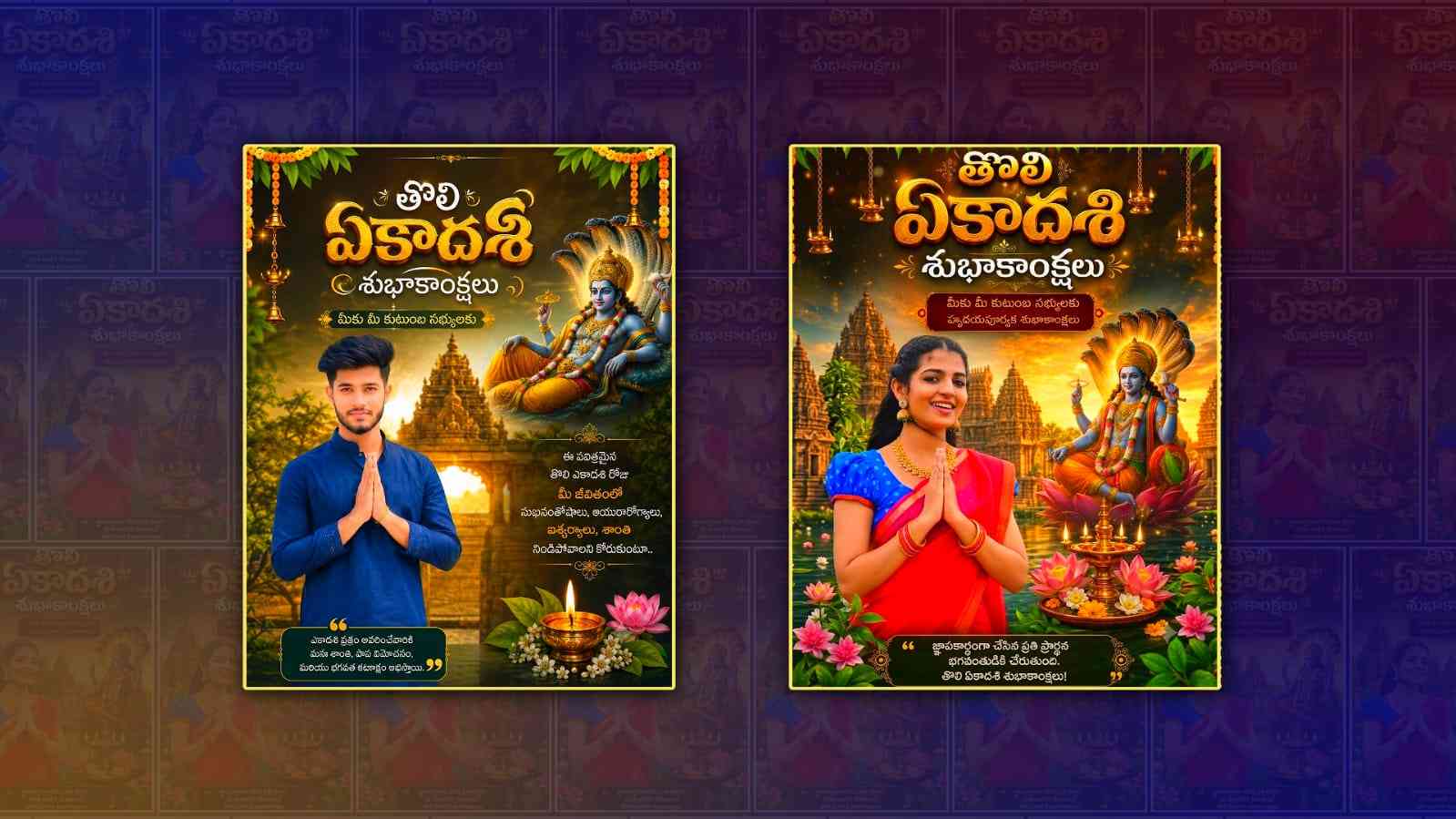
Tholi Ekadashi is one of the most sacred festivals celebrated by Hindus, especially in the Telugu states of Andhra Pradesh and Telangana. On this auspicious day, people worship Lord Vishnu, visit temples, observe fasting, and share festive wishes with their family and friends. In today’s digital world, celebrating festivals is not limited to temples and homes. Many people love sharing personalised banner photos on WhatsApp, Instagram, Facebook, and other social media platforms. If you want to create an eye-catching Tholi Ekadashi banner with your own photo, Google Gemini can make the process much easier.
Gemini is Google’s advanced AI assistant that can generate creative ideas, write detailed prompts, and help you create stunning festival-themed images. Even if you have no experience in graphic design or photo editing, you can use Gemini to prepare professional-quality prompts for AI image generators. Instead of spending hours learning complicated editing software, you can simply describe your idea, and Gemini will help you turn it into an attractive banner.
The biggest advantage of using Gemini is that it understands natural language. You don’t need to know technical editing terms. Simply tell Gemini that you want a Tholi Ekadashi banner with your photo, a traditional temple background, glowing lamps, divine lighting, and Telugu festival wishes. Gemini will generate a detailed prompt that can be used with AI image generation tools to create a beautiful design.
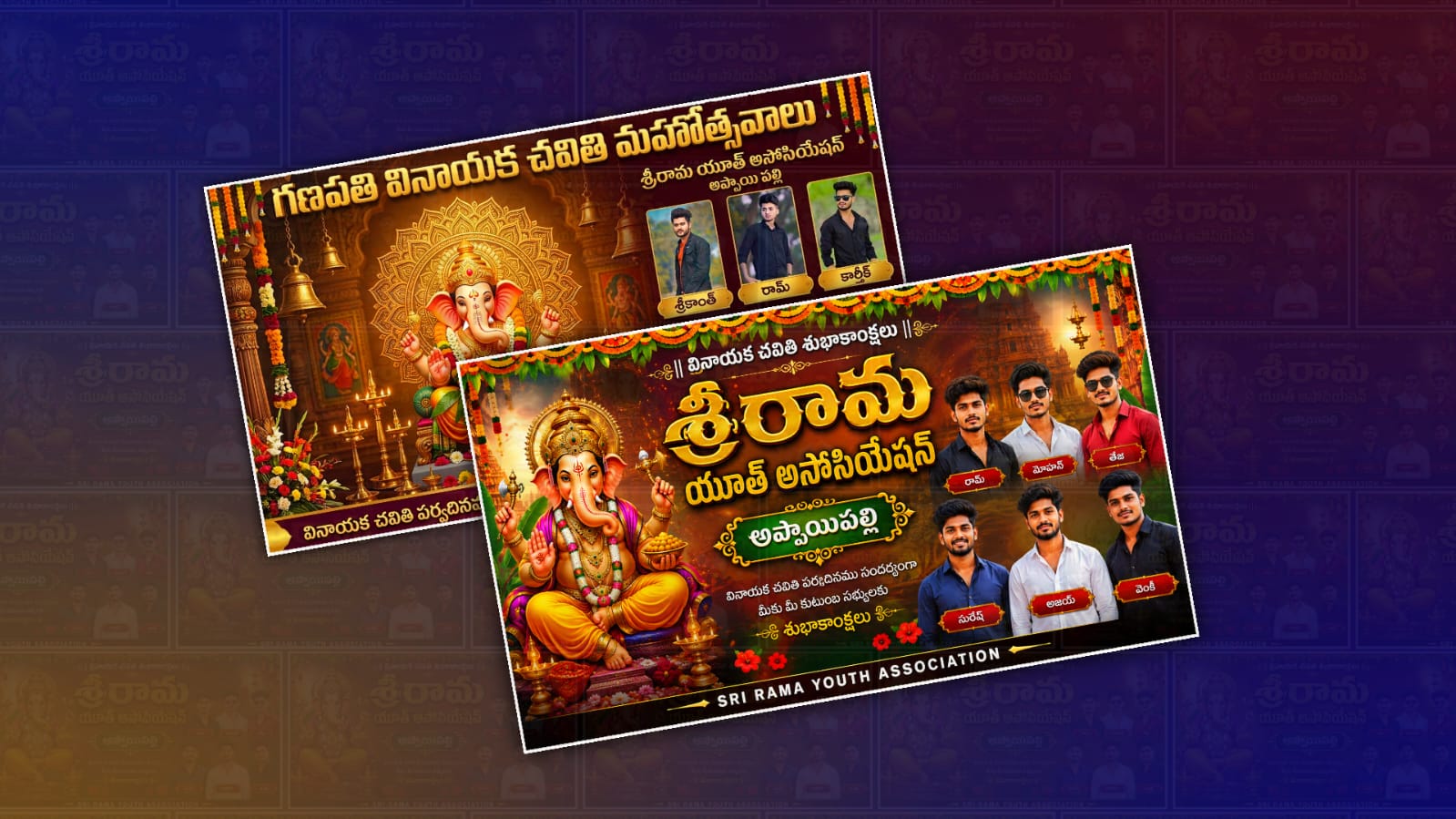
A good Tholi Ekadashi banner usually includes spiritual elements that reflect the significance of the festival. Lord Vishnu, sacred temples, golden lighting, traditional decorations, lotus flowers, temple bells, and vibrant festival colours make the banner look more attractive. You can also include traditional Telugu text wishing everyone a Happy Tholi Ekadashi. These small details make the banner feel more personal and meaningful.
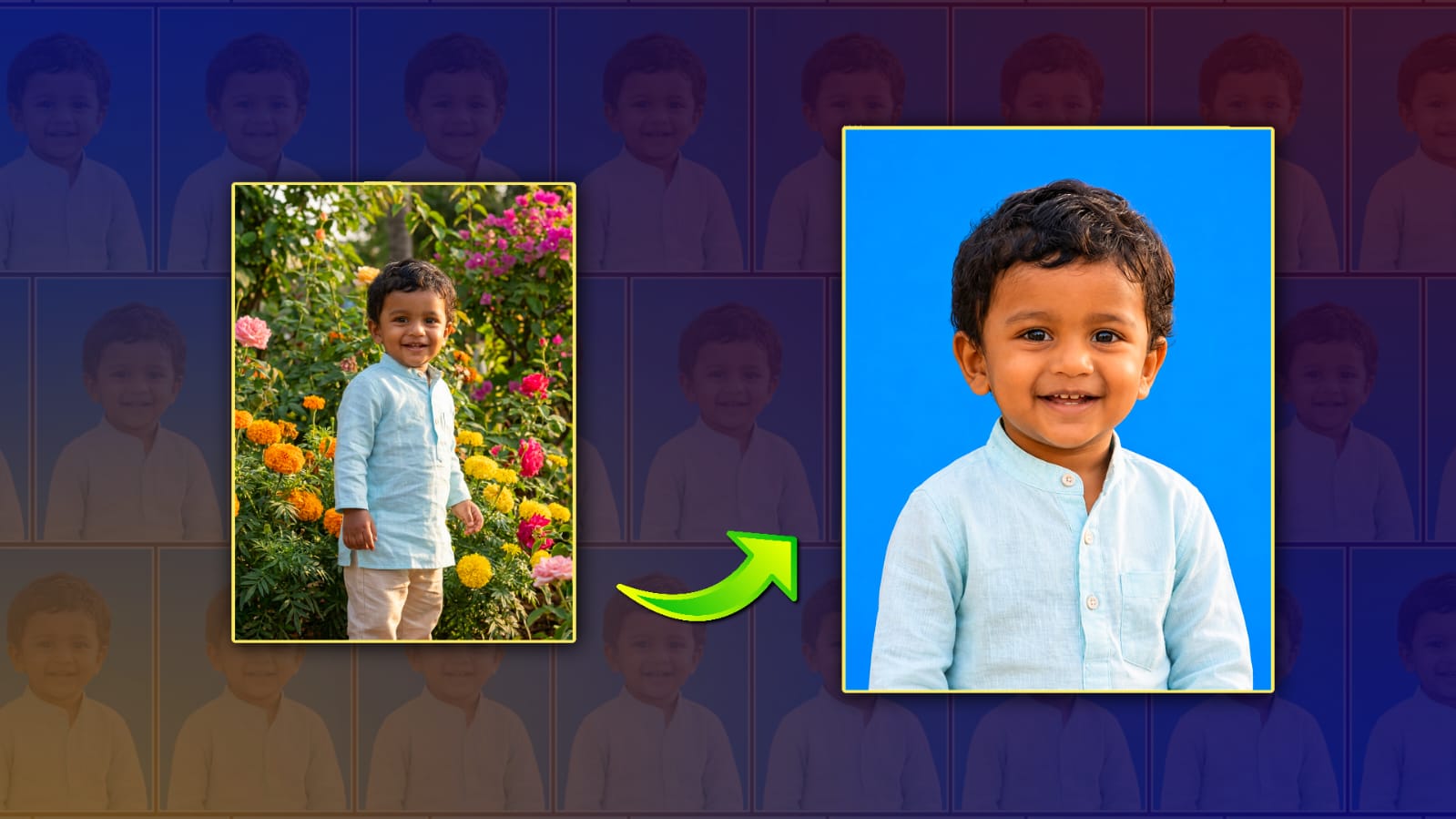
When creating your banner, choosing a high-quality personal photo is very important. A clear image with good lighting will always produce better results. Wear traditional clothes if possible, such as a kurta, dhoti, saree, or other festive attire. This helps your photo blend naturally with the spiritual background. A smiling expression also gives the final banner a warm and positive appearance.
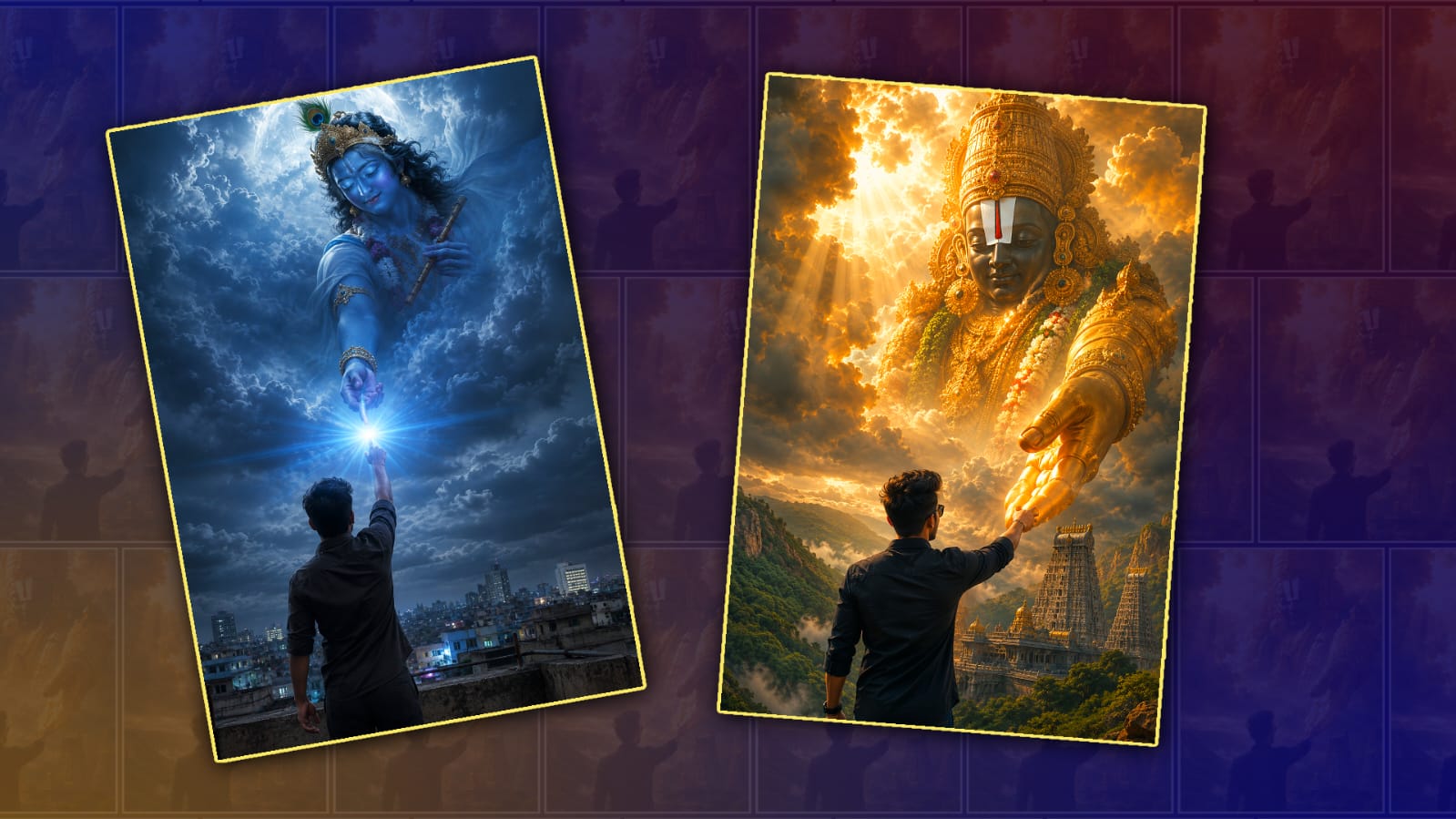
Gemini can also help improve your creative ideas. Instead of asking for a simple banner, you can request something unique. For example, you can ask for a cinematic background with golden sunlight, majestic temple architecture, floating flowers, glowing diyas, soft divine rays, and elegant typography. These creative suggestions make your banner stand out from the thousands of festival images shared online.
Many content creators, YouTubers, and social media influencers use AI-generated festival banners because they save time while maintaining a professional appearance. Rather than searching for multiple PNG images, backgrounds, and fonts, AI can combine everything into one beautiful design. Gemini makes this process even easier by generating detailed prompts that include every visual element needed for an impressive banner.
If you want your banner to look realistic, mention realistic lighting, natural skin tones, high-resolution quality, and sharp facial details in your prompt. You can also ask Gemini to create a 4K or ultra-HD style prompt. This helps produce images that look professional and are suitable for sharing across different platforms without losing quality.
Another advantage of using Gemini is its flexibility. You can create banners in different styles depending on your preference. Some people like realistic photography, while others prefer digital paintings, 3D artwork, fantasy themes, or cinematic posters. Gemini can generate prompts for all these styles. You simply have to explain the look you want, and it will create a detailed description accordingly.
Adding meaningful festival wishes makes the banner even more engaging. Instead of using ordinary greetings, you can include a heartfelt message wishing happiness, prosperity, peace, and divine blessings from Lord Vishnu. Personalised wishes often receive more appreciation because they show extra effort and thoughtfulness.
Colours also play an important role in festival banner editing. Shades of gold, saffron, orange, yellow, white, and royal blue are commonly associated with Lord Vishnu and traditional celebrations. Combining these colours with soft lighting creates a peaceful and divine atmosphere. Gemini can even suggest suitable colour combinations that complement your photo.
One common mistake people make is adding too many decorative elements. A crowded banner can distract viewers from the main subject. A balanced composition with your photo clearly visible, spiritual background elements, and elegant text creates a more professional appearance. Gemini often recommends clean layouts that maintain visual harmony.
If you are creating banners for YouTube thumbnails or social media pages, you can ask Gemini to optimise the design for specific dimensions. Whether you need a square Instagram post, a YouTube thumbnail, a Facebook cover, or a WhatsApp status image, Gemini can generate prompts tailored to those formats. This saves time and ensures the design looks perfect on every platform.
For those interested in learning AI editing, experimenting with different prompts is one of the best ways to improve. Small changes in wording can produce completely different results. For example, replacing “temple background” with “ancient South Indian temple illuminated by golden sunrise” creates a much richer visual scene. Gemini helps users discover these creative possibilities without requiring professional design knowledge.
Festival banners are not just about decoration. They also reflect emotions, devotion, and cultural traditions. A thoughtfully designed Tholi Ekadashi banner can spread positivity and festive spirit among friends and family. Whether you share it on social media or use it as your profile picture, a personalised banner helps make the celebration more memorable.
As AI technology continues to evolve, creating professional festival designs has become easier than ever before. Gemini serves as a creative assistant that transforms simple ideas into detailed prompts capable of producing stunning visuals. Even beginners can create attractive banners with minimal effort by describing their vision clearly and selecting a high-quality personal photo.
Ultimately, Tholi Ekadashi banner photo editing with Gemini is an excellent choice for anyone who wants a unique and visually appealing festival image. It combines creativity, artificial intelligence, and traditional celebration into a simple workflow that anyone can follow. By using clear prompts, choosing suitable colours, selecting a high-quality portrait, and adding meaningful festival wishes, you can create a banner that truly captures the spiritual beauty of Tholi Ekadashi and leaves a lasting impression on everyone who sees it.
Prompt
Use only the uploaded photo as the reference. Preserve the person’s identity exactly. Do not change the face, skin tone, hairstyle, beard, expression, body shape, outfit, colors, footwear, or accessories. Keep everything 100% identical to the original photo. Only change the pose to a natural Namaste with both hands joined while looking directly at the camera. Create a premium ultra-realistic HD 5:7 festival banner with cinematic HDR lighting, temple background, Lord Vishnu, marigold garlands, brass lamps, lotus flowers, divine glow, and elegant festive decorations. Add stylish golden Telugu text: “తొలి ఏకాదశి శుభాకాంక్షలు” and below it “మీకు మీ కుటుంబ సభ్యులకు హృదయపూర్వక శుభాకాంక్షలు”. Add a short Telugu quote at the bottom. Ultra-detailed, professional, 8K quality, clean composition.