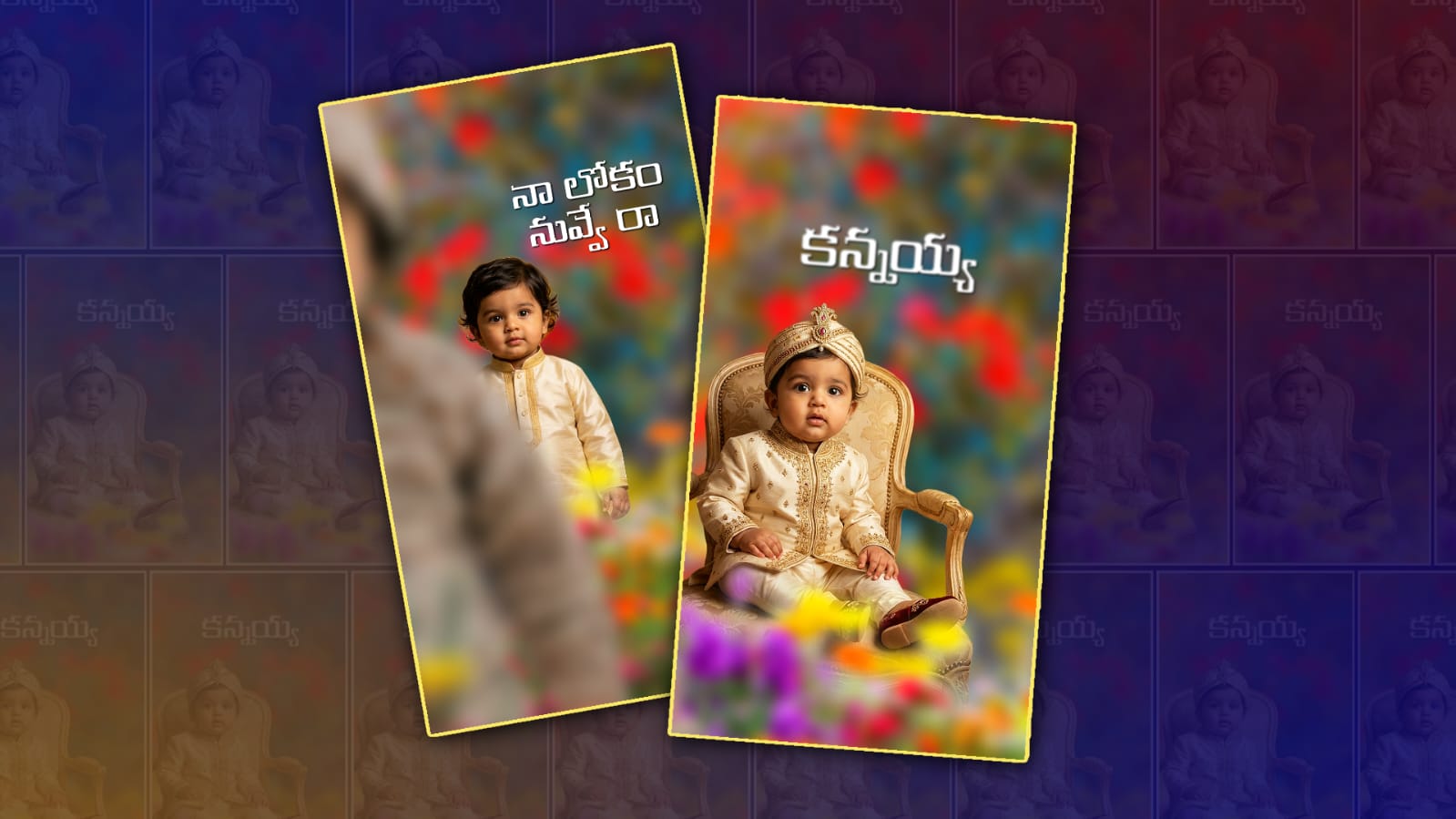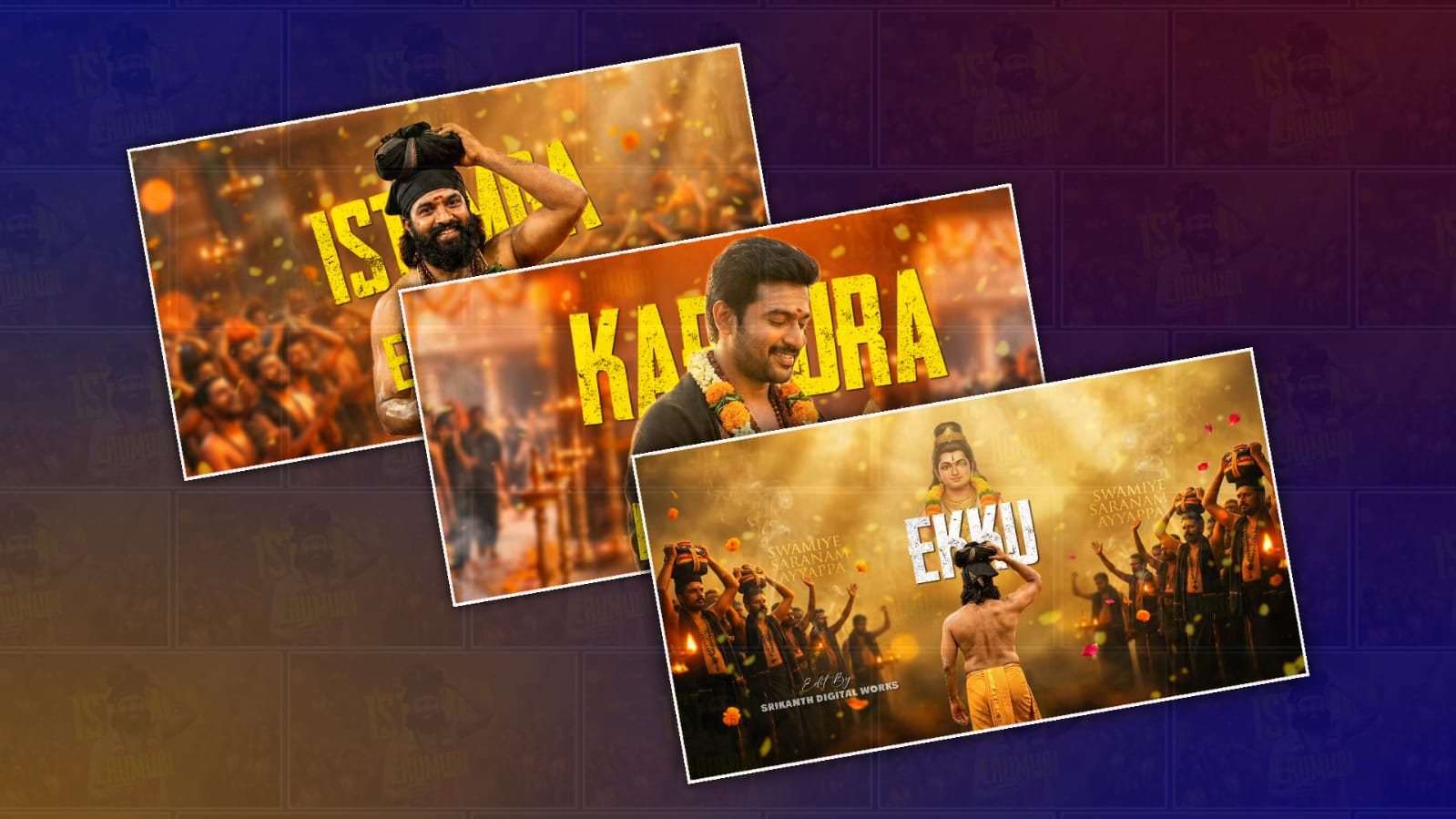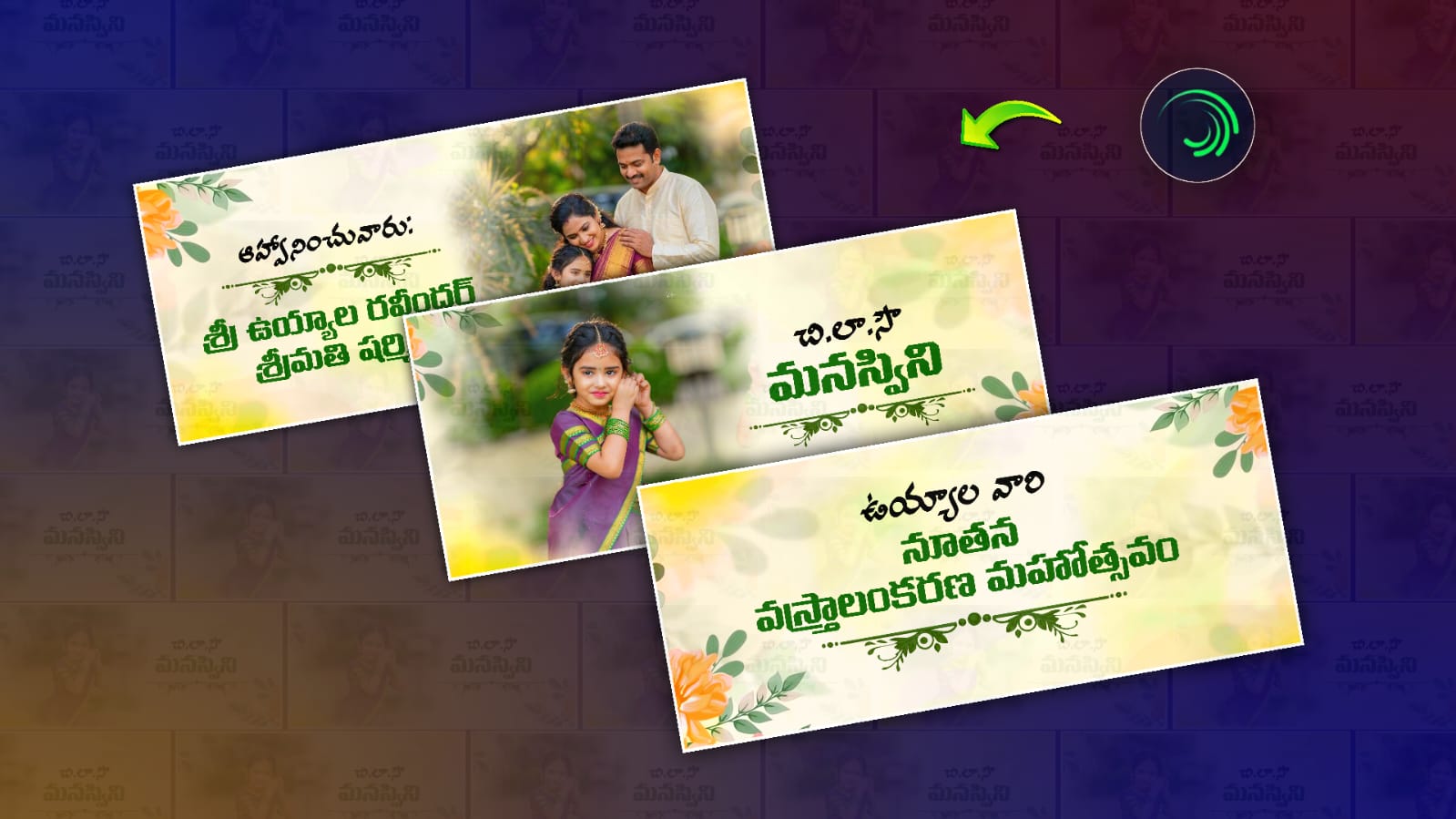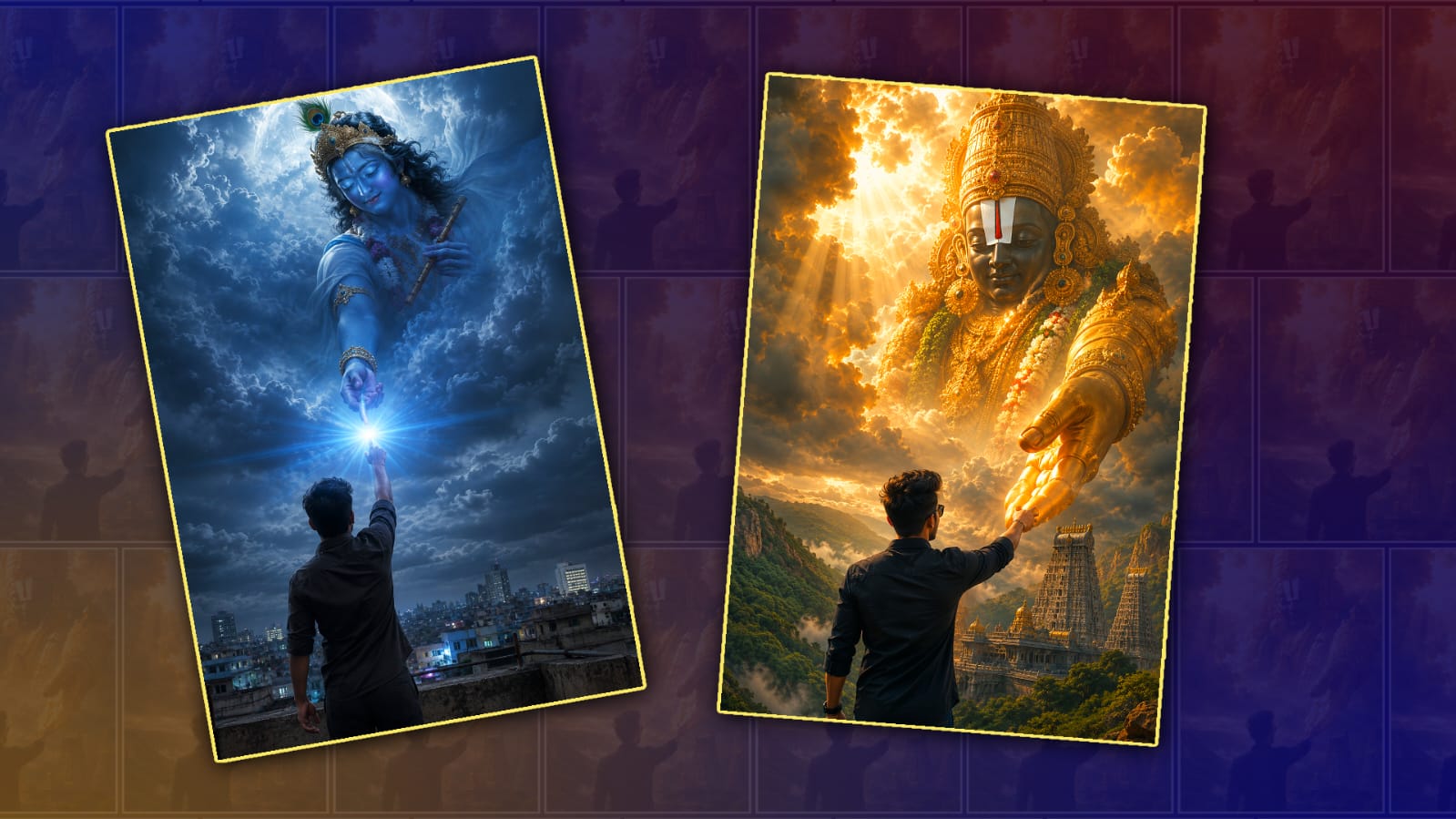
Social media trends change almost every day, but some creative photo styles remain popular for a long time because they combine technology with personal faith and artistic expression. One of the most popular trends is creating a beautiful image where your own photo appears alongside Lord Venkateshwara Swamy divinely and realistically. Many people enjoy sharing these devotional edits on Instagram, Facebook, WhatsApp Status, and YouTube Shorts as profile pictures or festival posts. These images are especially popular during religious occasions, birthdays, anniversaries, and special celebrations.
If you have seen these stunning AI-generated devotional images online, you might think they require advanced editing skills. The good news is that anyone can create them using modern AI image generators or photo editing applications. You only need a clear photo of yourself, a good prompt if you are using AI, and a few minutes of your time.
The first step is choosing a high-quality photo of yourself. A sharp image with good lighting gives the best results. Try to use a picture where your face is clearly visible and not covered by sunglasses, hats, or heavy shadows. A portrait photo taken in natural daylight usually works much better than a low-quality selfie. If possible, choose a photo with a simple background because AI tools can identify your face more accurately.
After selecting your photo, decide what kind of devotional image you want to create. Some people prefer standing beside Lord Venkateshwara Swamy in front of the Tirumala temple. Others like a royal golden background with glowing light effects, while some choose a peaceful spiritual scene with clouds, divine rays, and temple decorations. Thinking about the final look before you begin helps you create a more attractive result.
AI image generation has made this process much easier than traditional photo editing. Many online AI tools allow you to upload your picture and describe the image you want using simple text. For example, you can ask the AI to create a realistic devotional portrait where you are wearing traditional Indian clothing with folded hands while standing near Lord Venkateshwara Swamy. The AI combines your uploaded photo with your description to generate a unique artwork within seconds.
Writing a detailed prompt is one of the most important parts of the process. Instead of giving only a few words, describe the lighting, clothing, background, colours, facial expression, camera angle, and overall atmosphere. A detailed prompt helps the AI understand exactly what you want. For example, you can describe golden temple lighting, realistic skin tones, traditional attire, folded hands, sacred atmosphere, soft glowing effects, cinematic quality, and high-resolution details.
Many people also use AI face swap technology. In this method, the AI keeps the artistic image while replacing the face with your own. This creates a realistic result that still looks natural. However, it is important to use your own photo or a photo that you have permission to edit. Respecting other people’s privacy and image rights is always a good practice.
If you prefer manual editing instead of AI, you can use photo editing software. Start by removing the background from your original image. Place yourself into a devotional background featuring Lord Venkateshwara Swamy and adjust the size until it looks natural. Match the lighting, shadows, and colour tones so both images blend smoothly. Add soft glow effects, temple lighting, and gentle highlights to create a divine appearance. Avoid using too many filters because they can make the image look artificial.
Choosing the right clothing style also improves the final result. Traditional outfits such as a white dhoti, kurta, saree, or other festive Indian attire match devotional themes very well. Some AI tools can even generate traditional clothing automatically if you mention it in the prompt. Gold ornaments, tilak, folded hands, and temple surroundings can further enhance the spiritual feeling of the image.
Background selection is another important factor. Popular backgrounds include the Tirumala temple, golden temple interiors, spiritual landscapes, clouds with divine light, lotus flowers, and decorative lamps. These elements create a peaceful atmosphere while keeping the focus on both you and Lord Venkateshwara Swamy.
After generating the image, spend a few minutes making small improvements. Adjust brightness, contrast, sharpness, and saturation if needed. Cropping the image to the correct size for Instagram, Facebook, WhatsApp, or YouTube also makes it look more professional. High-resolution images generally receive better engagement because they remain clear even after being uploaded.
When sharing devotional AI art online, it is a good idea to present it respectfully. Since Lord Venkateshwara Swamy is deeply revered by millions of devotees, avoid edits that could be considered disrespectful or misleading. Many people enjoy AI devotional artwork as a form of personal expression, but it is helpful to make it clear when an image is AI-generated, especially if it is highly realistic.
The popularity of these images comes from the combination of creativity, faith, and modern technology. AI allows ordinary users to create artwork that once required professional graphic designers. As these tools continue to improve, image quality becomes more realistic, with better facial expressions, lighting, and artistic effects.
If your first attempt does not look perfect, do not worry. AI image generation often requires a few attempts before producing the desired result. Try changing the prompt, using another photo, adjusting the lighting description, or selecting a different background. Small changes can significantly improve the final image.
Many creators experiment with multiple versions before selecting their favourite one. They compare different poses, backgrounds, clothing styles, and lighting effects until they achieve a balanced and attractive result. Patience and creativity usually produce better outcomes than relying on a single attempt.
You can also personalise your devotional image by adding your name, a meaningful spiritual quote, or a festive greeting for occasions such as Vaikunta Ekadashi, Brahmotsavam, New Year, birthdays, or family celebrations. Keep the text elegant and avoid covering important parts of the image.
Creating a trending Venkateshwara Swamy photo with your own picture is now easier than ever. Whether you choose AI image generation or traditional photo editing, the key is starting with a clear personal photo, using detailed instructions, selecting a beautiful devotional background, and making thoughtful finishing adjustments. With a little creativity and attention to detail, you can create a meaningful image that reflects your devotion while also showcasing modern digital artistry. Sharing such artwork responsibly and respectfully allows you to celebrate your faith creatively while inspiring others with visually appealing devotional content.
Lord Venkateshwara Prompt
A Uploaded image close breathtaking cinematic fantasy scene of a upload image with his back to the viewer, wearing a same dress and reaching up to hold the enormous hand of a divine Hindu deity emerging from the heavens. The deity resembles Lord Venkateswara (Balaj), with an intricately carved golden face, majestic crown, large circular earrings, a prominent white tilak with a red vertical stripe, and richly engraved ornaments. The colossal divine fiqure appears through dramatic storm clouds illuminated by radiant golden sunlight, with volumetric god rays piercing the sky. Below, an ancient South Indian temple with towering gopurams sits amid lush green forests and rocky hills resembling Tirumala.The atmosphere conveys devotion, hope, divine protection, and spiritual connection. Utra-realistic, epic scale, hyper- detailed textures, photorealistic lighting, HDR, cinematic color grading, 8K, highly detailed clouds, dramatic composition, depth of field, masterpiece, spiritual fantasy, divine realism.
Lord Srikrishna Prompt
Ultra-realistic cinematic devotional scene, composition. A young Indian man is standing on a rooftop at day with his back facing the camera, wearing a slightly wrinkled same dress with rolled-up sleeves. He stretches one hand upward toward the sky as if reaching for . Above him, an enormous celestial vision of Lord Krishna emerges from swirling storm clouds, with. Krishna has serene closed eyes, soft facial features, blue skin, an ornate golden crown adorned with a peacock feather, flowing dark hair, flower garland, golden jewelry, and holds a traditional flute in one hand while extending His other hand downward to gently touch the man’s fingertips. At the point where their hands meet, an intense burst of heavenly blue-white light radiates outward, symbolizing divine connection and blessing. Dramatic moonlit clouds, ethereal mist, glowing particles, volumetric lighting, spiritual aura, realistic city skyline below, palette, emotional atmosphere, hyper-detailed textures, ultra-realistic skin and fabric, HDR, masterpiece, 8K photorealistic, cinematic, shallow depth of field, realistic