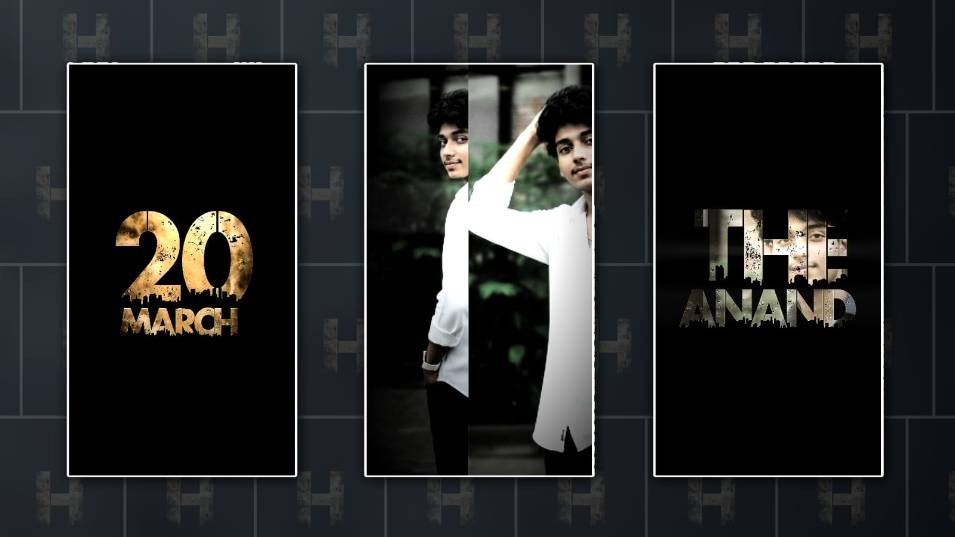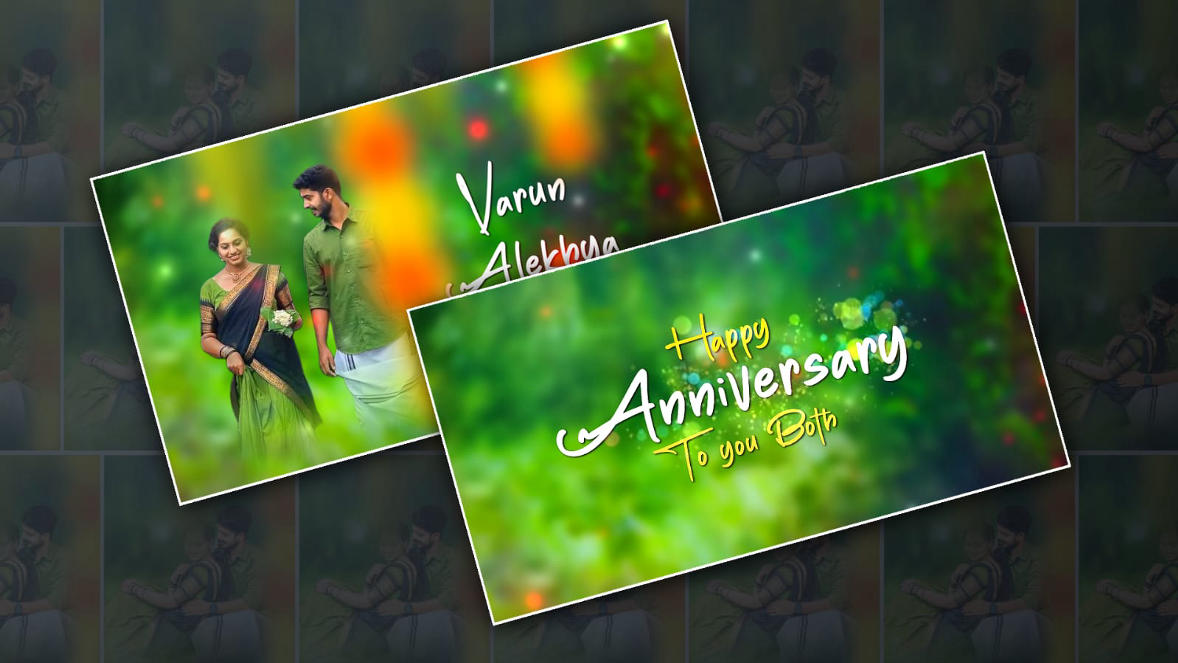
Mobile video editing has completely changed the way people create content today. What once required expensive computers and complicated software can now be done right from a smartphone, anytime and anywhere. Whether someone is a beginner making their first reel, a YouTuber editing daily vlogs, or a business owner creating promotional videos, mobile video editing apps have made the process faster, easier, and more accessible than ever. With just a few taps, anyone can trim clips, add music, apply effects, adjust colours, and export professional-looking videos ready for social media platforms like Instagram, YouTube, TikTok, and Facebook.
One of the biggest reasons mobile video editing apps are so popular is convenience. You don’t need to carry a laptop or sit at a desk for hours. You can record a video, edit it, and upload it within minutes, all from the same device. These apps are also constantly evolving, adding new features like AI tools, automatic captions, advanced transitions, and ready-made templates that help creators save time while still producing high-quality content. As smartphones become more powerful, mobile editing apps are now capable of handling complex edits that were once only possible on desktop software.
Among the most popular mobile video editing apps, CapCut has gained massive popularity, especially among social media creators. Developed by ByteDance, the same company behind TikTok, CapCut is designed with modern content trends in mind. It offers an impressive range of features such as multi-layer editing, smooth transitions, text animations, auto captions, background removal, and a large library of music and sound effects. The interface is clean and beginner-friendly, making it easy for new users to start editing right away without feeling overwhelmed. CapCut also supports high-resolution exports and works seamlessly with vertical video formats, which is perfect for reels and shorts. You can explore CapCut here: https://www.capcut.com.
Another highly trusted and widely used mobile video editing app is KineMaster. This app has been around for a long time and is known for offering professional-level tools on mobile devices. KineMaster allows precise control over video layers, audio tracks, text, and effects. It includes features like chroma key for green screen editing, keyframe animation, blending modes, and fine audio adjustments. This makes it afavouritee choice for users who want more control over their edits. While KineMaster offers a free version, advanced features and watermark removal require a subscription. Still, for serious creators who want powerful editing tools on their phone, it remains a strong option. You can check it out here: https://www.kinemaster.c.om.
InShot is another popular mobile video editing app that focuses on simplicity while still offering enough features for quality edits. It is especially loved by Instagram and YouTube creators who want quick and clean edits without spending too much time learning complex tools. InShot makes it easy to trim videos, adjust aspect ratios, add filters, insert text, and sync music. The app also includes basic transitions and speed controls that help enhance storytelling. Its intuitive interface is one of its strongest points, making it ideal for beginners and casual creators. InShot also supports exporting videos in high quality, which is important for maintaining a professional look. You can learn more about InShot here: https://inshot..com.
VN Video Editor has quietly built a loyal user base by offering a powerful editing experience without pushing heavy watermarks or complicated subscriptions. VN stands out for providing advanced features completely free, which is rare in the mobile editing space. Users can access multi-track timelines, colour grading, keyframes, speed curves, and professional transitions. The app feels surprisingly similar to desktop editing software, yet it remains easy enough for beginners to understand. VN is especially popular among creators who want more creative freedom without paying for premium plans. Its clean interface and smooth performance make it a strong competitor among mobile video editing apps. You can download VN Video Editor from https://www.vlogn.ow.me.
Adobe Premiere Rush is another strong choice for mobile video editing, especially for those already familiar with Adobe’s ecosystem. This app is designed to offer a streamlined editing experience while still maintaining professional quality. Premiere Rush allows users to edit videos across devices, meaning you can start a project on your phone and continue it on your computer. It includes features like customizable motion graphics, audio balancolour color presets, and direct sharing to social media platforms. While it may not be as feature-heavy as some other apps, its reliability and integration with Adobe Creative Cloud make it appealing to professional creators and brands. You can explore Adobe Premiere Rush here: https://www.adobe.com/products/premiere-ru.sh.html.
FilmoraGo is another mobile video editing app that strikes a balance between ease of use and creative features. It is well-suited for beginners who want to create stylish videos without diving too deep into technical details. FilmoraGo offers a wide range of templates, transitions, filters, and royalty-free music that can instantly enhance videos. The app also supports text animations, stickers, ancolouric color adjustments. Its guided editing process makes it easy for users to turn raw clips into polished videos in a short amount of time. FilmoraGo is particularly useful for social media content and personal projects. You can find FilmoraGo here: https://filmora.wondershare.com/filmorago-video-editor.-app.html.
PowerDirector is known for delivering desktop-like editing power on mobile devices. Developed by CyberLink, this app offers advanced tools such as motion trackistabilisationbilization, green screen editing, and AI-powered effects. PowerDirector is ideal for users who want high-quality edits and don’t mind exploring more advanced features. Despite its powerful capabilities, the app maintains a user-friendly interface that helps guide users through the editing process. It also supports exporting videos in 4K, which is a big plus for creators aiming for top-tier video quality. You can learn more about PowerDirector here: https://www.cyberlink.com/products/powerdirector-video-editing-app/overview_en_US.html.
LumaFusion is often considered one of the best professional video editing apps available on mobile devices, especially for iOS users. It is widely used by journalists, filmmakers, and content creators who need advanced editing tools on the go. LumaFusion offers a multi-track timeline, advanced audio mixing, colour correction, and professional export options. Unlike many other apps, it requires a one-time purchase instead of a subscription, which many users appreciate. While it may have a steeper learning curve, the level of control it offers makes it worth the effort for serious editors. You can explore LumaFusion here: https://luma-touch.com/lumafusion-for-i.os.
Choosing the best mobile video editing app ultimately depends on individual needs and goals. Some prioritise speed and simplicity, while others look for advanced tools and creative control. Beginners may prefer apps with templates and automatic features, while experienced creators might want full control over layers, colours, and audio. Budget is also an important factor, as some apps offer powerful free versions while others require paid subscriptions or one-time purchases.
Another important aspect to consider is the type of content being created. Short-form videos for social media often benefit from apps that support vertical formats, trending effects, and quick exports. Long-form content like YouTube videos may require more detailed editing tools, better audio controls, and higher export quality. Compatibility with both Android and iOS can also influence the decision, especially for users who switch devices or collaborate with others.
Mobile video editing apps continue to improve as technology advances. Features like AI-based editing, automatic highlights, voice-to-text captions, and smart colour correction are becoming more common. These innovations are helping creators focus more on storytelling and creativity rather than technical complexity. As a result, the gap between mobile and desktop video editing is getting smaller every year.
In the end, the best mobile video editing app is the one that fits seamlessly into your workflow and helps you bring your ideas to life. With so many high-quality options available today, anyone can create stunning videos directly from their phone without compromising on quality. Whether you are editing for fun, for social media, or for professional projects, mobile video editing apps have made video creation more accessible, flexible, and exciting than ever before.
App Link Download